A:AnswerThere are tons and tons of free channels available as well as channels like YouTubeTV, that you pay to have, which bring along another 150 or so channels for you to choose from. YouTubeTV also has all of your local channels etc. Just about any kind of entertainment that you want as far as I can tell. Most apps that are not free give you a free trial period.
A:AnswerOnly if the MSG network allows it in your area. For instance we moved from Chicago to Colorado and can no longer get NBC Sports Chicago because we are outside of their broadcast area.
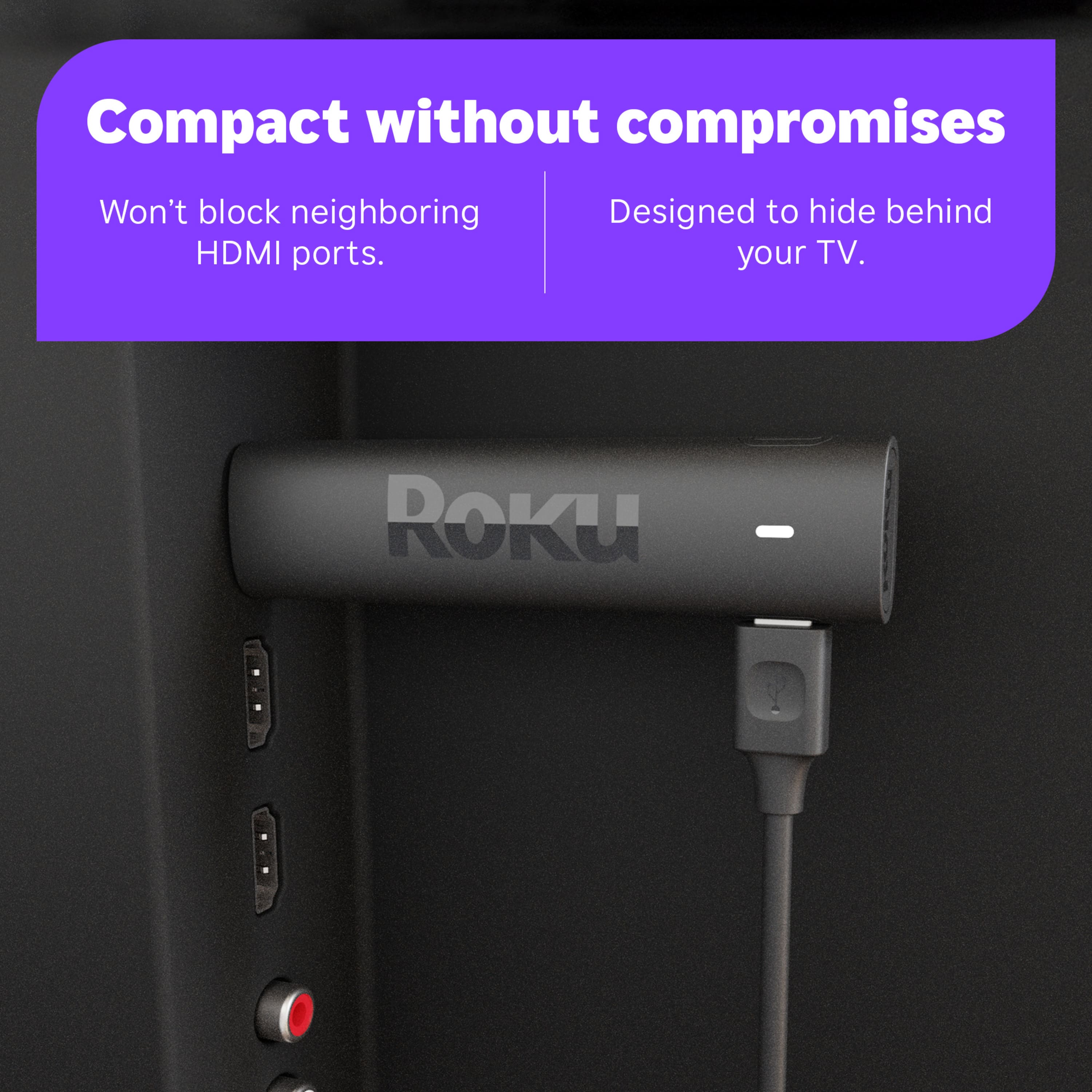
A:AnswerI have been successful in using it through an HDMI cable. I don't know if it'd be successful with just any cable, but I almost always connect things through higher quality cables. Whether it's true or not, I believe as technology advances the better cables won't have to be replaced to keep up.
A:AnswerYes the streaming quality will be better. But, it does not replace an antenna, as an antenna is over the air, and the roku requires an internet connection.
A:AnswerAs far as I have been able to figure out you can only stream local channels if you use it with a streaming service where you have included local channels in your selected options. I have used it with both Hulu live and Youtube TV.
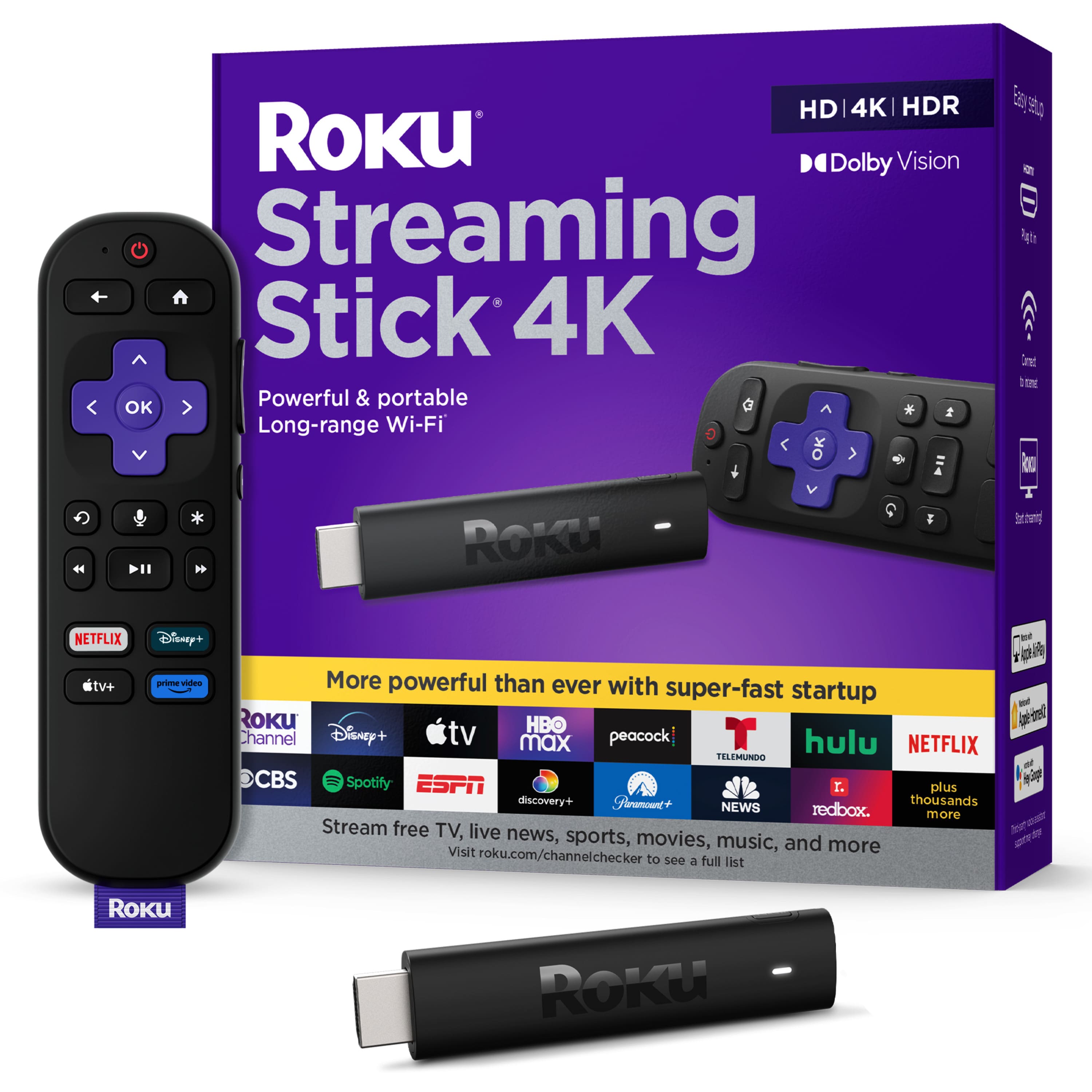
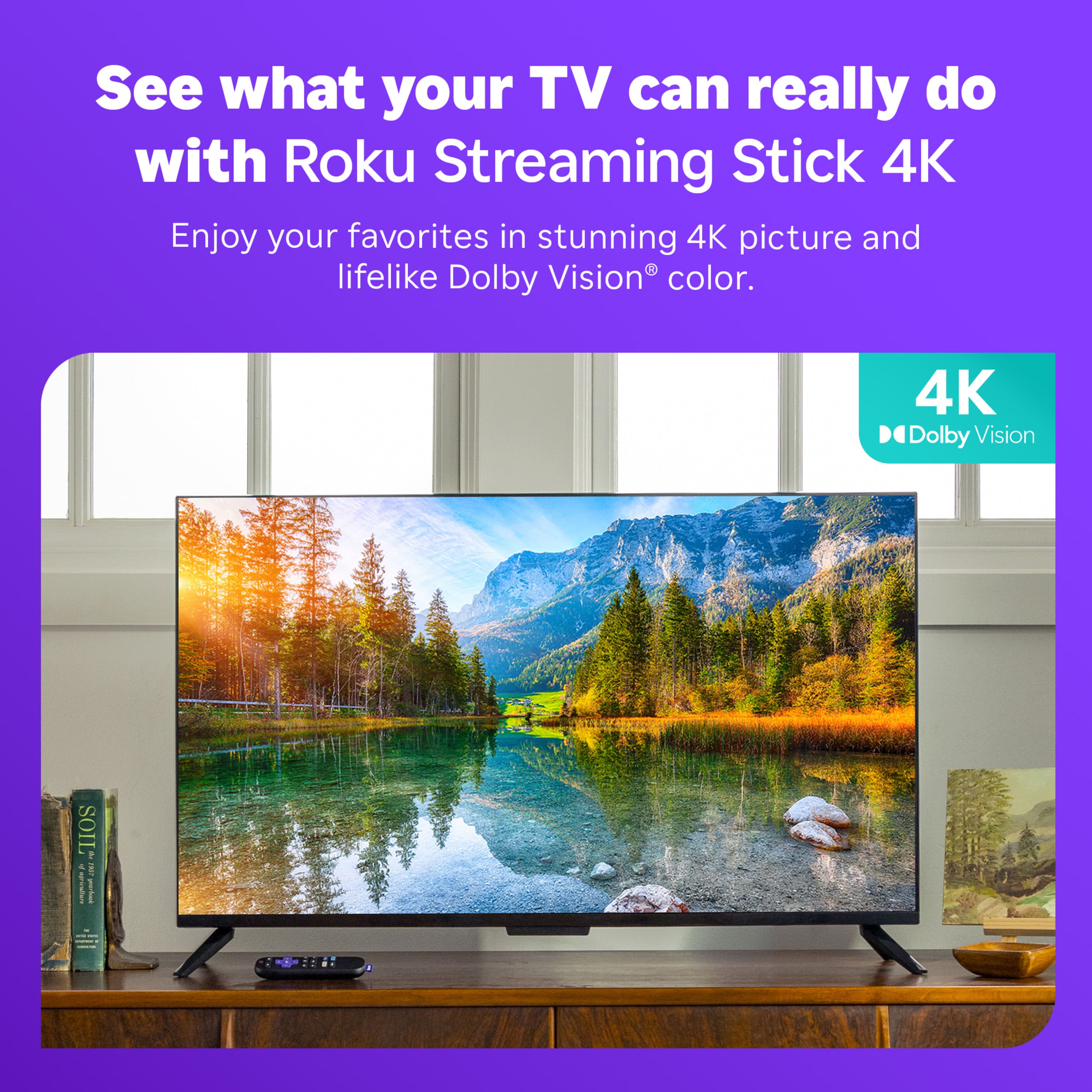
A:AnswerHello, Bob! The Roku Streaming Stick supports HD, 4K, HDR, and Dolby Vision, so rest assured you are covered if and when you decide to upgrade your TV.