A:AnswerHi AC! If you're looking to watch local channels using Roku, the Channel Store is a good place to start. In the Roku Channel Store, you'll find more than 100 free, network-affiliated local news channels. To see a list, go to the News and Weather section on your Roku device or online. Some of the free local channels you can get through the local channel store include WTVF News Channel 5, WBRC Fox 6 News, WPXI Channel 11 News, News 12, Boston 25.
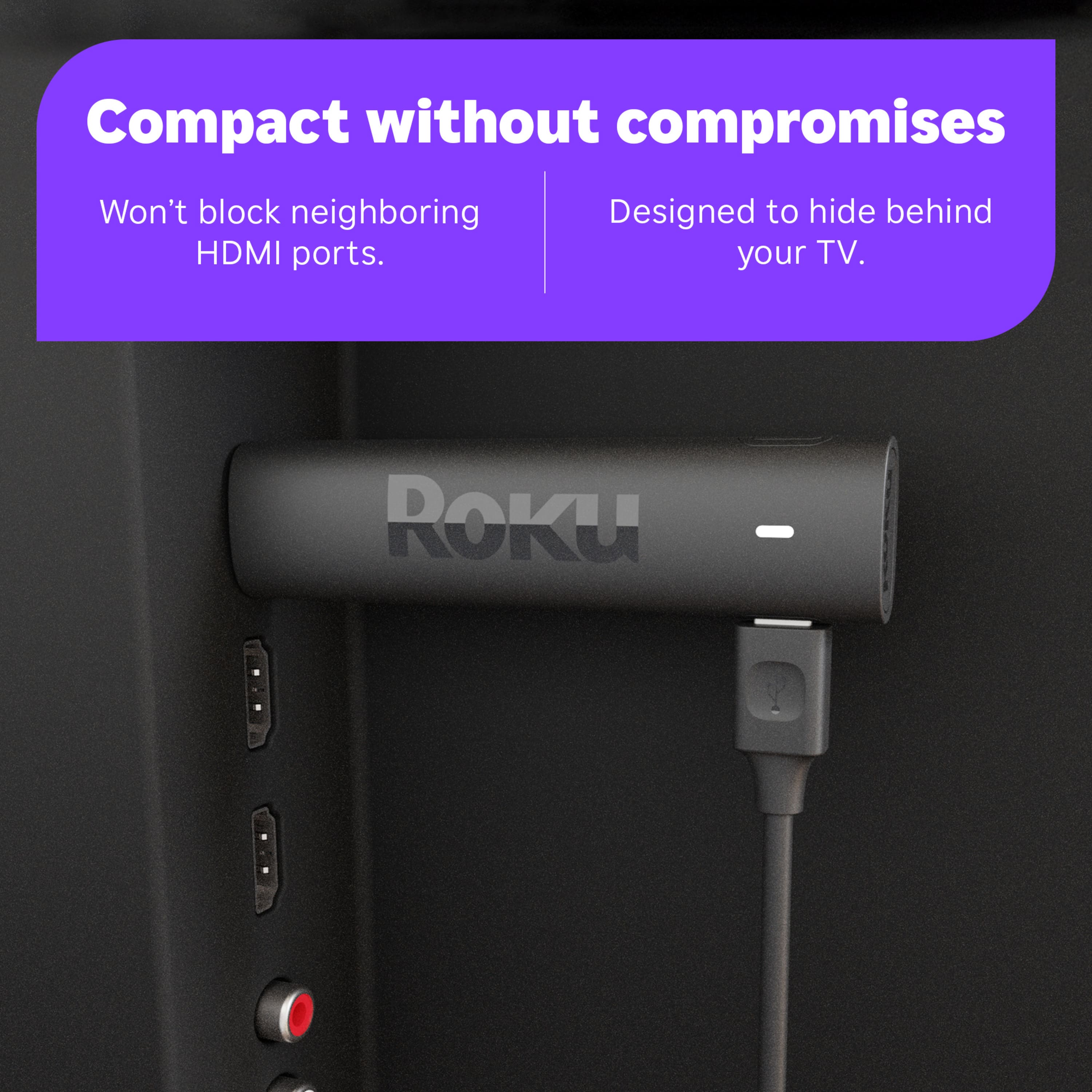
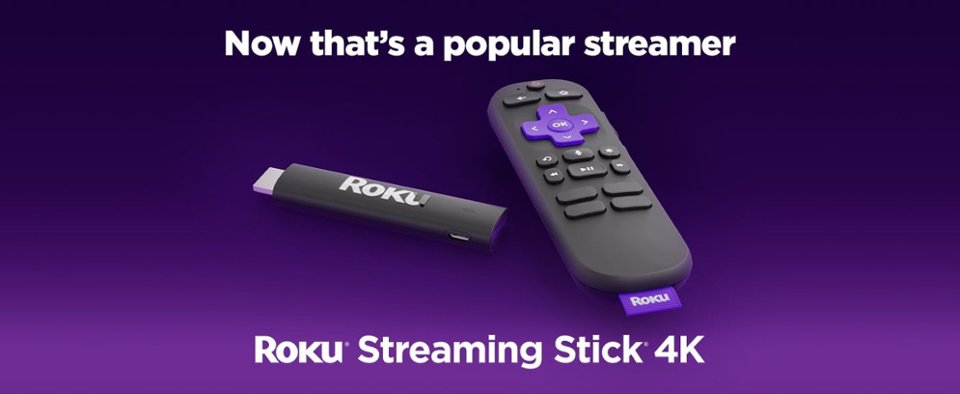
A:AnswerHello Tice! Roku Streaming Stick 4K will work with any television with an HDMI connection and connects directly to the TV's HDMI port. For addition information on setting up your Roku Streaming Stick 4K take a look at the guide linked here: https://support.roku.com/article/4406543606551
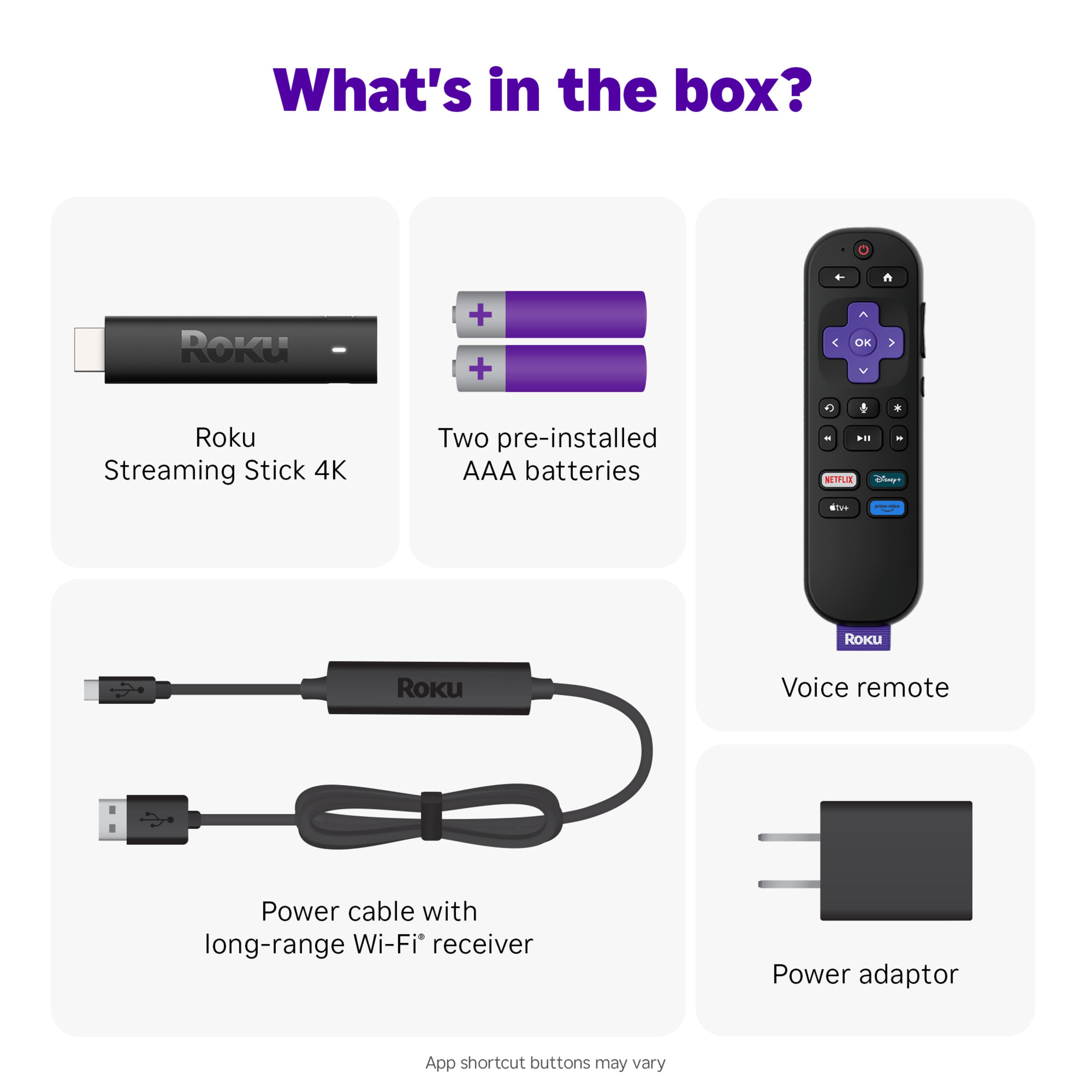
A:AnswerHi, Jen! You can purchase a USB power cable with long rang Wi-Fi receiver on Roku.com Here is the link to purchase the accessory you are looking for. https://www.roku.com/products/accessories/usb-power-cable-with-long-range-wifi-receiver
A:AnswerGo to add channel. Add Britbox. Sign into Britbox. They might give you a code to put in the Britbox website. Do that and it should work for you.