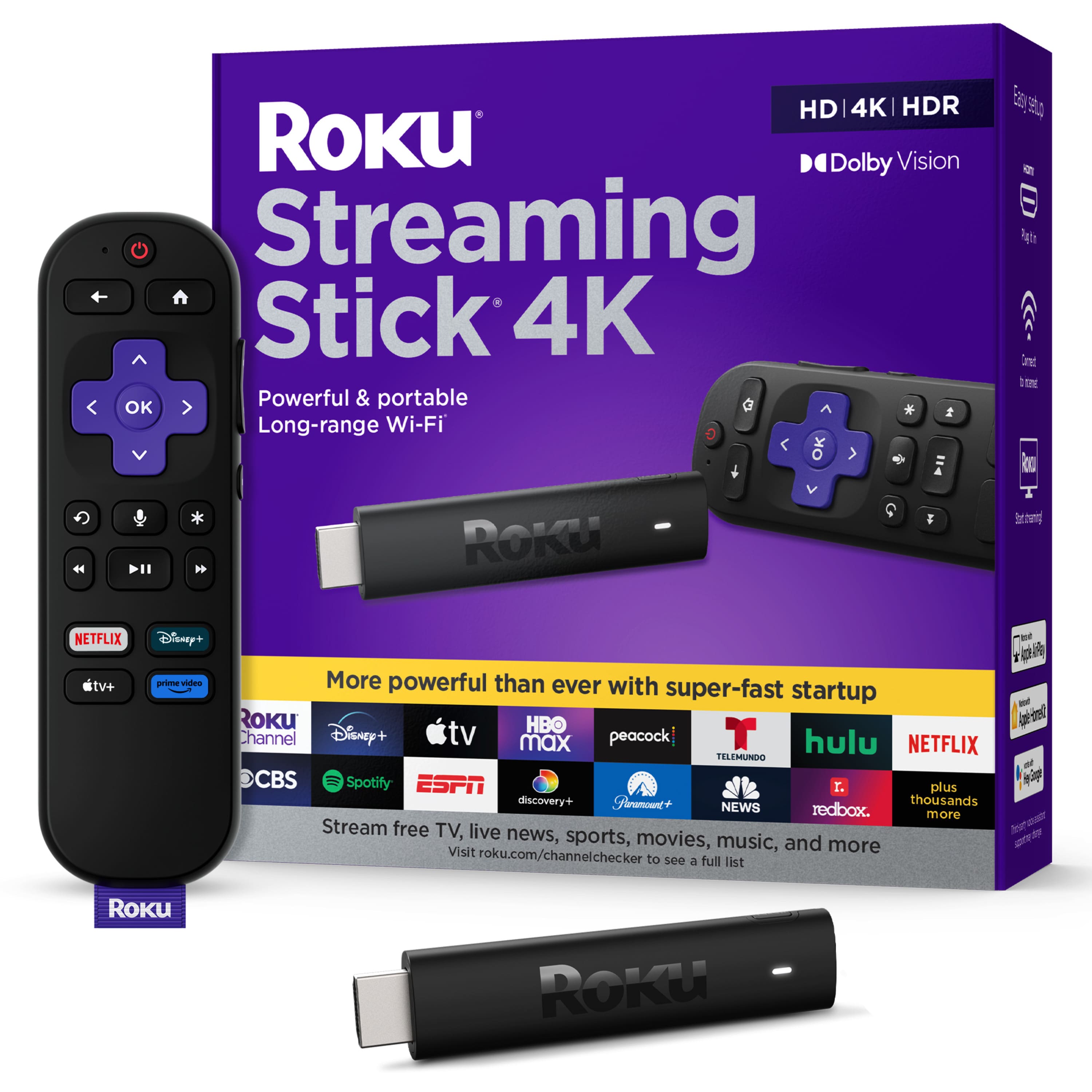
A:AnswerHello Kellya! Yes, Spectrum is available on the Roku Platform. You can always browse our Roku Channel Store online at https://channelstore.roku.com/browse
A:AnswerI was setting up a completely new Roku account. I do have a Roku 2 but didn't see a way to transfer the information from the old to the new one.
I had to put all the usernames and passwords in for each streaming account.
A:AnswerHello Grams! No. All of your login credentials are saved directly to the Roku device and not the remote. Please note, if you do change or upgrade your Roku device, then there may be some Channels that you would need to re-enter your login credentials.
A:AnswerHello Mara! MSNBC is available on the NBC News channel on Roku. You can also access many other Live News channels under the Live TV Zone on the Home page of your Roku device.
A:AnswerRoku streams through an internet connection. I get local channel access through the associated app. For example, I can watch WGN news through the WGN app. I can watch ABC programs through the ABC app. I can watch WTTW through the PBS app but I can't get 11.2, 11.3, 11.4 or 11.5 through the app.
A:AnswerHello Trish! Yes, Peacock is available on the Roku Platform. Keep in mind, you can always browse the Roku Channel Store at https://channelstore.roku.com/browse
A:AnswerHello rikki! Yes the Xfinity Stream Channel is available on the Roku Platform. As always, feel free to browse our Roku Channel Store online at https://channelstore.roku.com/browse
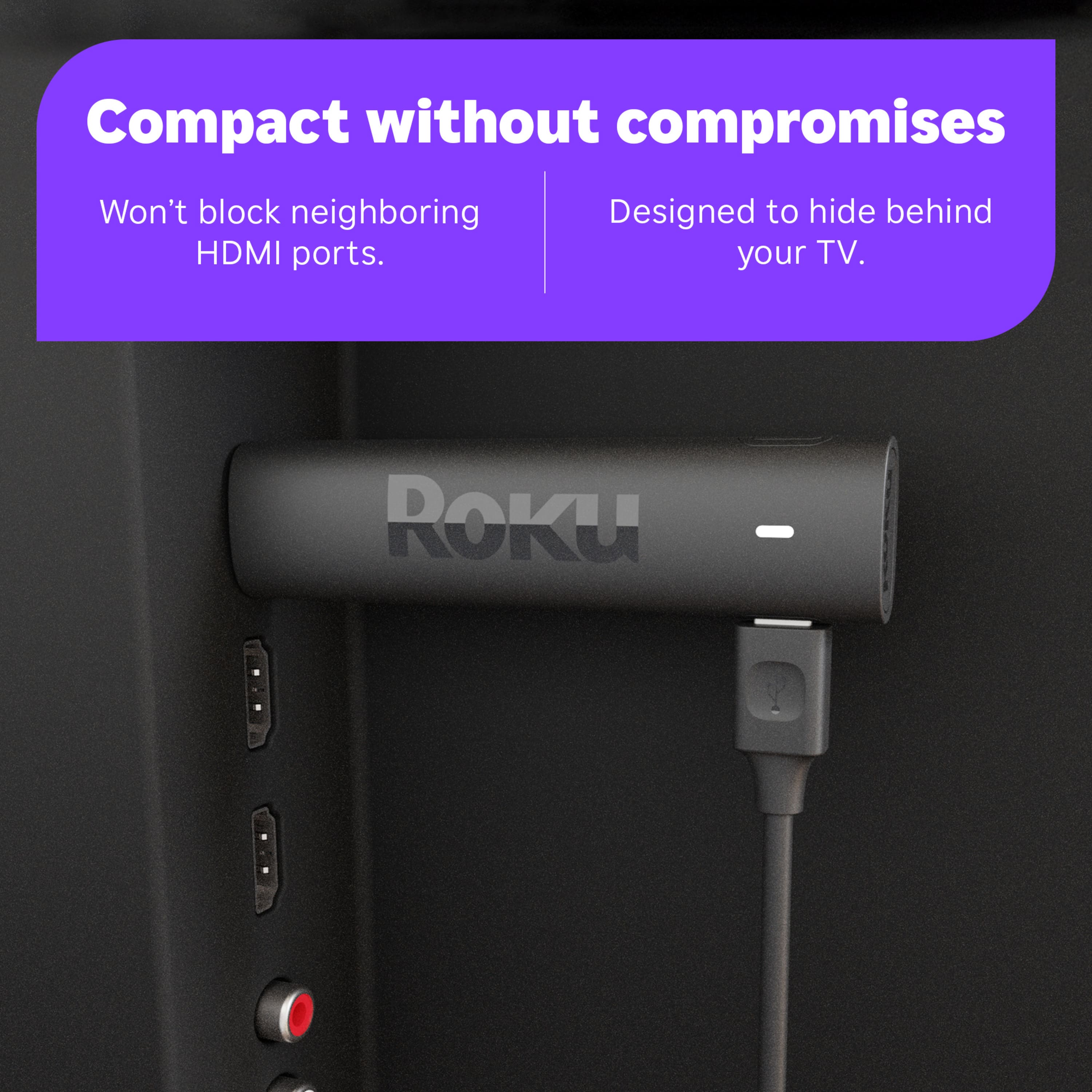
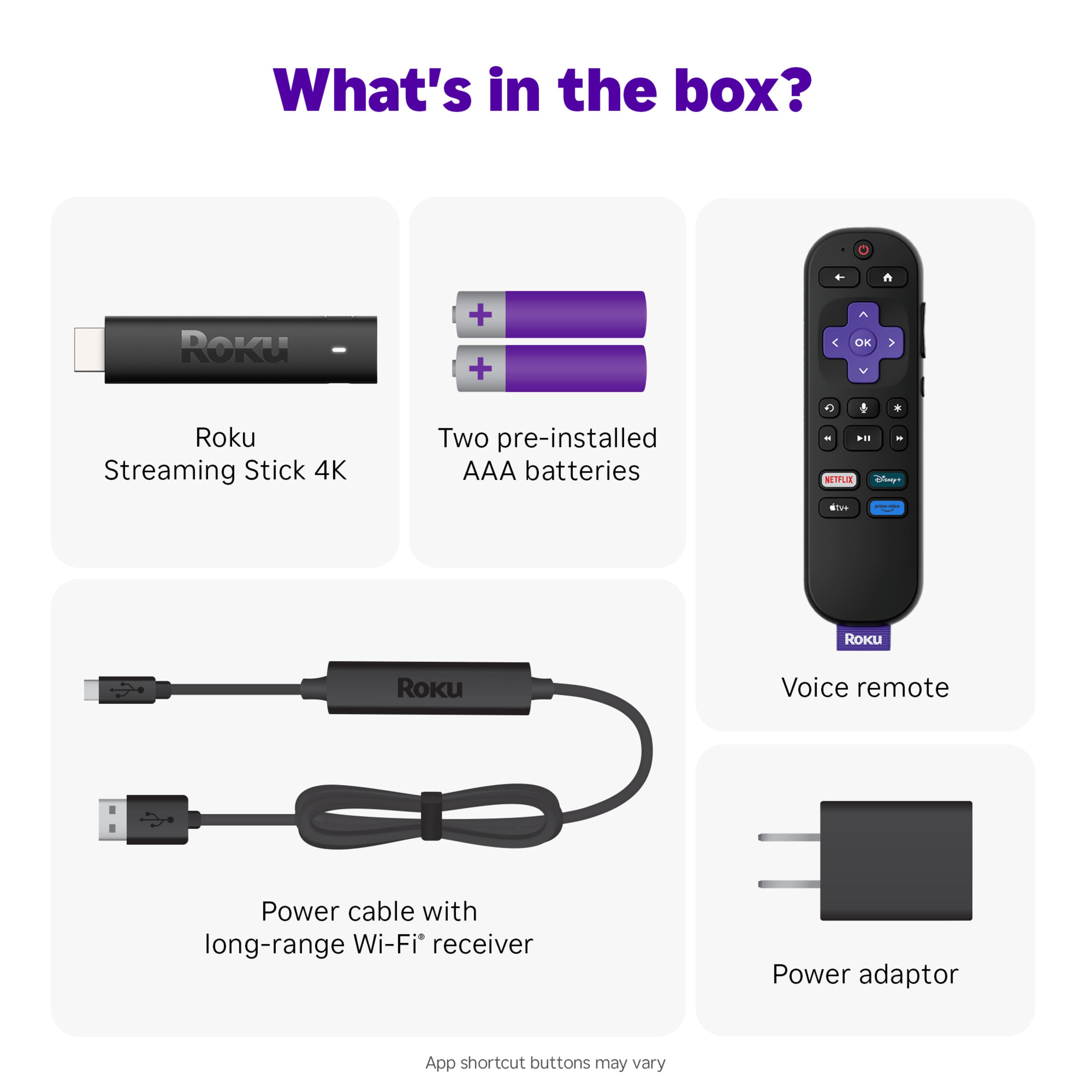
A:AnswerAs long as monitor has HDMI port for connecting to Roku stick, electric outlet close by for AC power and WiFi available it should broadcast onto monitor.
A:AnswerHello Mike! Yes, Paramount+ is available on the Roku Platform. You can always browse for specific channels at: https://channelstore.roku.com/browse
A:AnswerHello mikey! Yes, FuboTV is available on the Roku Platform. You can always browse for specific channels at: https://channelstore.roku.com/browse