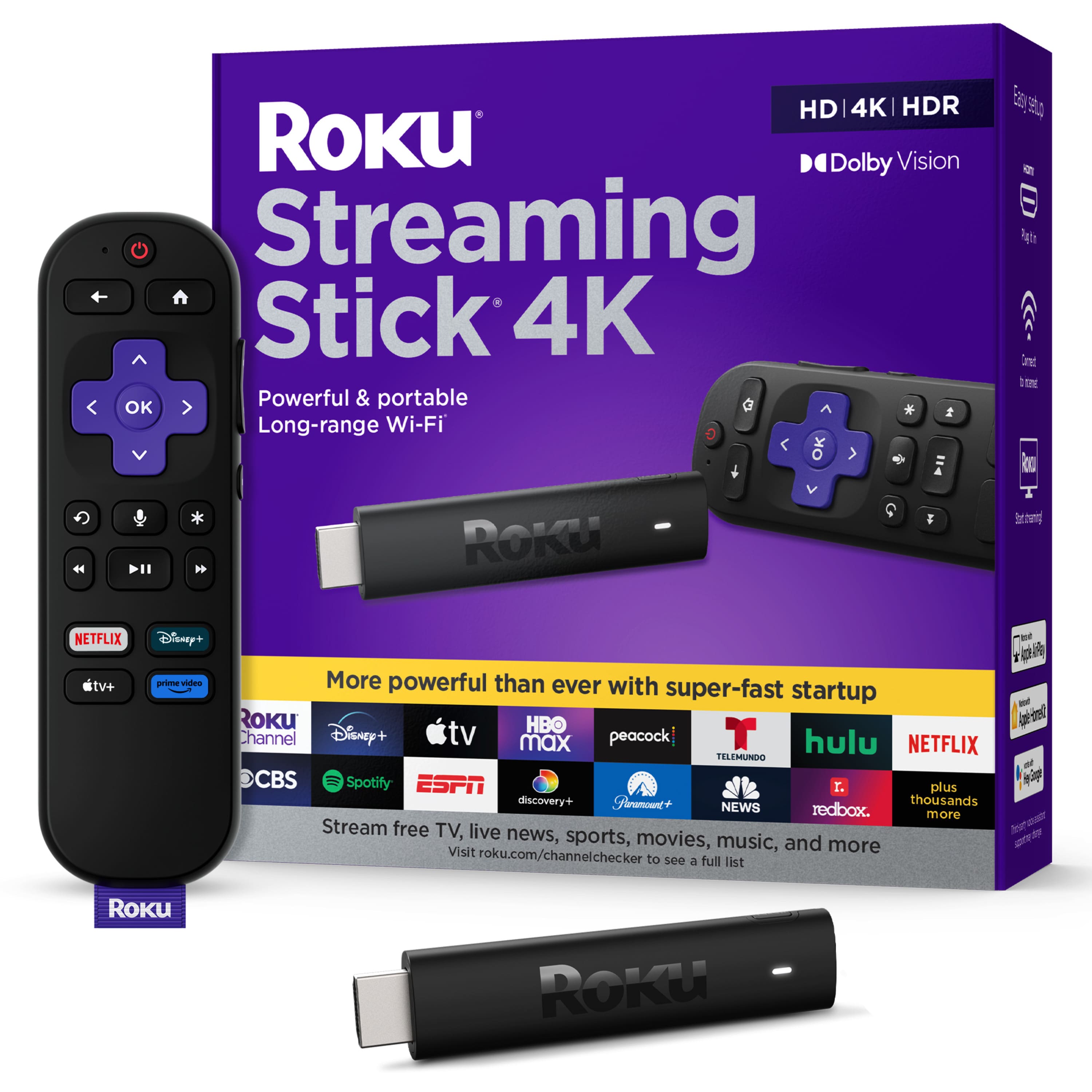
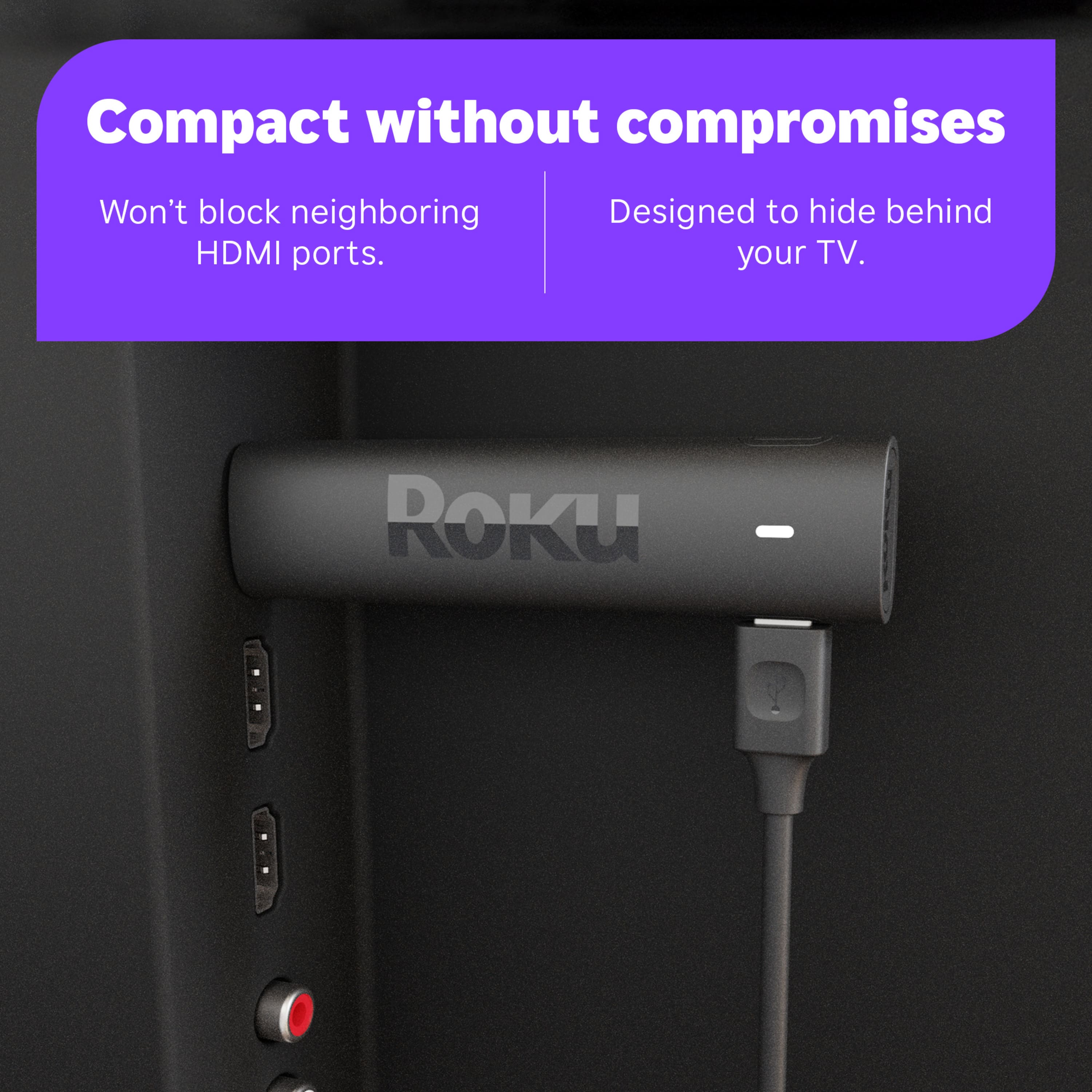
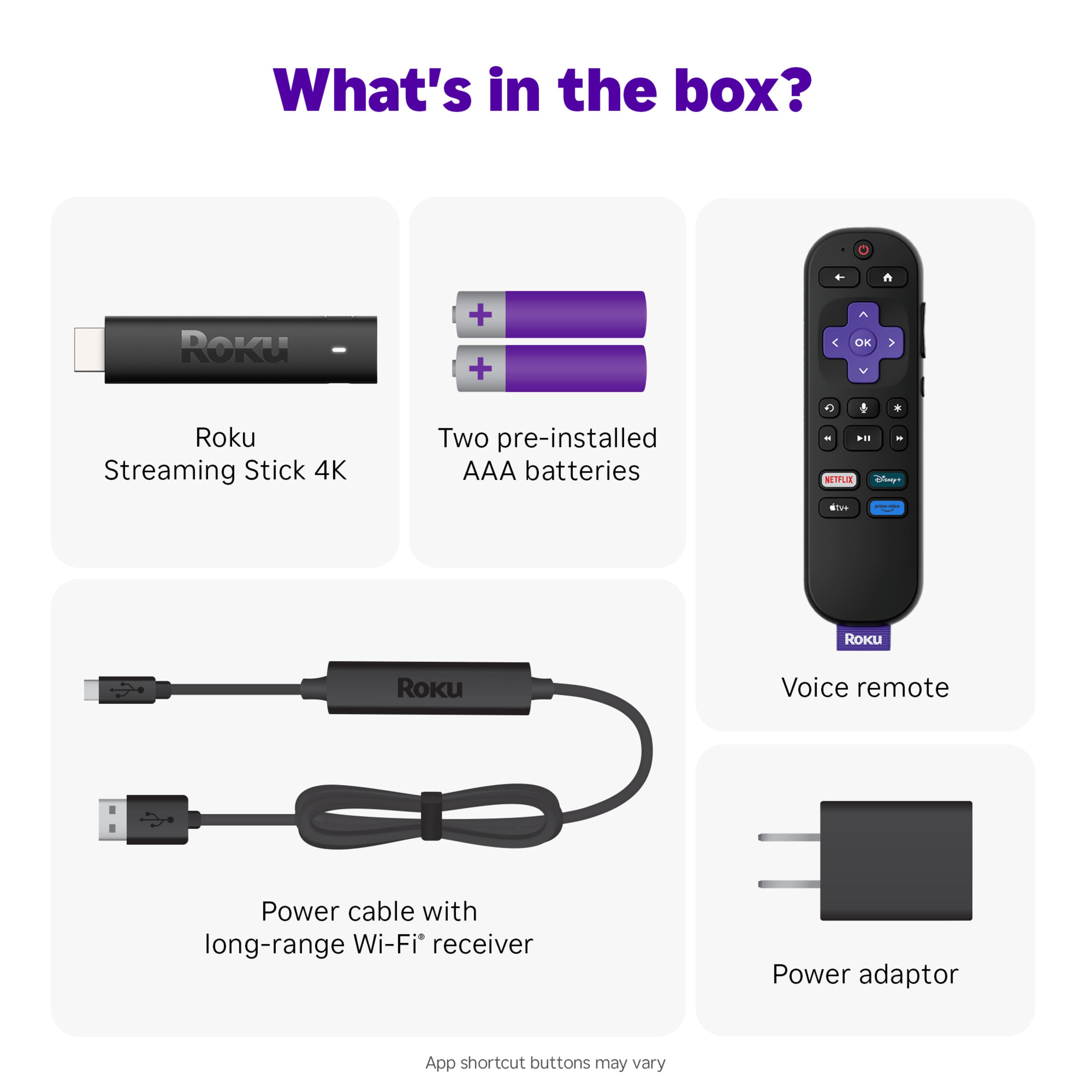
A:AnswerI uses it's own adapter and the cord is about three feet long I think. I only unrolled mine about a foot or so. I plugged it into the surge protector next to my TV set.
A:AnswerThe answer depends on what features you think are most important. For price and WiFi range and performance I believe it is, but I can not speak to how it stacks up in other areas such as picture and HDR.
A:AnswerThat entirely depends on the streaming application you are subscribed to. Most live TV apps have a DVR such as YouTube TV, Sling TV, and Fubo TV.
A:AnswerHello CuriousGeorge! The remote that comes with this model does not have a headphone jack. However, with the Roku App, you can use any Bluetooth enabled headphones for Private Listening on any Roku device. Please Note: Both the Roku device and the Smartphone have to be on the same Wi-Fi Network. The Roku App is available for both Android and iOS Smartphones and can be downloaded here: https://www.roku.com/mobile-app
A:AnswerHello peg! Yes, Xfinity Stream is available on the Roku Streaming Platform. All you'll need is a TV with an available HDMI port and a reliable broadband internet connection. As always, you can browse our Roku Channel Store at https://channelstore.roku.com/browse
A:AnswerIt does not store recordings like a VCR. I just gives you access to streaming content from you internet source.
I has no additional memory if this is what you were referring to.