Questions & Answers
- Model:
- 3820R2
- |
- SKU:
- 6479078
Highly rated by customers for: Ease of use, Remote Control, Wi-Fi
$24.99Your price for this item is $24.99
Comp. Value: $49.99
The comparable value price is $49.99
Page Showing 121-140 of 467 questions
Q: Question<Can the speedstick be used in Argentina? Wll it work'
Asked by Anonymous.
- A:Answer "Speed stick " is a deodorant and works well in Argentina. But Roku streaming stick on the other hand, can also work in Argentina. Even though the Roku device itself may function, some channels may be geo restricted , meaning they are only accessible in certain regions. Hope this information helped.
Answered by Kazi
Q: QuestionDoes the Roku have a activation fee
Asked by 197055.
- A:Answer No activation fee that I know. I have 2 Roku in my house
Answered by Kazi
Q: QuestionCan I use a gateway router and modem on my smart TV
Asked by Anonymous.
- A:Answer Ruko does provide Angle Tv contents. You can access this content by searching for "angle studios" or "angle Tv" within the ruko channel store and adding the corresponding app or channel to your Ruko device.
Answered by Kazi
Q: QuestionDo you need an electrical outlet for the Roku stick or do you just plug the device in the HDMI slot and then good to go?
Asked by Cinnamon.
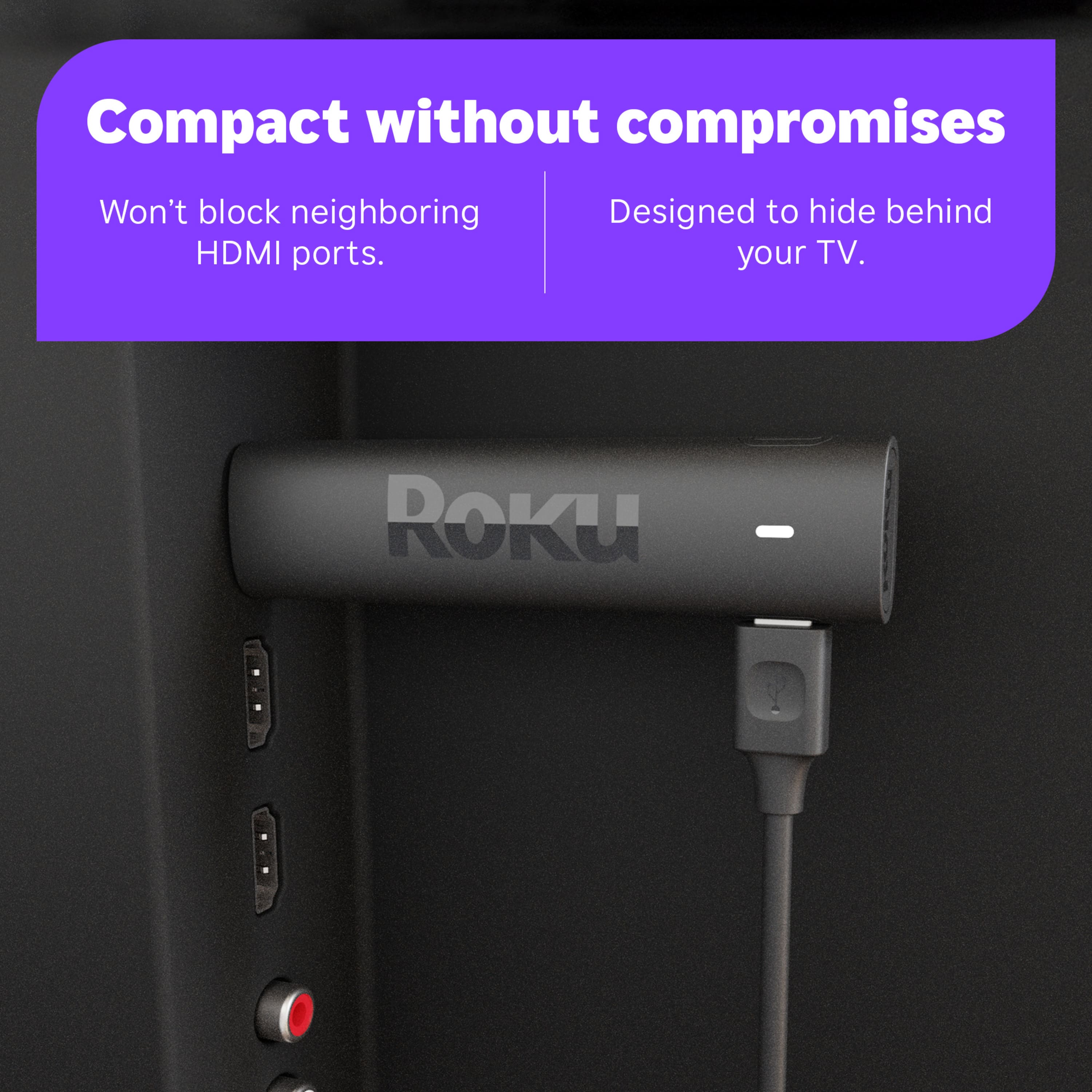
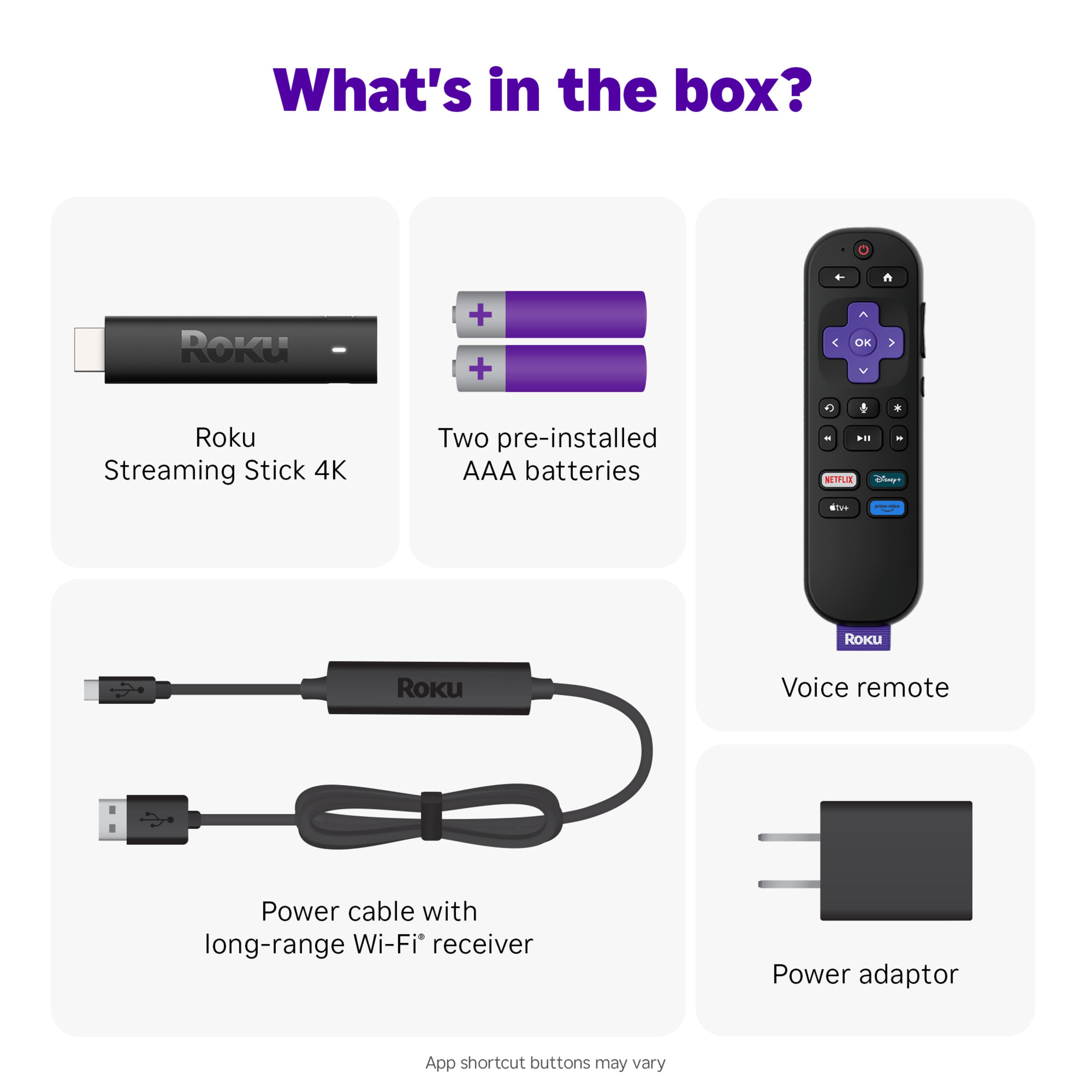
- A:Answer You do need power supply
Answered by Kenny
Q: QuestionWhat is required to connect Streaming Stick 4K to TP Link Wi-Fi extender? No issue connecting IPhone or tablet to the extender, but neither of two Roku units I recently purchased will connect to the TP-Link unit (AX 1800 Dual Band).
Asked by GeorgeS.
- A:Answer Hello Butch, Please visit Roku Support for any product or support related questions at https://support.roku.com/ or call 408-556-9391
Answered by Roku Team

Q: QuestionDoes it access Angel Tv?
Asked by Cathy.
- A:Answer Hello Cathy, Unfortunately there is not an app for Angel TV.
Answered by Roku Team

Q: Questiondo you need a cable provider or can this be bypassed?
Asked by hydrantman.
- A:Answer The Roku streaming stick connects to your home wi-fi, so it will work by itself because there are TV channels on Roku, but it may not have ALL of the local or major network broadcasts that you enjoy or are used to watching. For that programming, you will have to subscribe to some sort of streaming service (examples: Amazon Prime, YouTubeTV). So it depends on which TV shows you like to watch.
Answered by MonicaL
Q: QuestionAre you able to download other apps like Spectrum TV?
Asked by CAM.
- A:Answer Yes As long as you use it on your Home network, at least that's how it works in upstate NY
Answered by GregoryD
Q: QuestionCan you get purecast STB
Asked by Billster.
- A:Answer Hello BillH, unfortunately this is not offered on Roku.
Answered by Roku Team

Q: QuestionCan I get local channels
Asked by Anonymous.
- A:Answer This is a Yes and No, it all depends on where you live and whether or not your local channels have apps. Most major cities have apps or are shown on the Roku Channel or their own perspective apps.
Answered by Roku Team

Q: QuestionI have Wi-Fi at home, can I connect this to my Wi-Fi
Asked by Marriedlife.
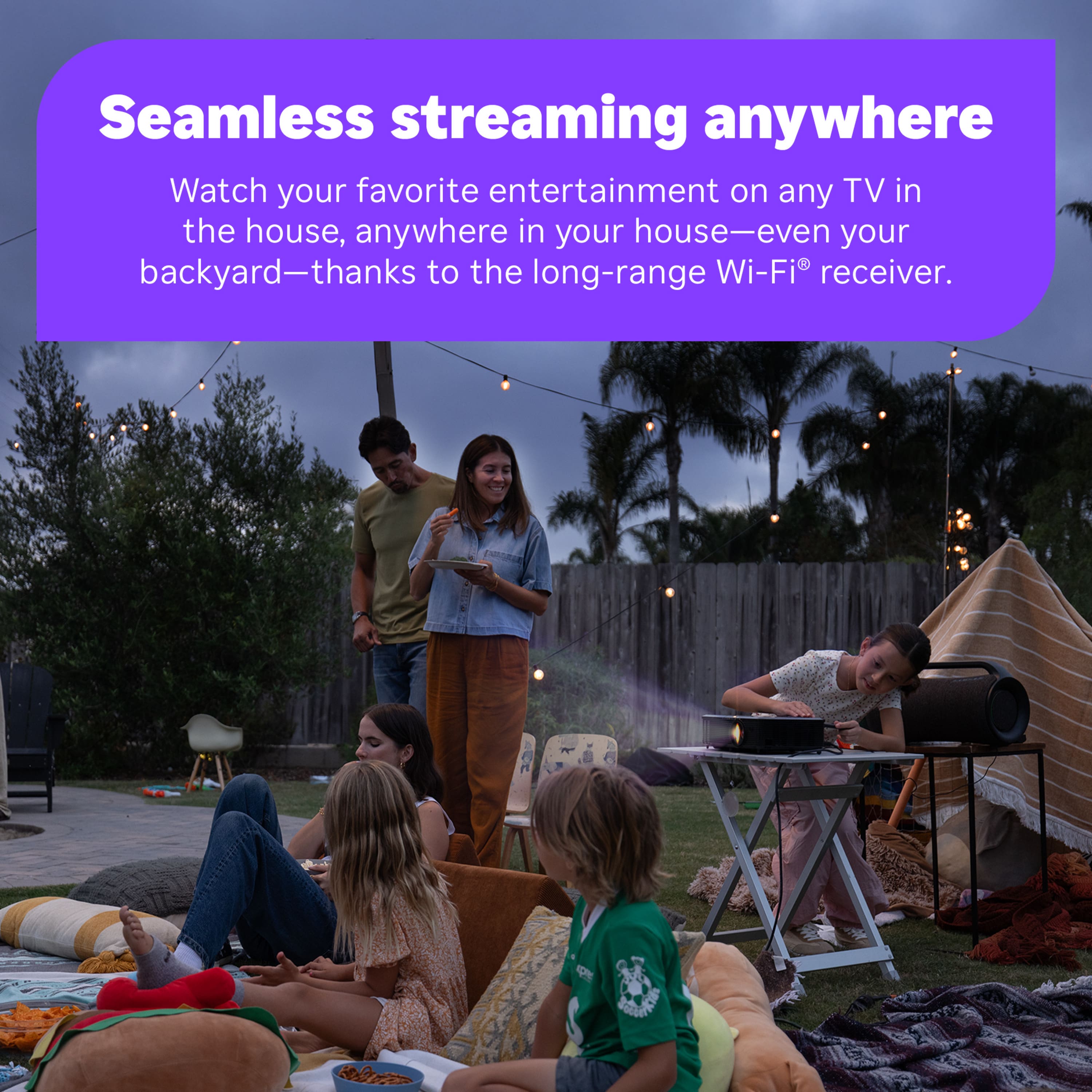
- A:Answer Hello Marriedlife, Yes, WiFi is required to use this device.
Answered by Roku Team

Q: QuestionIs the Peacock streaming app able to download to this device.
Asked by Mimi.
- A:Answer Hello Mimi! Yes, Roku gives you access to Peacock! If you are ever curious what Roku has to offer here is a link to our Roku channel store. https://channelstore.roku.com/search
Answered by Roku Team

Q: Questiondoes the built in wi-fi part of a roku streaming stick 4k more powerful than a wi-fi extender?
Asked by SKATA.
- A:Answer Wi fi extender is is a tool to boost your Wi-fi signal and ensure more consistent connection through out your space. Roku has improved its wi capabilities of its streaming stick 4K, generally good wi-Fi performance. Not sure why you need extender for your Ruko? It can work good alone if you don't have a large place. If your space is large and have walls between your router than go for it.
Answered by Kazi
Q: QuestionWhen will we have a metered rewind and FF option of say 30-sec FF and 15-sec rewind of TV or recording?
Asked by TC.
- A:Answer You do have this option of fast forward and rewind if you have a DVR or some sort of "recording" or "library" on your App. For instance, we subscribe to YouTubeTV for our regular broadcast channels, and there is an unlimited library DVR feature that you can retrieve shows with the ability to fast-forward through most of the commercials by using the Roku ULtra remote. I appreciate this function greatly!
Answered by MonicaL
Q: QuestionI live at a motel that has poor WI-Fi will this streaming stick work if I have poo Wi-Fi
Asked by Kathy.
- A:Answer Your Wi-Fi connection needs to be relatively good, to stream videos without an issue. With weak Wi-Fi you may get buffering (when the video stops to preload video into the buffer), pixelation (picture gets very grainy) and lost connection.
Answered by TravisS
Q: QuestionCan I get Sling TV ?
Asked by Mike1hd1.
- A:Answer Yes if you can afford it
Answered by RobertL
Q: QuestionIs this good for when you're traveling a lot...to use in hotel rooms?
Asked by patimco.
- A:Answer Hello patimco! Yes, the Roku Streaming Stick 4K is good for travel because it's portable and easy to use: Portable: The Roku Streaming Stick 4K is small and compact, so it's easy to pack in your suitcase. Easy to use: You can plug it into your TV's HDMI port and start streaming right away. Good for hotel Wi-Fi: Some say Roku devices are good at signing into complicated hotel Wi-Fi networks. Voice control: You can use the voice remote to search, play entertainment, and control your streaming device. Works with popular voice assistants: You can use voice control with Siri, Alexa, and Google Assistant.
Answered by Roku Team

Q: QuestionDoes the Roku streaming stick 4k stream Hulu in hdr?
Asked by Lew54.
- A:Answer Yes
Answered by RobertL
Q: QuestionCan you download Direct TV streaming app?
Asked by MikeD.
- A:Answer Yes currently using them to stream Spectrum
Answered by NicholasQ
Best-selling streaming media players
- Black Friday Deal$17.99Your price for this item is $17.99
- Black Friday Deal$34.99Your price for this item is $34.99
- Black Friday Deal$24.99Your price for this item is $24.99
- Black Friday Deal$19.99Your price for this item is $19.99
- Black Friday Deal$15.99Your price for this item is $15.99
- $149.99Your price for this item is $149.99
- $129.99Your price for this item is $129.99
- Black Friday Deal$19.99Your price for this item is $19.99
- Black Friday Deal$69.99Your price for this item is $69.99
- $14.99Your price for this item is $14.99
- Black Friday Deal$24.99Your price for this item is $24.99
- $59.99Your price for this item is $59.99
- Black Friday Deal$89.99Your price for this item is $89.99
- Black Friday Deal$74.99Your price for this item is $74.99
- $69.99Your price for this item is $69.99$99.99The comparable value for this item is $99.99
- Black Friday Deal$79.99Your price for this item is $79.99
- $199.99Your price for this item is $199.99
- $79.99Your price for this item is $79.99