A:AnswerI know that it can be done and I believe that it is called mirroring. My friend did it on my tv from his phone and it didn’t cost anything additional. I am not exactly sure how to do it, but an app had to be downloaded from Roku and there was no cost for the app.
A:AnswerMake sure your Tv is not set up in the settings for a speaker.I had the same problem when I got mine because I had previously has the tv hooked up to surround sound
A:AnswerOnce you buy the initial roku the only thing you pay is for whatever service you want Are you sling which is $35 a month but you can get a lot with just the roku
A:AnswerOur stick is at the rear of the TV, so no line of sight for us. I also have an odder ROKU device that has a small control box that is definitely line of sight only
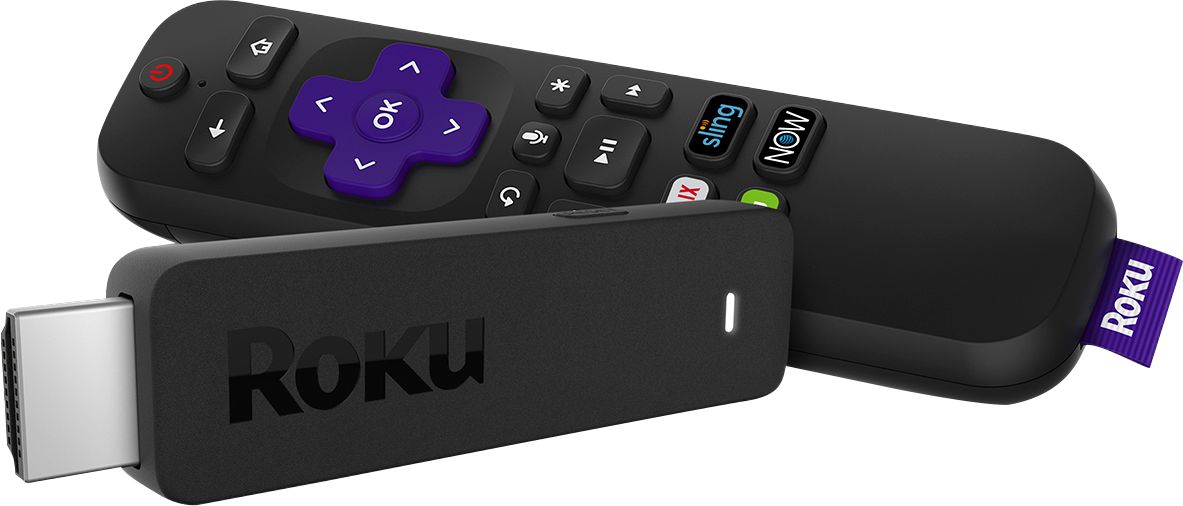
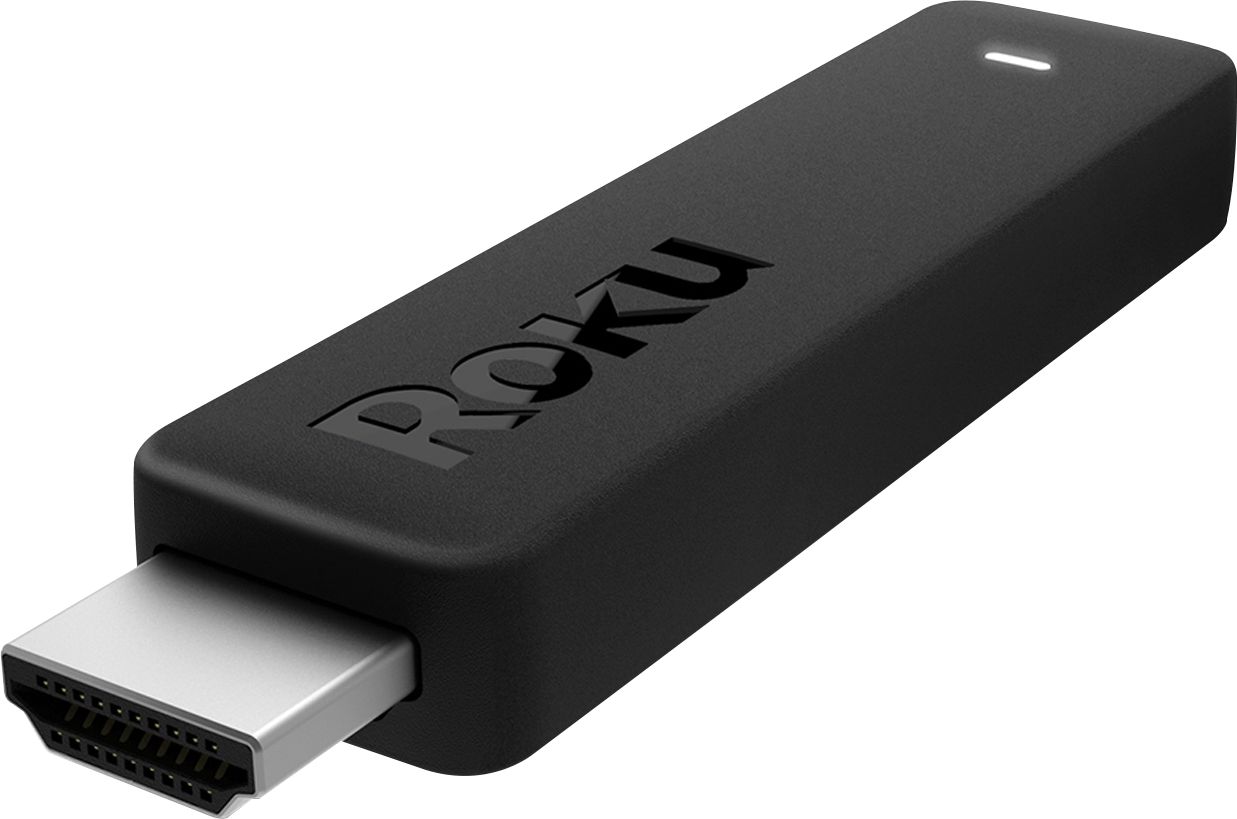
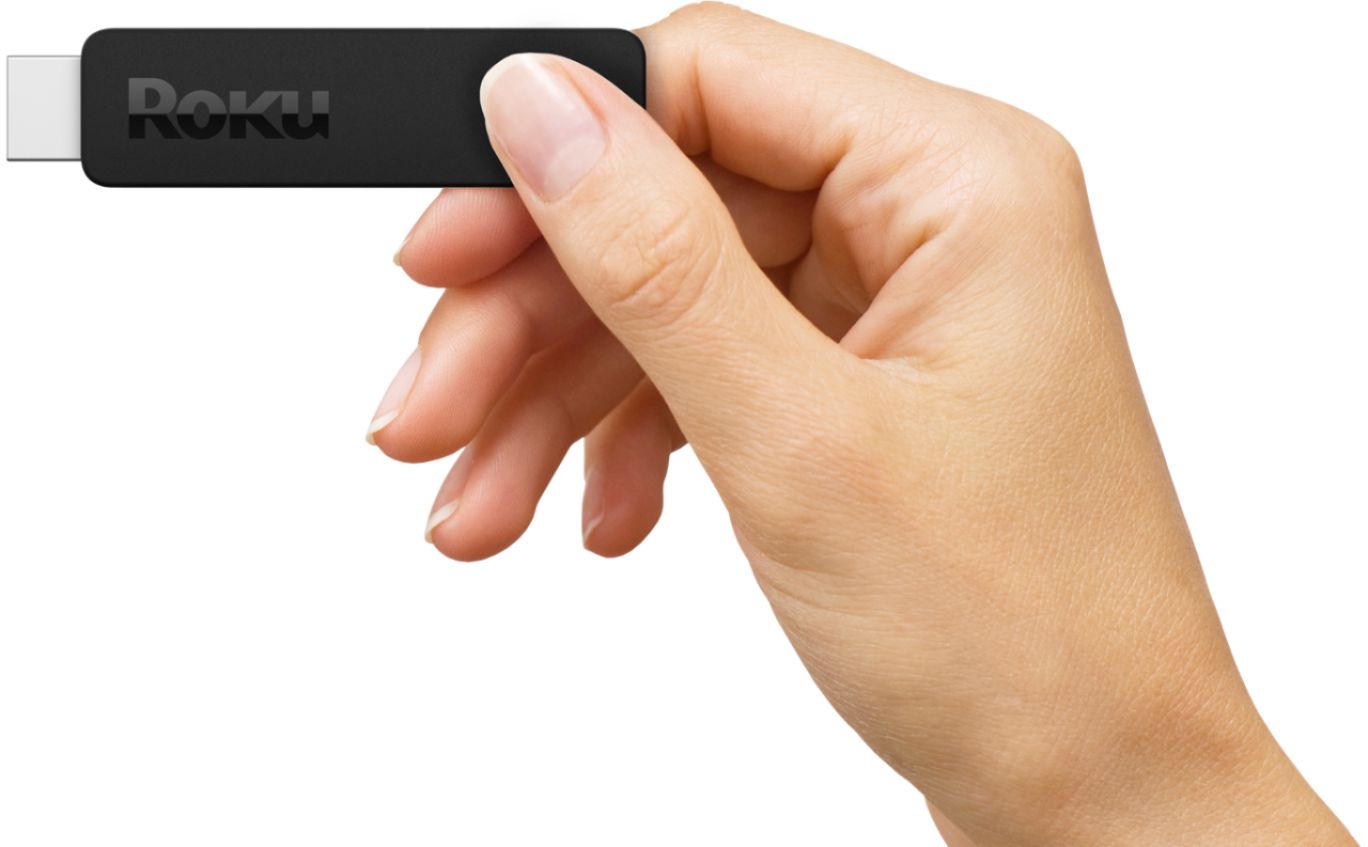
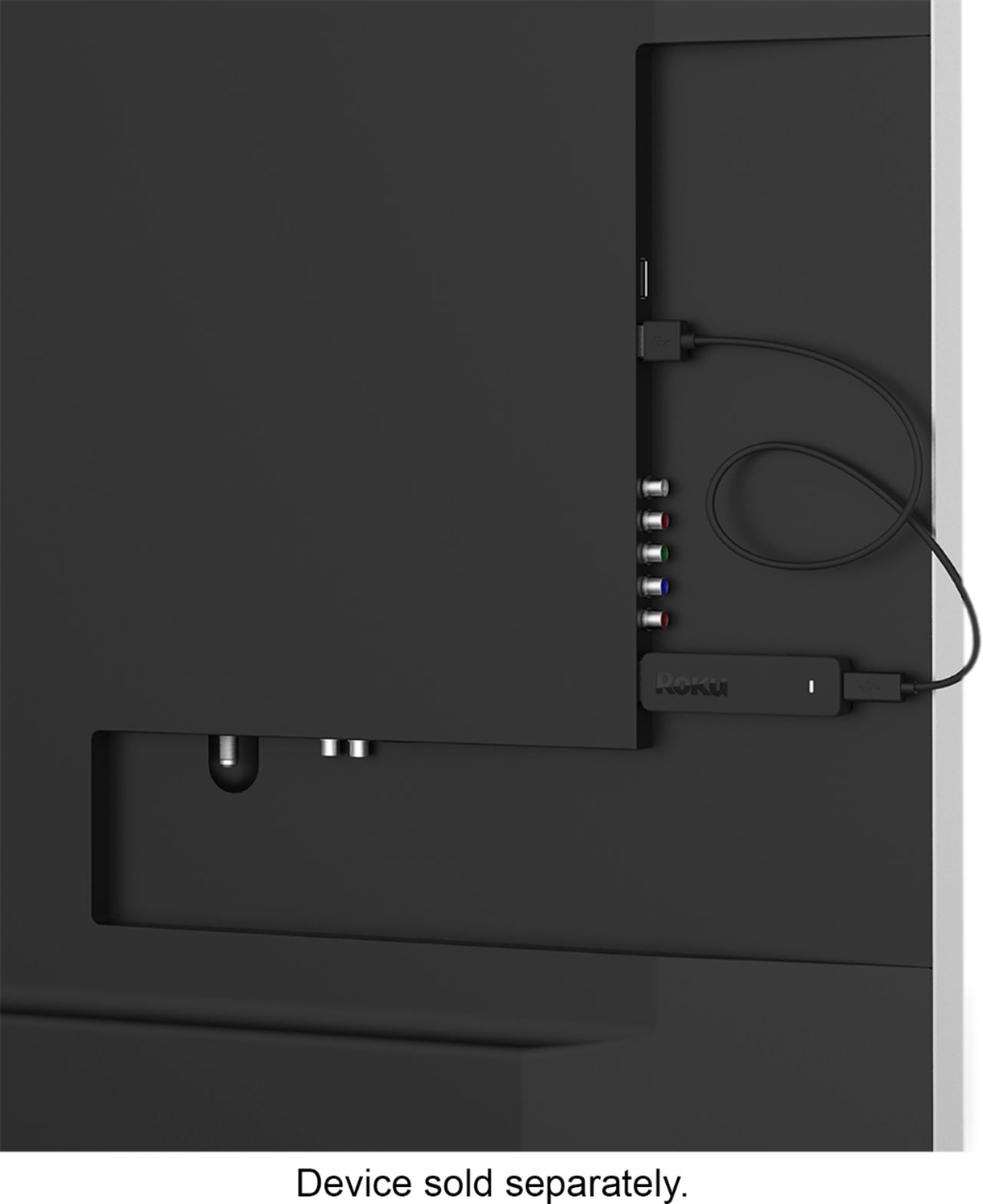
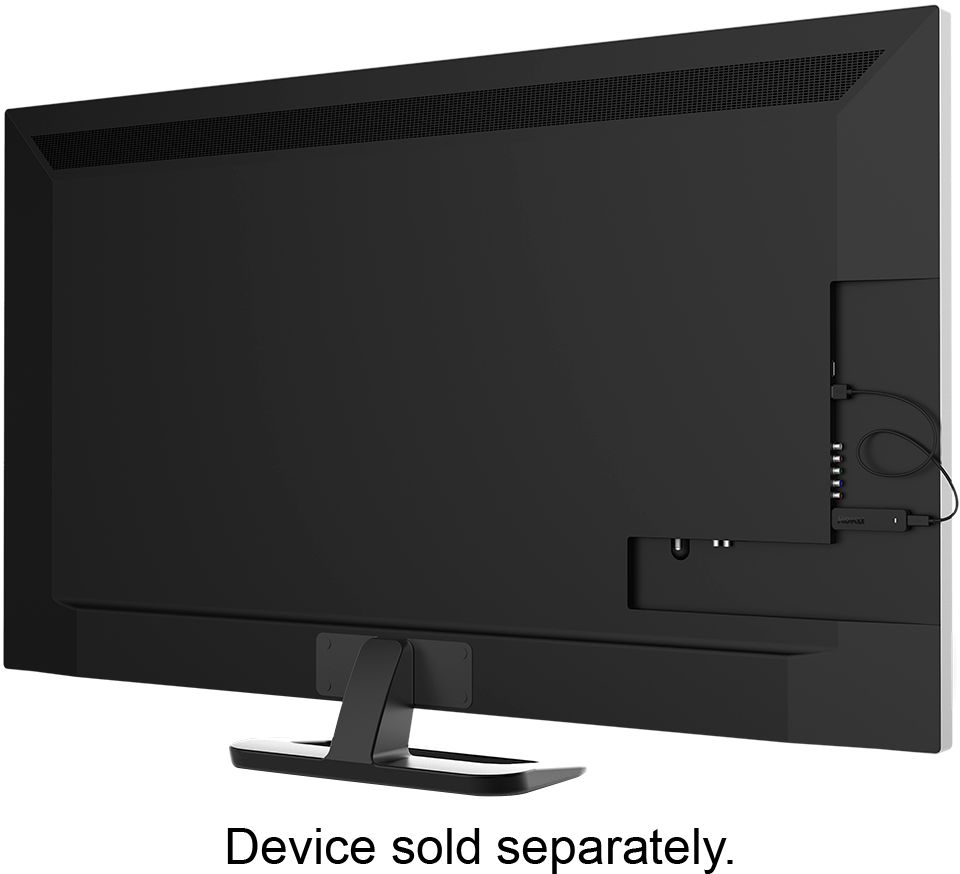
A:AnswerIt should. It works on our 10 year old Sharp tv. Just need an HDMI port and wifi in your home. TV doesn't have to be a smart tv for it to work. Stick is a little long so make sure you have clearance behind your tv or on the side. Our ports are on the side. Stick was a little long but I still managed to jam it in there. If hdmi ports of tv are on the back and it is mounted to the wall, then you may want to buy the roku box instead of the stick.
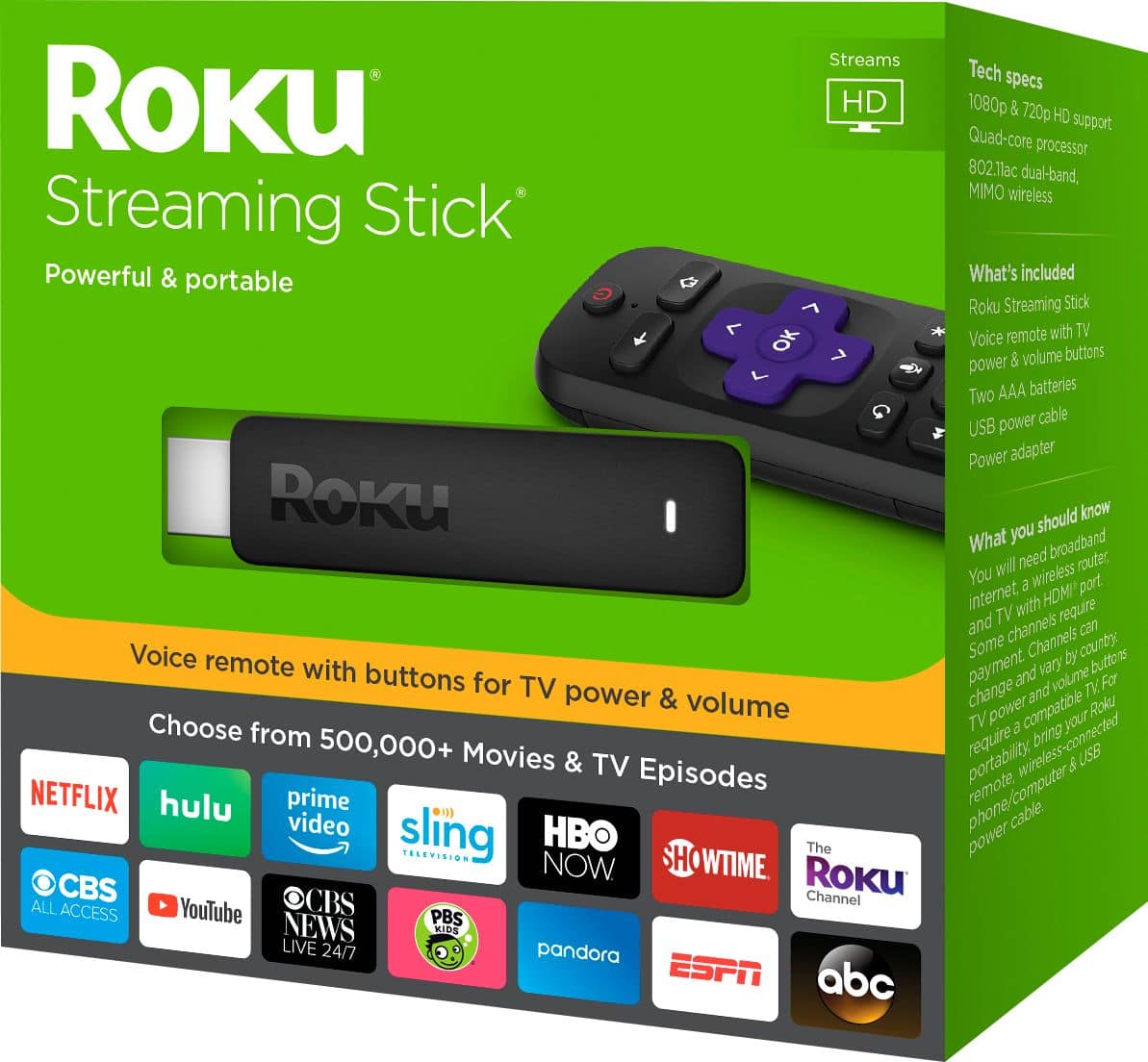
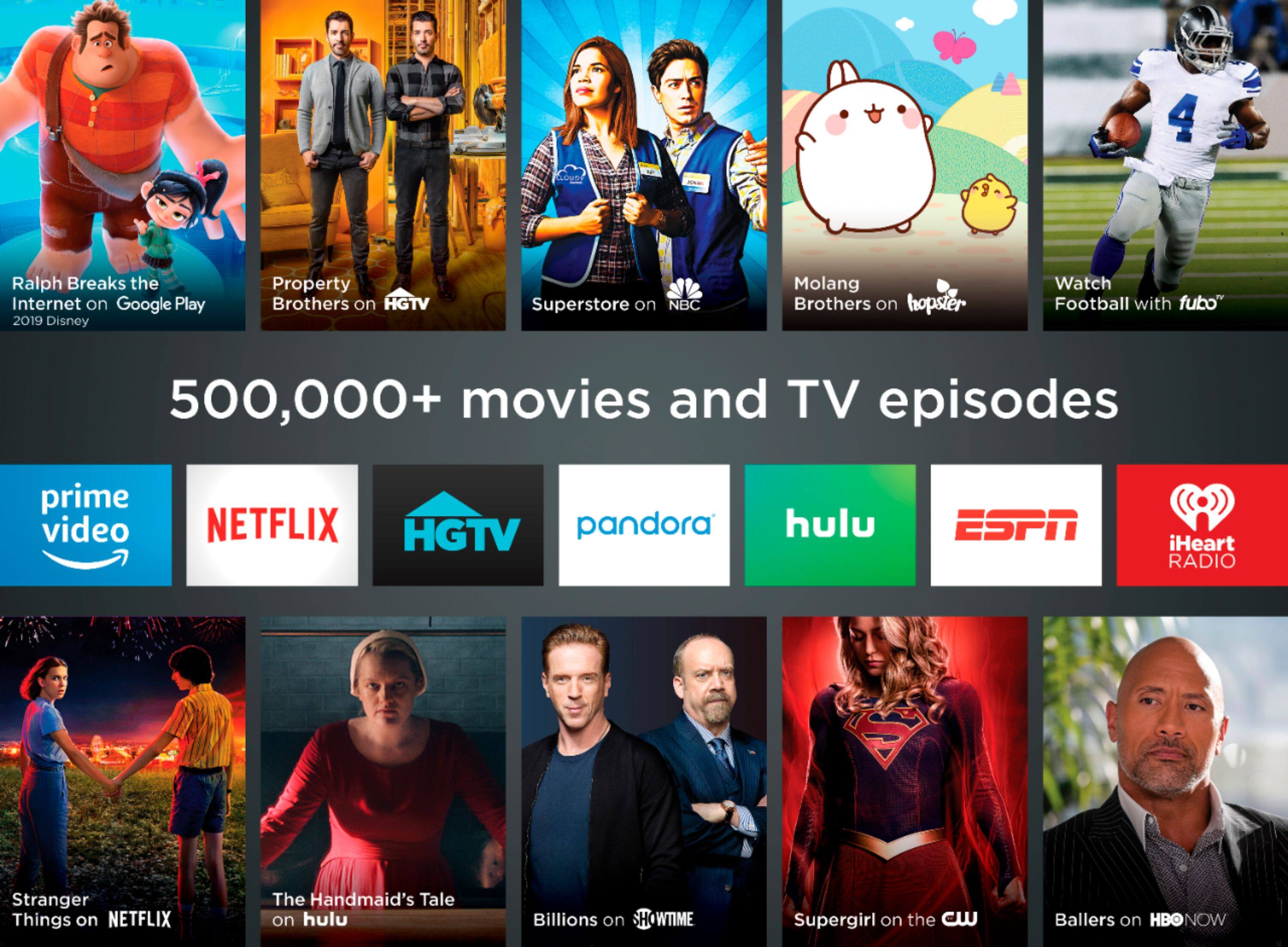
A:AnswerHi Lee ! You do not need a smart TV to use Roku. All current Roku devices will connect to any TV with an HDMI port. In addition, you will also need internet in the home to stream with a Roku device. Once your Roku is setup you have access to over 500,000 movies and TV episodes. There's also a ton of free content available on The Roku Channel, including Roku Originals like Kevin Harts "Die Hart" , Punk'd and many more ,giving you access to thousands of hours of free content.