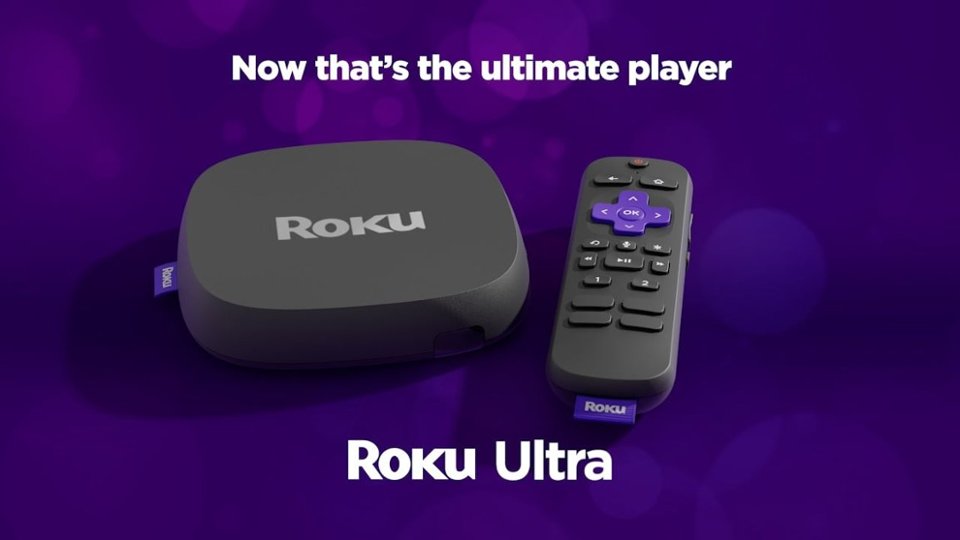
A:AnswerThere is only one current Roku device that does NOT support volume leveling, and that model is the Roku Express. Every other one, including their sounders, include that.
A:AnswerI don't believe any of them do. And for the record, what you are talking about is NOT zooming, it's stretching, changing the actual shape of the picture. I want a round ball to continue to be a round ball, not oval-shaped.
If you were using an actual zoom, which I know of no TV that does, you would be cutting the heads off of people in order to fill the screen and keeping people from looking fat.
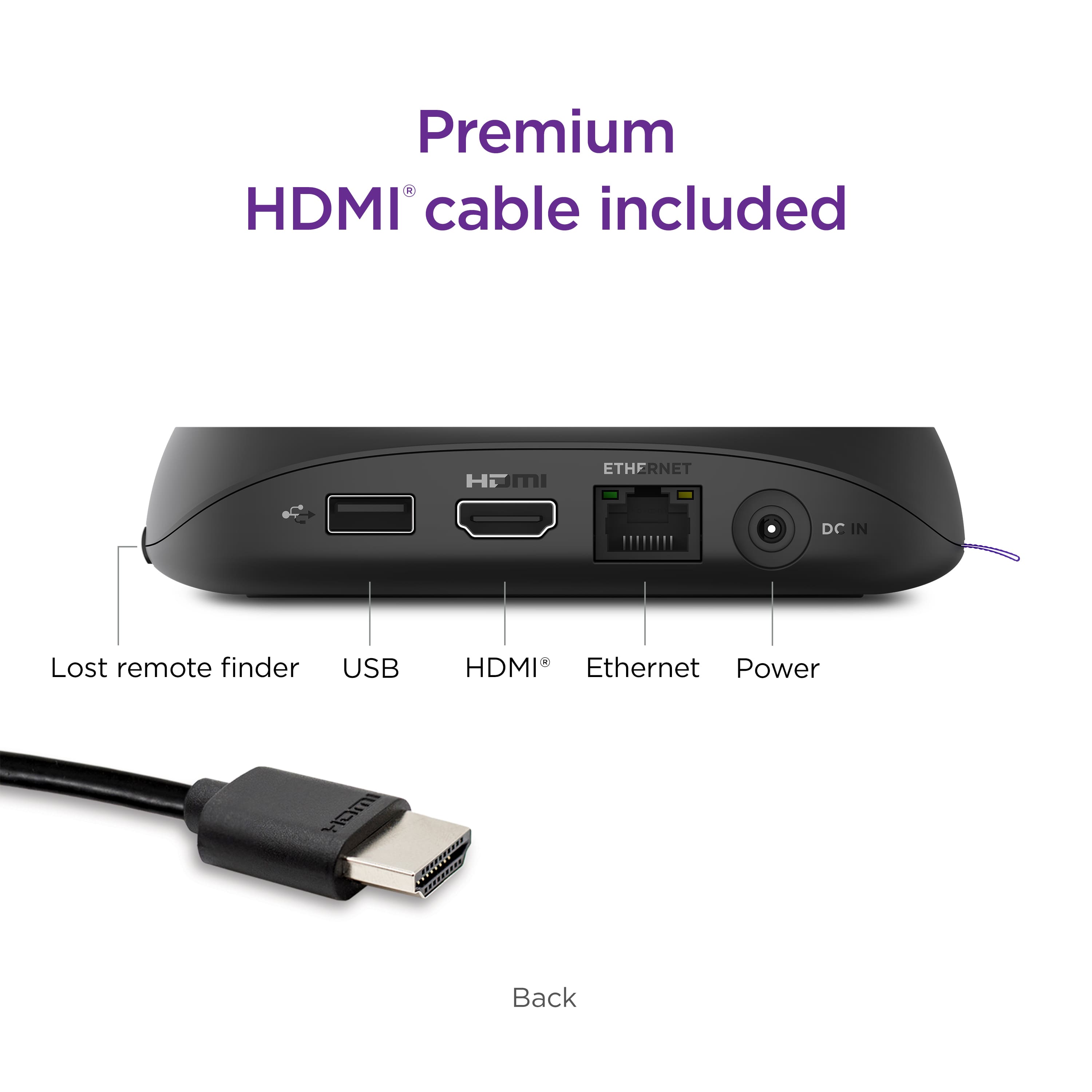
A:AnswerYou are correct, there are no optical outputs on this device. Do you have an optical out from your TV/ If you're hooking the Roku device to that, then use the television's optical output.
A:AnswerHow far is your Roku Ultra from your wireless router? 5GHz, by its nature, is a much smaller wavelength, which makes it harder to get through walls/ceilings. Have you tested the Roku by running a CAT5 cable from it to a port on your router, just to make sure you have bandwidth?
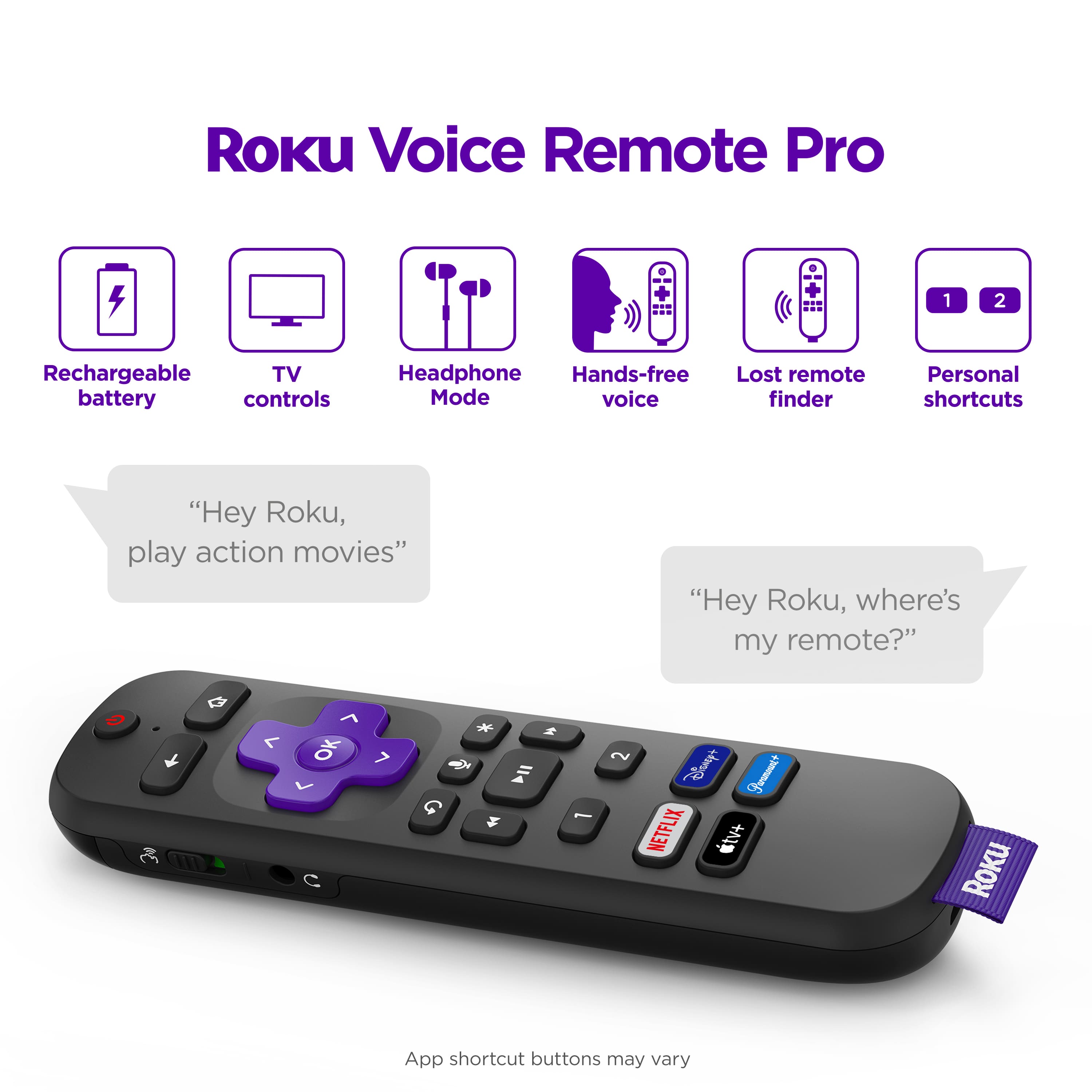
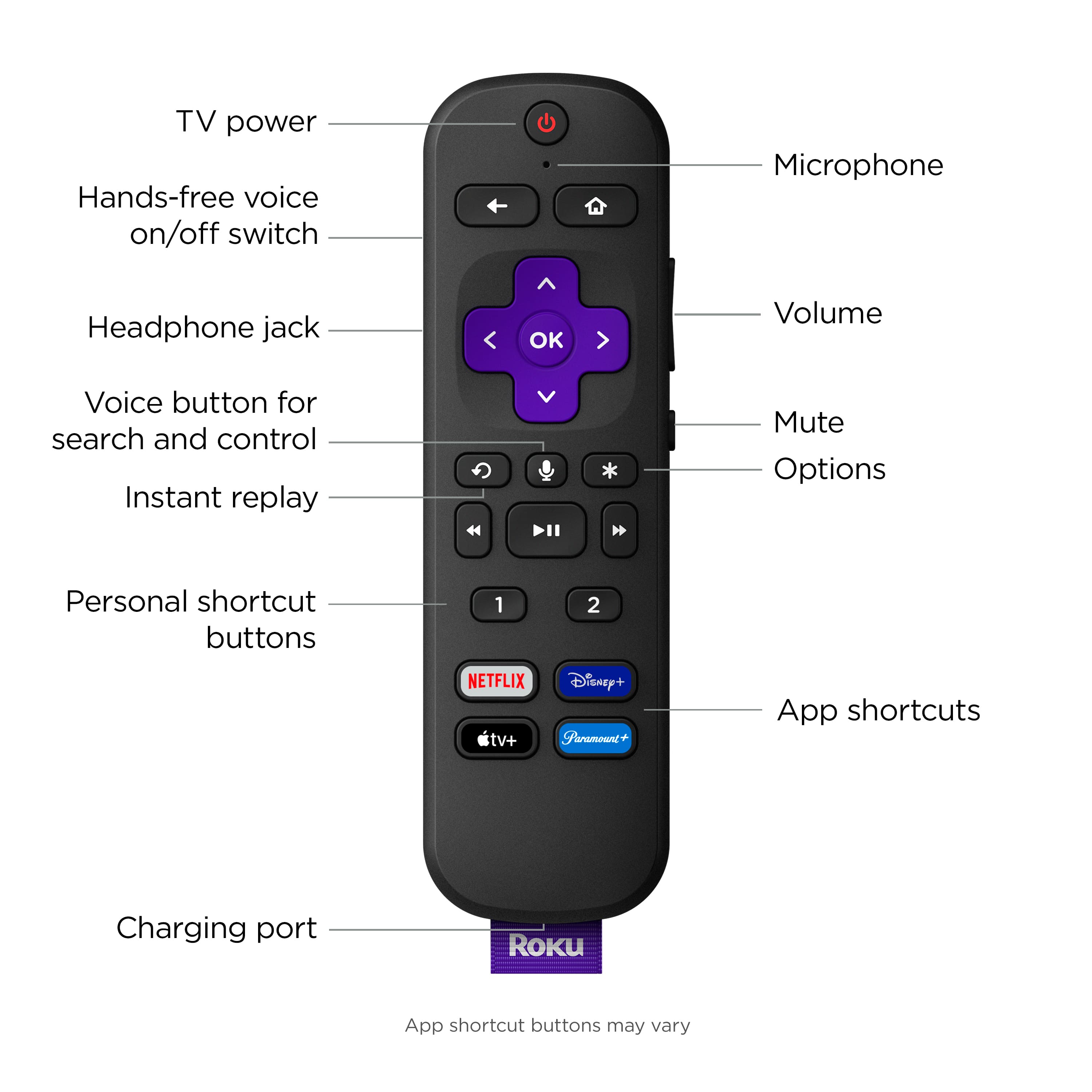
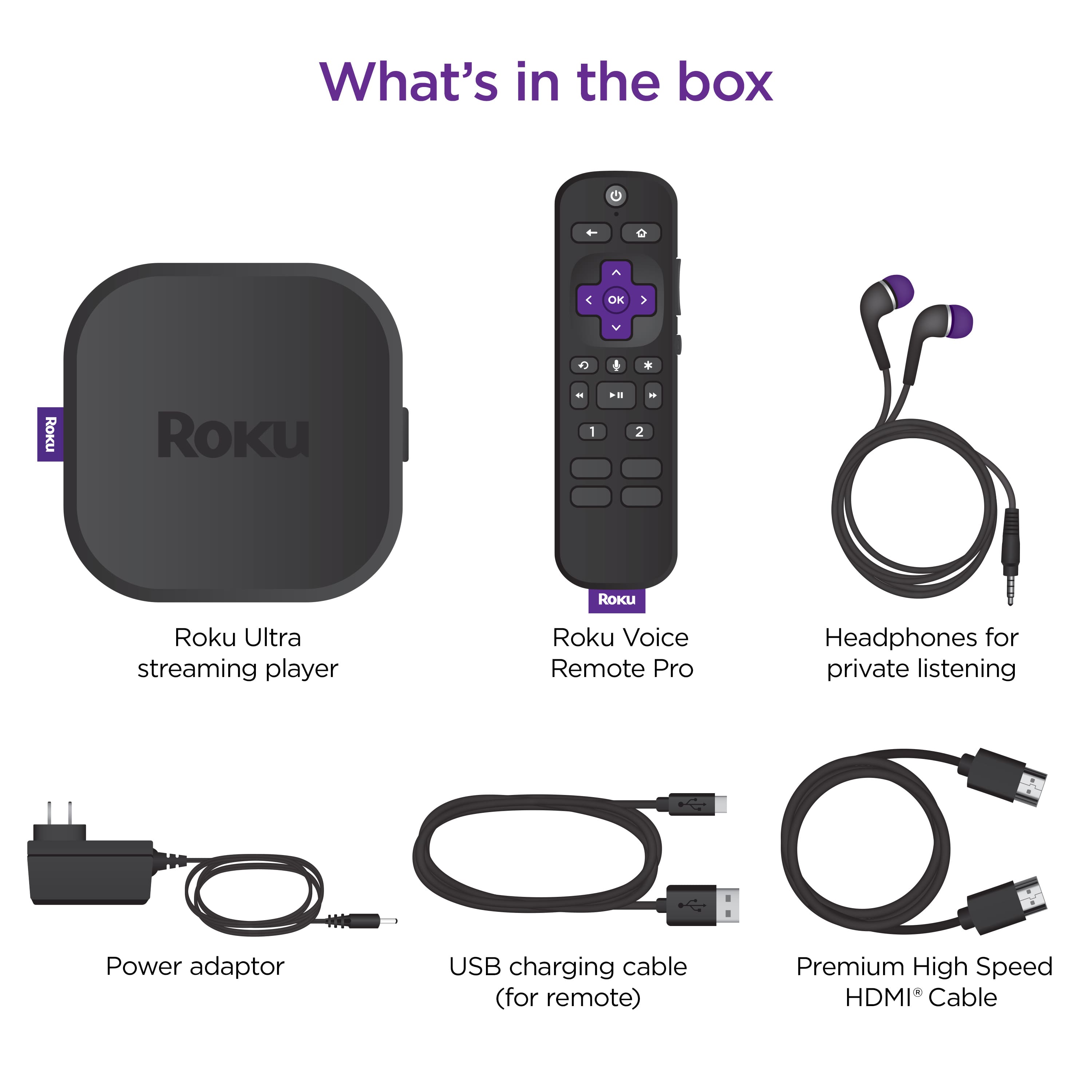
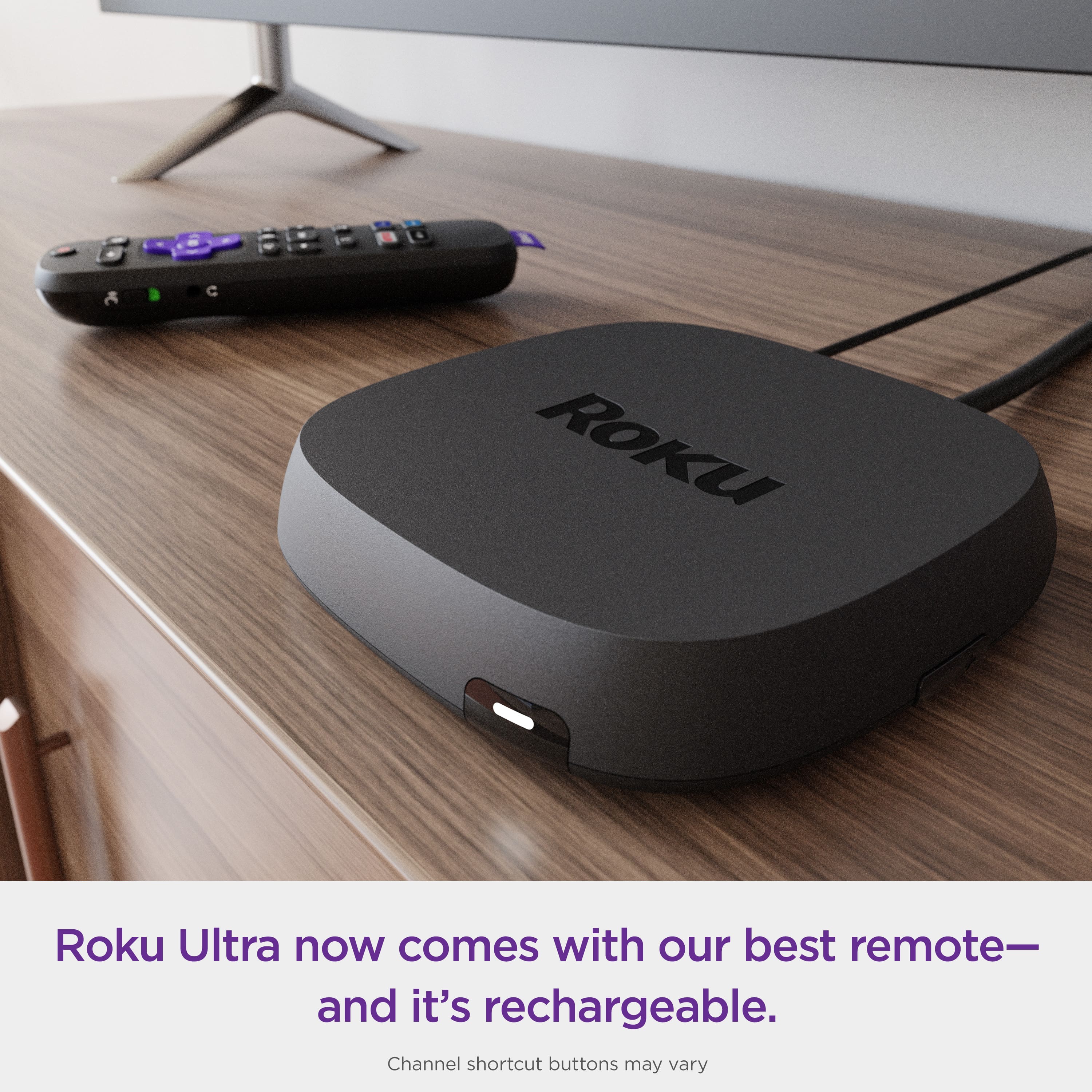
A:AnswerHello Nina! The Roku Voice Remote Pro that comes with the Roku Ultra is specifically designed to interact only with the Roku Device. Though you can pair the remote to the TV, the TV controls are limited to TV On/Off, Volume Up/Down, and Mute.
A:AnswerHello Dirk! The included Roku Voice Remote Pro connects over a wireless network and does not need to be pointed directly at your Roku streaming player when pressing buttons. This allows you to install your Roku streaming player behind a wall-mounted TV or another nearby, out-of-sight location.
A:AnswerI connect my Roku unit directly to my Marantz AVR and get excellent performance. But, really, I would suggest connecting it to which device of the two does a better job upscaling content. No doubt, that will go in favor of the newer built device that comes with better specs.
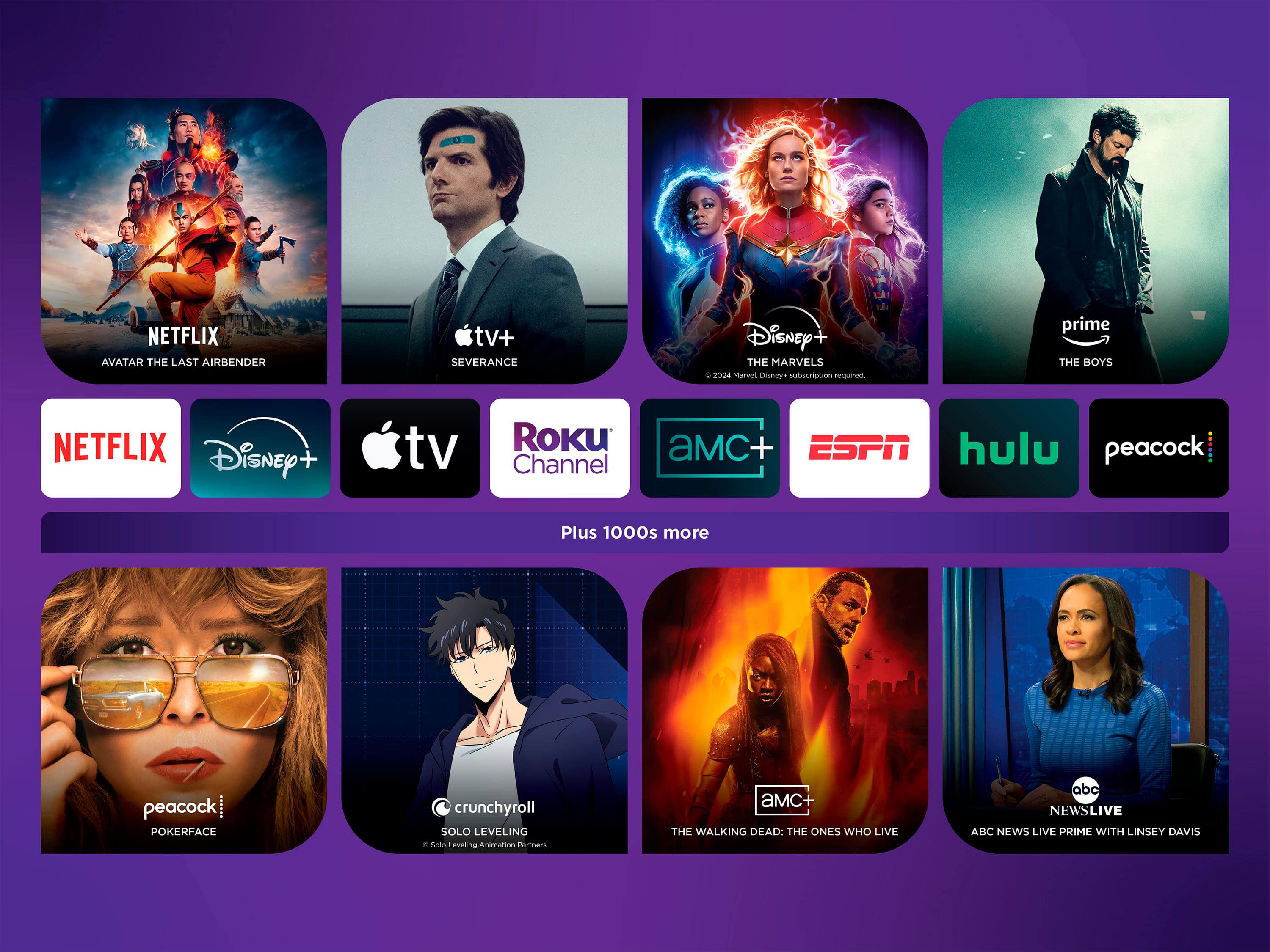
A:AnswerHello Mauricio! Great question. Short answer yes, but keep in mind that channel availability varies from region to region. Availability is ultimately determined by each channel provider and some channels may not be available in all locations. For any additional questions regarding a specific channel's availability on Roku, you'll want to contact that channel/service provider directly.
A:AnswerThe USB port on the Roku is designed for only one purpose, it allows connecting a storage device (USB stick, portable hard drive) and playing media from that device (video, music or images).