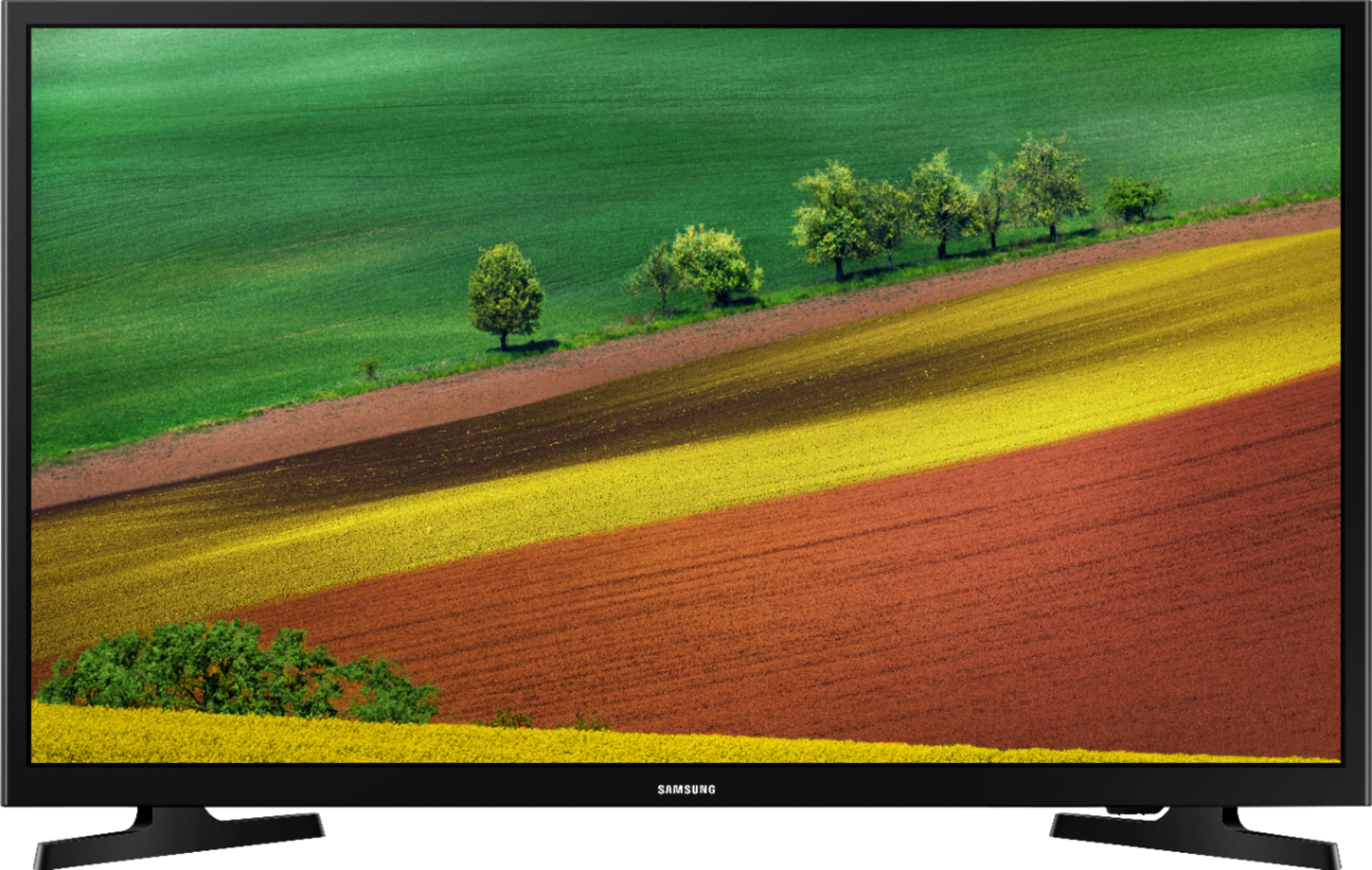
A:AnswerI have no issues connecting to my WiFi from my patio or the the garage. I also just have the standard modem from Comcast with no boosters. I was happy enough to buy a second TV. Plus liked the price.
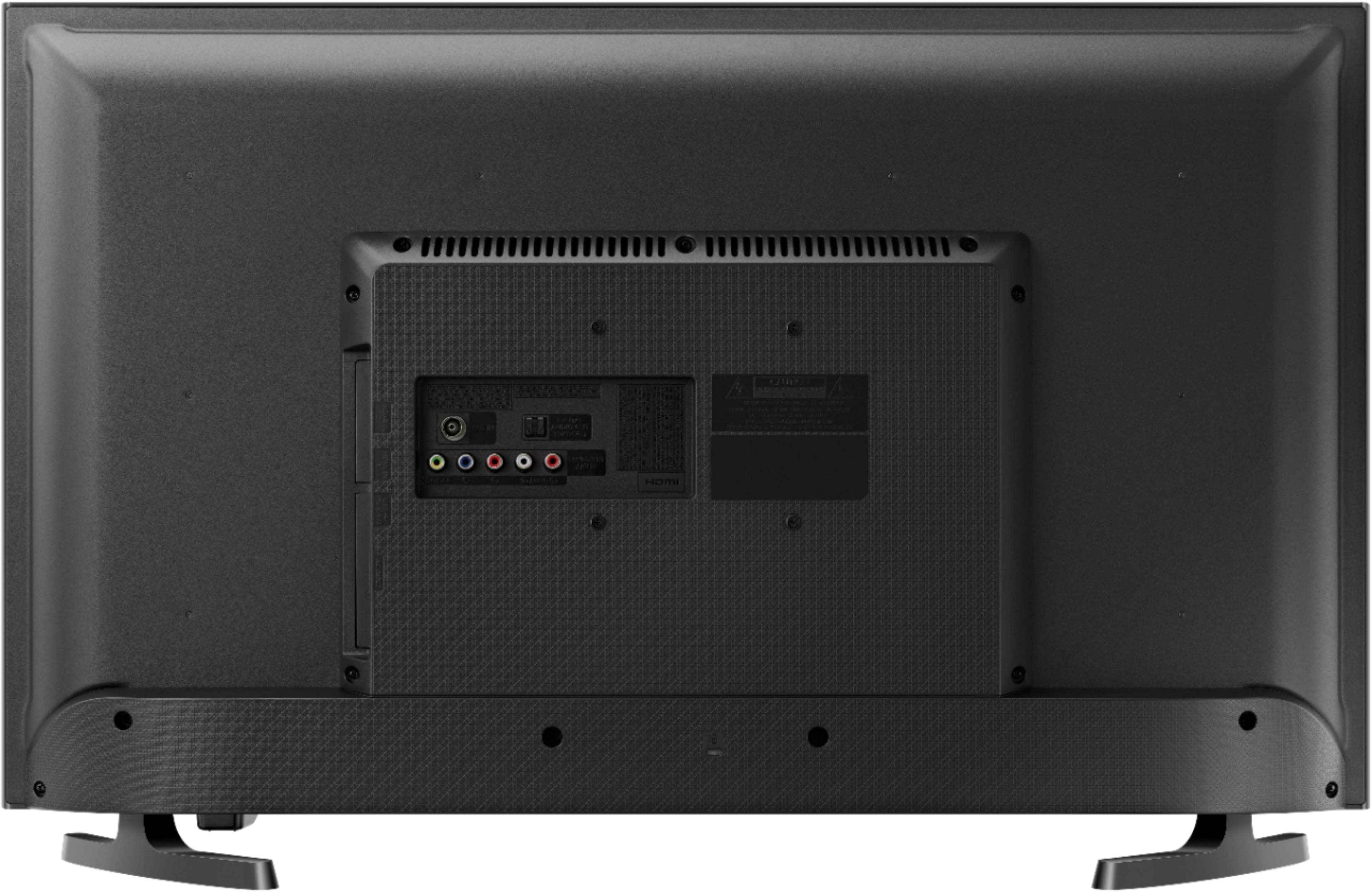
A:AnswerNo experience with any of these, but this is a Smart TV with internet capability (wired or wireless), so: (1) There are two HDMI ports, so a Fire Stick should work, but can't say with 100% accuracy; (2) same with XFINITY, if you have a Comcast account and purchased the XFINITY capability; and (3) Looking at the manual, it appears that a mobile device connection will only work through a Samsung Account and the "SmartThings" app - you may want to research the manual (available through the Samsung web site) for more clarification. For the Fire Stick and Mobile Phone, make sure you have a very good internet bandwidth option with Comcast, especially if you plane to have several wireless devices connected to the Internet at the same time. If you plan to connect the TV itself to the internet (in addition to, or separate from, Comcast), best to use a wired connection.
A:AnswerYes, but you need to have an internet connection (wired or wireless). Also, there should be a preset selection for YouTube that you can pick using the remote control. Standard internet speed from your provider should be adequate, but if you experience pauses, buffering, jerky picture, the first place you should look is your internet speed (not the TV); may need to purchase extra bandwidth.