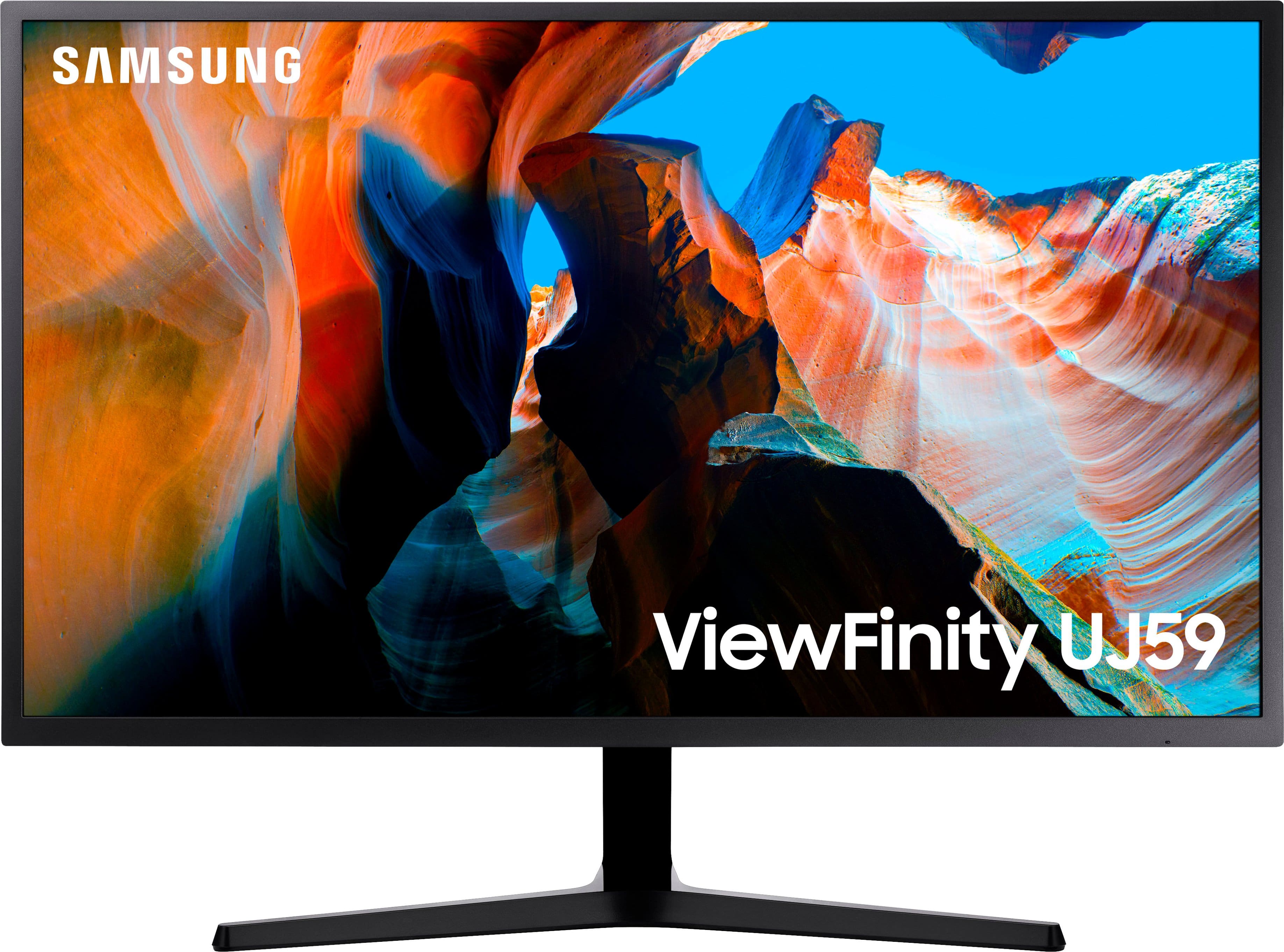
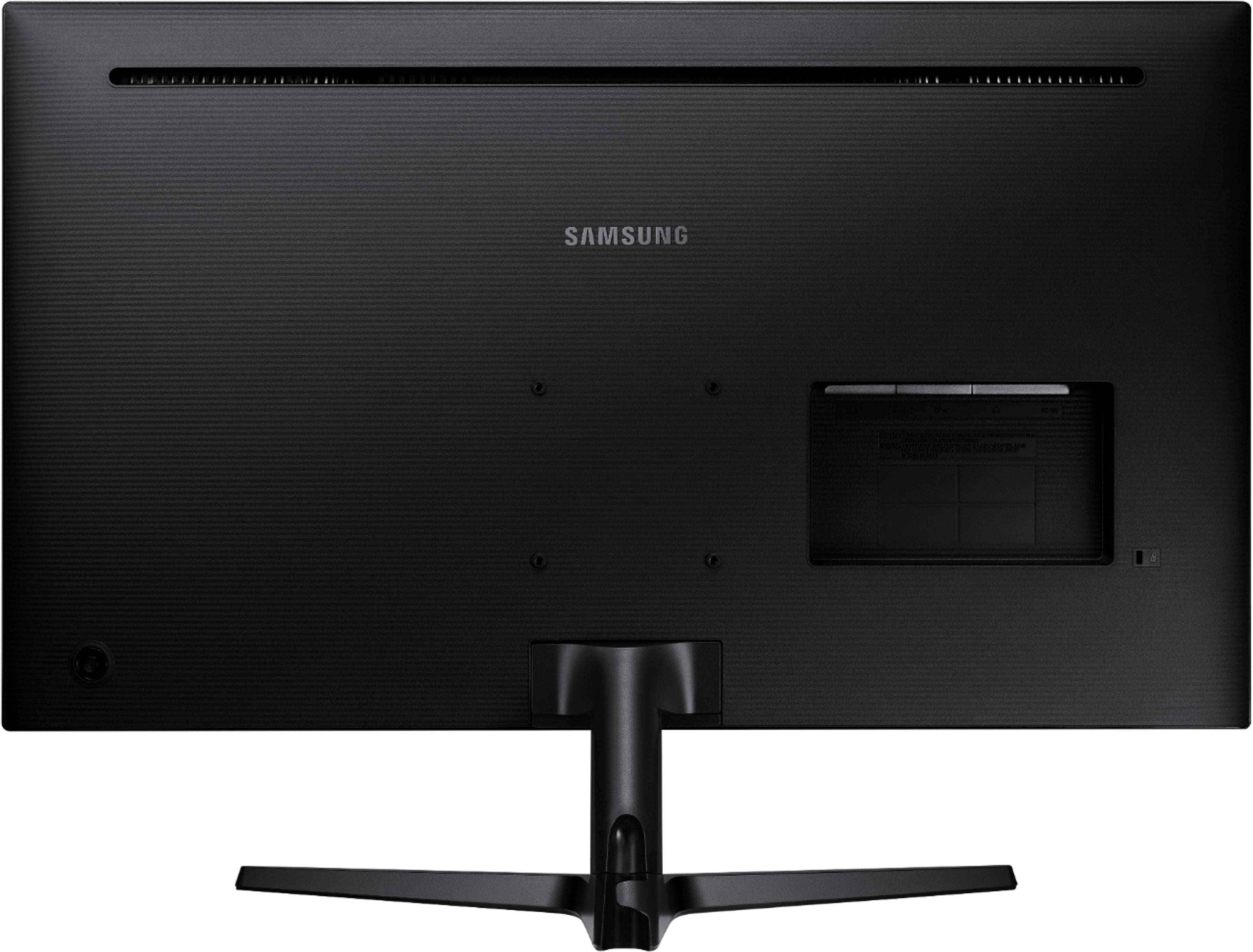
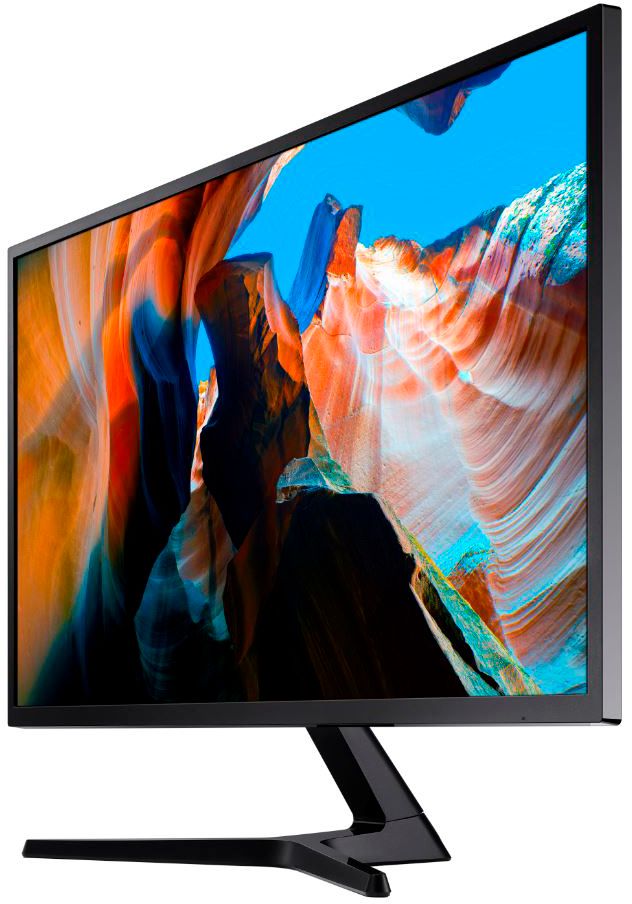
A:AnswerYou can mount any size if you have the right size mounting brackets. I don’t know what size you are looking for a but this one would be easy to mount but doesn’t need to be . Hope this helps?
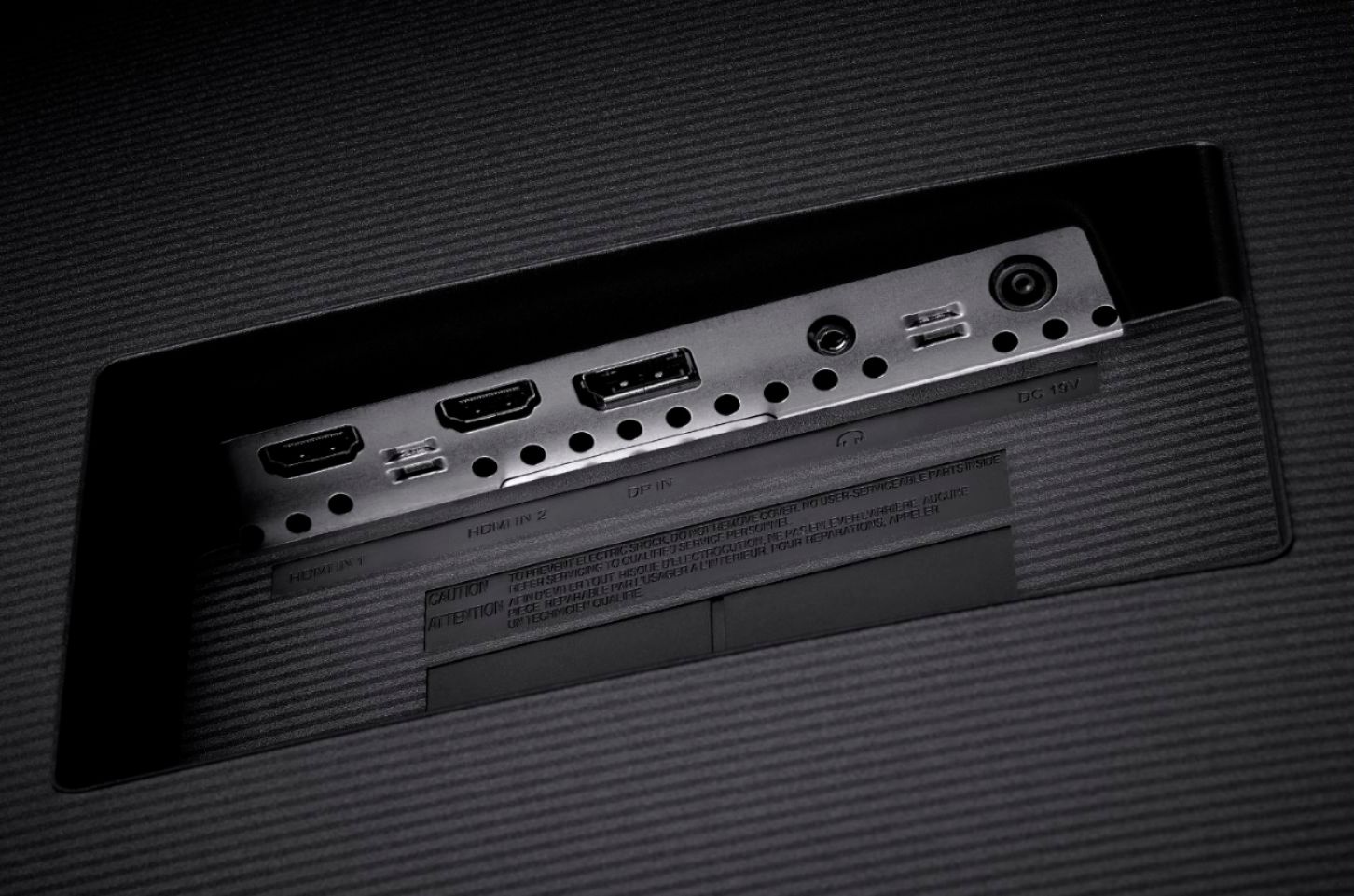
A:AnswerIt should be compatible. It has DP, HDMI, and USB 3 for connection options, all of which I think you'll find on your Mac. I'm not an apple guy though so don't hold me to that.
A:AnswerFirst you need to plug an HDMI cable into the back of the monitor. Then follow that cable from the monitor to the other end where you will need to somehow buy a PS5.
A:AnswerYes! Just make sure you have the correct hdmi adapter for your Mac and an HDMI cord. Works great, vibrant screen and able to have a billion windows open at once lol
A:AnswerAbsolutley if you dont mind that its only 32 inch.
The only thing that would make this monitor better to me would be good built in speakers. But Whatever, I play tons of games on pc on maxed settings and it looks amazing.
A:AnswerTake a pair of quality PC speakers and a cable box from any provider and you have yourself a 4k 32 inch TV set. Not sure why anyone would answer it can't be used for TV. Who is using the internal tuner on a tv anymore? When some tvs would except cable cards that was ideal. No box needed. This is a display. The tuner is your cable box. period.
A:AnswerYes, the HDR/4K/UHD is supported on only one HDMI port (HDMI port 2 I believe.) This is also outlined in the user manual. You must also set your Xbox/PS4 for HDR/4K output.
A:AnswerI was infuriated by this as well. Embarrassingly so, you wouldn't believe.
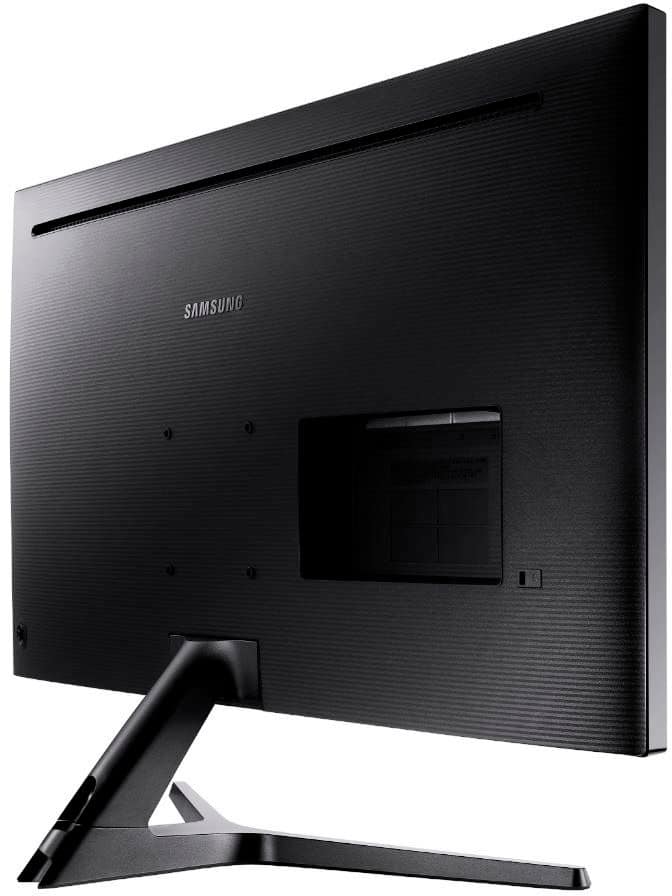
The answer I've found is 4mm x 16 mm. While I'm not 100% sure, I did find a TV in the house that had screws already in the VESA Mounting holes. And when I looked up that TV that's an answer I found the product Q&A for it.
It was the Insignia Fire TV 32" I had purchased for my daughter. I removed those screws and they fit exactly. No wiggle room, easy, perfect fit.
I'm glad because I was about to return this monitor. I'm not sure why Samsung thought it was a good idea to not include the screws for mounting the monitor. Its a rather basic and cheap decision in my opinion.
Here's the info on the TV:
Model: NS-32DF310NA19
SKU: 6247254
You can find it online here at Best Buy. Hope this helps anyone else.
A:AnswerThe UJ59 stand is not bolted on. You grasp it firmly, and rock it side to side and once it shows signs of movement, pull it straight out. I've included the section from its owners manual depicting the operation.