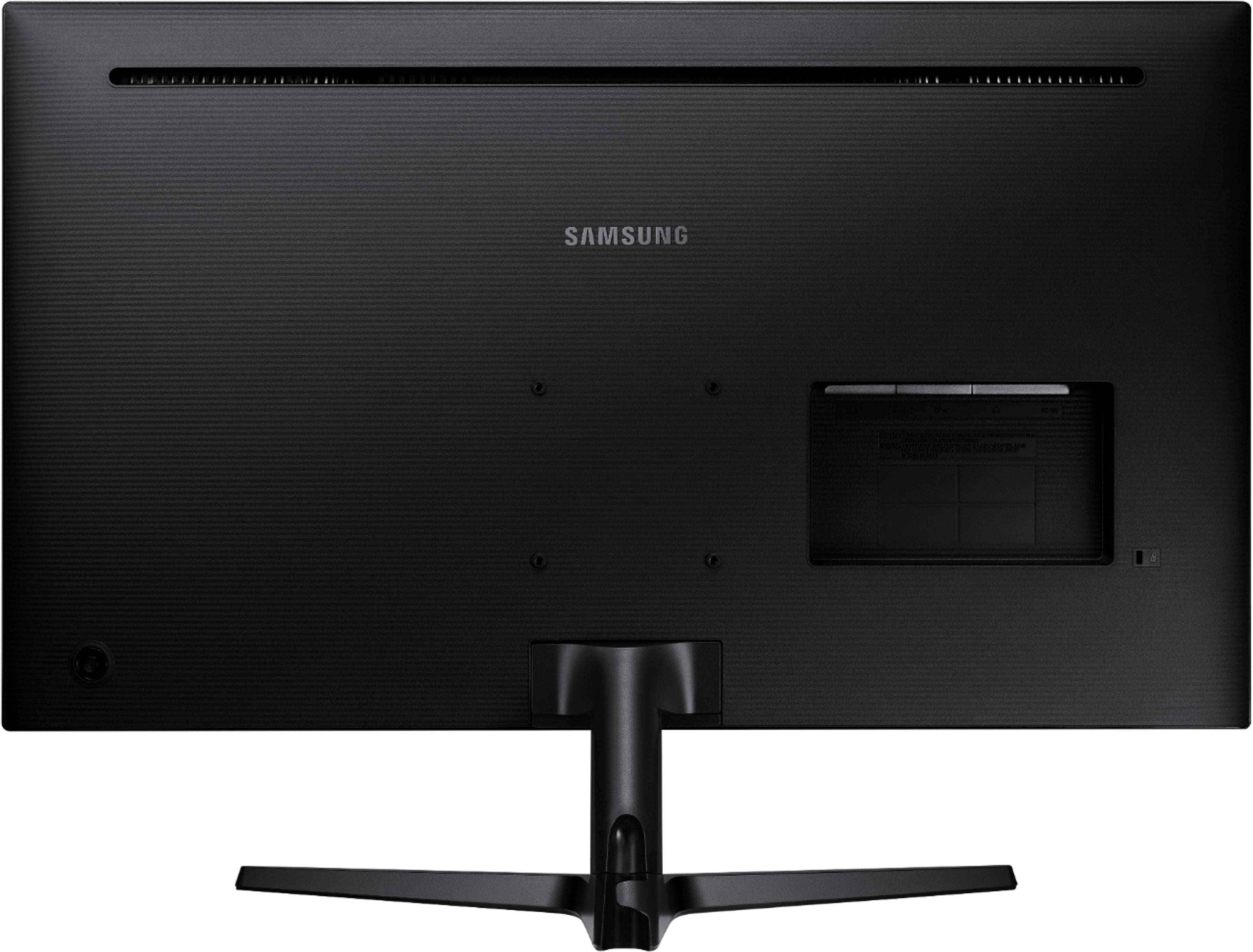
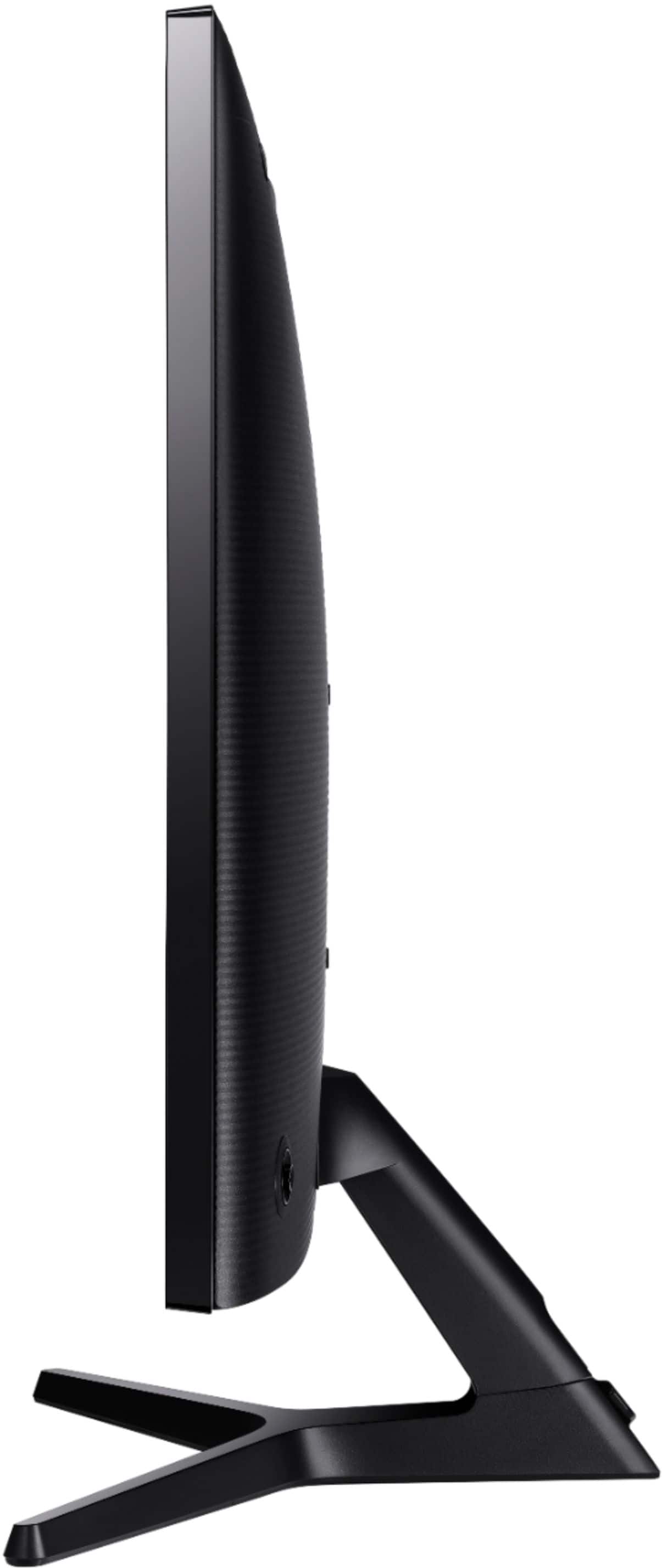
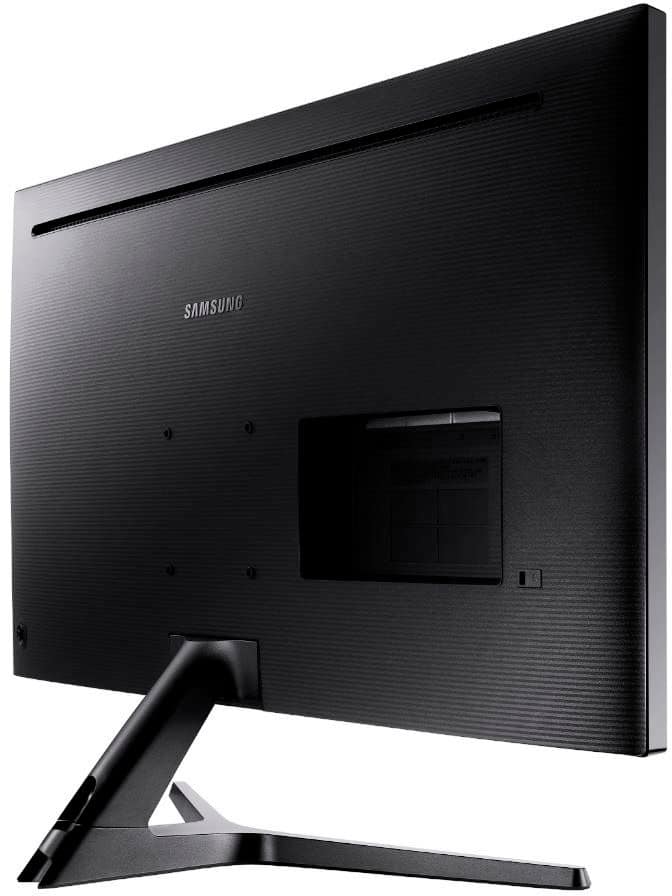
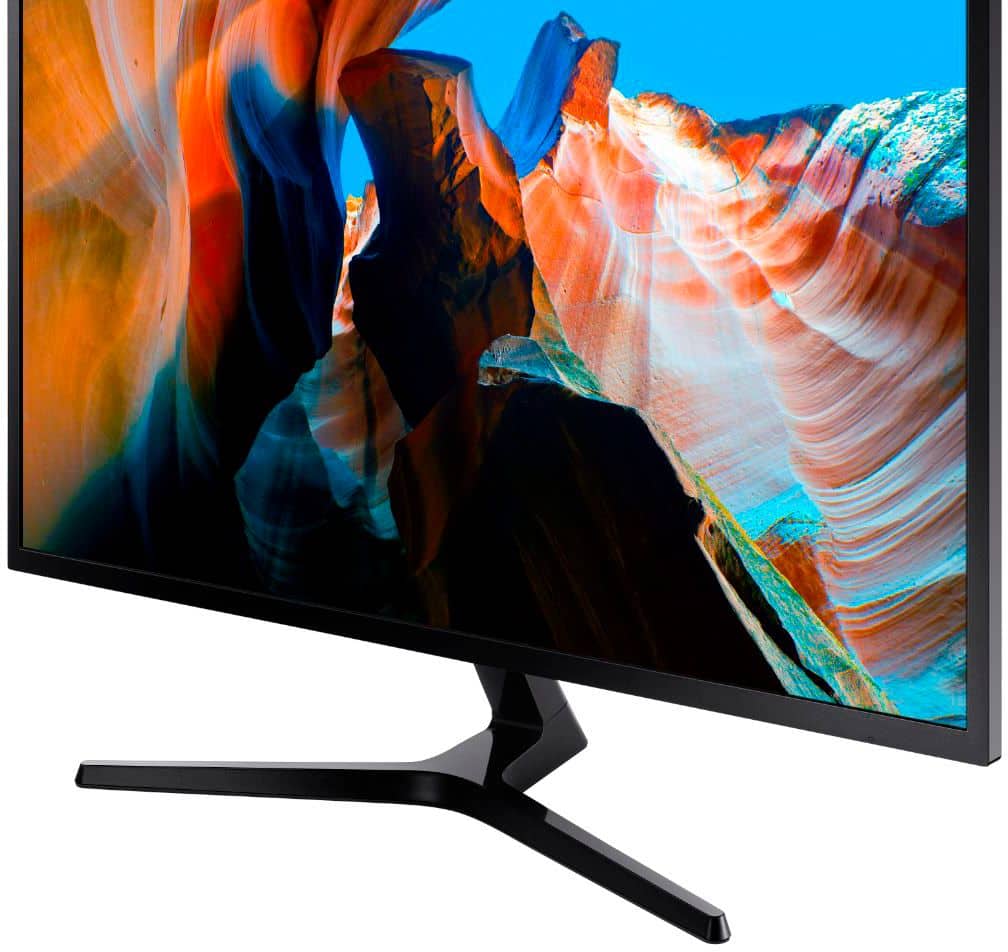
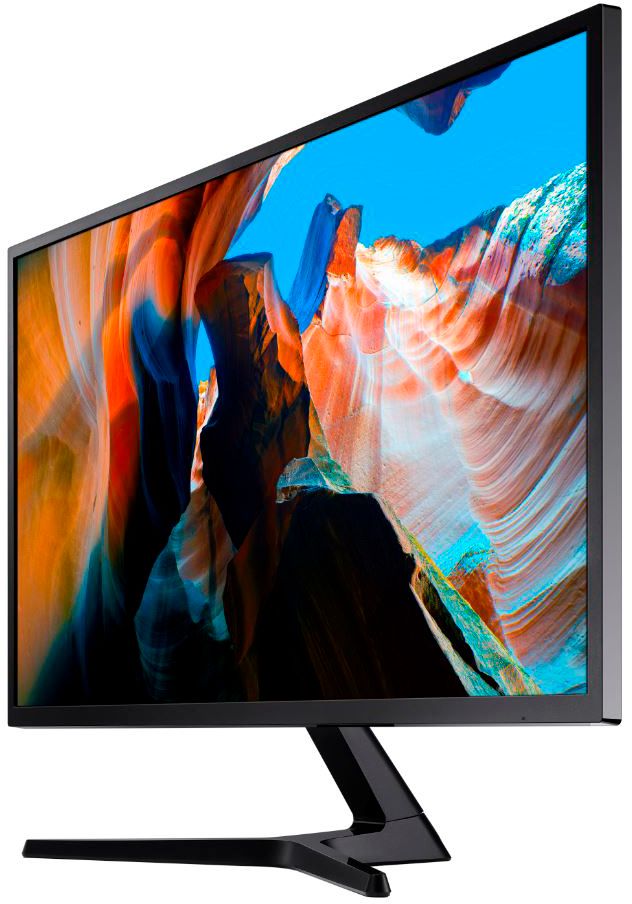
A:AnswerI had the same problem, finally found a video with a similar base. I could get the base stand to wobble but it wouldn't come out. Here is the video - https://www.youtube.com/watch?v=7JQKzql-hMk&t=190.
Be careful, make sure you put your monitor on something soft and carefully pull the base out. I had to insert a small knife between the monitor and base and jiggle it a little - not suggesting you do this, just saying what I had to do - it actually came out rather easily, but I was very careful and did everything slowly.
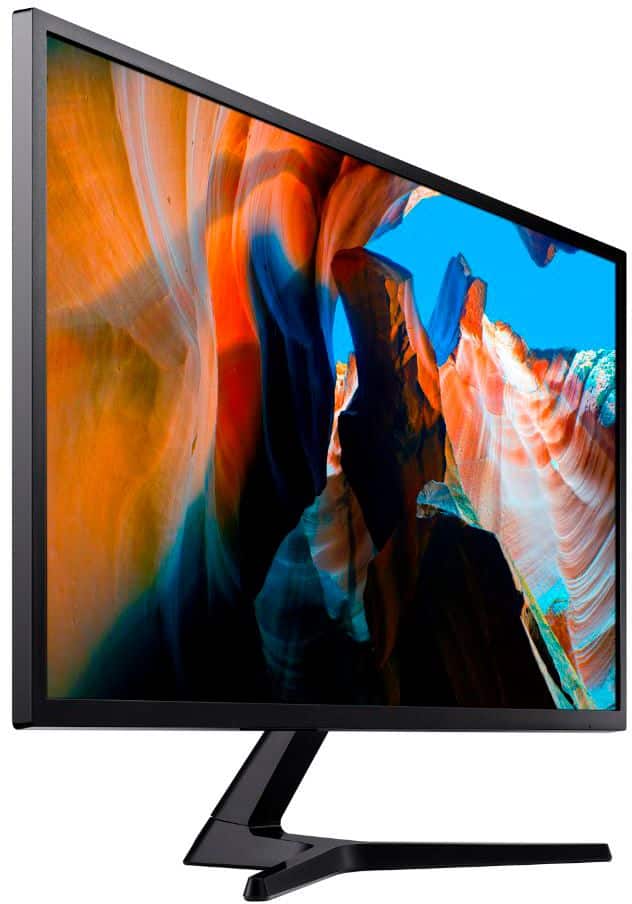
A:AnswerThis monitor has a matte, non-glare texture. It does _not_ produce as deep blacks as a glossy screen surface, which is definitely evident when editing photos with Lightroom. Great for text work, fine for movies. Not good for real photo work.
A:AnswerYes, this will work well with a MacBook Pro using a USB-C to HDMI adapter.
Make sure you get a high quality adapter - not the inexpensive Amazon stuff.
Your Mac should be able to drive the monitor at 4K and 60Hz.
A:AnswerYes, this monitor lets you choose many resolutions, 2560 x 1600 is the resolution just below 3840 x 2160. It will be just a pretty as your current one.
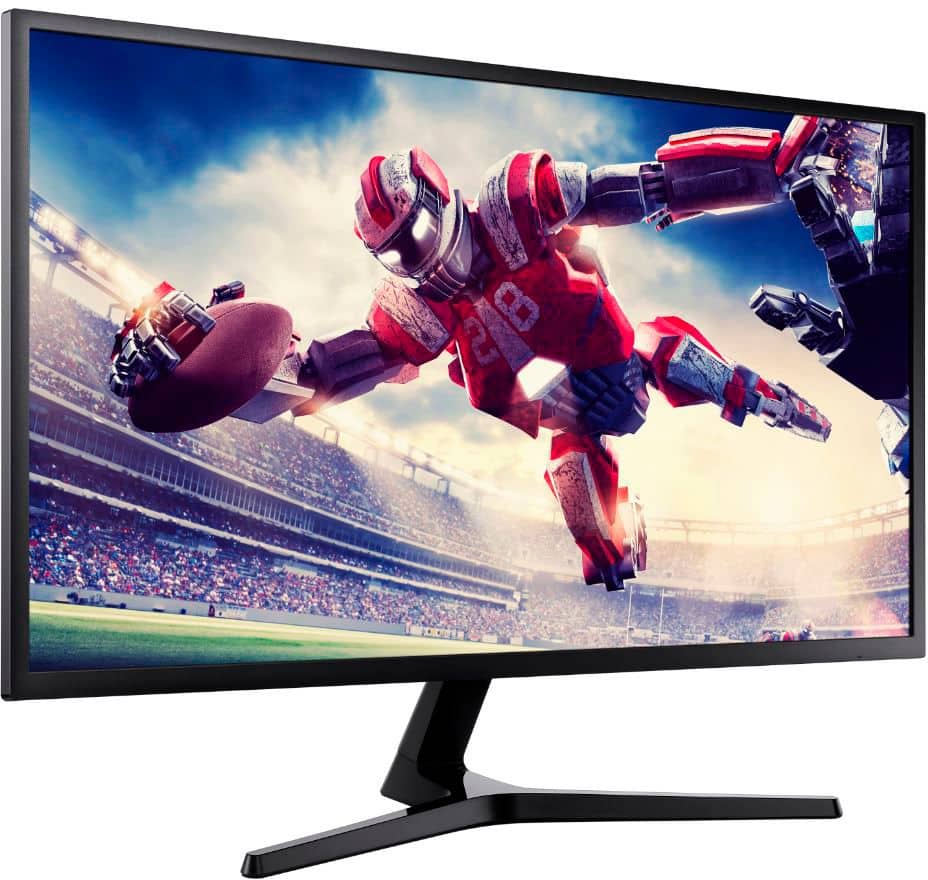
A:AnswerYes, this can be used for your Xbox. I bought it for my husband to play his Xbox and PlayStation. It also can add apps and use for tv. It’s just a large screen for him to play Skyrim!! .Hope this helps.
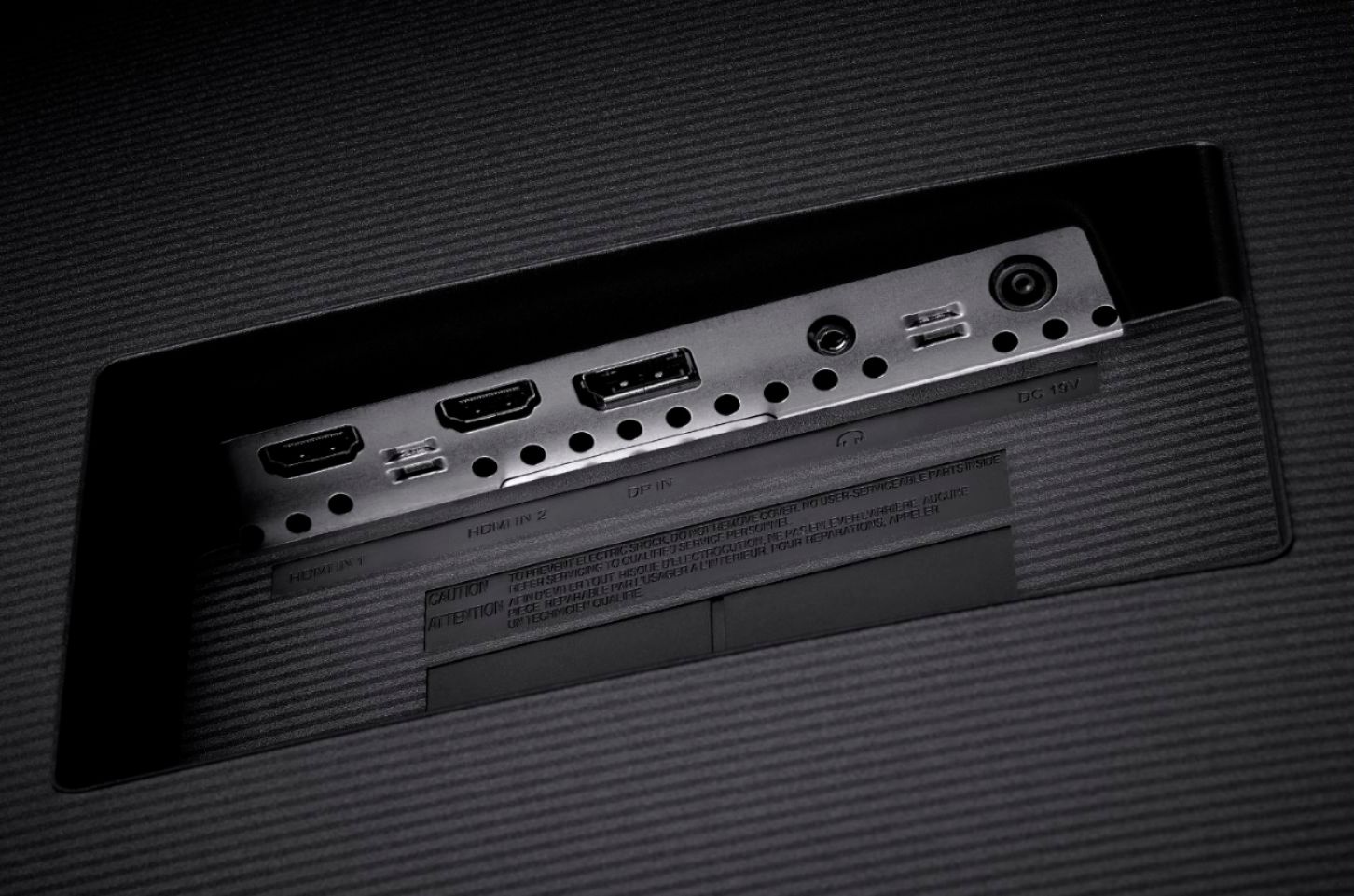
A:AnswerHDMI1 is 30MHz and HDMI2 is 60MHz.
I'm pretty 30MHz was to save money
("It's 60MHz, just not on all ports" -Samsung),
but I'm not sure why didn't they put the 60MHz on HDMI1?
A:Answeri don't use it for gaming, just my PC. the quality is great and 4K. so if you have an xbox or PS4 that's 4K, id say you'll be very happy. i have been
A:AnswerNo msg is shown.
If by "pin connection" you mean the VGA connector (it has 3 rows of 5 pins with the middle row slightly offset), then yes, there are various adapters. I just got a "Display Port Adapter" which I haven't used yet. It converts a VGA male adapter into a connection which seems to plug into the Display Port. The monitor has two HTMI and one Display Port.
A:AnswerI purchased the Samsung UJ59 32" monitor for my older 5 plus year computer. I did not have to buy a video card and it worked fine. If you have color monitor and just upgrade to a large size the standard set up should work okay. You could also speak to an sales agent in Best Buy to get the take on the need for a new card. But if you already have the monitor just replace the older monitor and try the set up before you spend the additional money.
A:AnswerThe speakers you purchase are completely your decision. The speakers used have no connection to the monitor. When purchasing speakers pick the speakers that soound the best for you or make you selection on the basis of sound and reviews.