A:AnswerIt doesn’t have a feature that does it automatically from what I’ve seen but there’s an app called magnet that works really well. It’s not free though. Hope that helps.
A:AnswerYES, in fact the sound could only be heard when using the HDMI to HDMI cable [or DP cable].
So, the sound bar can be connected to my laptop [need a 3.5mm male-to-male cable.. btw ...]
A:AnswerAs the monitor's resolution is 3840 x 2160, most computer is designed as an integrated graphic card in the mother board,
so its resolution may be lower than the monitor. I guess you may need to get a special graphic card to achieve the purpose.
If you have a computer with Integrated Intel® UHD Graphics or NVIDIA® Quadro RTX configuration, then you may fully use
the resolution of the monitor without purchase additional graphic card. The best way is to ask your computer manufacturer
for its existing graphic capability.
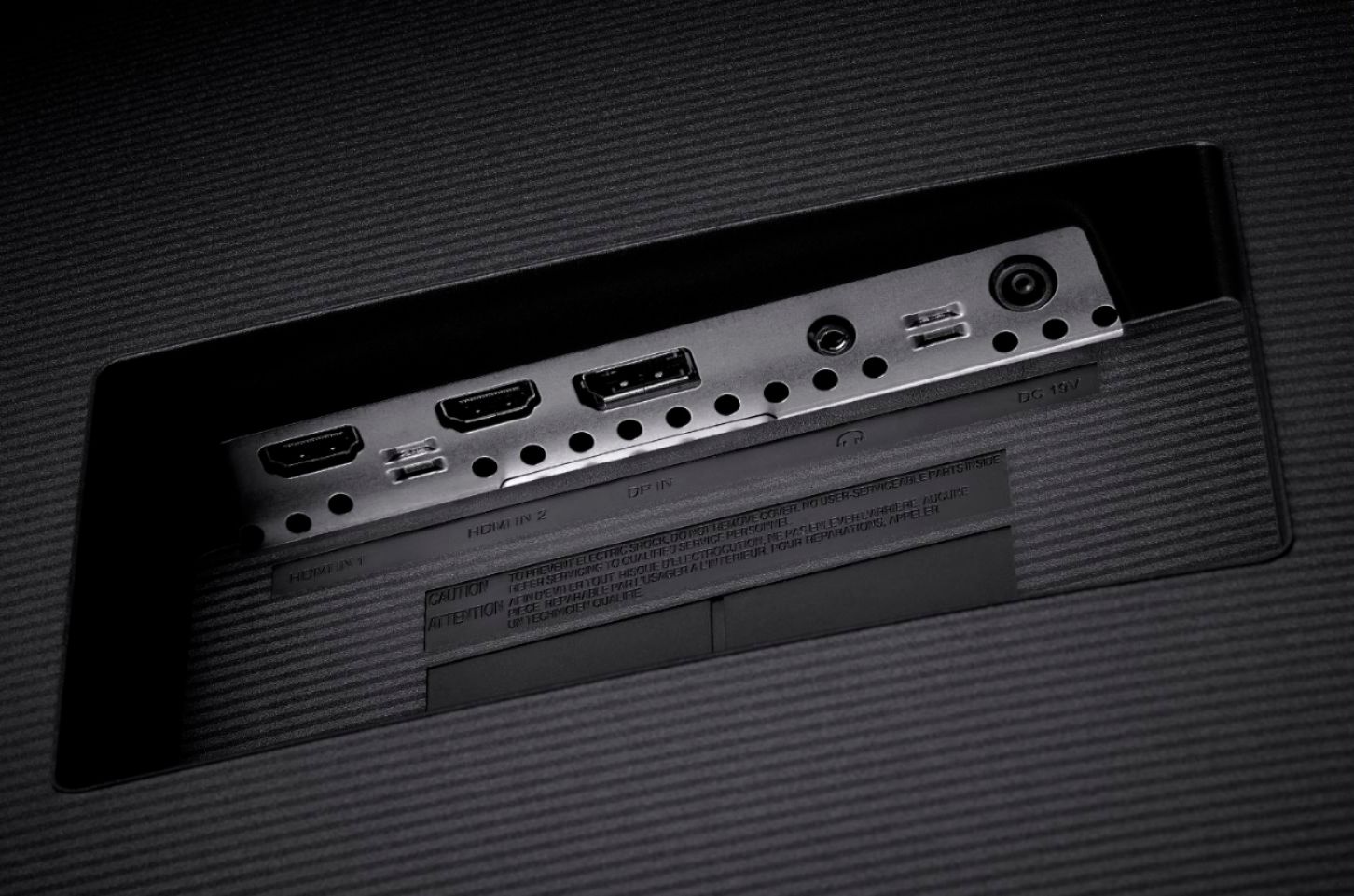
A:AnswerThis monitor does not support the HDMI 2.1 standard. It has one HDMI 1.4 input (HDMI In 1) which supports 3840 x 2160 @ 30 Hz and one HDMI 2.0 input (HDMI In 2) which supports 3840 x 2160 @ 60 Hz. There is also a DisplayPort v1.2 input which supports 3840 x 2160 @ 60 Hz.
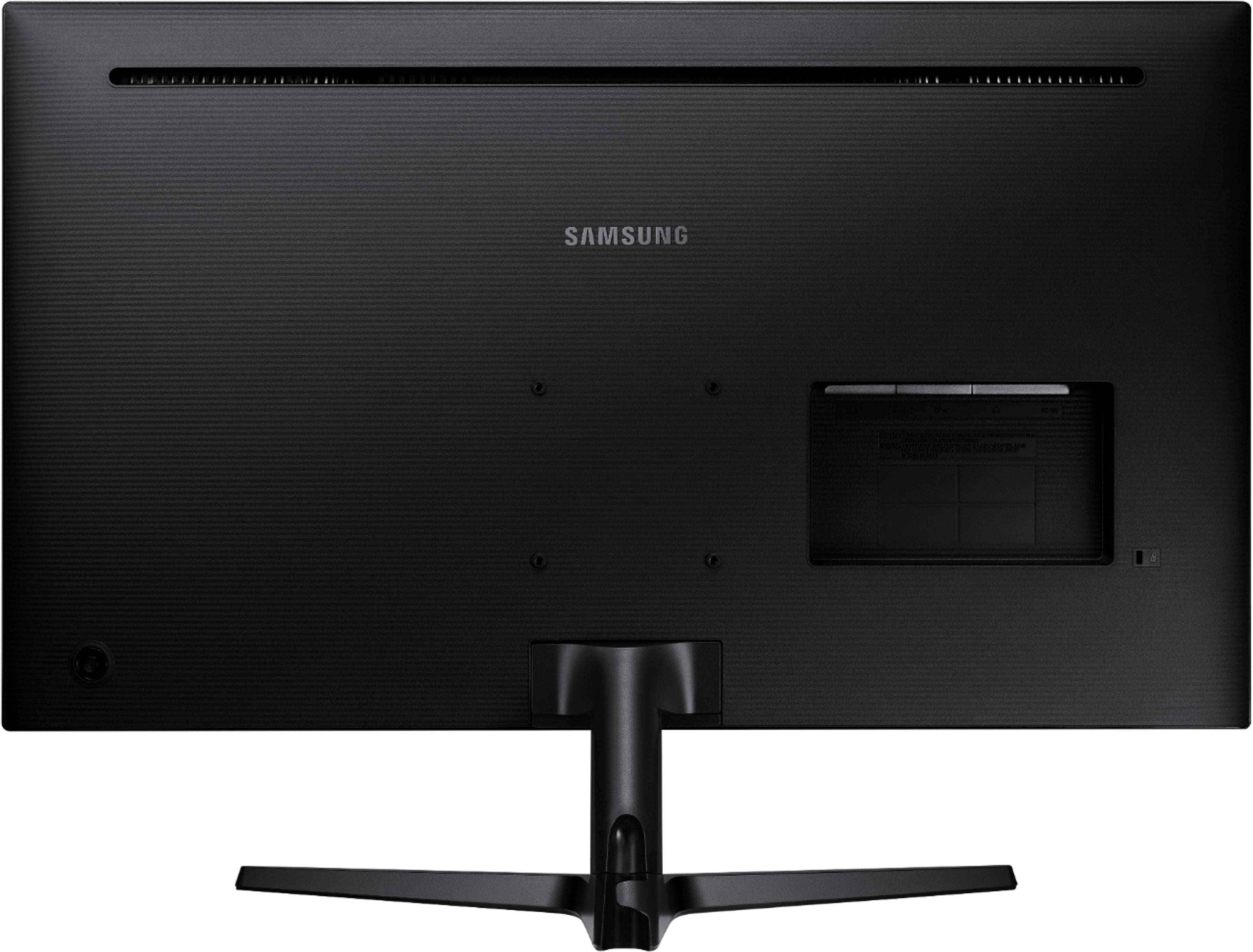
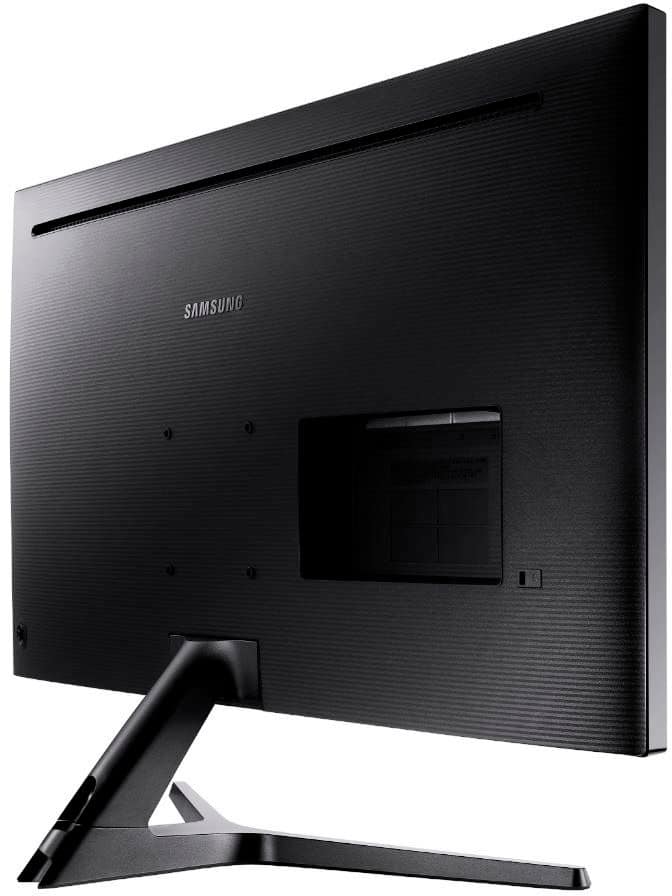
A:AnswerThere _is_ a headphone jack on the back panel where the video input cables and power supply get plugged in. I cannot verify that it works, never having plugged anything in to it, but I have seen the onscreen menu controls that are supposed to raise and lower the volume for that jack.
A:AnswerWithout know more specifics of what you're trying to do. I would have to say, No.
Generally, screen recording is done by software or outputting video to an external device using a video output card (like a TV card) on the PC
There is no built-in video out port, on the monitor, to output to another device.