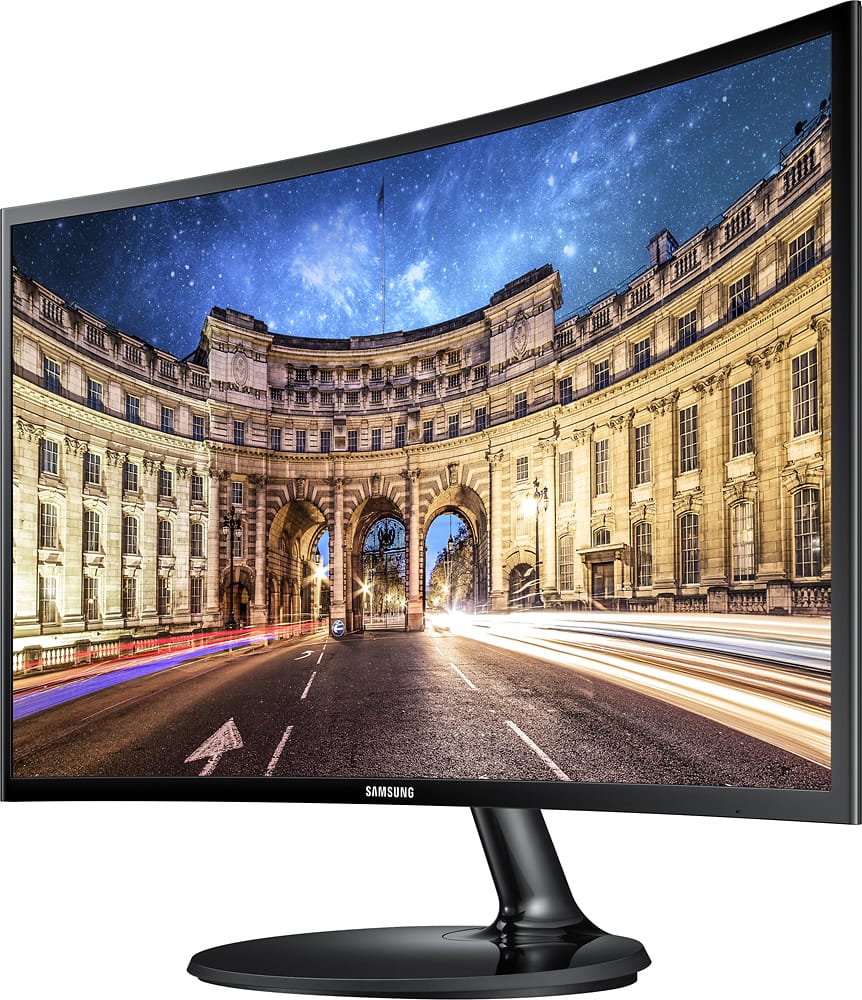
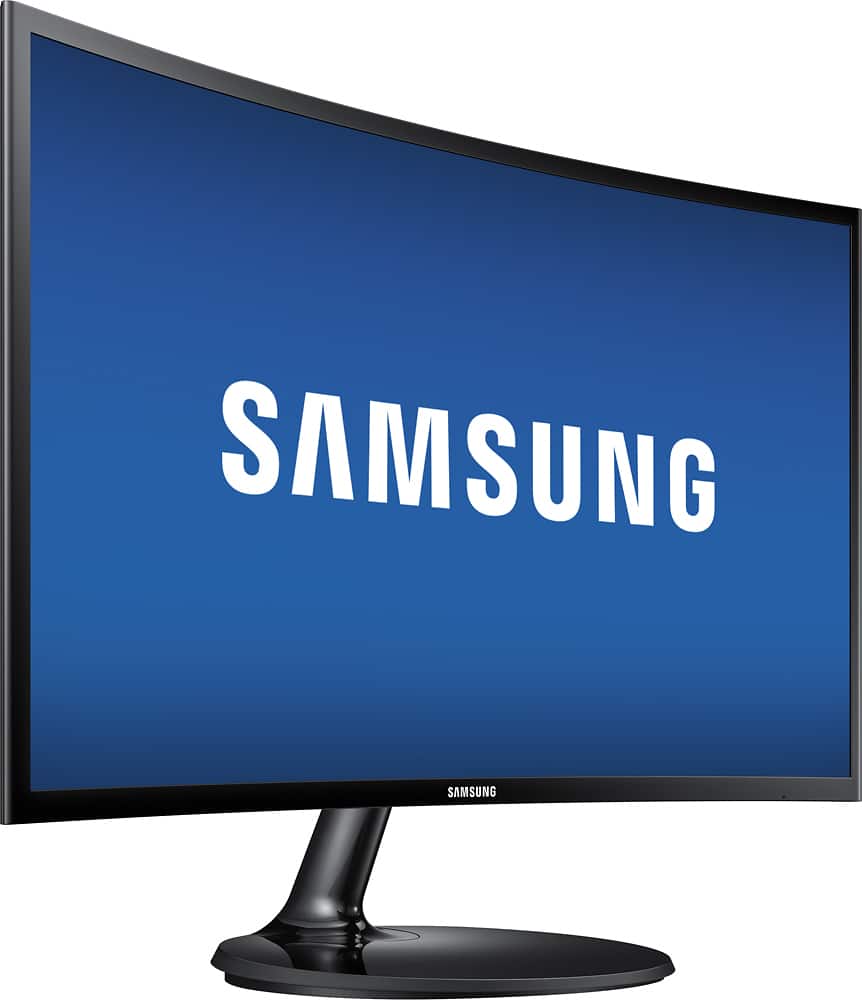
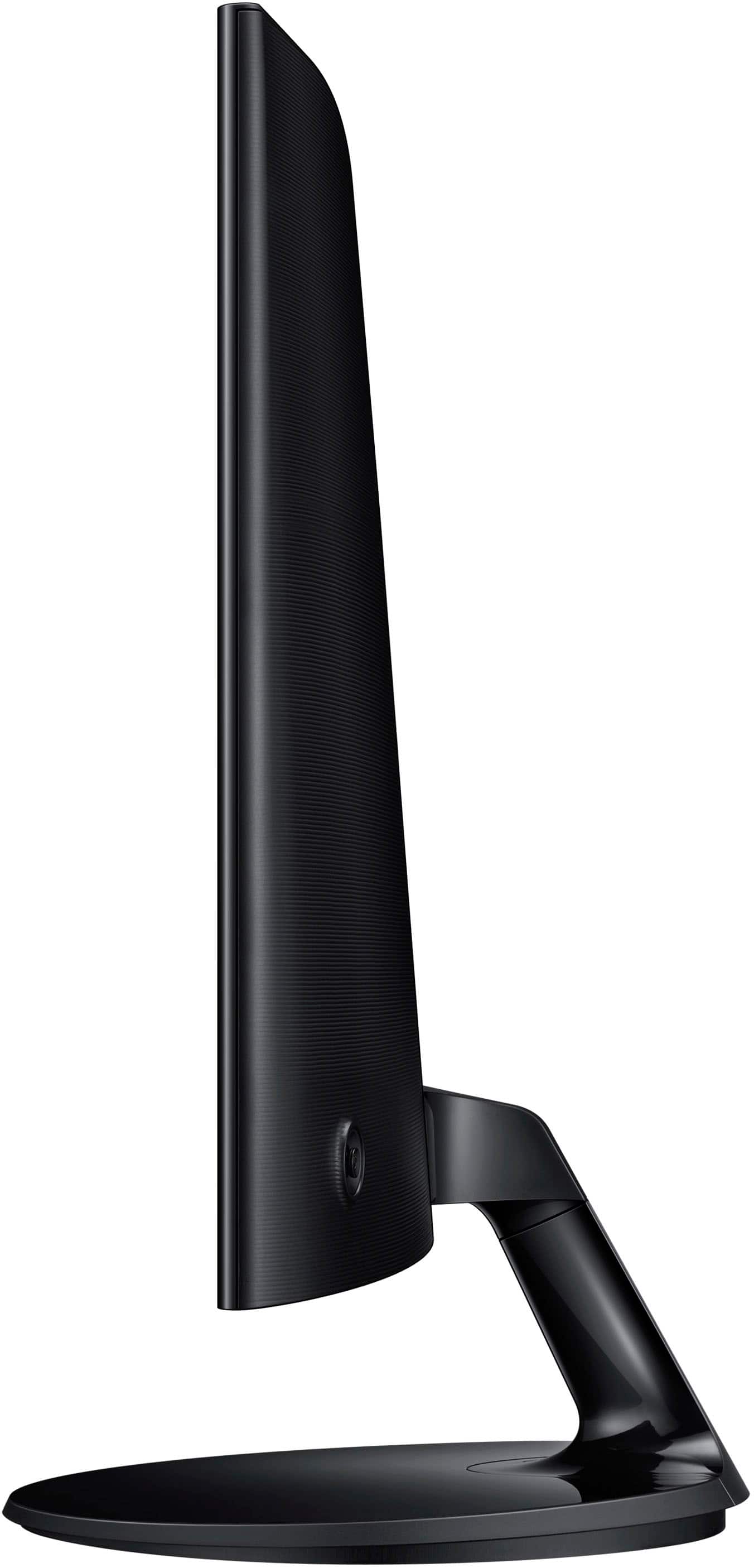
A:AnswerYes, it does tilt. And the first time you go to tilt it you feel like you are going to break the stand. But, it will tilt with a little initial force.
A:AnswerI asked this question and I took the monitor to the store and exchanged it. The new monitor is terrific - no noise, no problems. I think the first one was damaged possibly by carrier in delivery - like the person who answered my question suggested. I am glad I exchanged it - so I suggest exchanging it.
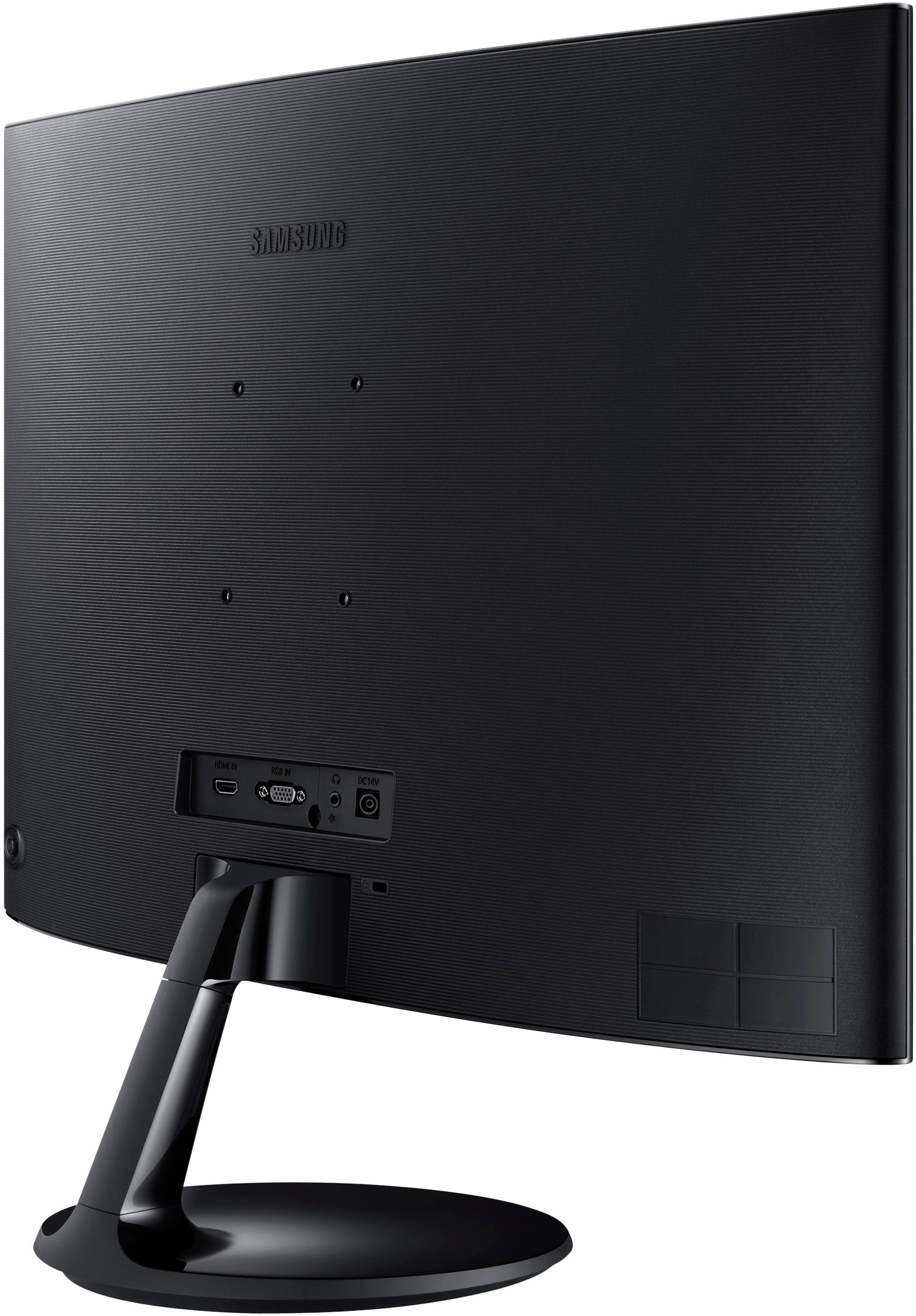
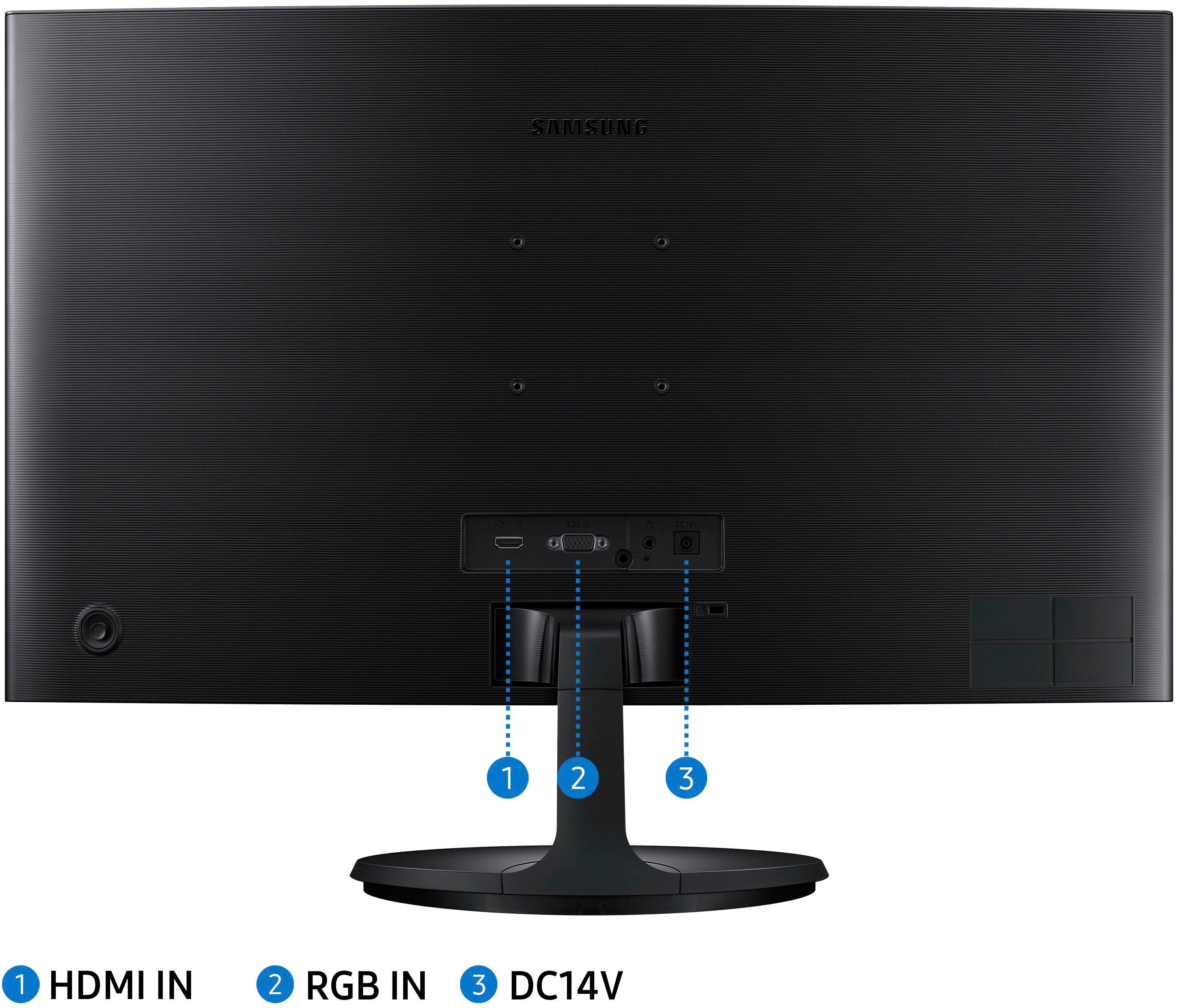
A:AnswerNo, the provided monitor stand is set up for landscape mode only. It does have mounting holes that you could use for an aftermarket stand to set it up in Portrait mode.
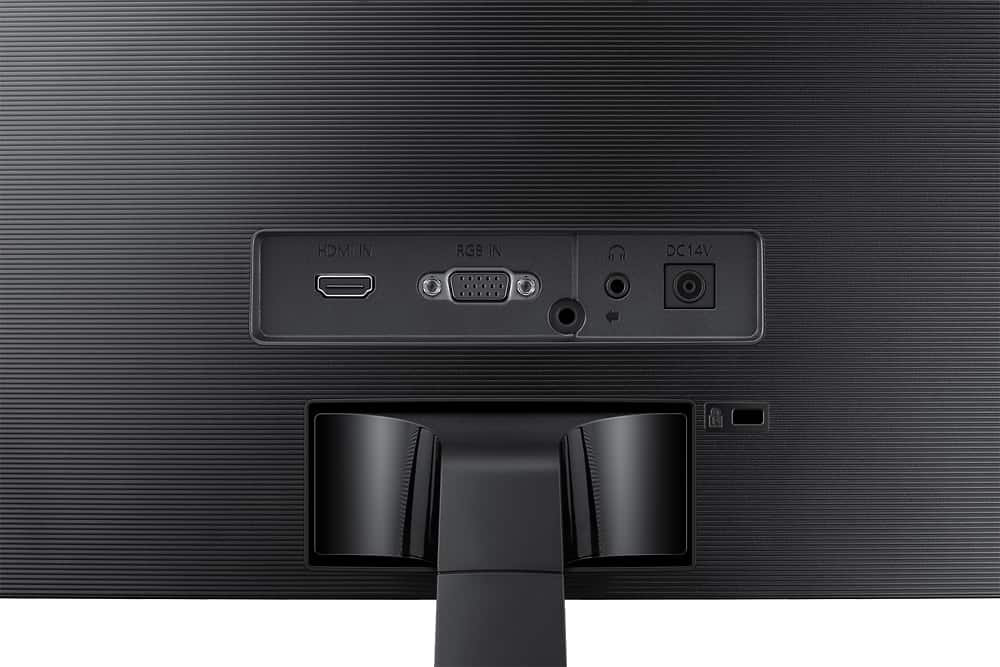
A:AnswerI have not had problems with this issue. I have my monitor plugged in via HDMI, but have used audio through my laptop or microphone or headset with no issues. I don't think it is the monitor. I would suggest checking setup for your Cisco Webex. I used TEAMS, but in setup you can choose the source for screen, audio, etc. so perhaps you can change there to make it work?
A:AnswerI would work to stream using a FireStick or Roku simply because it has an HDMI connection. The remote would control the device. The problem would be controlling the monitor and volume. The monitor cannot be controlled by remote, and there are no speakers on the monitor.