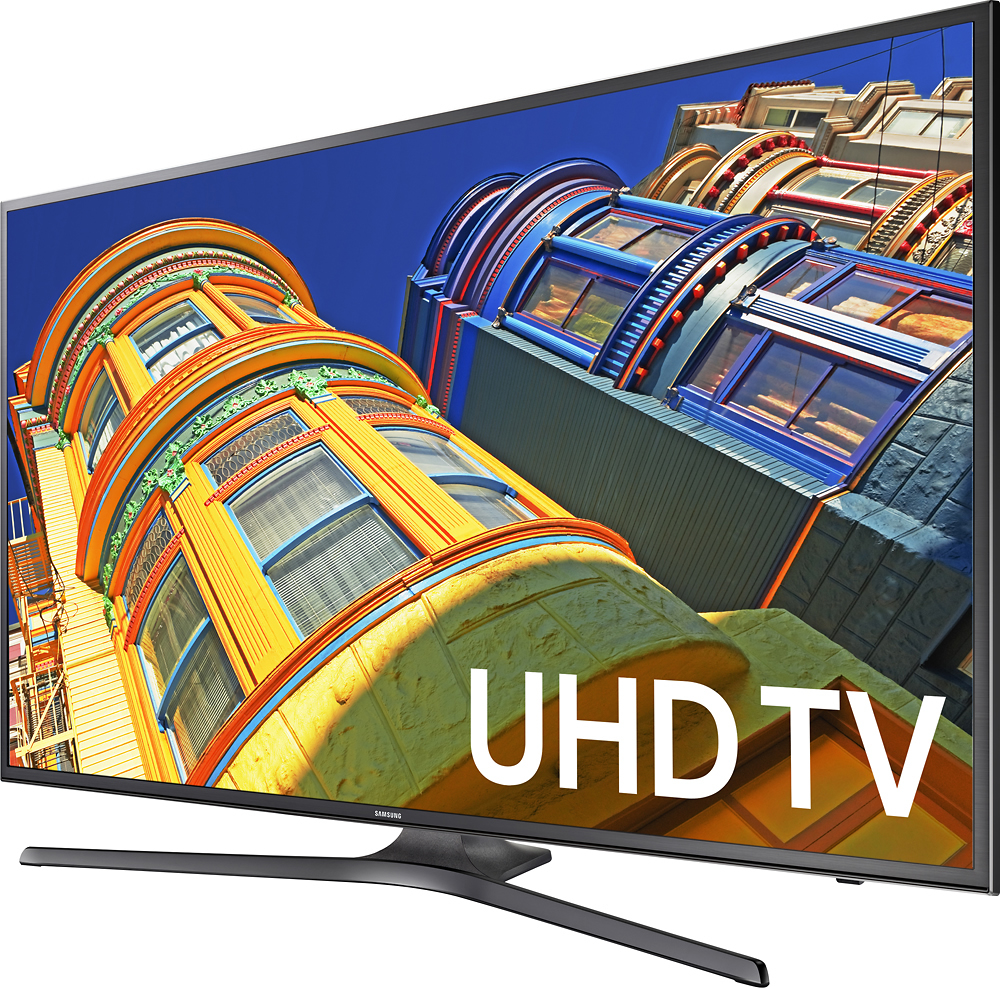
A:AnswerI use this as a 4k PC monitor with a Surface Pro 4 (via DisplayPort/Thunderbolt 2) connector and it works phenomenally as a monitor for desktop applications. I'm assuming your experience could be similar with the MacBook, given it's support for chroma 4:4:4 sampling. I wouldn't recommend it as a great gaming monitor, however.
If you read Apple's support article here: https://support.apple.com/en-us/HT206587 you can find out whether your particular model/generation of MacBook Pro is supported, and at what display frequencies. It looks like only the latest (post 2013 models) with Yosemite and later support 60Hz - Mavericks seems to only support 4k at 30Hz (ugh).
A:Answeryes they do have that you just keep looking for it very carefully until you found it but my cox tv box has it ready so i donned to worry about that as well as dvd player on blu-ray too
A:AnswerFor the channel and volume change, you don't press the button but push up or down on them. But if the "home" button or nothing else except power works then you probably have a defective remote so should exchange or return it.
A:AnswerSorry, that seems unlikely.. I brought back this exact TV because I needed something slightly bigger and the remote sucked.. pretty bad... Need to use the TV menus to type in channel #s.. bleh.
A:Answerthrow out the old one and get a hdtv antenna for this new tv because all today's tv are fully hdtv so the old one are not hdtv antenna so thats why you need a hdtv antenna and will get all channels so the high cost is better than cheap cost ok
A:AnswerBest Buy just adds fxza to the end of the model number. These are still the same as KU6300 models elsewhere (although I'm not an expert on what panels are offered per each model. Samsung may well use a panel lottery like they've done in the recent past for this model as well).
The KU6300 supports HDR10, but does not support Dolby Vision.
It's an 8-bit panel, not a 10-bit panel.
It doesn't have a wide color gamut, like other HDR tvs. It may be wise to invest in a higher-tier model that has those features, in order to get the most bang for your buck, especially if you're buying this tv with the purpose of supporting all the HDR and 4k content (both movies and tv shows, both streaming and physical media, along with gaming) coming out over the next few years.
A:AnswerYou can add apps from Samsung app store available in TV menus. I have a Roku on other TV's, but the built-in one works flawlessly for us so far.
A:AnswerVia both the remote quick-access options and the full System settings, this TV has a sleep timer option that works in 30 minute increments, up to 180 minutes (30, 60, 90, etc.)
A:AnswerI haven't seen any tv with Acorn, but you could always invest in an Amazon Firestick for $39 which allows you to add the Acorn app as well as PBS, Sling tv and some other apps that are not on my 4k smart tv. Amazon has them on sale once in awhile.