A:AnswerHello Sharon,
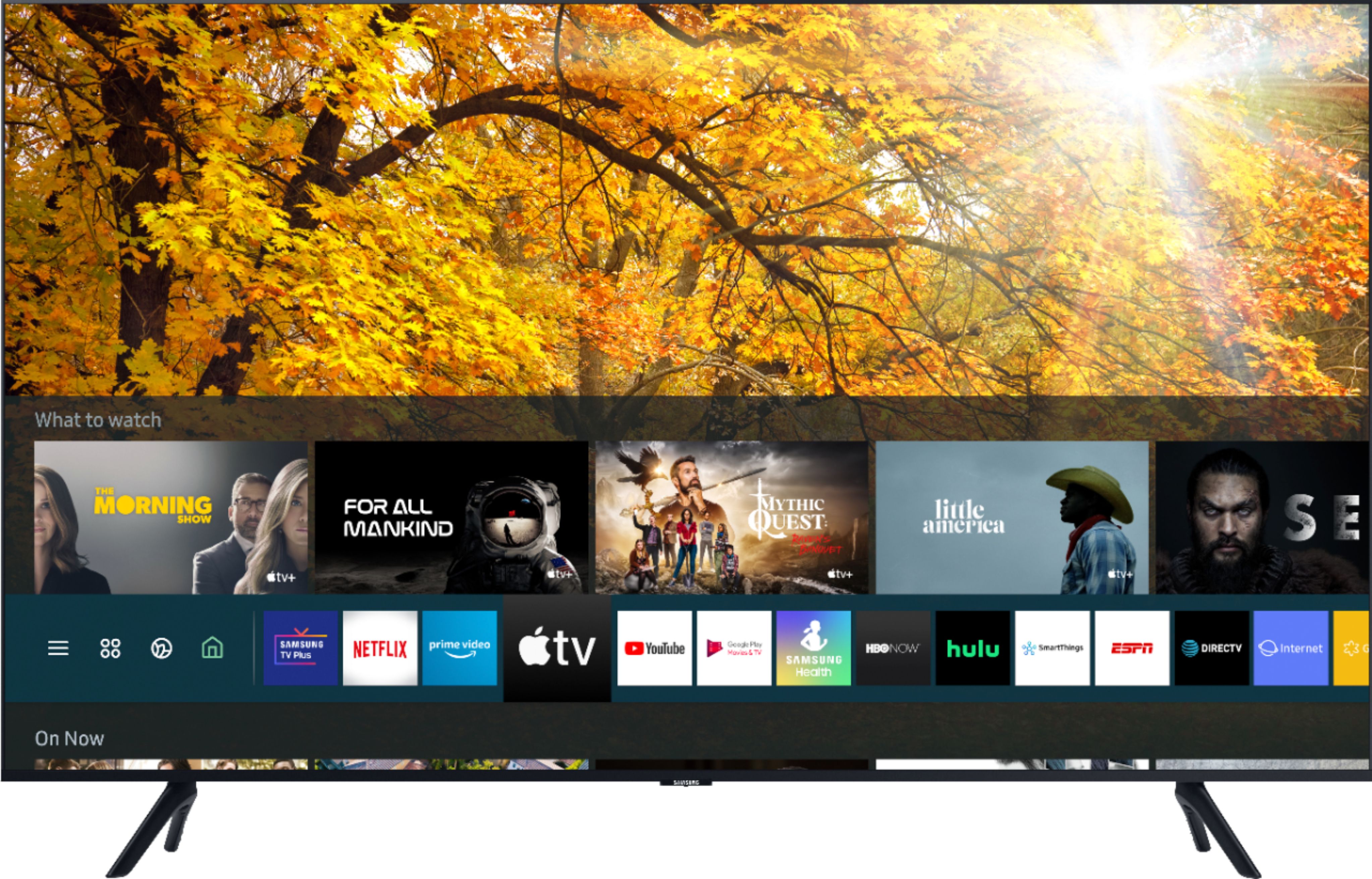
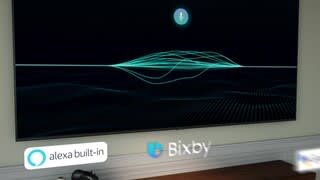
When stepping up from the TU7000 to the TU8000 you gain features like; Ambient Mode- Turn your sleeping TV into an art, photo gallery or information center and more depending on your moods and needs. Multiple Voice Assistants Choose your favorite voice assistant: Bixby, Amazon Alexa or Google Assistant. For the first time, all are built into your Samsung TV to provide the optimal entertainment experience and advanced control in your connected home. ^Cristian
A:AnswerI’m sorry to see that you are having difficulties with the TV power.
So that we can better troubleshoot towards a solution, please reach out to Samsung Support at:
― Phone: 1-800-SAMSUNG / Available 8AM - 12AM EST, 7 days a week
― LiveChat or Email: https://www.samsung.com/us/support/#contact_us_for_support
We look forward to hearing from you.
^Tim
A:AnswerHi there! The RU9000 features Motion Rate 240/120Hz, Auto Game Mode with Freesync VRR, and Works with” Digital Assistants; however, you will need to have a standalone Google or Alexa device to perform commands such as changing channels, swapping input selections and launching partner apps. The TU8000 features Motion Rate 120/60Hz, Ambient Mode, and built-in Voice Assistants with a dedicated Voice Assistant button on your remote; with this feature being built-in, you do not need a standalone Google or Alexa device, as well as a much wider list of commands such as weather, music, and getting questions answered with your voice. ^Gina
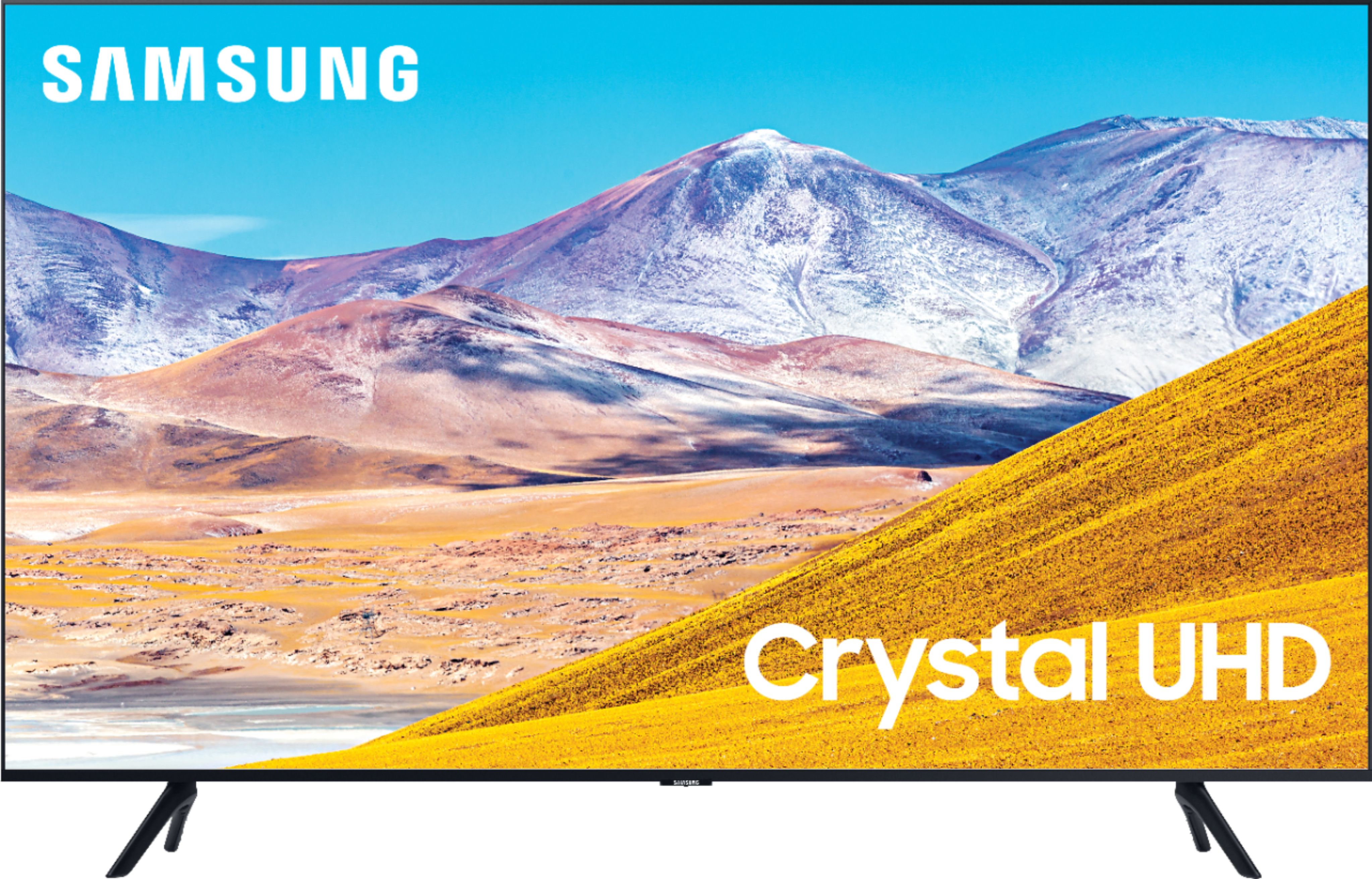
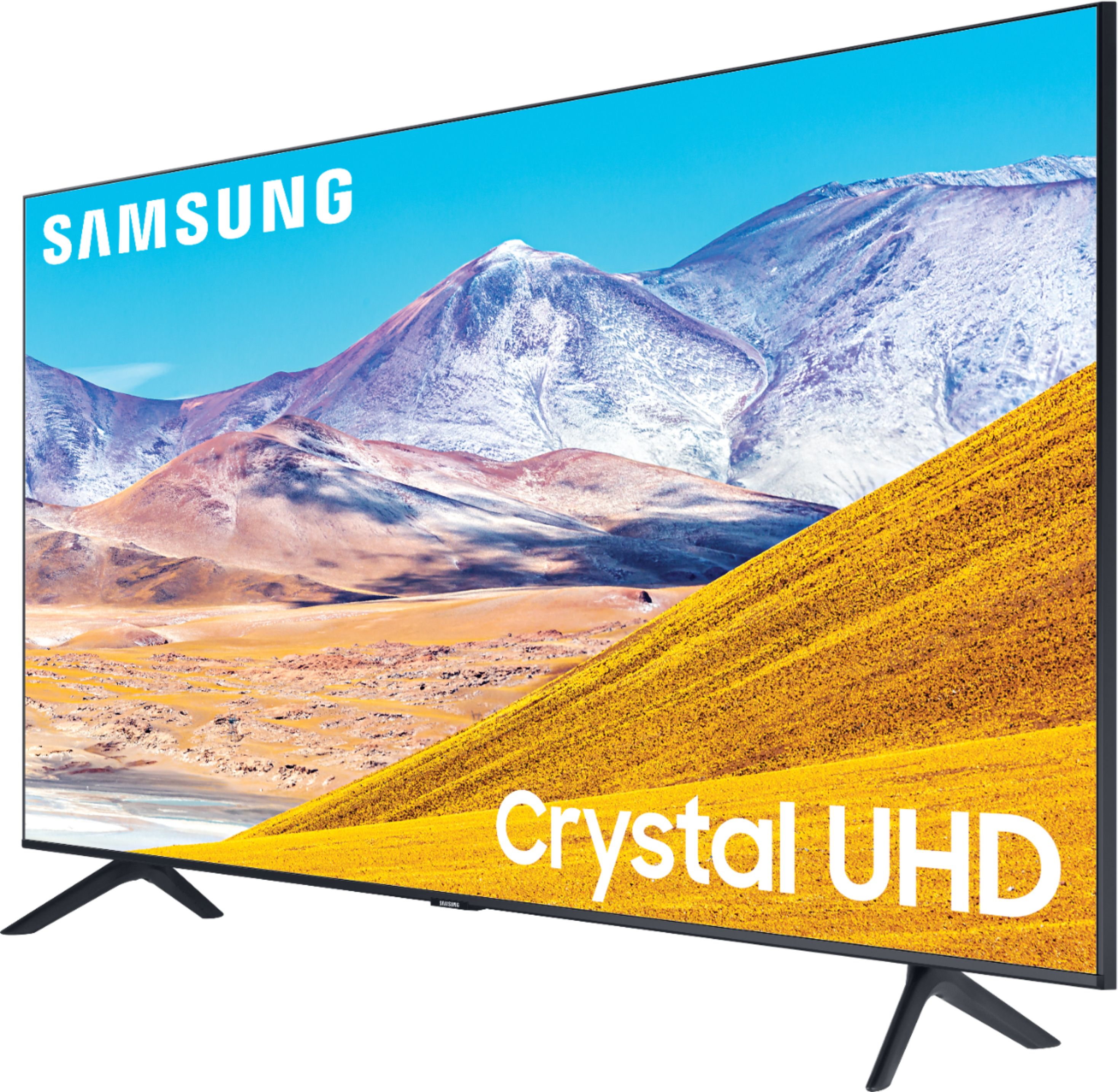
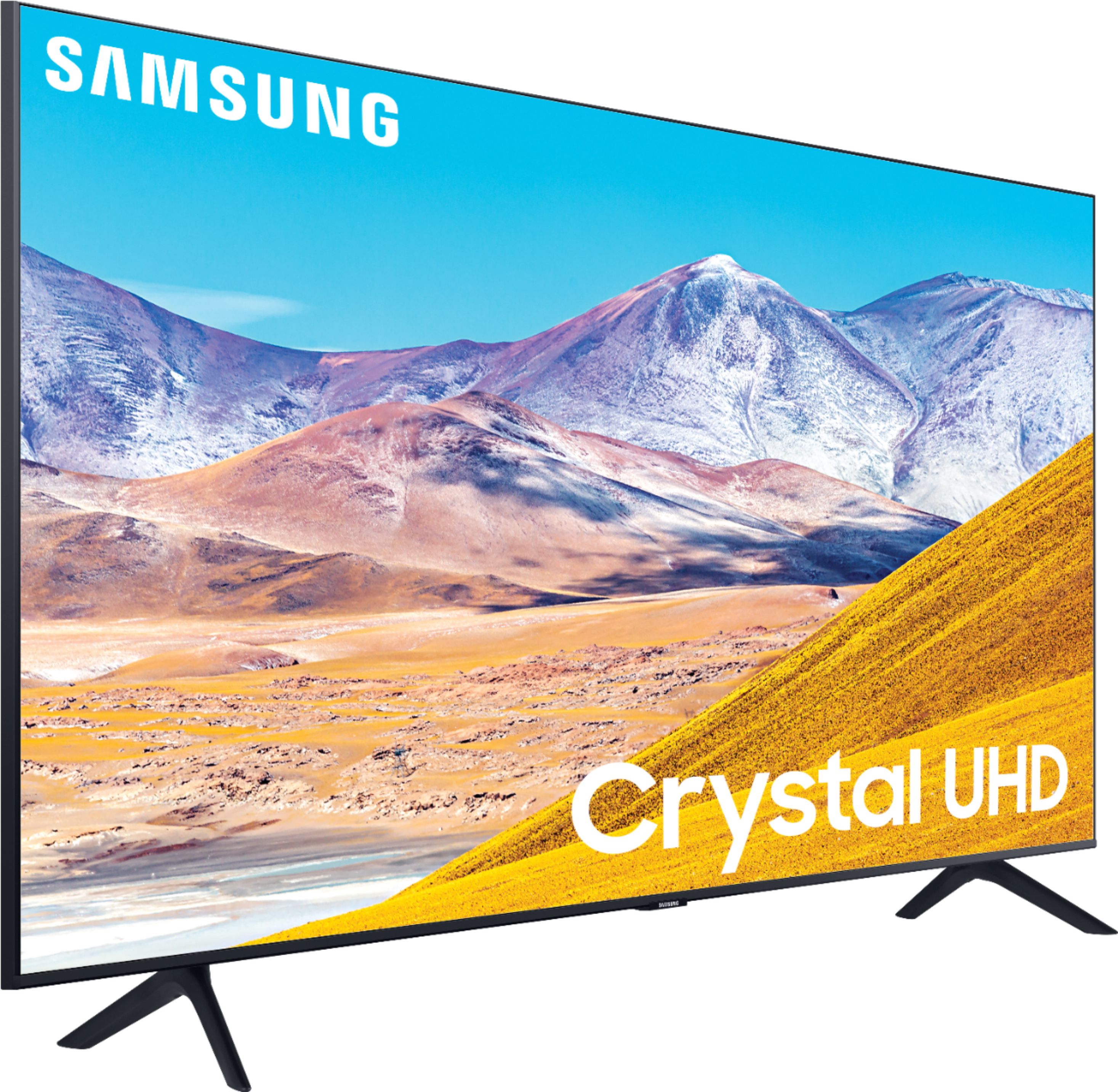
A:AnswerHi Jody! Crystal UHD provides you with two key benefits: Crystal Display, and Samsung's Crystal Processor 4K. Crystal Display provides you with crystal-clear colors that are finetuned to deliver a naturally crisp and vivid picture. The Crystal Processor 4K brings stunning clarity to everything you already watch. Movies and shows from your cable box, video streaming apps, blu-ray / DVD player, and video games are all displayed in 4K resolution. It also powerfully upscales 4K to ensure that you always get lifelike 4K resolution no matter the source. ^Gina
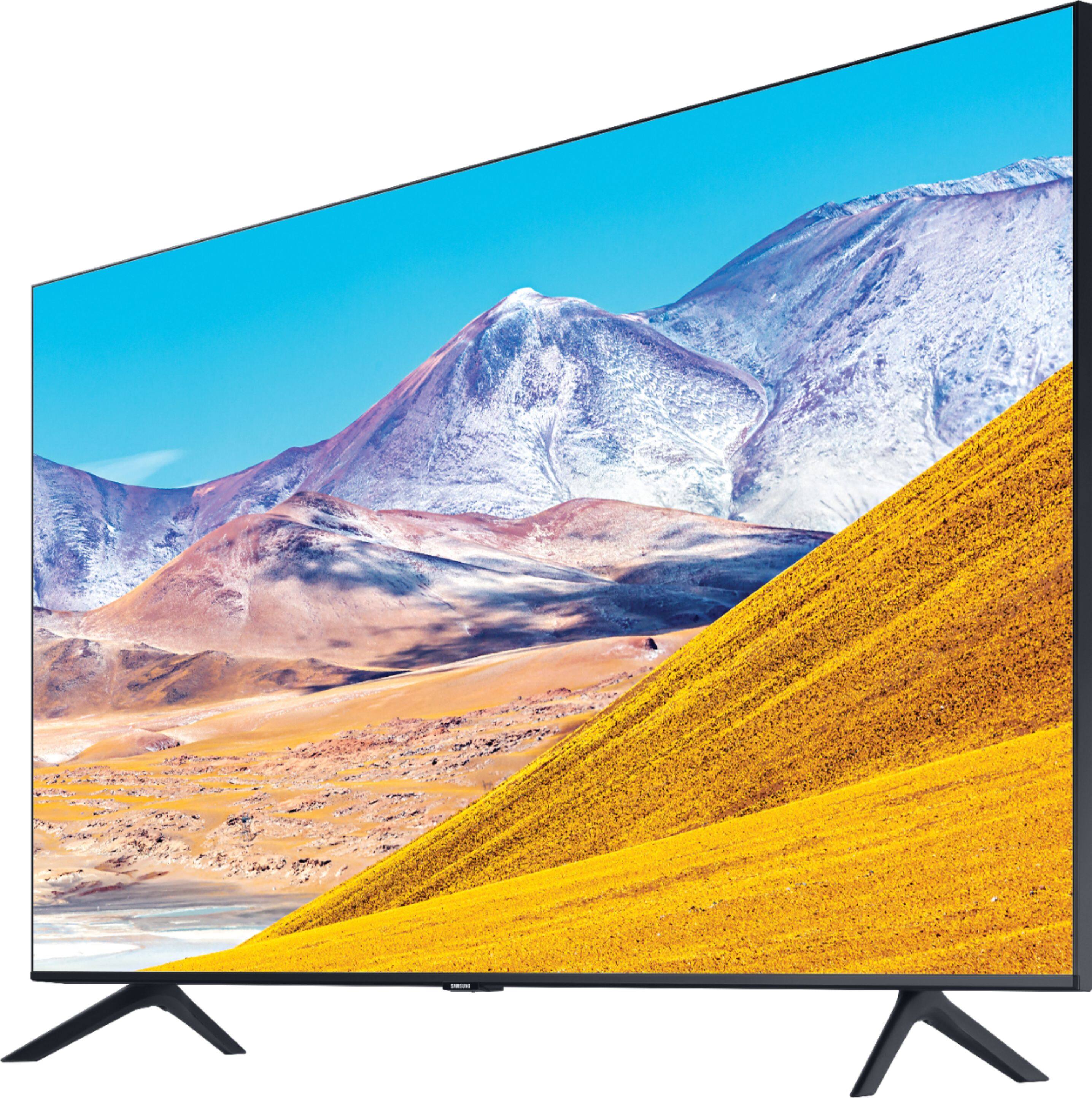
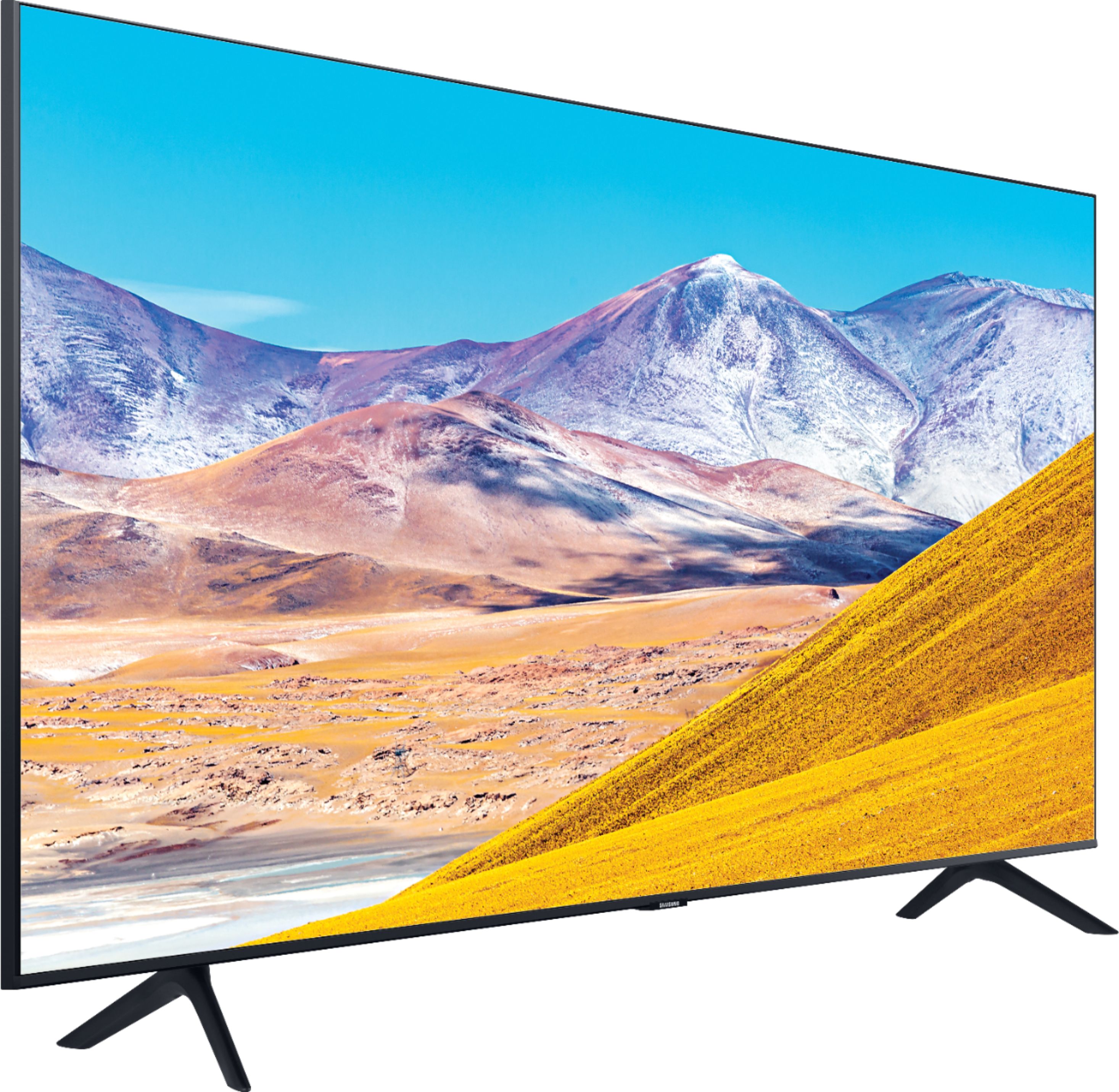
A:AnswerHi Kats! If you are looking to utilize a center stand with the 43TU8000, you will need to purchase a universal stand, rather than using a stand from a previous model. Check out this swivel center stand option at Best Buy: https://www.bestbuy.com/site/sanus-premium-swivel-tv-base-for-most-32-60-tvs-black/5463304.p?skuId=5463304 ^Gina
A:AnswerHi Gamer! The TU8000 features Game Enhancer, which allows the TV to automatically adjust settings to help games run smoothly. For the ultimate Samsung TV gaming experience with Real Game Enhancer+, providing you with features such as Freesync VRR, check out the Q70T at Best Buy: https://www.bestbuy.com/site/samsung-55-class-q70t-series-led-4k-uhd-smart-tizen-tv/6402398.p?skuId=6402398 ^Gina
A:AnswerHi Kats! Best Buy sells a center stand solution that utilizes the mounting holes on the back of the TV. Check out the following link from Best Buy for the Sanus Swivel Base accessory: https://www.bestbuy.com/site/sanus-premium-swivel-tv-base-for-most-32-60-tvs-black/5463304.p?skuId=5463304
^Tim
A:AnswerHi there, I'm not sure what model your Iphone is, but if its newer it shouldn't be a problem. Ant the Amazon Fire stick works great with Samsung TV's, though we prefer the Tizen interface built into the TV for streaming purposes. Enjoy your day! ^Scott
A:AnswerJason, For next-gen console support, we recommend checking out the Q70T or above, as these models all support HDMI 2.1/HDMI eARC and 4K@120FPS: https://www.bestbuy.com/site/searchpage.jsp?st=q70t&_dyncharset=UTF-8&_dynSessConf=&id=pcat17071&type=page&sc=Global&cp=1&nrp=&sp=&qp=&list=n&af=true&iht=y&usc=All+Categories&ks=960&keys=keys ^Celina
A:AnswerHi Jason! For next-gen console support, we recommend checking out the Q70T or above, as these models all support HDMI 2.1/HDMI eARC and 4K@120FPS: https://www.bestbuy.com/site/searchpage.jsp?st=q70t&_dyncharset=UTF-8&_dynSessConf=&id=pcat17071&type=page&sc=Global&cp=1&nrp=&sp=&qp=&list=n&af=true&iht=y&usc=All+Categories&ks=960&keys=keys ^Gina
A:AnswerHi Leon, 2020 Samsung TV's do have a sleep timer. Try this: Go to Settings > General > System Manager > Time > Sleep Timer, and then select the amount of time you would like the TV to stay on before powering itself off. I hope this helped! ^Scott
A:AnswerSDizze, the Samsung - 43" Class 8 Series has a native refresh rate of 60hz. For 120hz support, check out the QLED line from Samsung starting with model Q70T and above. ^Celina
A:AnswerHi there, this is a great platform for answerable questions. But, since we can't really go back and forth troubleshooting issues like this are generally handled by Samsung TV Support at:
― Phone: 1-800-SAMSUNG / Available 8 AM - 9 PM EST, Mon - Fri
― LiveChat or Email: https://www.samsung.com/us/support/#contact_us_for_support
We look forward to hearing from you. ^Scott