A:AnswerHi Mike! To better assist you in connecting your TV to your Panasonic system, please reach out to Samsung Support at:
― Phone: 1-800-SAMSUNG / Available 8AM - 12AM EST, 7 days a week
― LiveChat or Email: https://www.samsung.com/us/support/#contact_us_for_support
We look forward to hearing from you. ^Gina
A:AnswerHello bekittle,
Please check out the 55TU8000 for component compatibility.
https://www.bestbuy.com/site/samsung-55-class-8-series-led-4k-uhd-smart-tizen-tv/6401746.p?skuId=6401746
^Cristian
A:AnswerHi Daniel! The 55TU7000 features a VESA mounting pattern of 200mm x 200mm, ensure the mount you would like to purchase supports the size and mounting pattern for compatibility. Wall mounts come in a variety of styles from low profile fixed position mounts to versatile and flexible full motion wall mounts. Check out the following link for a list of wall mounts from Best Buy compatible with most 55" TVs: https://www.bestbuy.com/site/tv-stands-mounts-furniture/tv-mounts/abcat0106004.c?id=abcat0106004&qp=tvmountsize_facet%3DTV%20Size%20Compatibility~55%20-%2064%22
^Tim
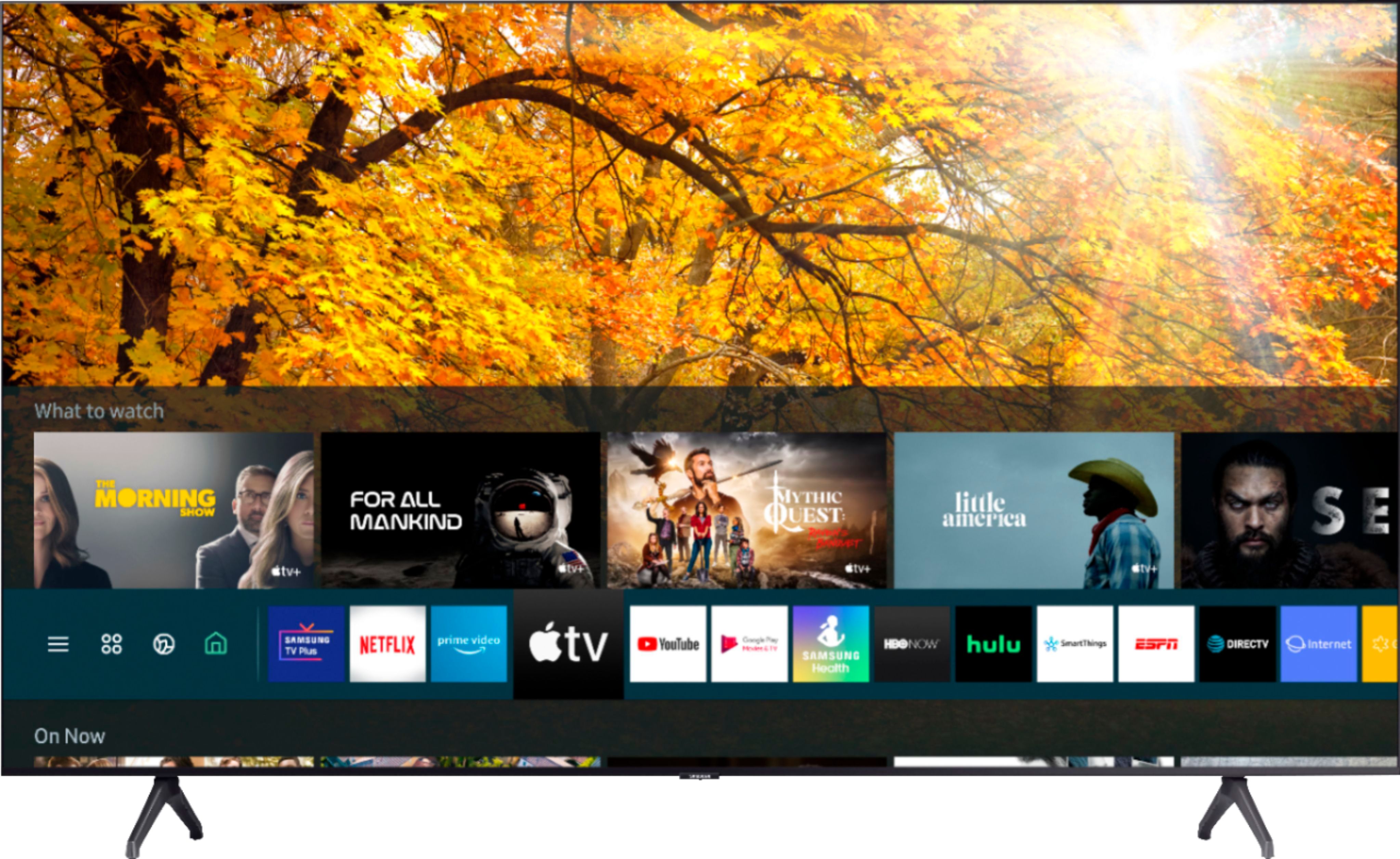
A:AnswerHi Amy! Yes, the YouTube TV application is available on the TU7000. To access this application, along with a wide range of other apps and streaming services, utilize the search feature through the built in app store. ^Tim
A:AnswerHello Sonny,
Both the Bluetooth and Wireless network are off until they are manually turned on, If you would like to keep them off do not turn on the Bluetooth or network settings. ^Cristian
A:AnswerMimi67, you absolutely can connect Bluetooth headphones to the TU7000! Refer to your headphone's user manual for how to pair. Once paired to the TV, press HOME on the TU7000 remote. Then go to Settings > Sound > Sound Output > Bluetooth Speaker List. Choose the headphones you wish to use for sound output. ^Gina
A:AnswerHi Damo! I’m sorry to see that you are having difficulties connecting your Streambar. So that we can better troubleshoot towards a solution, please reach out to Samsung Support at:
― Phone: 1-800-SAMSUNG / Available 8AM - 12AM EST, 7 days a week
― LiveChat or Email: https://www.samsung.com/us/support/#contact_us_for_support
We look forward to hearing from you. ^Gina
A:AnswerHi Frank! I'm sorry to see you're having issues accessing apps on your TU7000. So that we can better troubleshoot towards a solution, please reach out to Samsung Support at:
― Phone: 1-800-SAMSUNG / Available 8AM - 12AM EST, 7 days a week
― LiveChat or Email: https://www.samsung.com/us/support/#contact_us_for_support
We look forward to hearing from you. ^Gina
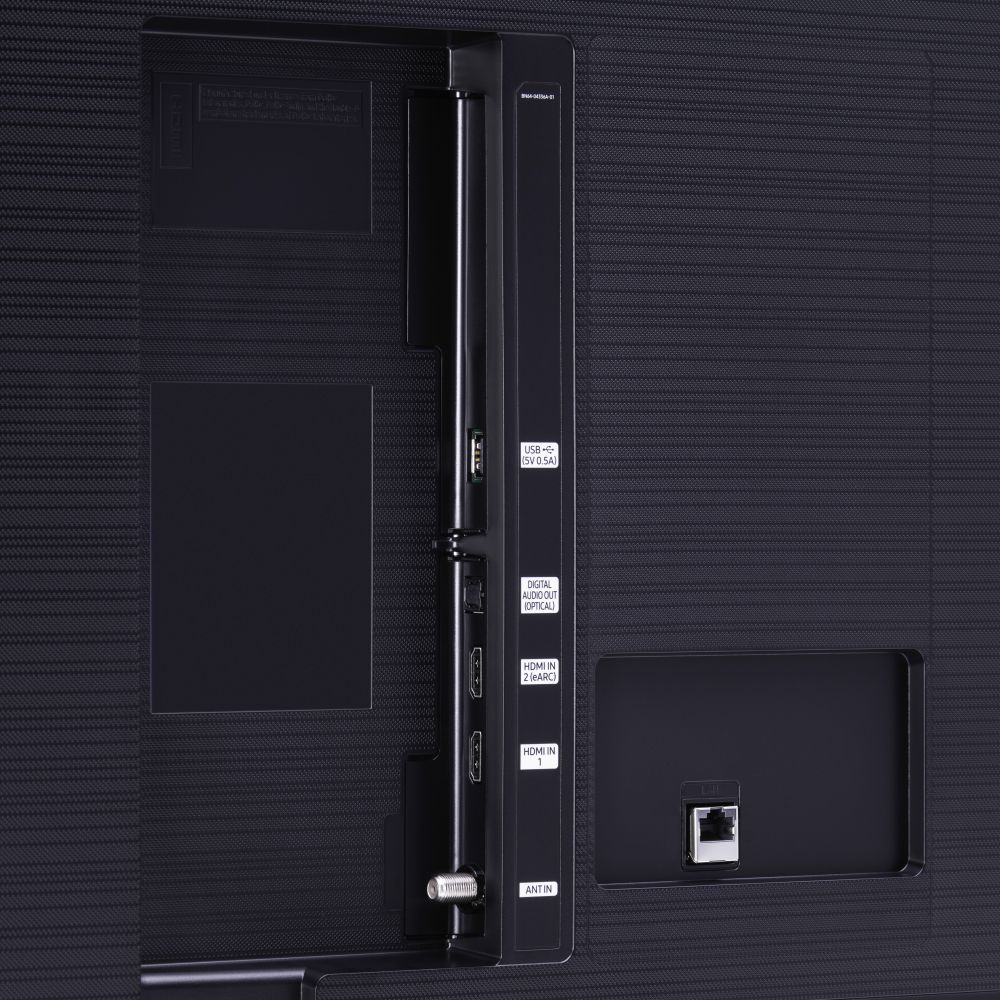
A:AnswerHi Dwhorses! Yes, the TU7000 is absolutely compatible with the Nintendo Switch! You can seamlessly connect this console to your TV via HDMI cable. ^Gina
A:AnswerHi MaryMac - no, there is no wall mount included with the TU7000. The 55TU7000 will utilize any universal wall mount with a VESA Standard of 200mm x 200mm. Check out some wall mount options at Best Buy: https://www.bestbuy.com/site/searchpage.jsp?_dyncharset=UTF-8&id=pcat17071&iht=y&keys=keys&ks=960&list=n&qp=tvmountsize_facet%3DTV%20Size%20Compatibility~55%20-%2064%22&sc=Global&st=wall%20mounts&type=page&usc=All%20Categories ^Gina
A:AnswerHi JR! The menu on 2020 Samsung TVs has changed from previous years; this may be the new menu layout format you are seeing! If you have further questions regarding the menu on your TU7000, please reach out to Samsung Support at:
― Phone: 1-800-SAMSUNG / Available 8AM - 12AM EST, 7 days a week
― LiveChat or Email: https://www.samsung.com/us/support/#contact_us_for_support
We look forward to hearing from you. ^Gina
A:AnswerHi JJ, this TV can connect to virtually any peripheral using an HDMI connection. Samsung TV's use the Tizen operating system to stream content. Thanks, ^Scott
A:AnswerIt only comes with one. I haven't needed another one, so I'm not sure if you can buy another just like this one but I'm sure you could get a universal remote that would work fine with it! There is also the ability to use your phone as a remote, though i forgot what that app is called. You have options!
A:AnswerStan, you absolutely can connect Bluetooth headphones to the TU7000! Refer to your headphone's user manual for how to pair. Once paired to the TV, press HOME on the TU7000 remote. Then go to Settings > Sound > Sound Output > Bluetooth Speaker List. Choose the headphones you wish to use for sound output. ^Celina