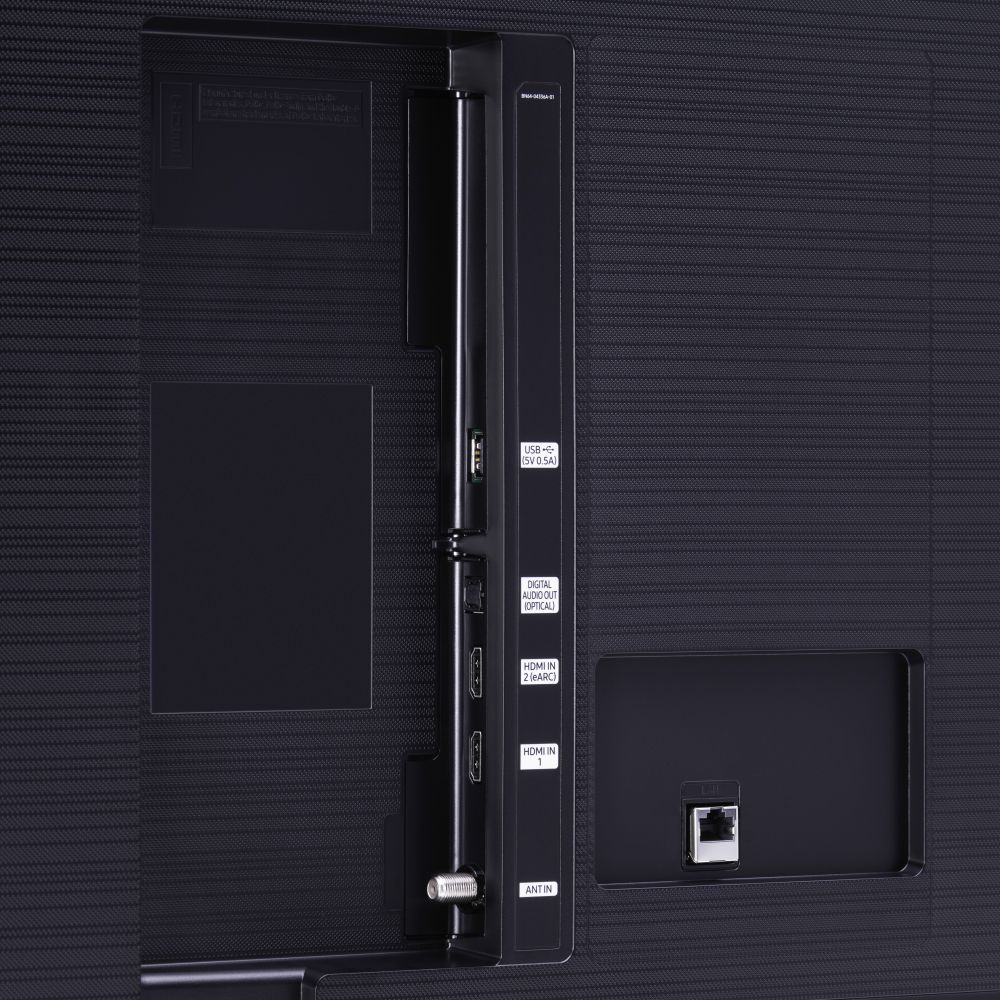
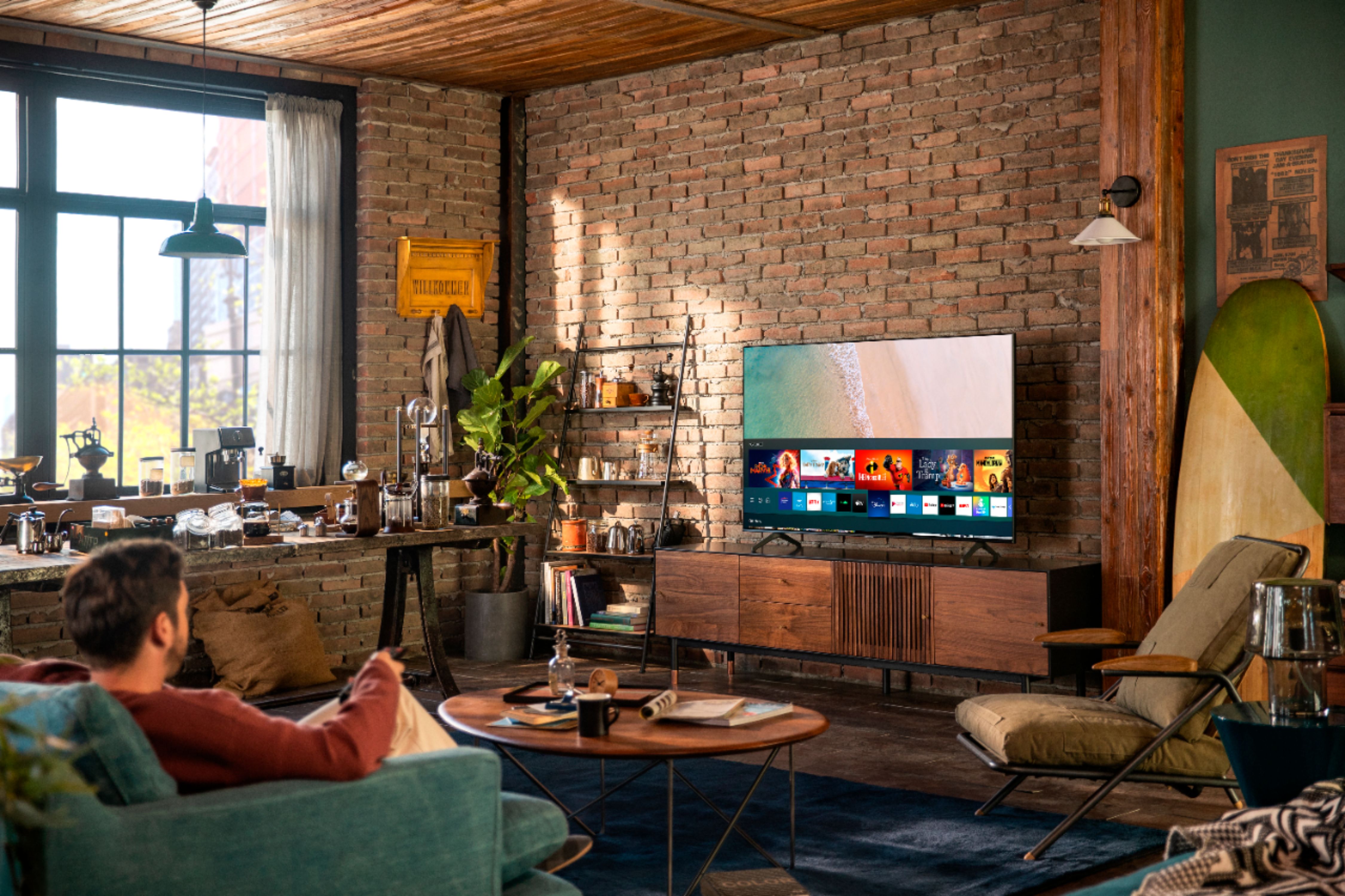
A:AnswerHi! The TU7000 does not support Ex-Link. Check out the Q60T at the following link from Best Buy for Ex-Link support. https://www.bestbuy.com/site/samsung-55-class-q60t-series-4k-uhd-tv-smart-led-with-hdr/6401755.p?skuId=6401755 ^Tim
A:AnswerHi there! You can download the Xfinity Stream Beta app from your TV's built-in App Store; however, you may not have access to features such as DVR services, and you will be required to connect a cable box. ^Gina
A:AnswerThere were are few cable providers that were compatible but most all have gone to a cable box only system now.
The built in tuner is mostly for antenna (rabbit ears or roof mount) and works well for that kind of thing.
A:AnswerHello Matthew,
Yes, Samsung calls its motion-smoothing technology Auto Motion Plus, and you can choose to disable it entirely or adjust the settings to reduce the severity of motion smoothing. Auto Motion Plus settings can be found here: Quick Settings > Picture Settings > Expert Settings > Auto Motion Plus. ^Cristian
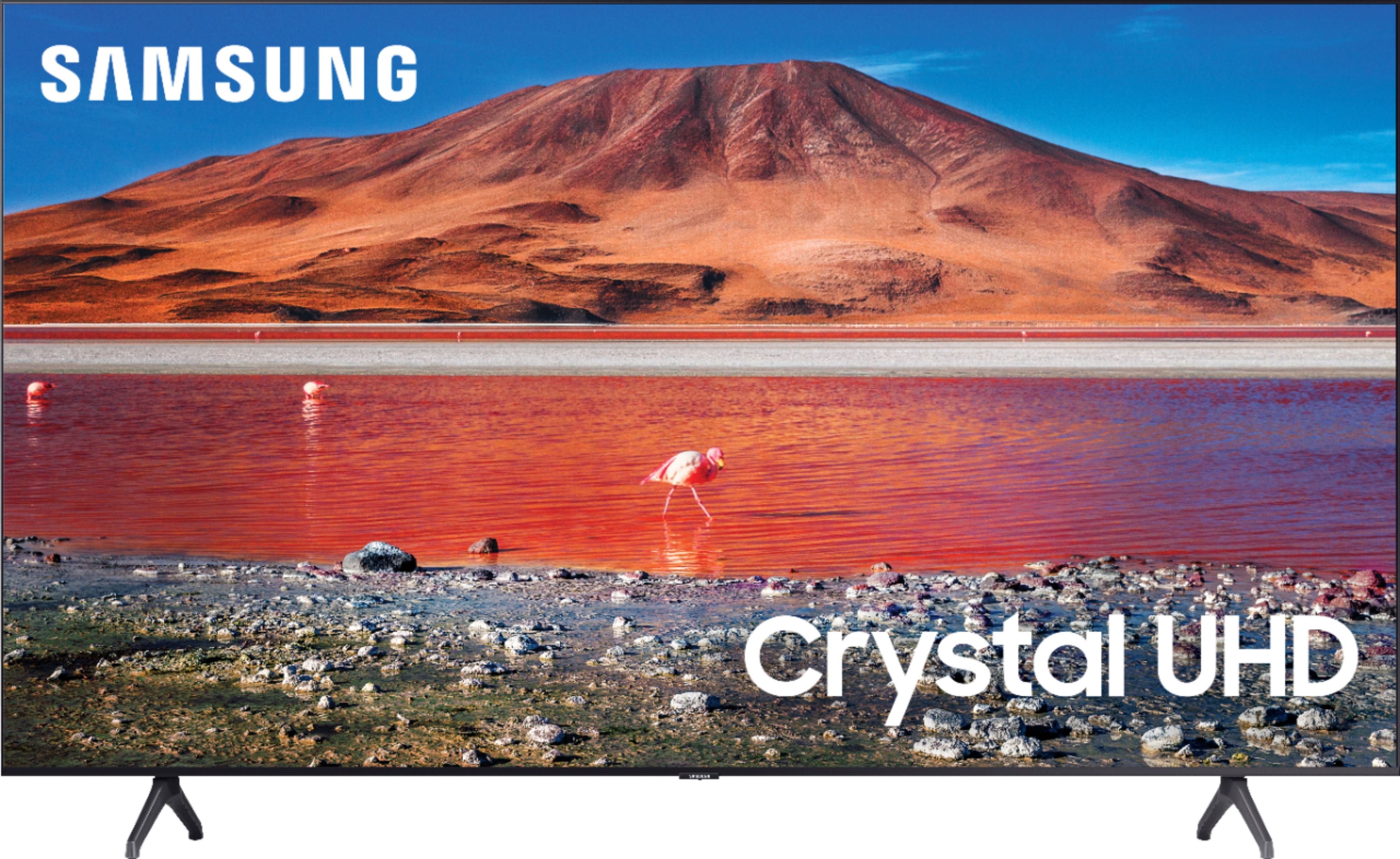
A:AnswerHi Bettye! The TU7000 supports HDMI devices and does not have set of composite (Yellow, White, Red) connections for analog devices. Check out the step up model 55TU8000 at the following link from Best Buy for composite connection support. https://www.bestbuy.com/site/samsung-55-class-8-series-4k-uhd-tv-smart-led-with-hdr/6401746.p?skuId=6401746
^Tim
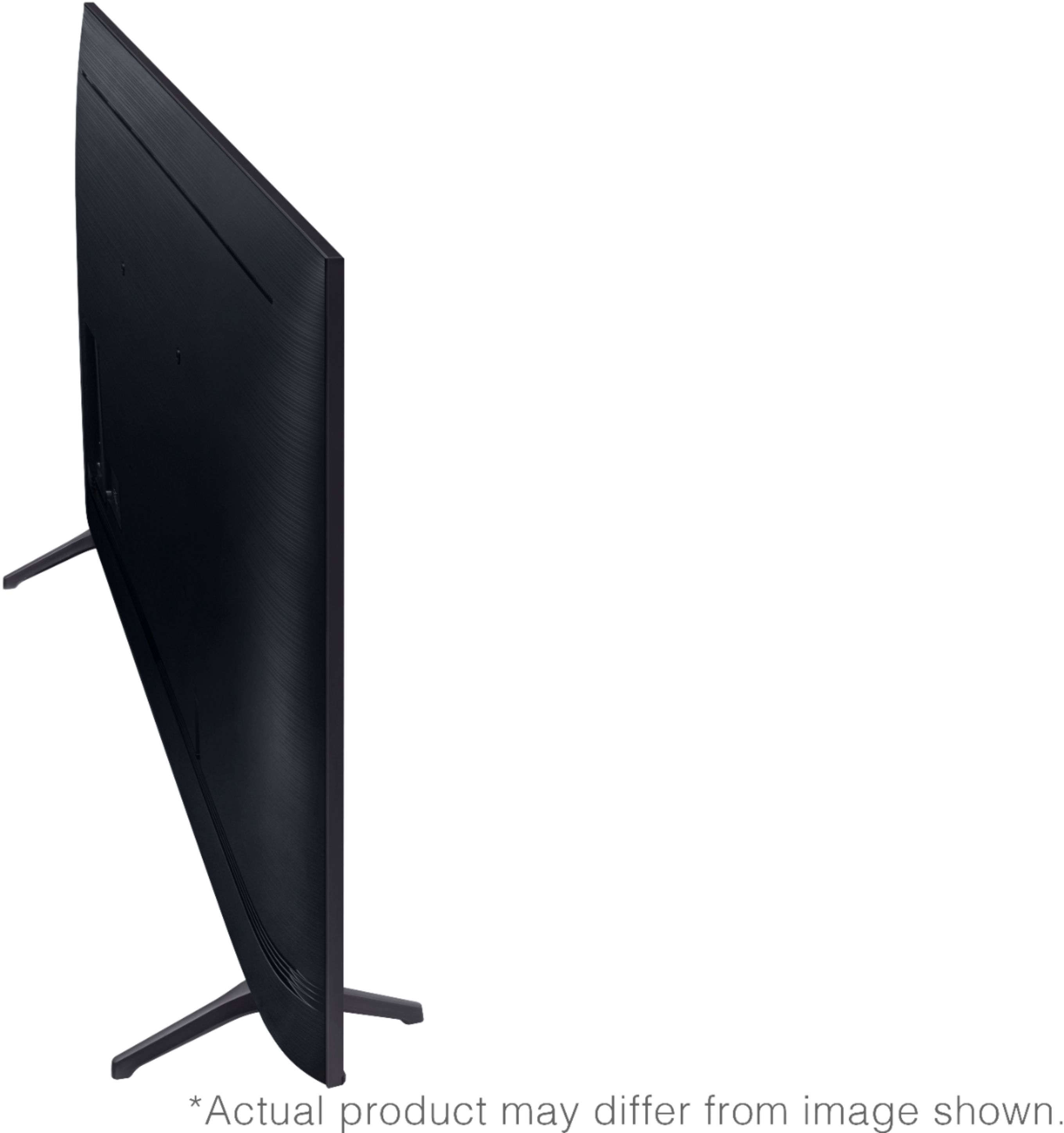
A:AnswerHi Max! The TU7000 is only designed for use with the included stand or a solution utilizing the wall mount holes on the back of the TV. To mount the 55TU7000 to a universal stand solution or wall mount you will need 4 M8 screws, 20-22mm length, and 1.25mm pitch. ^Tim