A:AnswerHi Bingo! The 55TU7000 is compatible with universal wall mounts and will work with a swivel base such as the one from Best Buy at the following link: https://www.bestbuy.com/site/sanus-premium-swivel-tv-base-for-most-32-60-tvs-black/5463304.p?skuId=5463304
^Tim
A:AnswerHi Joeydav! The TU7000 includes 4 different Picture Modes allowing you to select the Picture Mode that provides the best viewing experience for your environment.• Dynamic makes the picture brighter and clearer in bright viewing environments. • Standard is the default mode suitable for general viewing environments. • Natural reduces eye strain for a comfortable viewing experience. • Movie is suitable for watching TV or movies in a dark room. You can also individually adjust the brightness and contrast to achieve the picture quality you desire through the expert settings. Certain settings may not be adjusted on select picture modes. ^Tim
A:AnswerHi John! You can wall mount the 55TU7000 with any wall mount with a VESA Standard of 200mm x 200mm. Check out some compatible wall mounts at Best Buy: https://www.bestbuy.com/site/searchpage.jsp?_dyncharset=UTF-8&id=pcat17071&iht=y&keys=keys&ks=960&list=n&qp=tvmountsize_facet%3DTV%20Size%20Compatibility~55%20-%2064%22&sc=Global&st=wall%20mount&type=page&usc=All%20Categories ^Celina
A:AnswerHi! Samsung smart TVs frequently receive updates to the TV as well as the Smart Platform. To make sure you are receiving the latest versions of the applications make sure your TV is connected to the network and enable the auto update feature in the support menu. ^Tim
A:AnswerHi Ron! You can utilize a universal center base such as this one found at Best Buy: https://www.bestbuy.com/site/sanus-premium-swivel-tv-base-for-most-32-60-tvs-black/5463304.p?skuId=5463304 ^Gina
A:AnswerSarge - Here are the meaurements
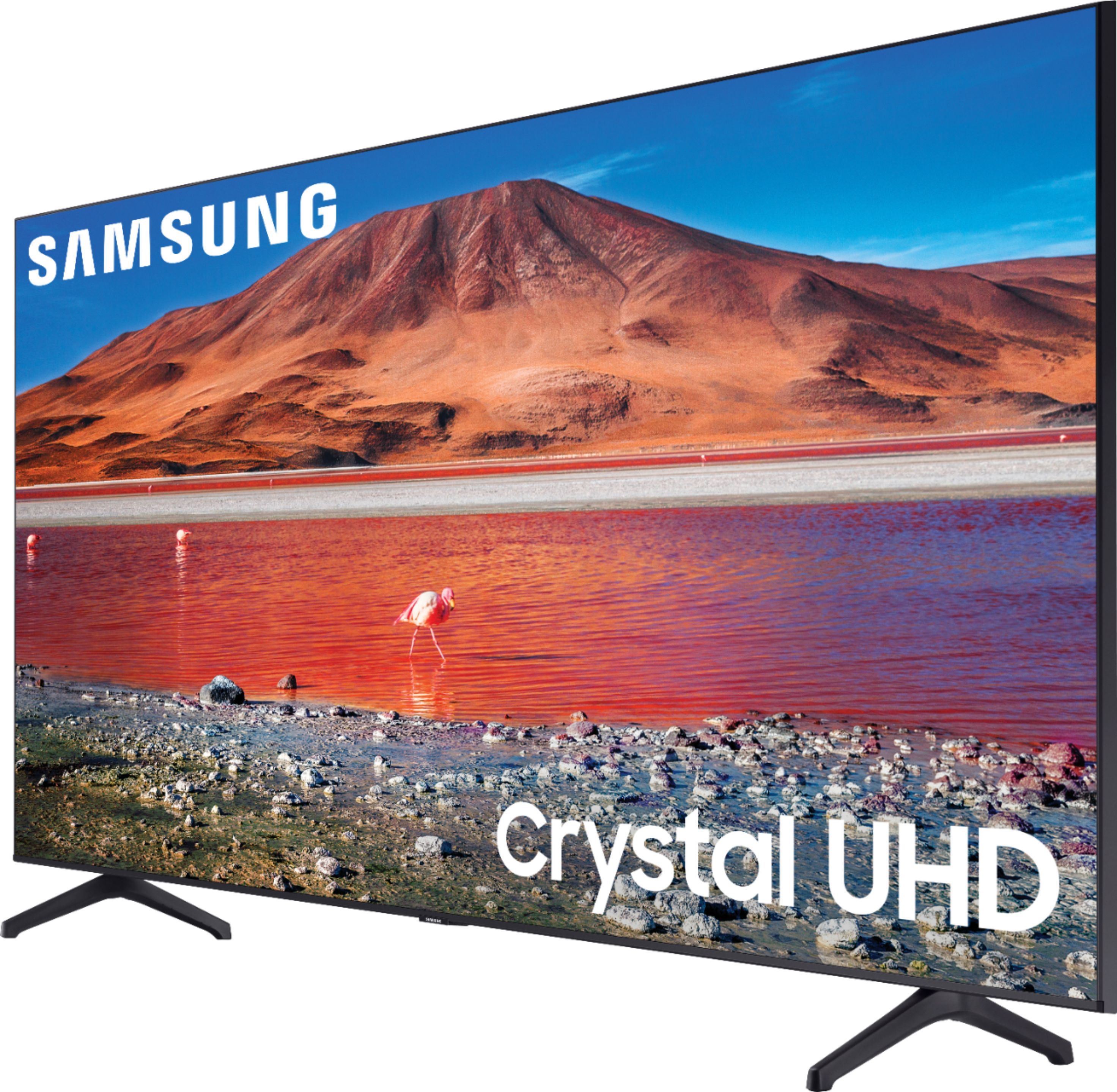
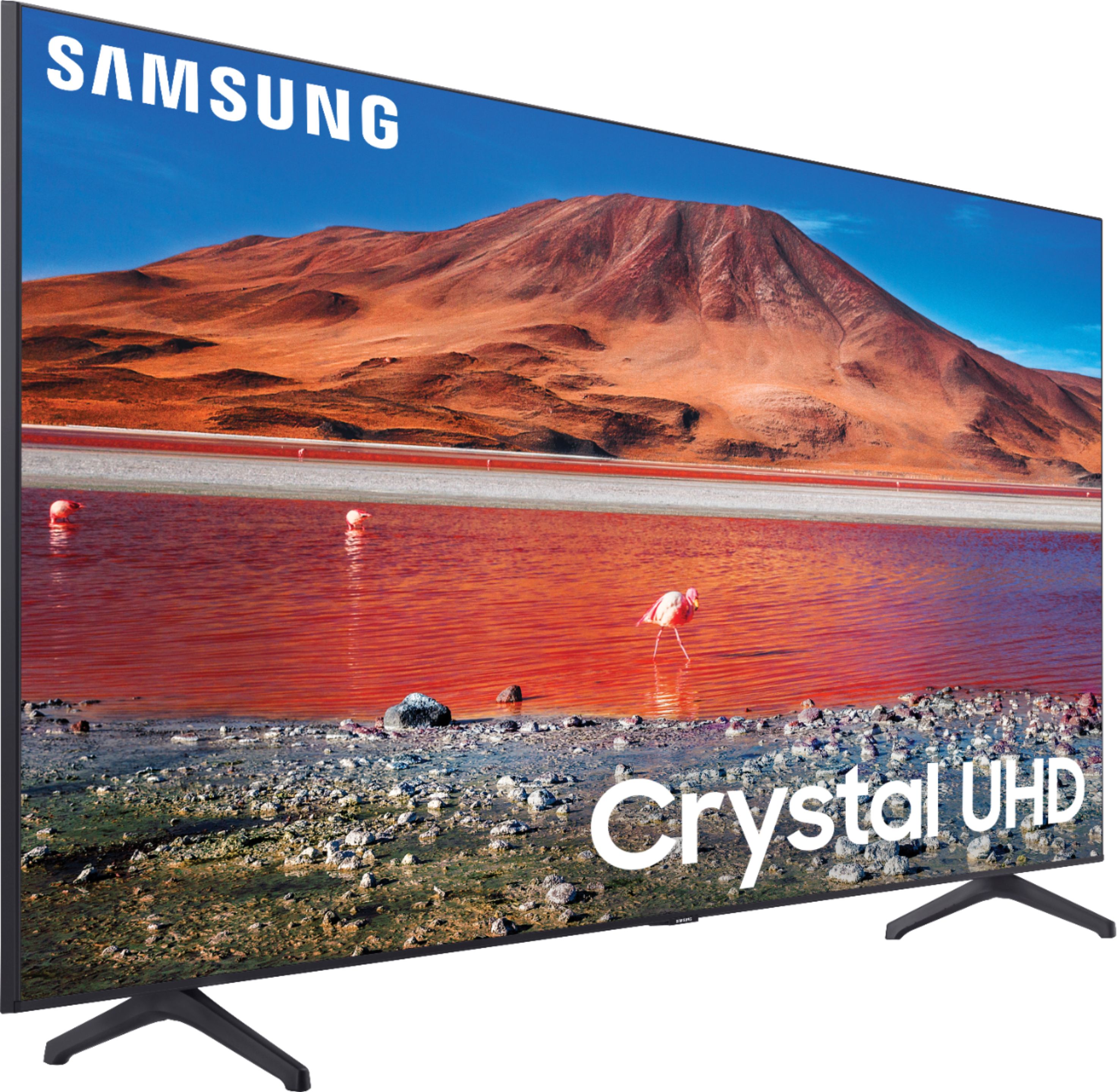
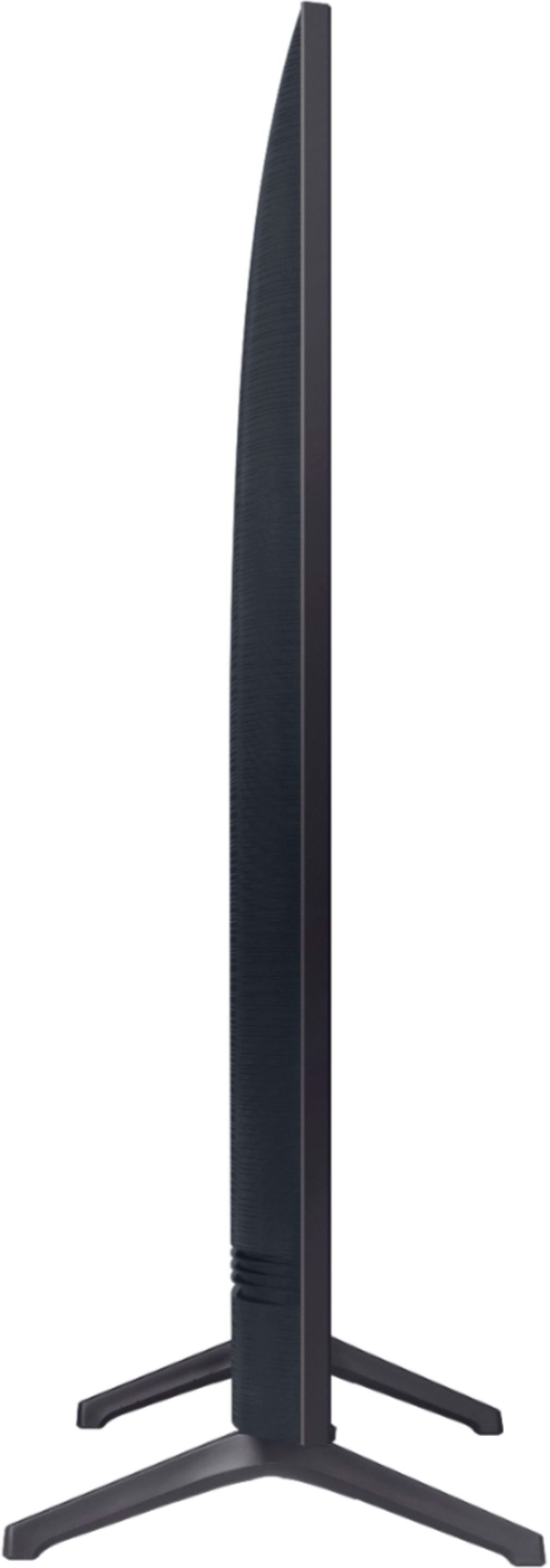
DIMENSIONS (INCHES W x H x D):
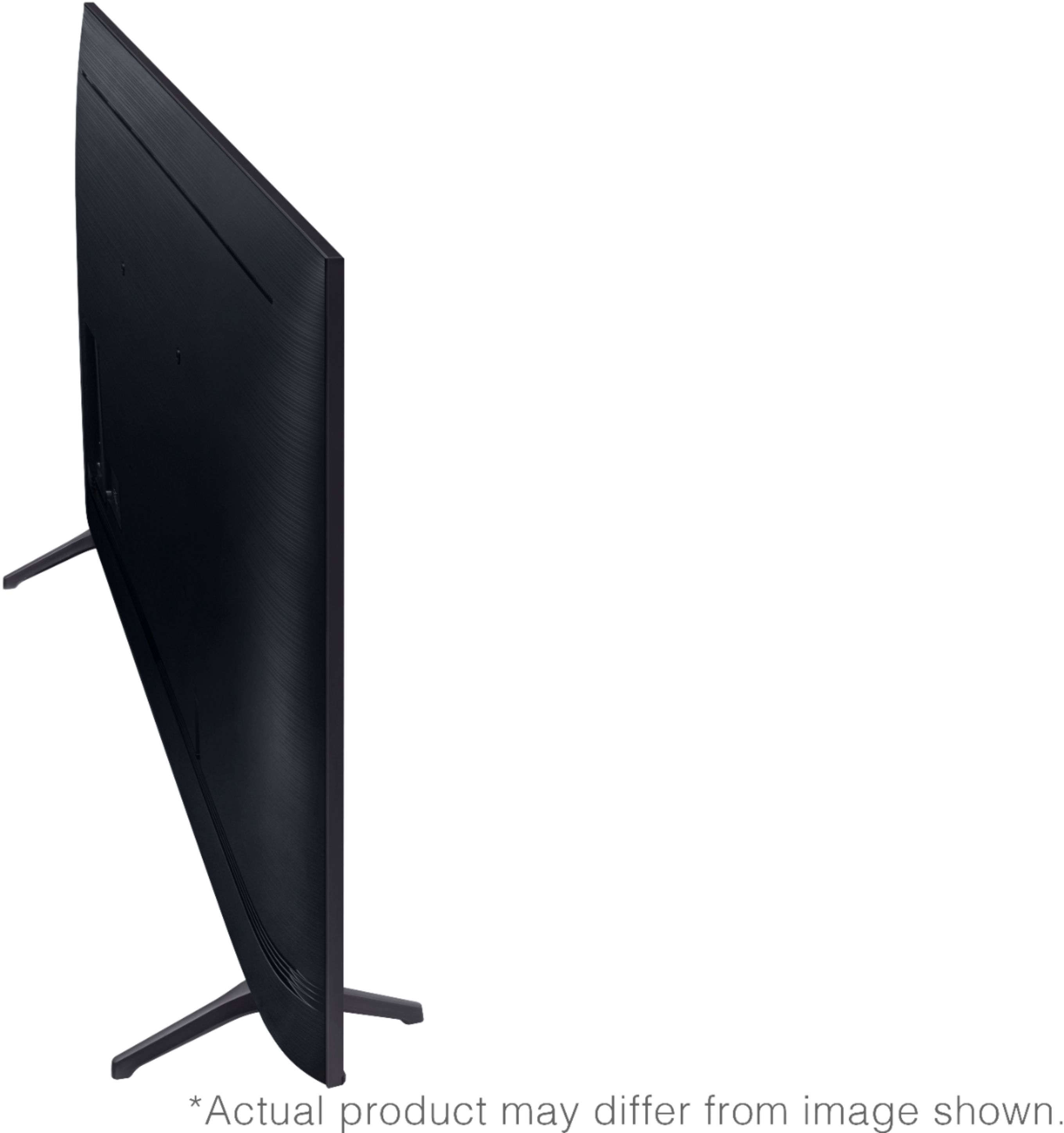
• TV WITHOUT STAND: 48.4 x 27.8 x 2.4
• TV WITH STAND: 48.4 x 30.6 x 9.8
• SHIPPING: 54.6 x 33.2 x 6.2
• STAND FOOTPRINT: 1.6 x 7.4 x 9.8 ^Cris
A:AnswerHi Rose - To use the Smart features you do need some type of internet access. Samsung does not make any non-smart TVs. You can still enjoy the great picture quality without accessing any smart features. ^Cris
A:AnswerHi Mikej! Yes, the 55TU7000 is compatible with a Bluetooth keyboard allowing you to surf the web with the built in web browser available through the TV. ^Tim
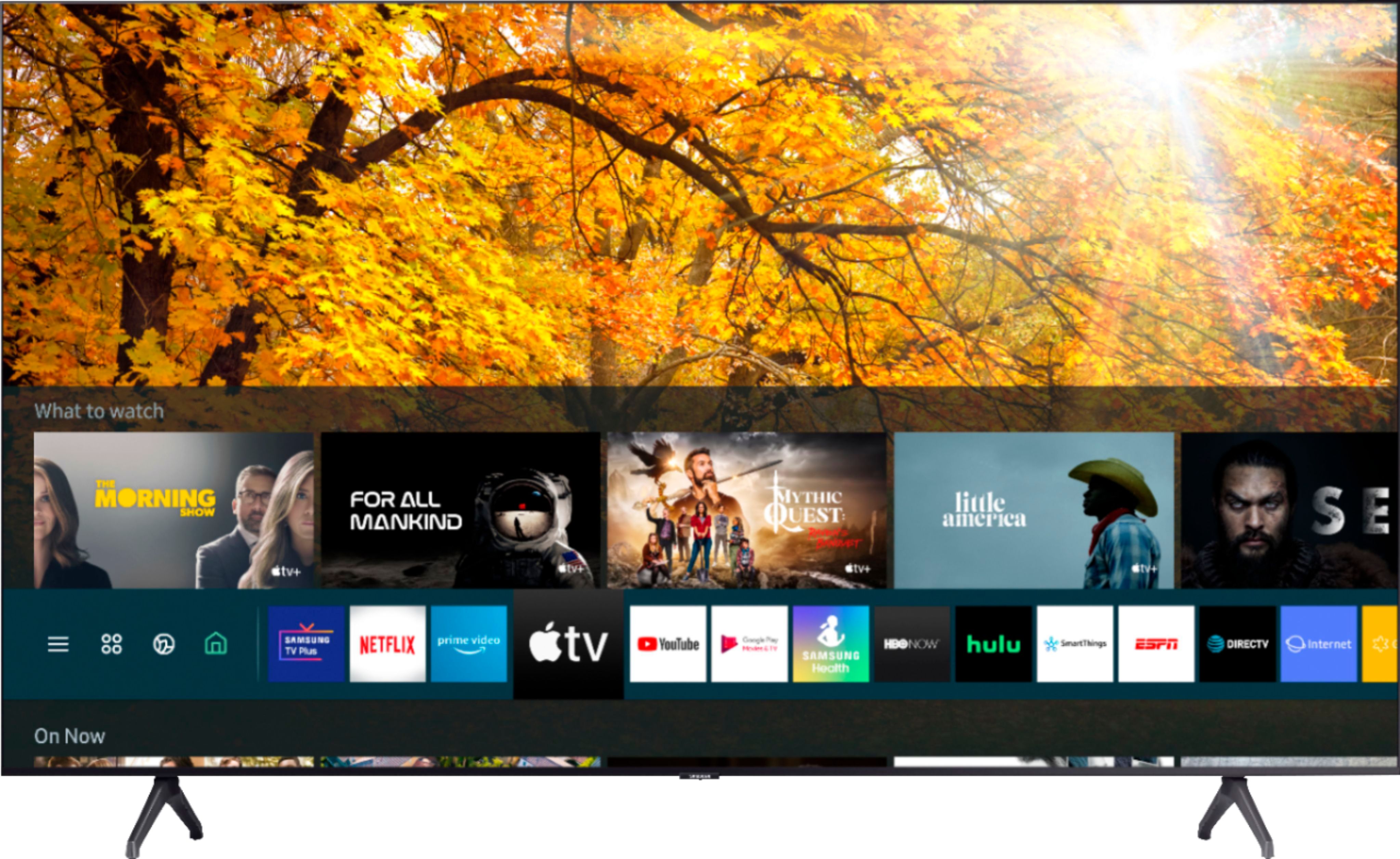
A:AnswerHi Kreed - you can screen mirror using Smart View on Android devices, or using AirPlay on iOS devices. You can also take advantage of the built-in App Store on your TU7000, where you can choose and download from hundreds of apps such as Netflix, Hulu, YouTube, HBO Max, and many more! ^Gina
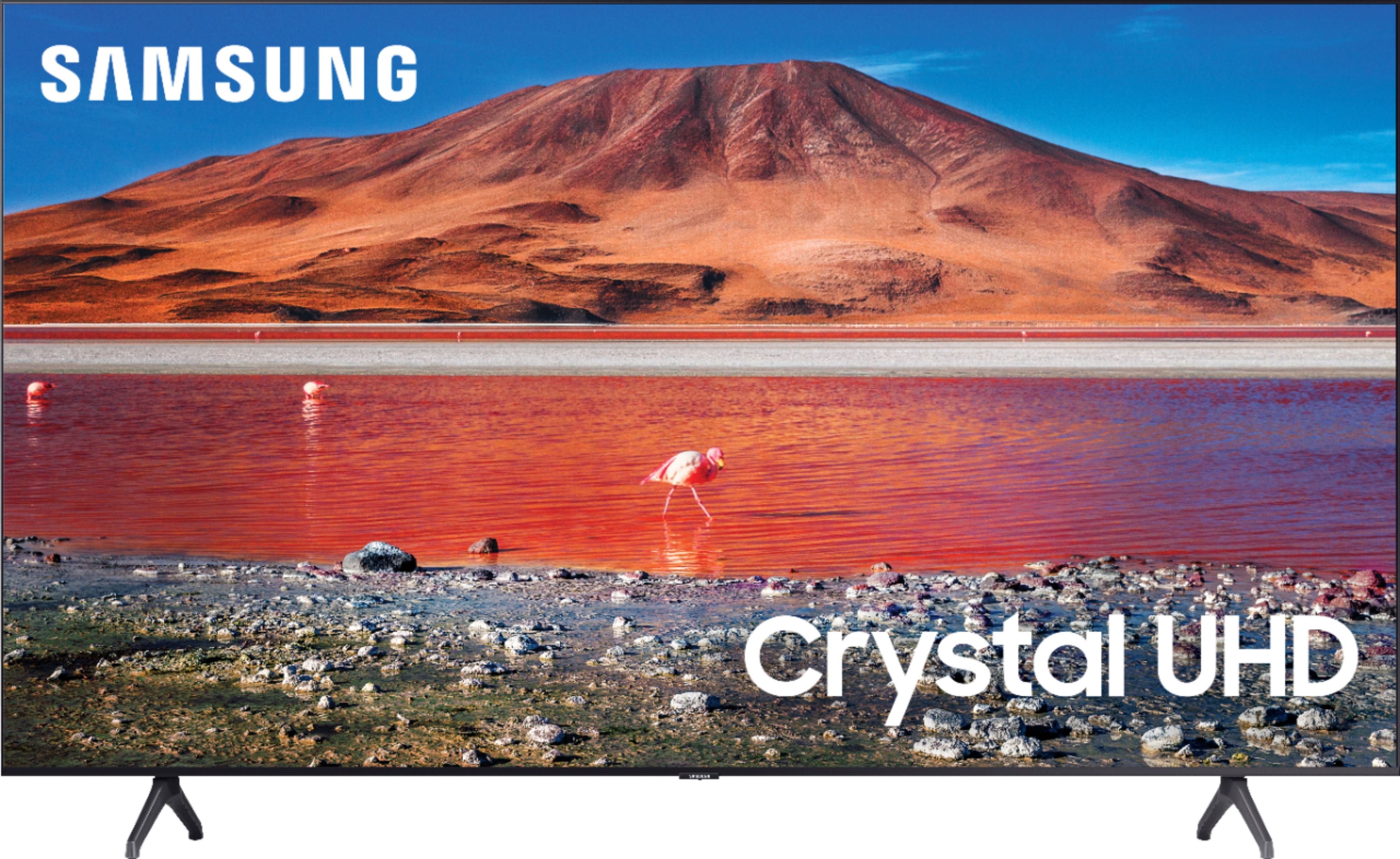
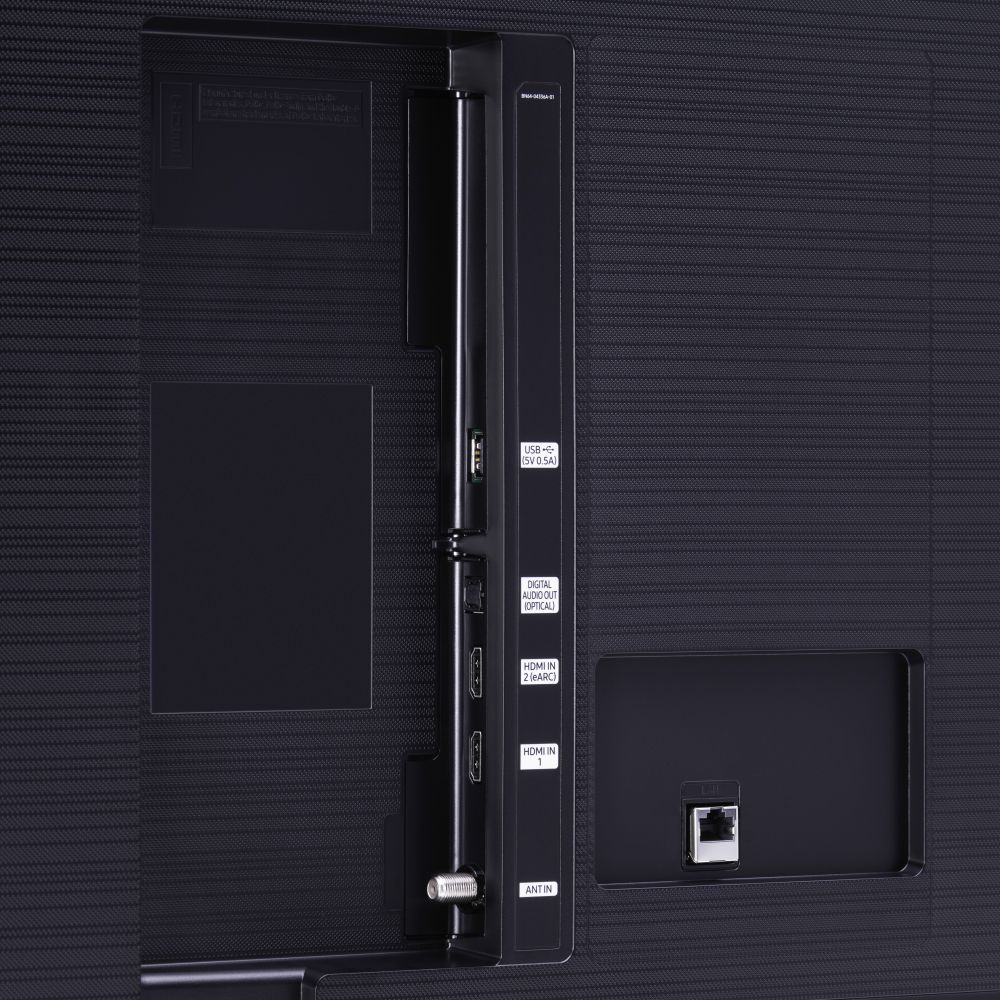
A:AnswerHi JY - we are unable to provide photos; however, the TU8000 includes step-up features such as Ambient Mode, built-in Voice Assistants, an additional HDMI port and Composite (AV) connections. ^Gina

A:AnswerRick, you can only pair one set of Bluetooth headphones to your TV at one time. You do have the option to play audio through a Bluetooth headset and TV speakers simultaneously. When this function is active, you can set the volume of the Bluetooth headphones higher than the volume of the TV speaker. First, make sure your Bluetooth headphones are paired. Press HOME on your TU7000 remote. Then go to Settings > General > Accessibility > Multi-output Audio. Find the device you'd like to pair. ^Gina