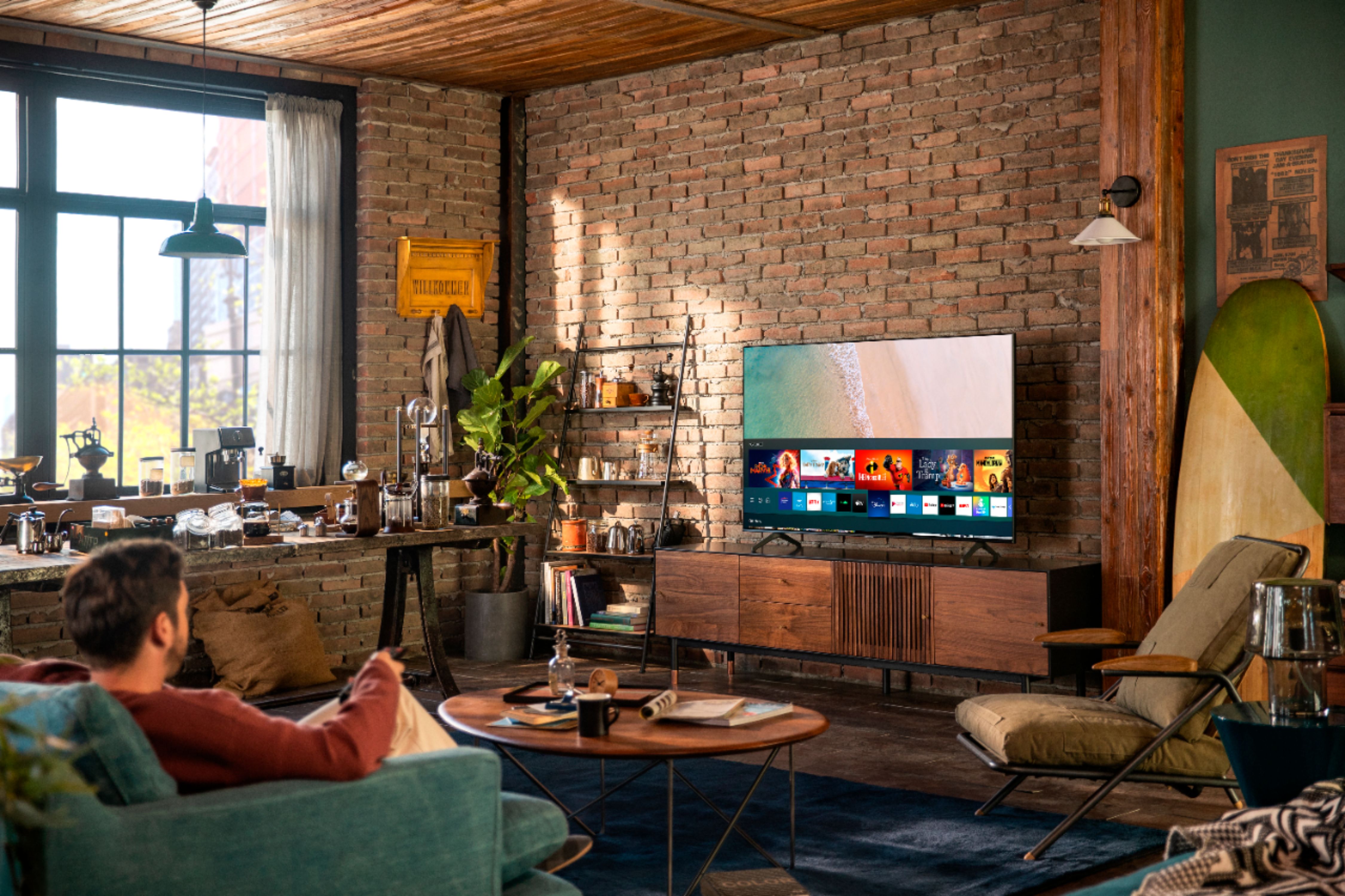
A:AnswerHello John - The 55TU7000 does have a Game Mode, which automatically adjusts settings to help games run smoothly. But it does not support VRR. The Samsung 55Q70T and above offer VRR support. Check them out at bestbuy.com
https://www.bestbuy.com/site/samsung-55-class-qled-q70-series-4k-uhd-tv-smart-led-with-hdr/6402398.p?skuId=6402398 ^Cristian
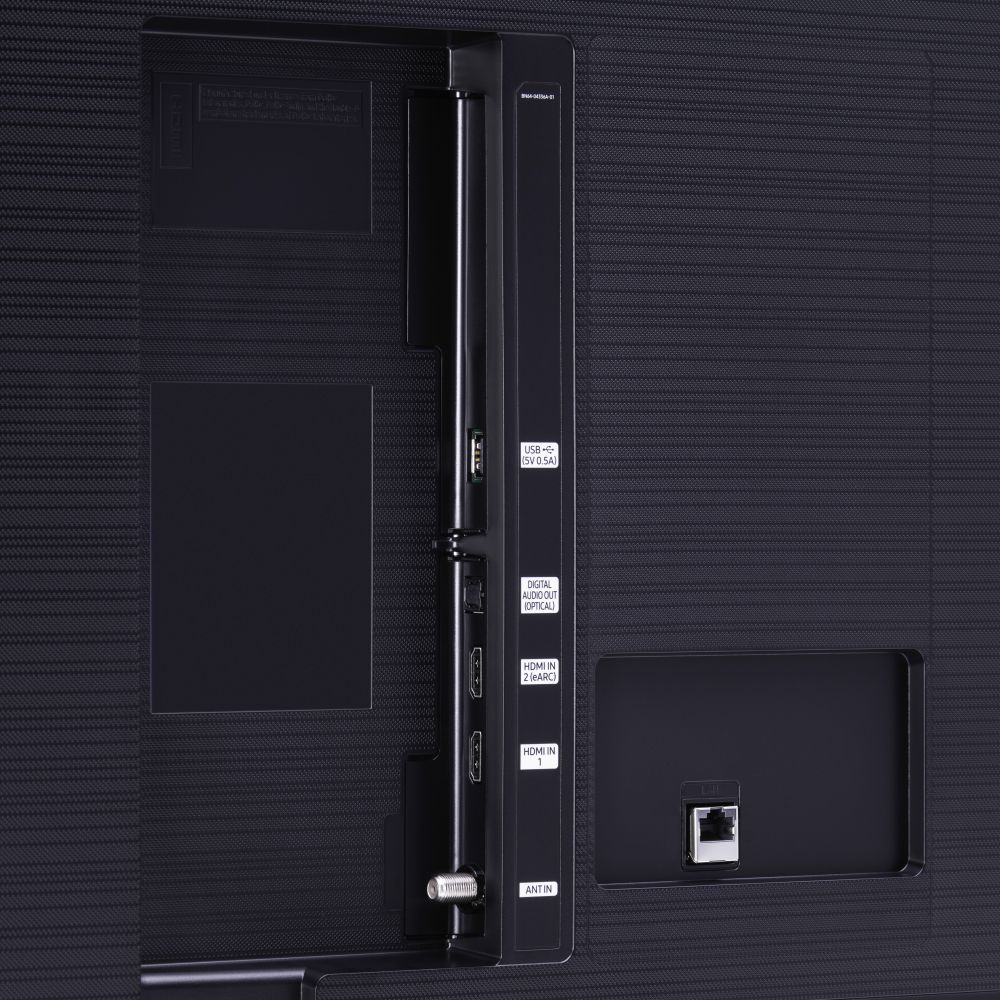
A:AnswerHi Jim - If you connect the soundbar using an HDMI in the HDMI ARC port it will see the soundbar as an extension of the TV speakers and your remote will control volume and power. The next TV model up, the TU8000 has a bluettooth remote called Samsung OneRemote - The sleek and slim OneRemote automatically detects and controls all compatible connected devices and content. Here is a link at bestbuy.com for that model. https://www.bestbuy.com/site/searchpage.jsp?st=tu8000&_dyncharset=UTF-8&_dynSessConf=&id=pcat17071&type=page&sc=Global&cp=1&nrp=&sp=&qp=&list=n&af=true&iht=y&usc=All+Categories&ks=960&keys=keys ^Cris
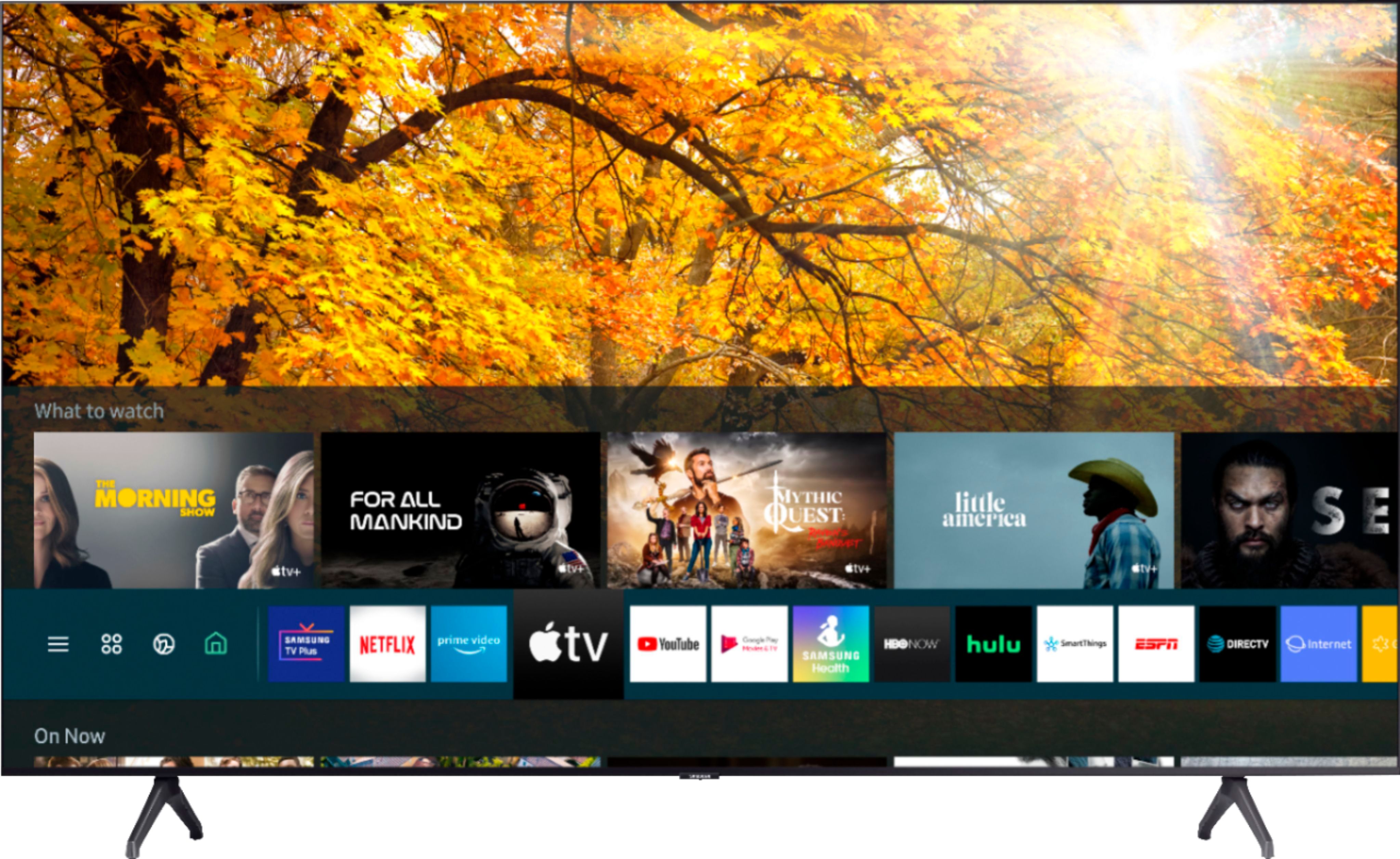
A:AnswerHello - I’m sorry to see that you are having difficulties navigating through apps.
So that we can better troubleshoot towards a solution, please reach out to Samsung TV Support at:
― Phone: 1-800-SAMSUNG / Available 8 AM - 9 PM EST, Mon - Fri
― LiveChat or Email: https://www.samsung.com/us/support/#contact_us_for_support
We look forward to hearing from you.
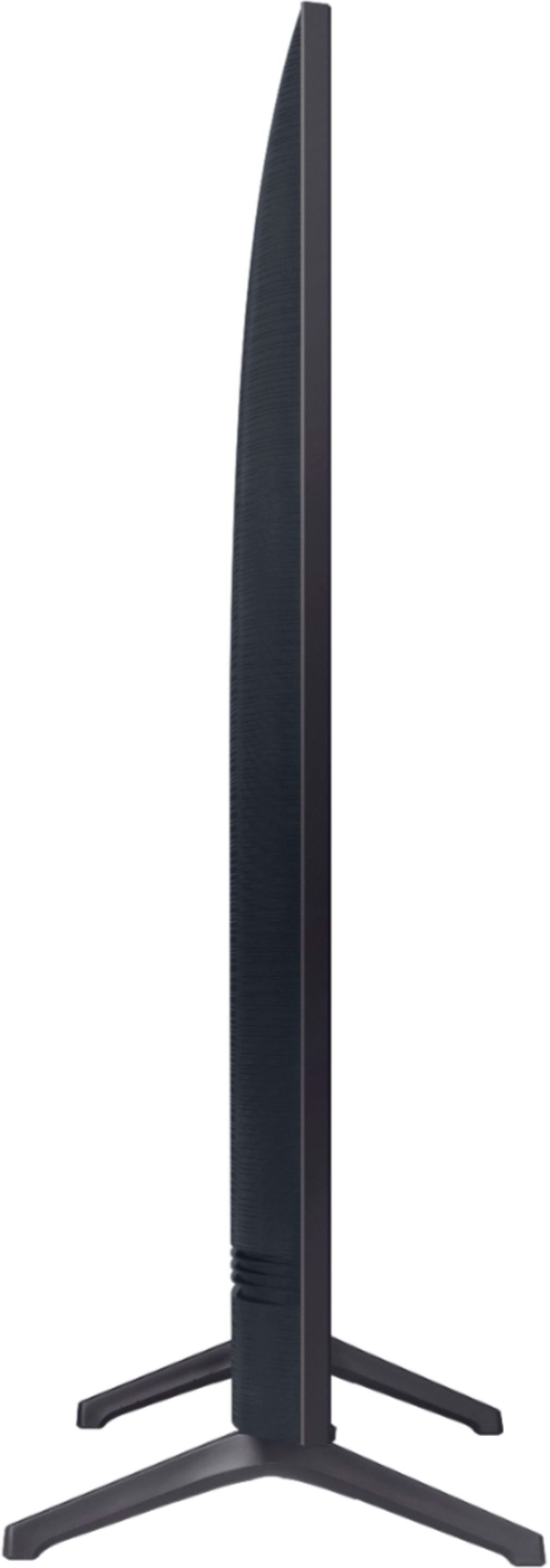
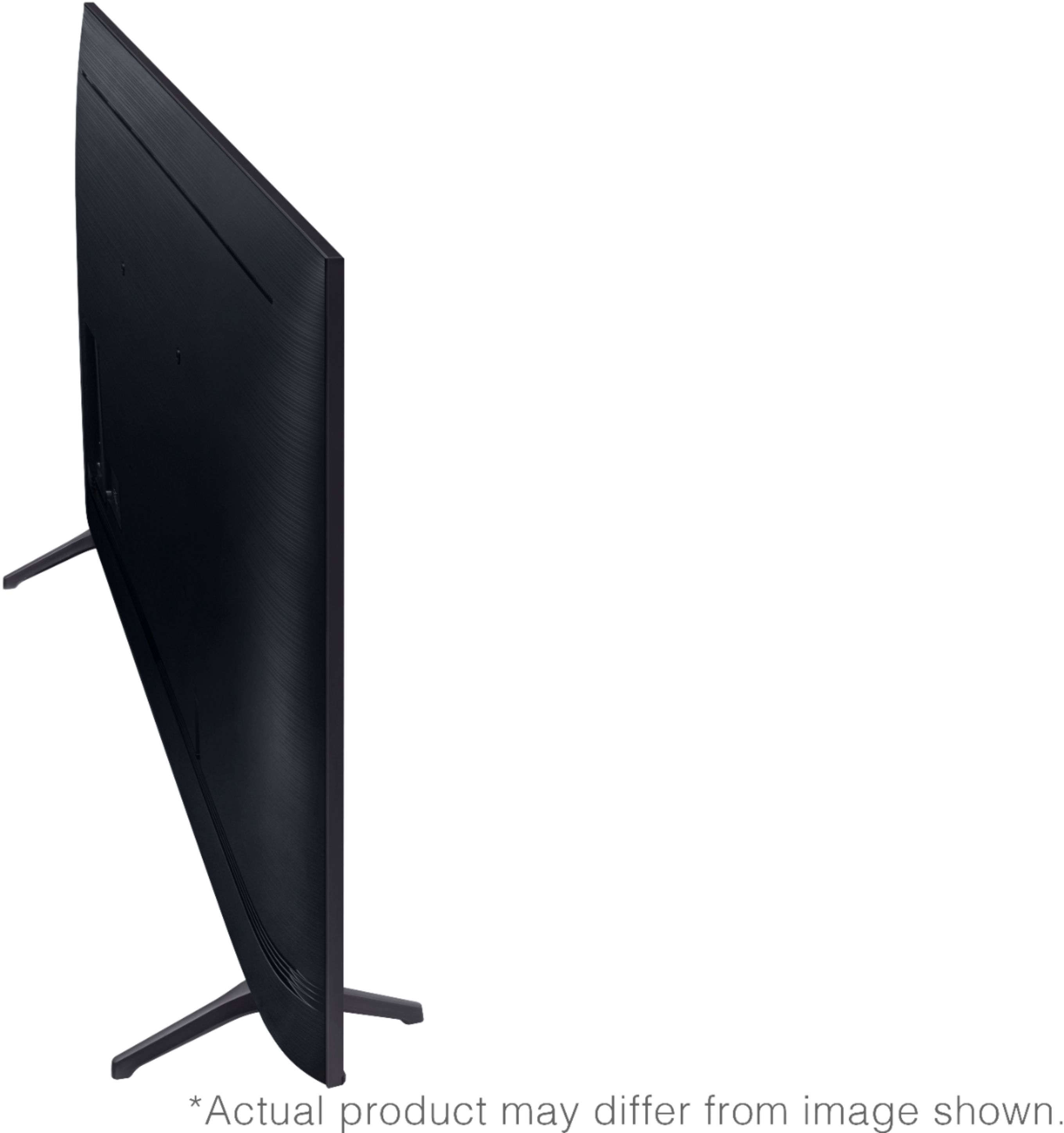
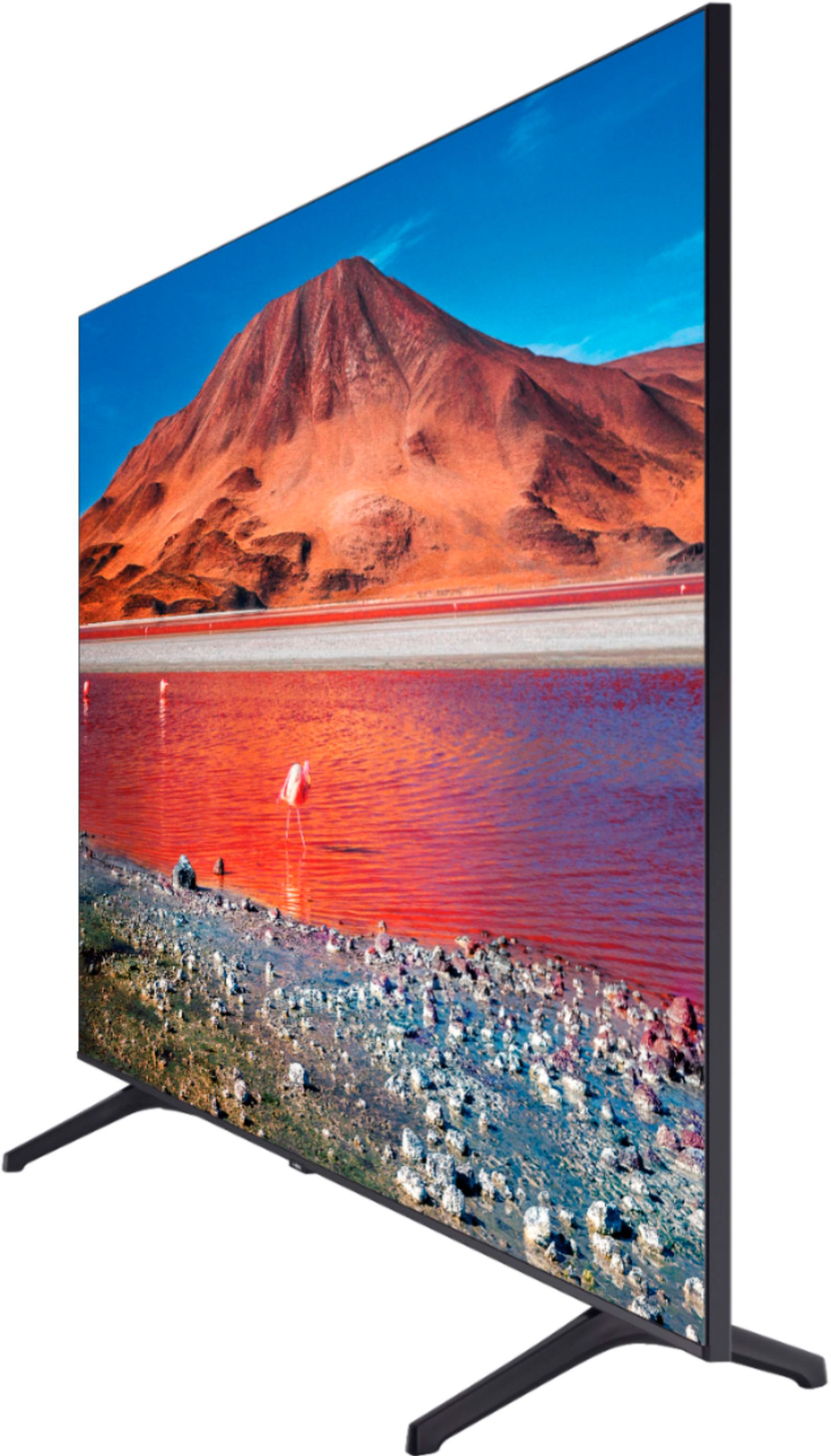
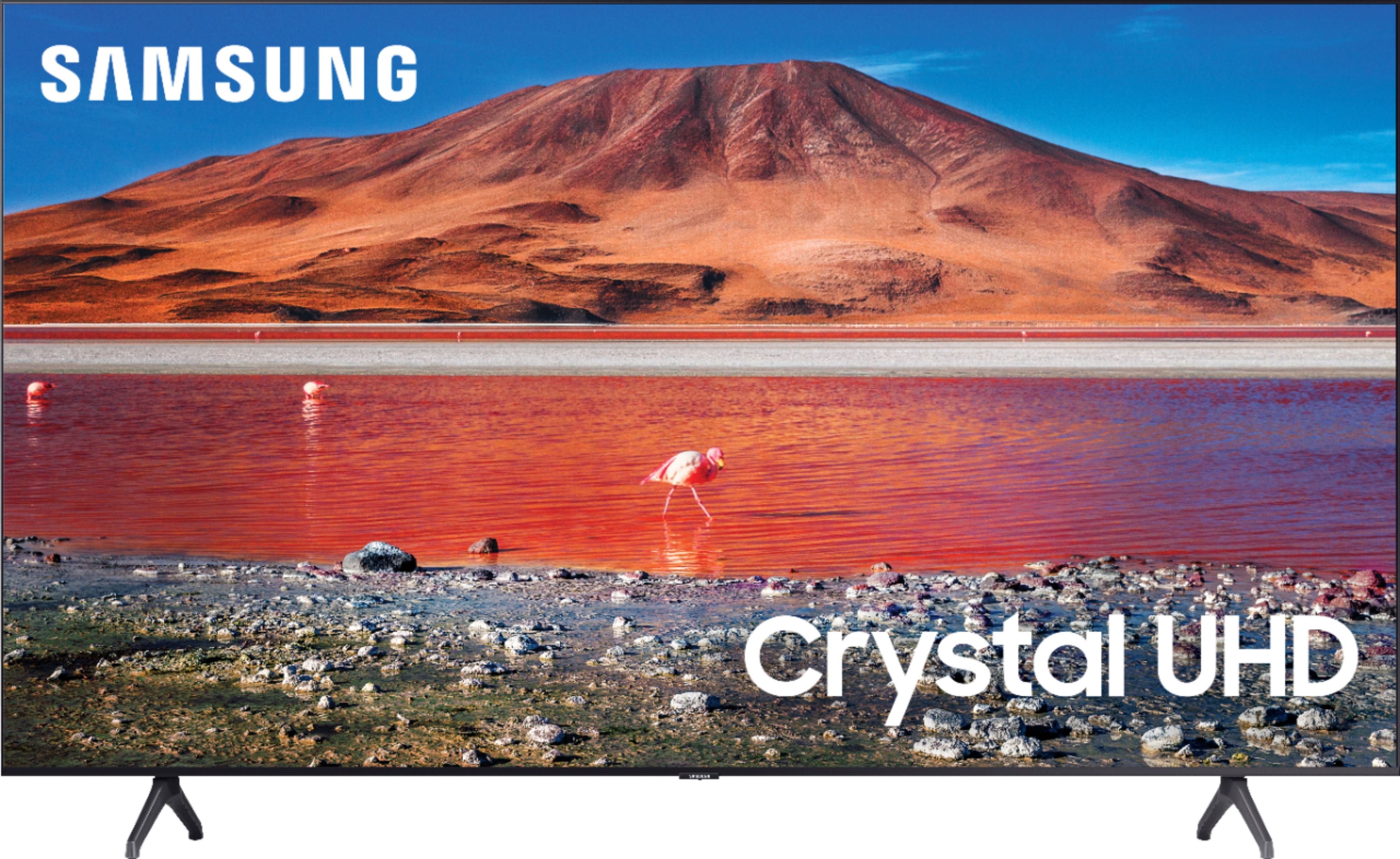
A:AnswerHi Bob - The 55TU7000 measuremenst are DIMENSIONS (INCHES W x H x D):
• TV WITHOUT STAND: 48.4 x 27.8 x 2.4
• TV WITH STAND: 48.4 x 30.6 x 9.8
• SHIPPING: 54.6 x 33.2 x 6.2
• STAND FOOTPRINT: 1.6 x 7.4 x 9.8
•SPACE BETWEEN THE FEET/LEGS 37.5
Hope this helps ^Cris
A:AnswerHello - The 55TU7000 measurements are
DIMENSIONS (INCHES W x H x D):
• TV WITHOUT STAND: 48.4 x 27.8 x 2.4
• TV WITH STAND: 48.4 x 30.6 x 9.8
• SHIPPING: 54.6 x 33.2 x 6.2
• STAND FOOTPRINT: 1.6 x 7.4 x 9.8
• SPACE BETWEEN THE FEET 37.5
Hope it fits! ^Cris
A:AnswerHi Djcatnash - Yes the TU7000 offers bluetooth so that you can pair headphones to the TV. Refer to your headphone's user manual for how to pair. Once paired to the TV, press HOME on the TU7000 remote. Then go to Settings > Sound > Sound Output > Bluetooth Speaker List. Choose the headphones you wish to use for sound output. ^Cris
A:AnswerHello - The TU7000 has Apple TV and AirPlay 2 - but does not offer other Apple Apps as downloads. Our TV offers many supported formats for viewing movies. You are also able to use Mobile View to cast with AirPlay 2 and other IOS supported devices or using Android devices. ^Cris
A:Answercalo, the NU6900 does not have a headphone jack, nor does the TU7000 or any 2020 Samsung models. We do recommend utilizing Bluetooth headphones, as the TU7000 is Bluetooth enabled. Check out some Bluetooth headphones at Best Buy: https://www.bestbuy.com/site/searchpage.jsp?_dyncharset=UTF-8&id=pcat17071&iht=y&keys=keys&ks=960&list=n&qp=features_facet%3DFeatures~Bluetooth%20Built-In&sc=Global&st=bluetooth%20headphones&type=page&usc=All%20Categories ^Gina
A:AnswerHi SRK - When you have the soundbar connected through the TV, and you are using apps on your TV it will automatically play though the soundbar. ^Cris
A:AnswerHello - Yes, the 55TU7000 is wall mountable, and the VESA pattern is 200 x 200. Here are some available wall mounts on bestbuy.com https://www.bestbuy.com/site/searchpage.jsp?st=55%27+wall+mount&_dyncharset=UTF-8&_dynSessConf=&id=pcat17071&type=page&sc=Global&cp=1&nrp=&sp=&qp=&list=n&af=true&iht=y&usc=All+Categories&ks=960&keys=keys ^Cris