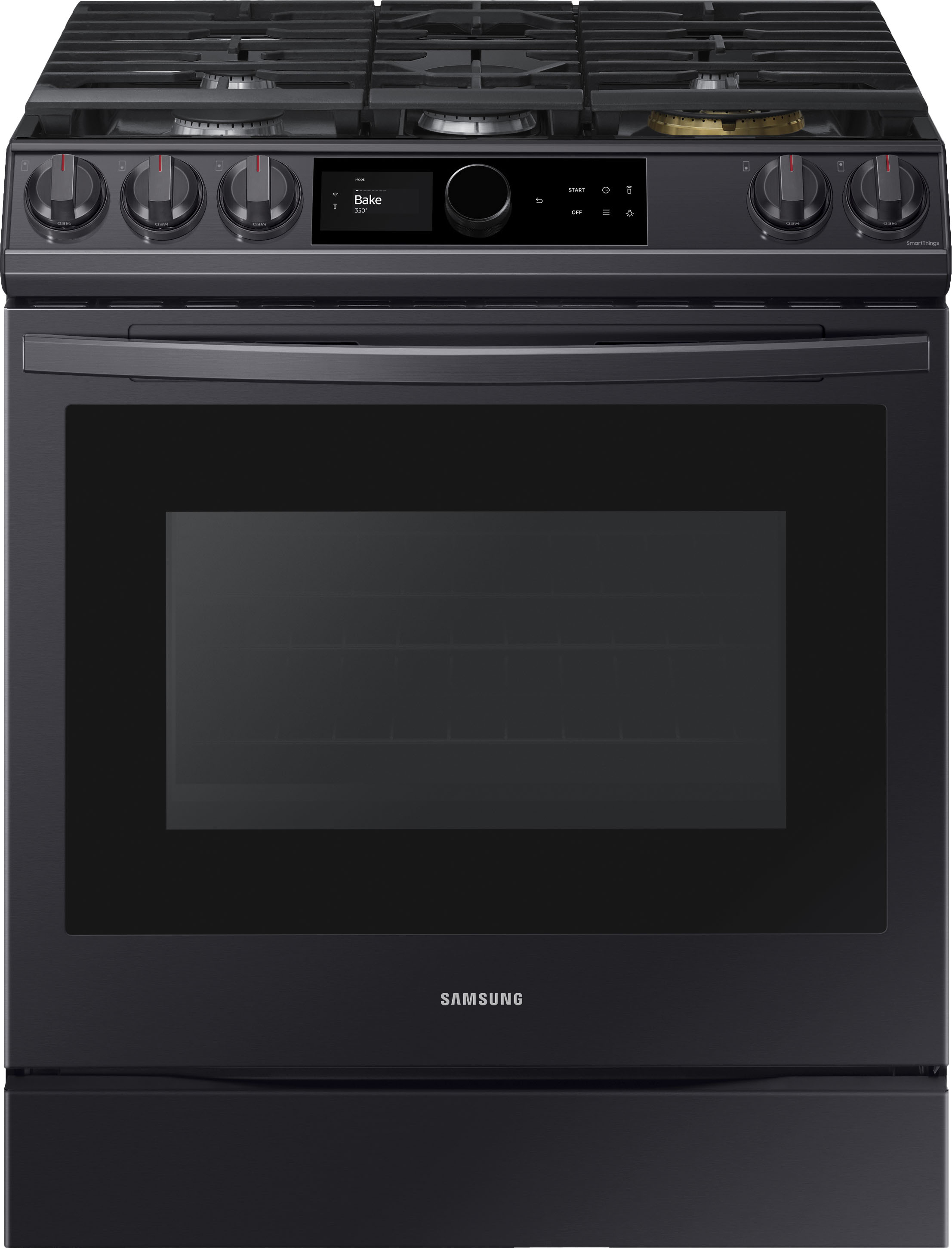
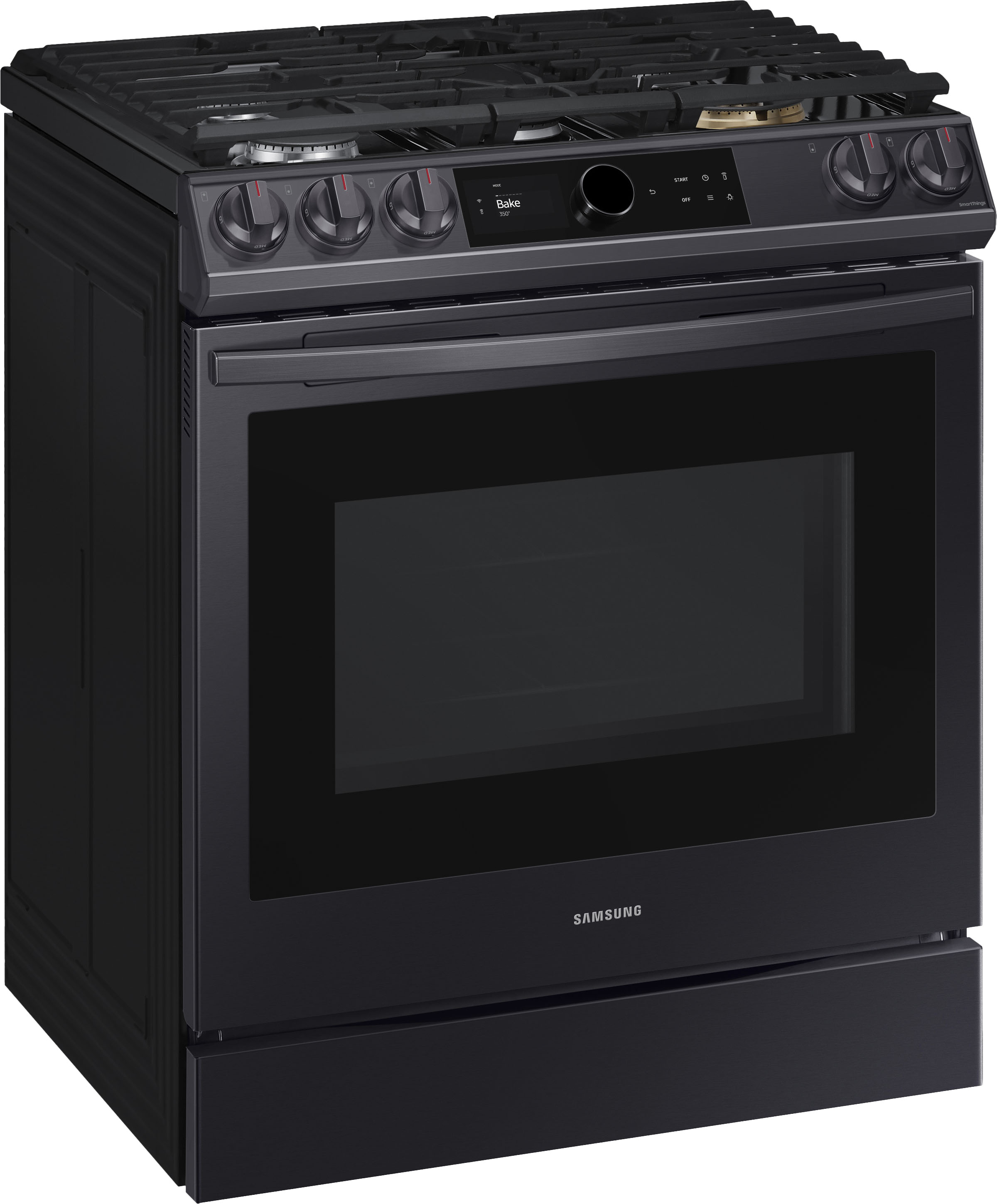
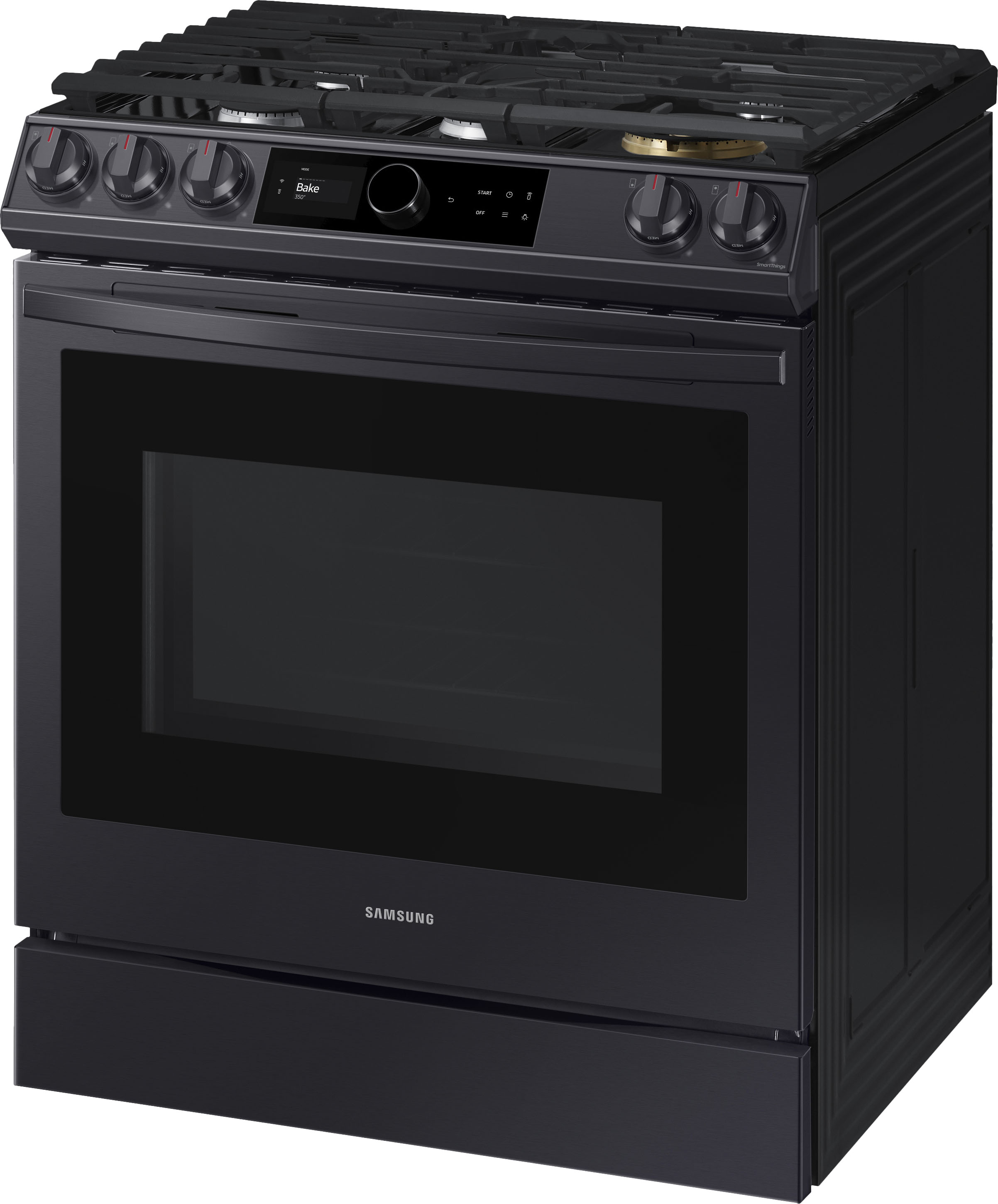
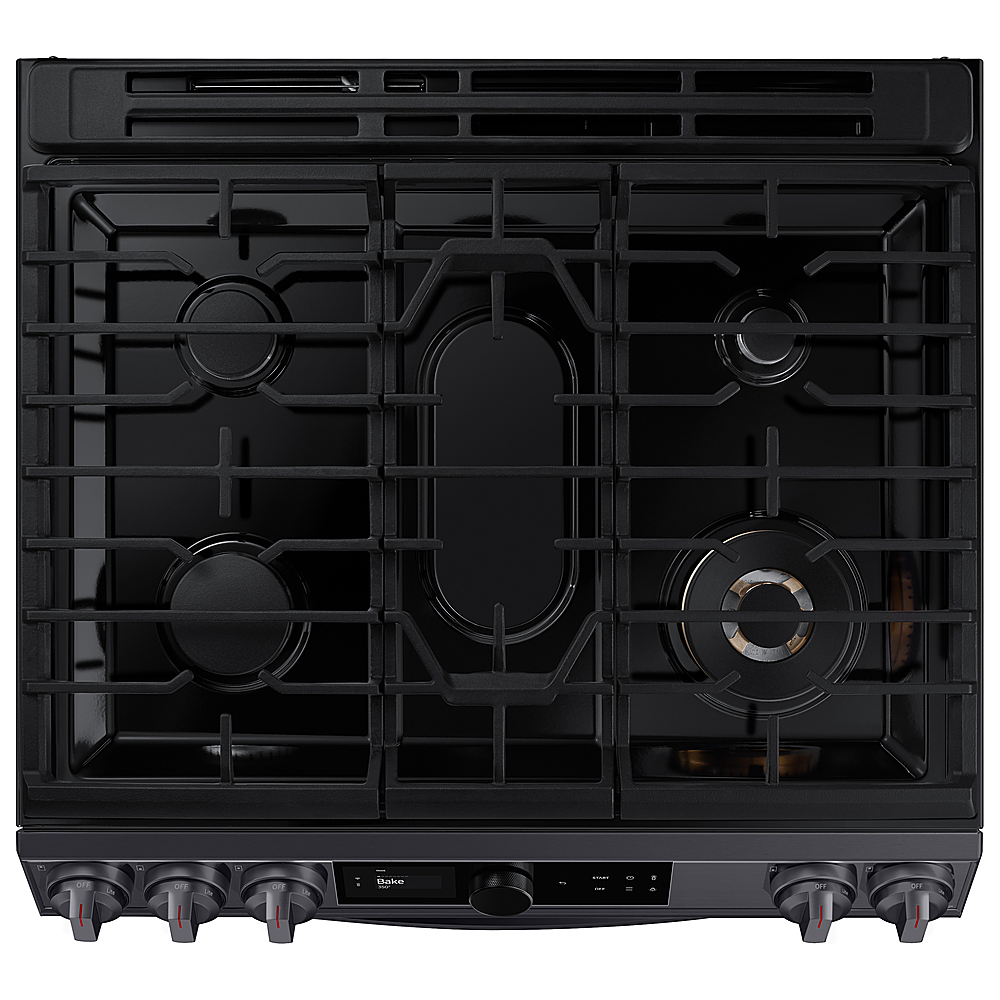
A:AnswerHi Linda! This model is designed to run on natural gas. However, a licensed professional can convert the range to run on liquid propane instead. ^Jecca
A:AnswerGreetings!
Thank you for reaching out and we hope you are in good health. We are happy to know that you have purchased a Samsung home appliance and we hope it is up to your standards.
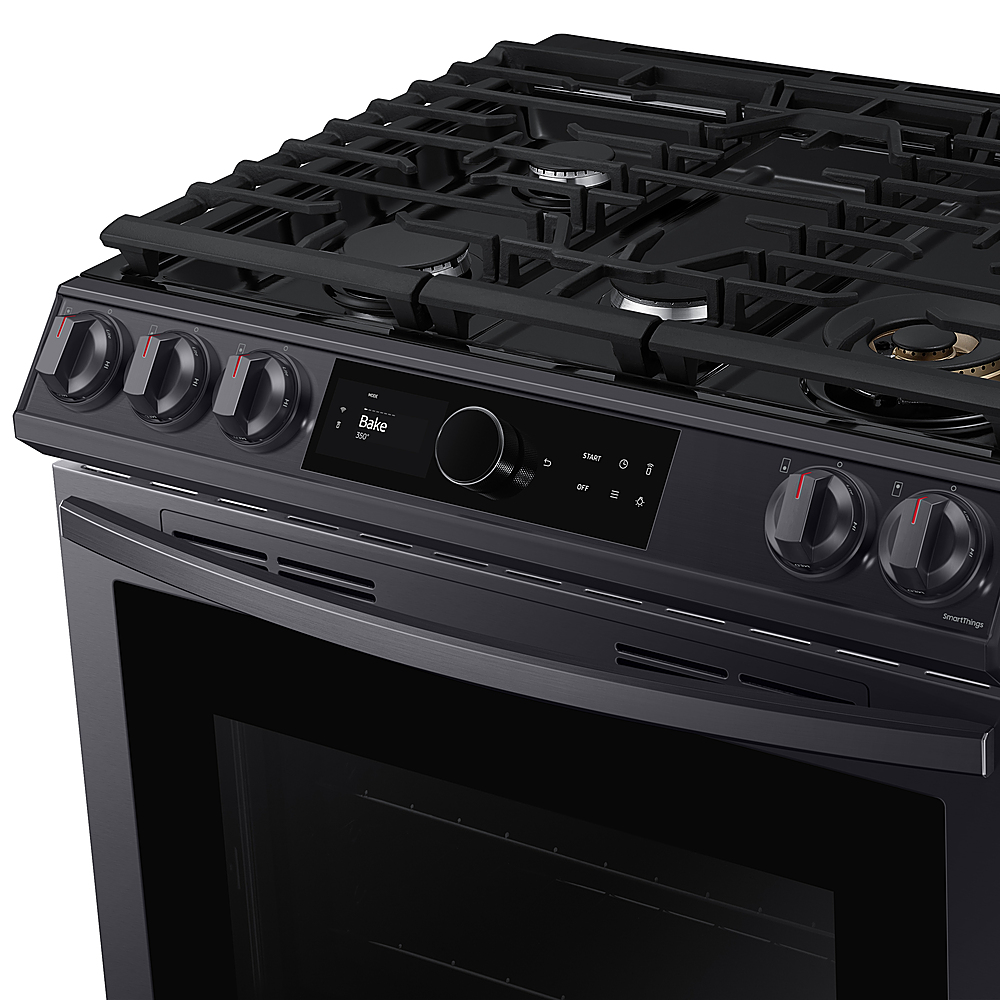
To set the time, you need to press on the 3 lines on the control panel. I have shared the user manual link below and a samsung website help link below. Please access the link and turn to pages 15 - 16.
https://downloadcenter.samsung.com/content/UM/202112/20211214152130274/NX60T8711SS_AA_DG68-01220A-07_EN-MES-CFR_211207.pdf
https://www.samsung.com/us/support/answer/ANS00089342/
Please feel free to communicate with us through the channels below if you have additional questions.
1. Facebook Messenger: http://m.me/samsungsupport
2. Twitter: https://twitter.com/messages/compose?recipient_id=18768513
3. Samsung Community: https://us.community.samsung.com/t5/Samsung-Community/ct-p/us
Your reference number: 1144396782
Leo
A:AnswerSorry, can't tell you. I'm returning the range. The high output burner is defective and cannot be repaired. The parts used on the first repair by the factory authorized repair shop did not work and the repairman said the parts he wanted to order to try the next repair were not available from Samsung. Not a very satisfactory outcome. Got store credit from Samsung and traded up for a Bosch.
A:AnswerI am having the same issue (reversed) and resetting using the circuit breaker doesn't help. My range is stuck on LOW for Broil and I cannot change it to high. I used the work-around of creating a "favorite" using the hamburger menu and setting "Broil HIGH" as a "favorite", then as you turn the dial to select cooking function it shows up.... Hope that helps. Also, can we just talk about how the Samsung "rep" didn't even address the issue in their answer and then had the nerve to post the manual as if you don't know how to operate the faulty oven?!?!? lol
A:AnswerHi there,
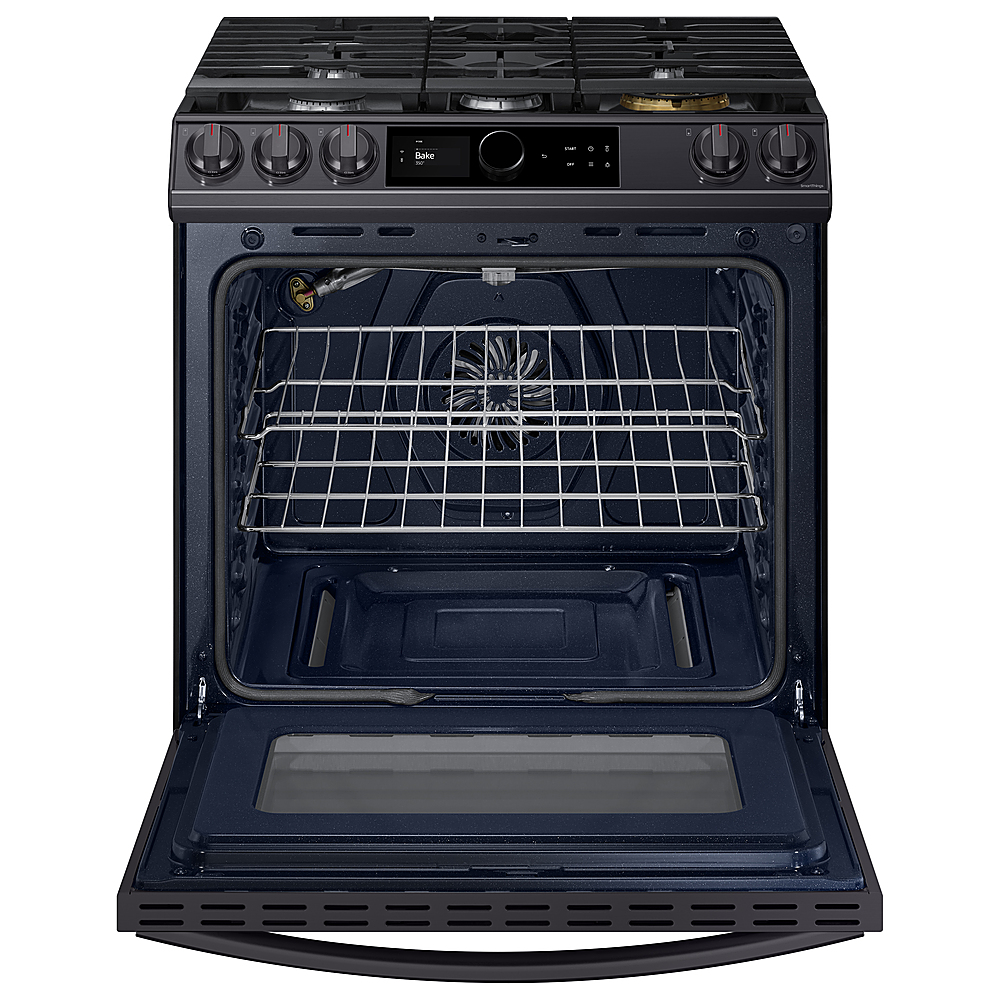
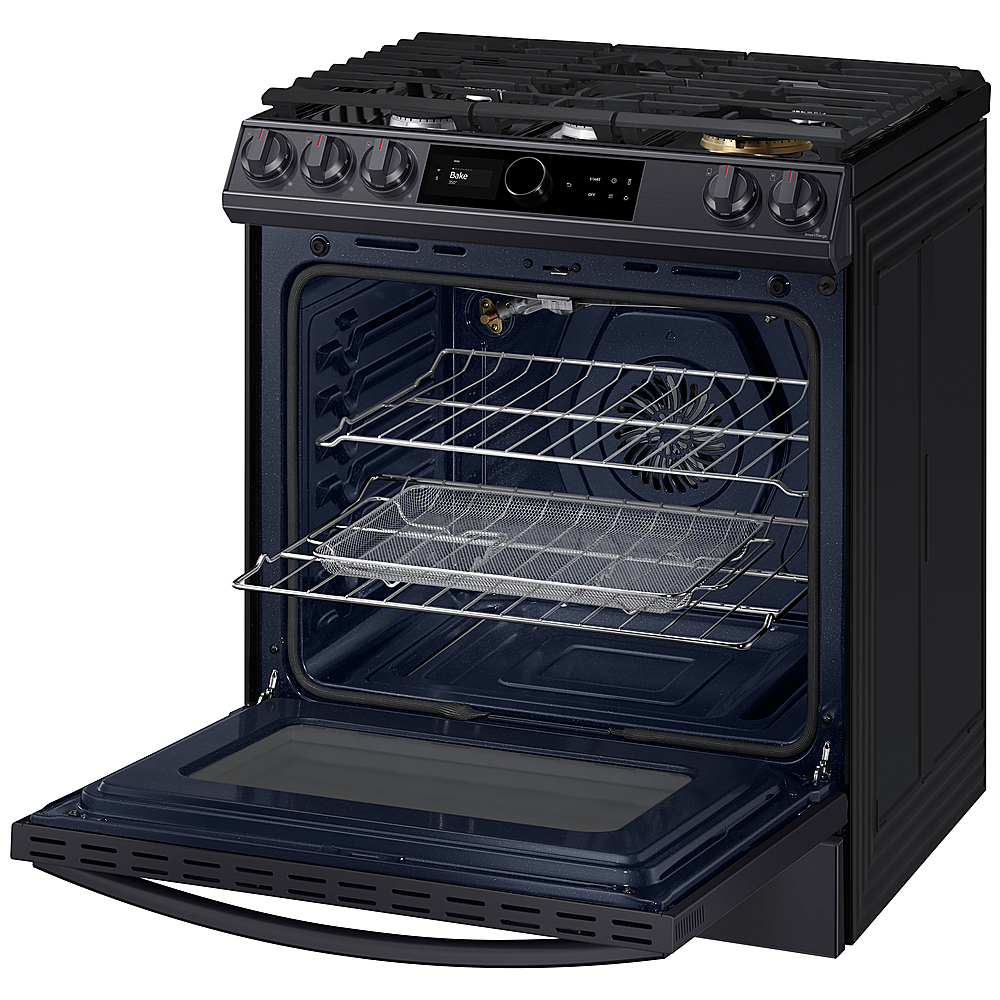
I can answer that for you. The Air Fry feature is set up exactly like a countertop Air Fryer. This helps save space on your counters and under the counter. You will pop your food into the oven and rotate the Smart Dial to Air Fry then start. Thank you for choosing Samsung. ^Brad
A:AnswerHi Wonder.
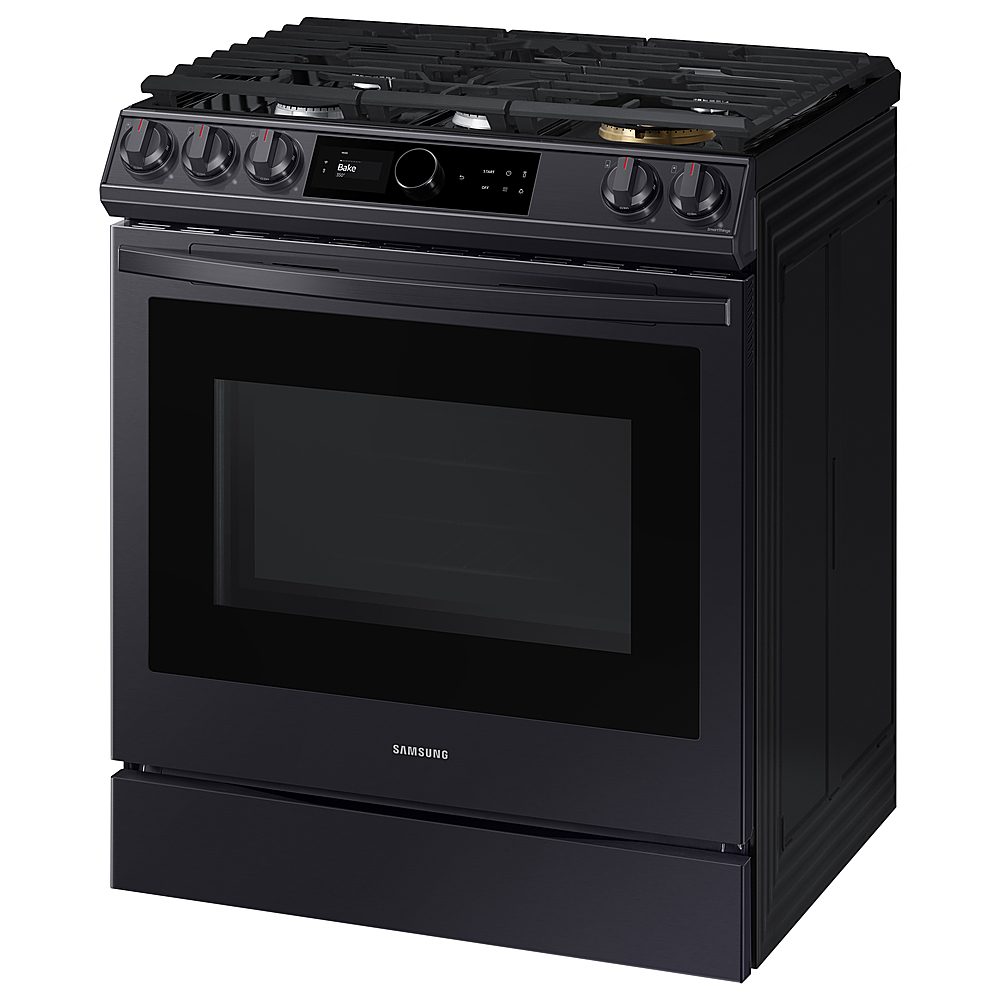
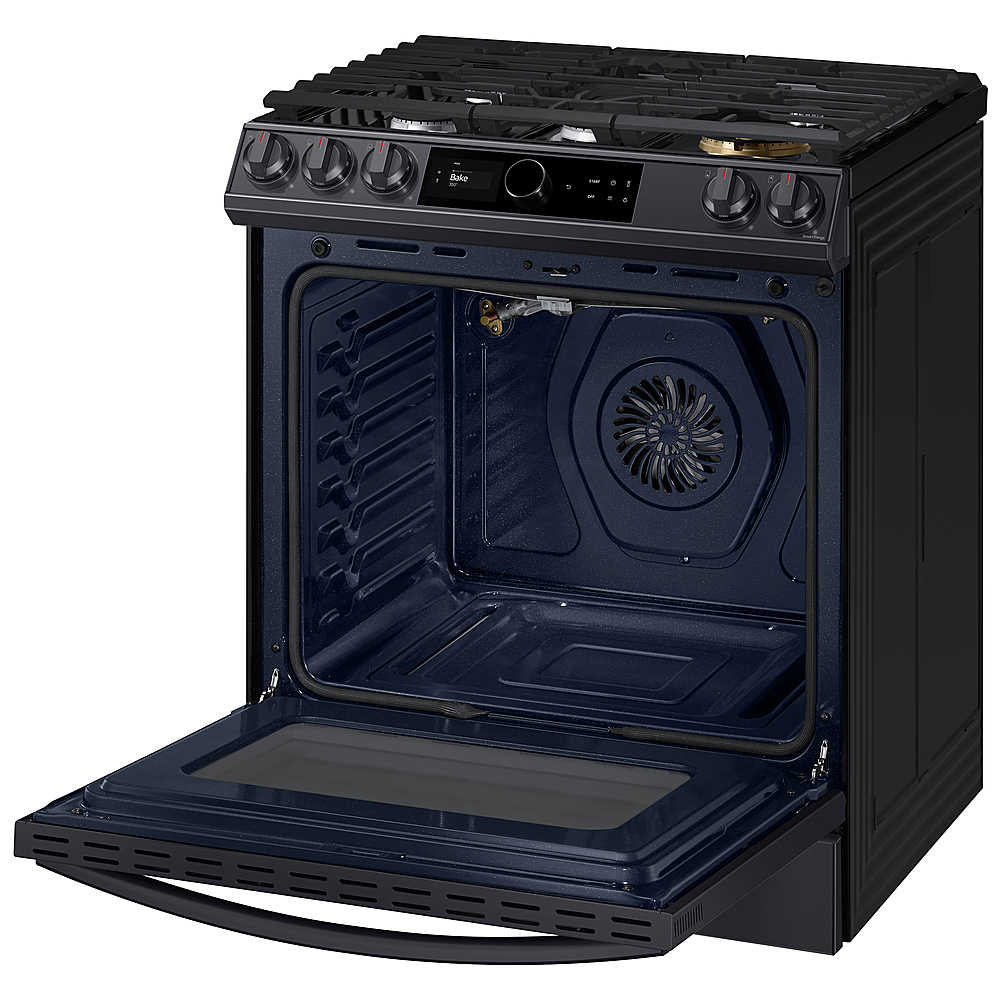
Thank you for reaching out regarding your Samsung - 6.0 Cu. Ft. Front Control Slide-in Gas Range with Smart Dial, Air Fry & Wi-Fi, Fingerprint Resistant if it requires 110 or 220-volt electricity. Regarding your concern, you need to have 120-volt electricity.
Here is the link to your user manual. Please go to page 9.
https://downloadcenter.samsung.com/content/UM/202112/20211214152130274/NX60T8711SS_AA_DG68-01220A-07_EN-MES-CFR_211207.pdf
Also, here is the link for the full specs, features and dimensions.
https://www.samsung.com/us/home-appliances/ranges/gas/6-0-cu-ft-front-control-slide-in-gas-range-with-smart-dial-air-fry-wi-fi-in-stainless-steel-nx60t8711ss-aa/#specs
Should you need more assistance, please feel free to get back to us via the following options:
1. Facebook Messenger: http://m.me/samsungsupport
2. Twitter: https://twitter.com/messages/compose?recipient_id=18768513
3. Samsung Community: https://us.community.samsung.com/t5/Samsung-Community/ct-p/us
Thank you for being a valued customer of Samsung. Have a great day.
Reference Ticket Number: 1144326626
^Camille
A:AnswerIf you leave the door open for 20-30 seconds while the oven is in convection baking, convection roasting, baking, or broiling modes, the oven burner shut off. To restart the burner, close the door. Thank you for choosing Samsung! ^Lena
A:AnswerHi there,
I realize you might be experiencing issues with your range. I would love to see how I can help. Please feel free to contact us via Facebook Messenger (http://m.me/samsungsupport) or Twitter
(https://twitter.com/messages/compose?recipient_id=18768513)
Please reference ticket number 1142448607. We thank you for being a part of the Samsung family. ^Brad
A:AnswerI'm so glad you asked! To help answer this, I'm providing this link (https://bit.ly/3bwVdRJ) to the user manual for this model. Beginning on page 30 you can find detailed information about how and when to use the Sabbath Mode. ^Jecca
A:AnswerI have connected the Range to Wifi and then downloaded the SmartThings App on Phone. Make sure you enable Wifi connection on Range. Then on Smartthing App, go to settings and enable Sync Time option. That will enable range to pick up correct time from your wifi connection.