A:AnswerHi NEARDEAF,
The Samsung CU7000 is Bluetooth enabled and can connect to most devices. According to the Phonak website, a Phonak TV Connector device is recommended to stream the TV audio directly to the Phonak hearing aid. I recommend reaching out to Phonak directly for more assistance.
~Samsung Advisor
A:AnswerHi Dek,
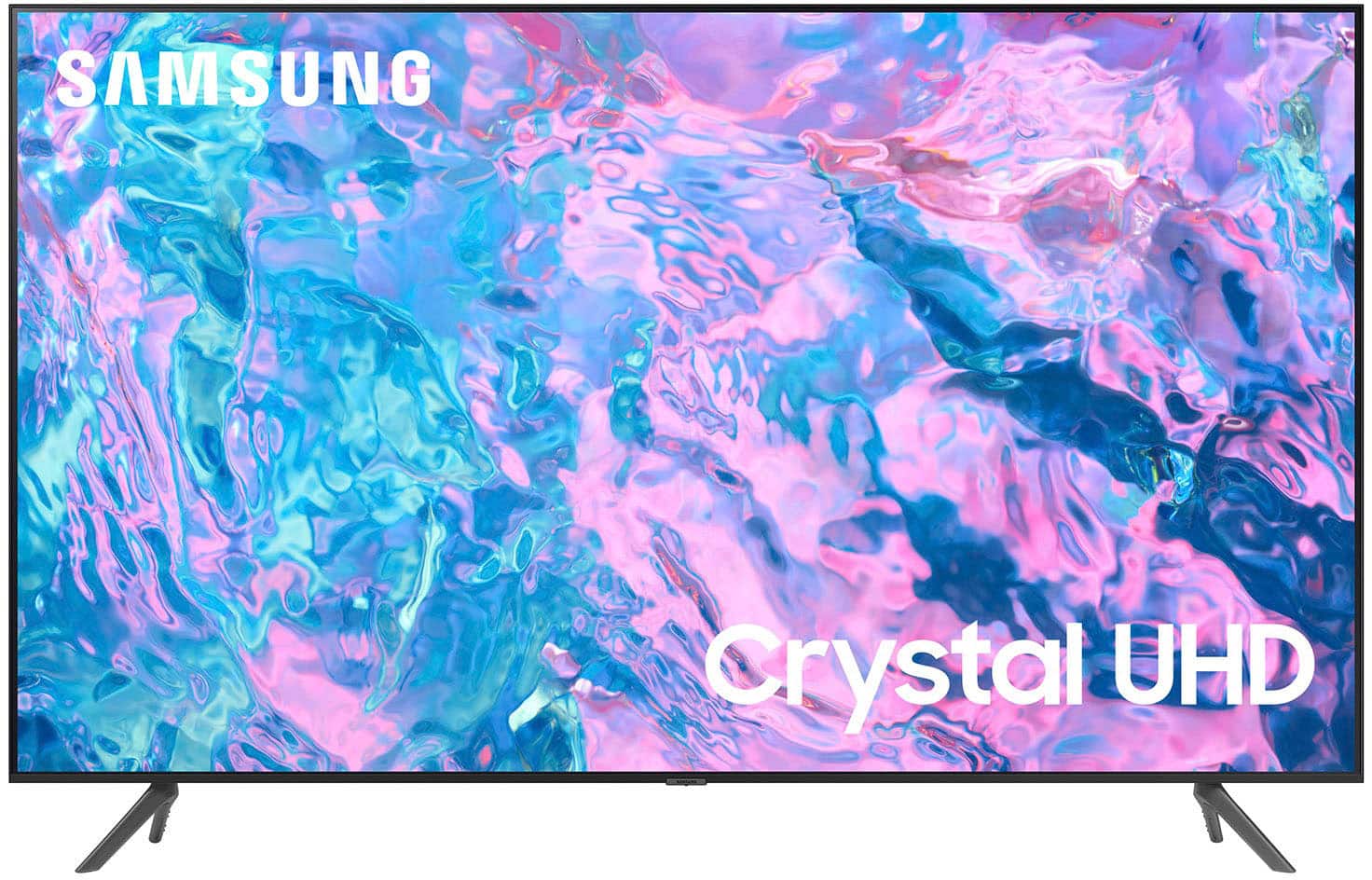
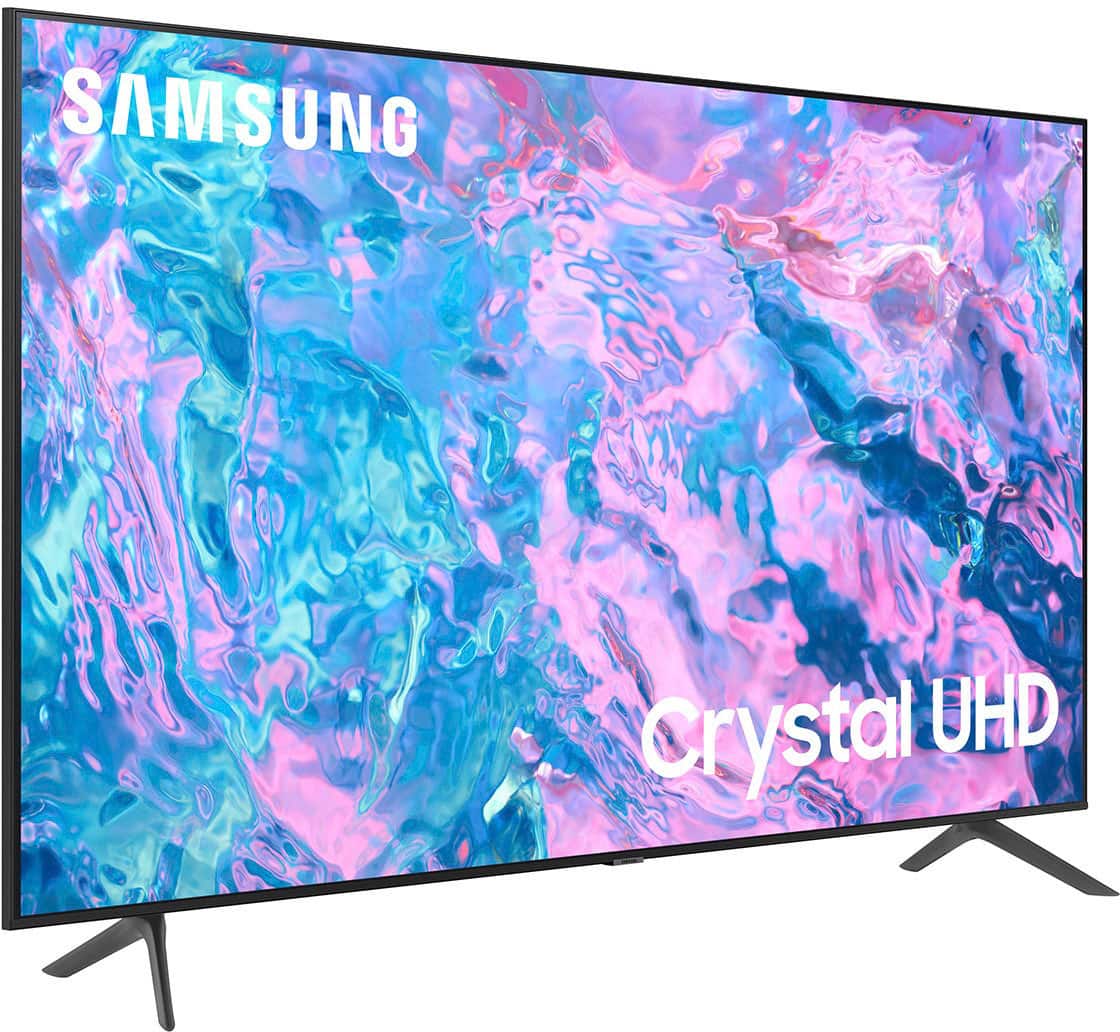
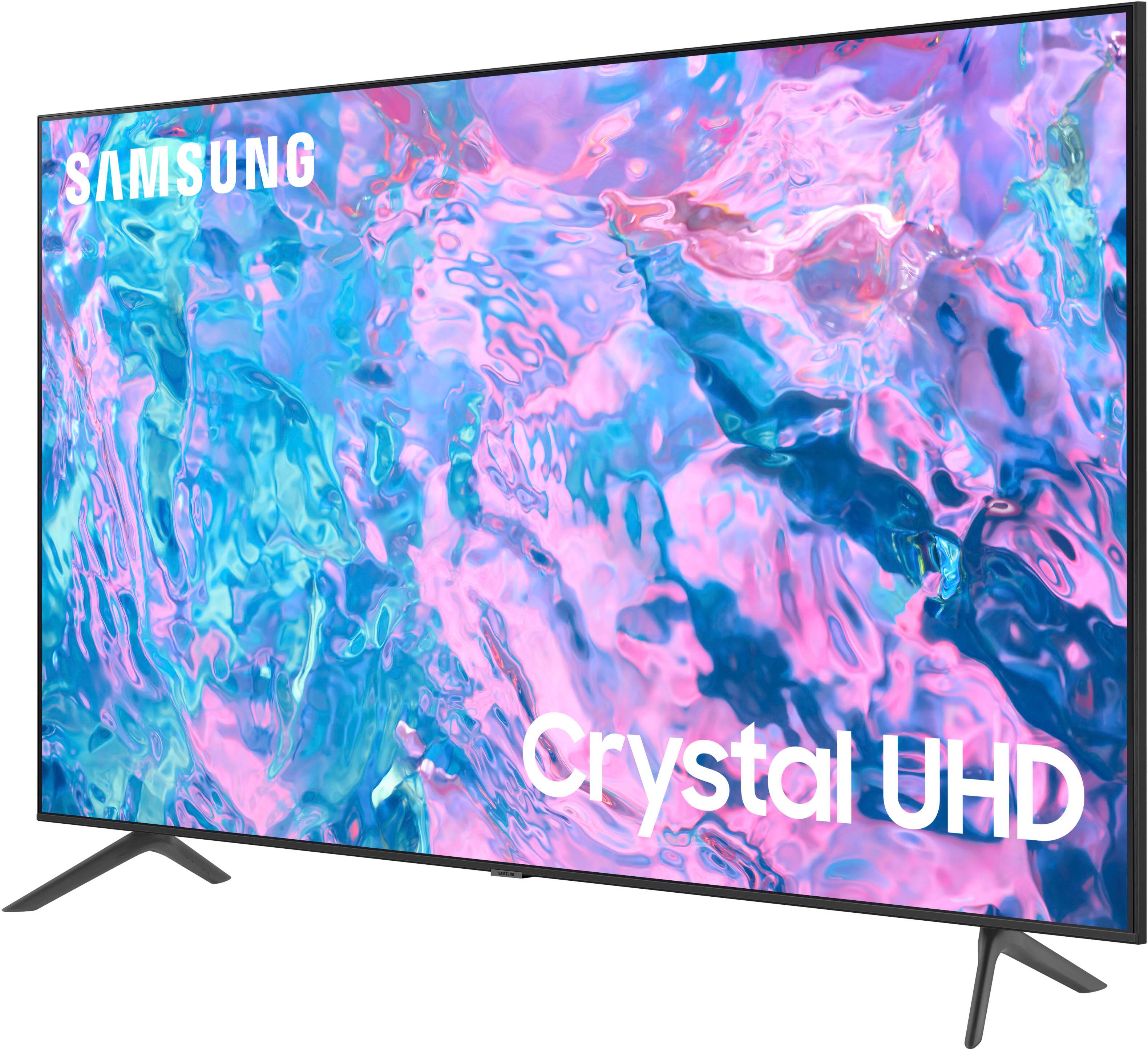
Our Crystal UHD TVs offer a Crystal Display for brilliant colors and exceptionally crisp, vivid images. Its Crystal 4K Processor further brings impressive clarity to all your content while upscaling everything you watch to stunning 4K definition, no matter the source.
Stepping up to QLED offers many advantages, such as our fast and powerful Quantum Processor 4K that enhance pictures from any source into crisp 4K, and Direct Full Array backlight technology that's designed to bring scenes to life with more precise contrast controlled by in-screen lighting that delivers deep blacks and pure whites with minimal halo or blooming.
I hope this helps!
~Samsung Advisor
A:AnswerHi gips,
The voice remote, available on the CU8000 TV and above, has Bixby, Alexa, and Google Assistant built-in to control your TV with just your voice. Use built-in voice assistants to easily change the channel, play music, control smart home devices, and more.
~Samsung Advisor
A:AnswerHi there,
Thanks for your question! Best Buy and Samsung are working together to make this product available as soon as possible. Please continue to check the website or contact your local Best Buy for more information.
~ Samsung Advisor
A:AnswerHi boducdx,
The 20-22mm listed in the user manual is not the screw length. It’s the wall mount thread depth in the TV chassis. Make sure to add the wall mount bracket thickness to the thread depth for minimum screw length.
If you cannot find the fitting screws, you could use washers (supplied with the wall mount) to adjust the length.
If you need more help, Samsung is here for you. Please call us at 1-800-SAMSUNG, 8 AM - 12 AM EST, seven days a week. Our LiveChat agents are also available by clicking on the ‘Support’ link on our website.
~ Samsung Advisor
A:AnswerHi there,
Please contact Samsung Customer Support for troubleshooting or warranty assistance at 1-800-SAMSUNG, 8 AM - 12 AM EST, seven days a week. Our LiveChat agents are also available by clicking on the ‘Support’ link on our website.
~ Samsung Advisor
A:AnswerNancey - So that we can better understand and assist with this, please reach out to Samsung Support at: 1-800-SAMSUNG, 8AM - 12AM EST, 7 days a week, or Chat with us on Samsung.com: https://www.samsung.com/us/support/contact/
~ Samsung Specialist