A:AnswerMikeP - Multi View allows you to watch up to two things at once on your TV, including what’s on your Smartphone. Whether it's live stats for the sports you’re watching or cheat videos while you play a game, Multi View provides you with different possibilities for splitting screens and viewing several types of content at the same time. While 2 HDMI inputs can’t be viewed simultaneously, here’s an example of how you can use this feature: On the left screen, you can play apps like TV+ or YouTube, HDMI devices, Antenna or Cable, or USB devices. On the right screen, you can screen mirror, use AirPlay, cast from an app, or cast from an IoT camera.
~ Samsung Specialist
A:AnswerMike - While the S90D features Ultra Viewing Angle and Anti-Reflection technology to provide you with wider viewing angles, enhanced color, and minimized glare to help you enjoy shows without distractions, OLED Glare Free is available on our S95D Series.
~ Samsung Specialist
A:AnswerHi Sierra,
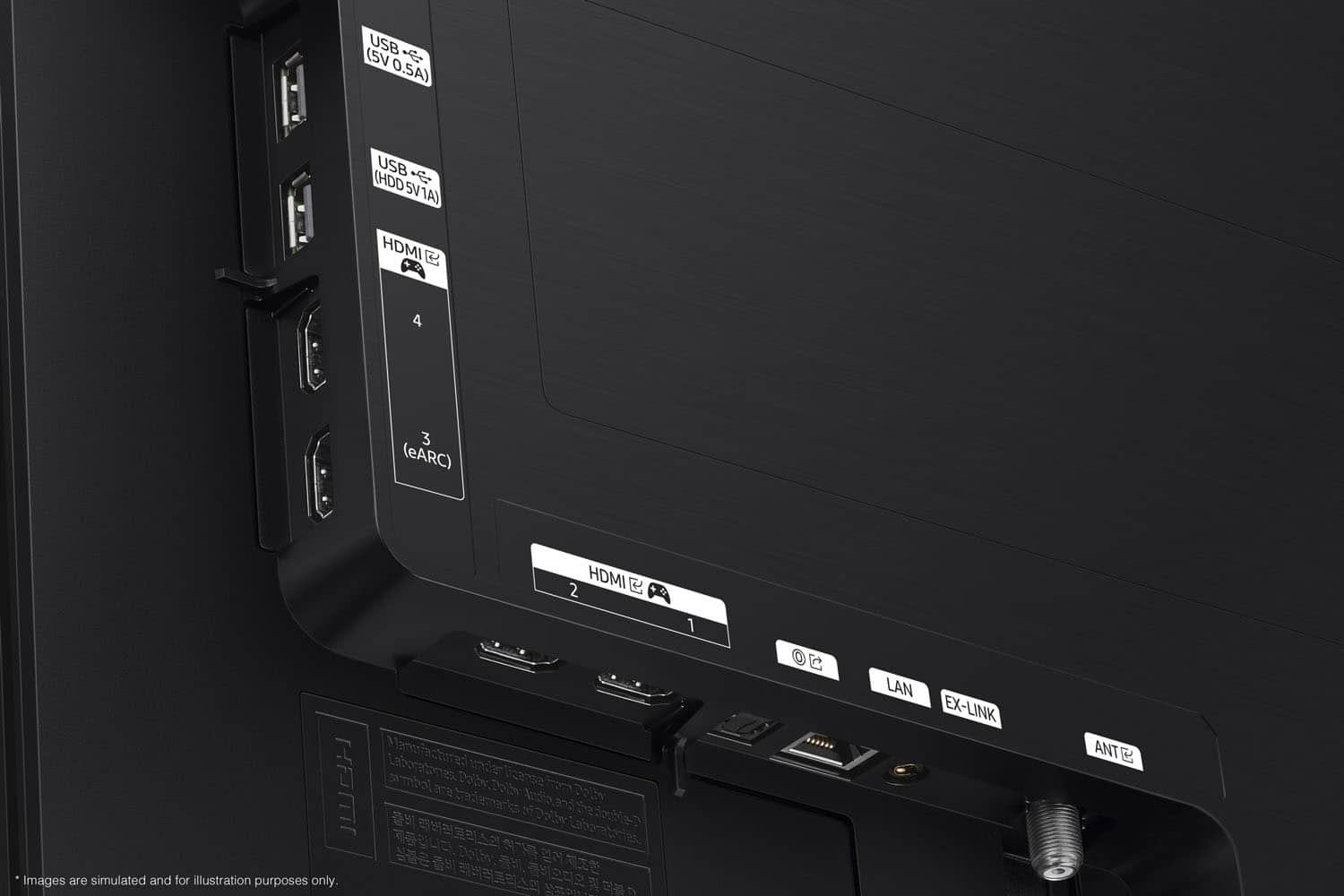
Thanks for asking! HDMI 2.1 is a somewhat complicated specification, so to better help our customers with their TV decision-making, we highlight the specific features supported by each TV model. All 4 HDMI ports on the S90D are capable of Auto Low Latency Mode (ALLM), Dynamic Metadata (HDR10+), Variable Refresh Rate (VRR), and 4K@120Hz (up to 144Hz for PCs). eARC support can further be found in HDMI port 3.
~Samsung Advisor
A:AnswerToddStyles - Please give us the opportunity to better assist with this by reaching Samsung Support at: 1-800-SAMSUNG, 8AM - 12AM EST, 7 days a week, or Chat with us on Samsung.com: https://www.samsung.com/us/support/contact/
~ Samsung Specialist
A:AnswerThere are 1 million things that could be impacting this. A lot of it could just have to do with the settings or your streaming services. Most of them require a higher fee for 4K quality. You might want to check those because this TV is light years beyond any TV from 10 years ago.
A:AnswerRocky - Please give us the opportunity to better assist with this by reaching Samsung Support at: 1-800-SAMSUNG, 8AM - 12AM EST, 7 days a week, or Chat with us on Samsung.com: https://www.samsung.com/us/support/contact/
~ Samsung Specialist
A:Answercoachallen16 - PiP (Picture in Picture) capability is available by using our Multi View feature. With Multi View, you can view media from different sources, such as an app, Blu-ray player, or game console, on the main screen while also mirroring your phone to the smaller screen. When using PiP, you can select the position of the smaller screen when it’s displayed on the main screen. You can also choose the top left and top right corners, or the bottom left and bottom right corners for the smaller screen. If you don’t like where you placed the smaller screen, you can always change it later. Hope this helps!
~ Samsung Specialist
A:AnswerYou will not be able to record to directly to this TV. You will need to use an OTA (over air) DVR like one of these: https://www.bestbuy.com/site/searchpage.jsp?id=pcat17071&st=over+the+air+dvr .
~ Samsung Specialist
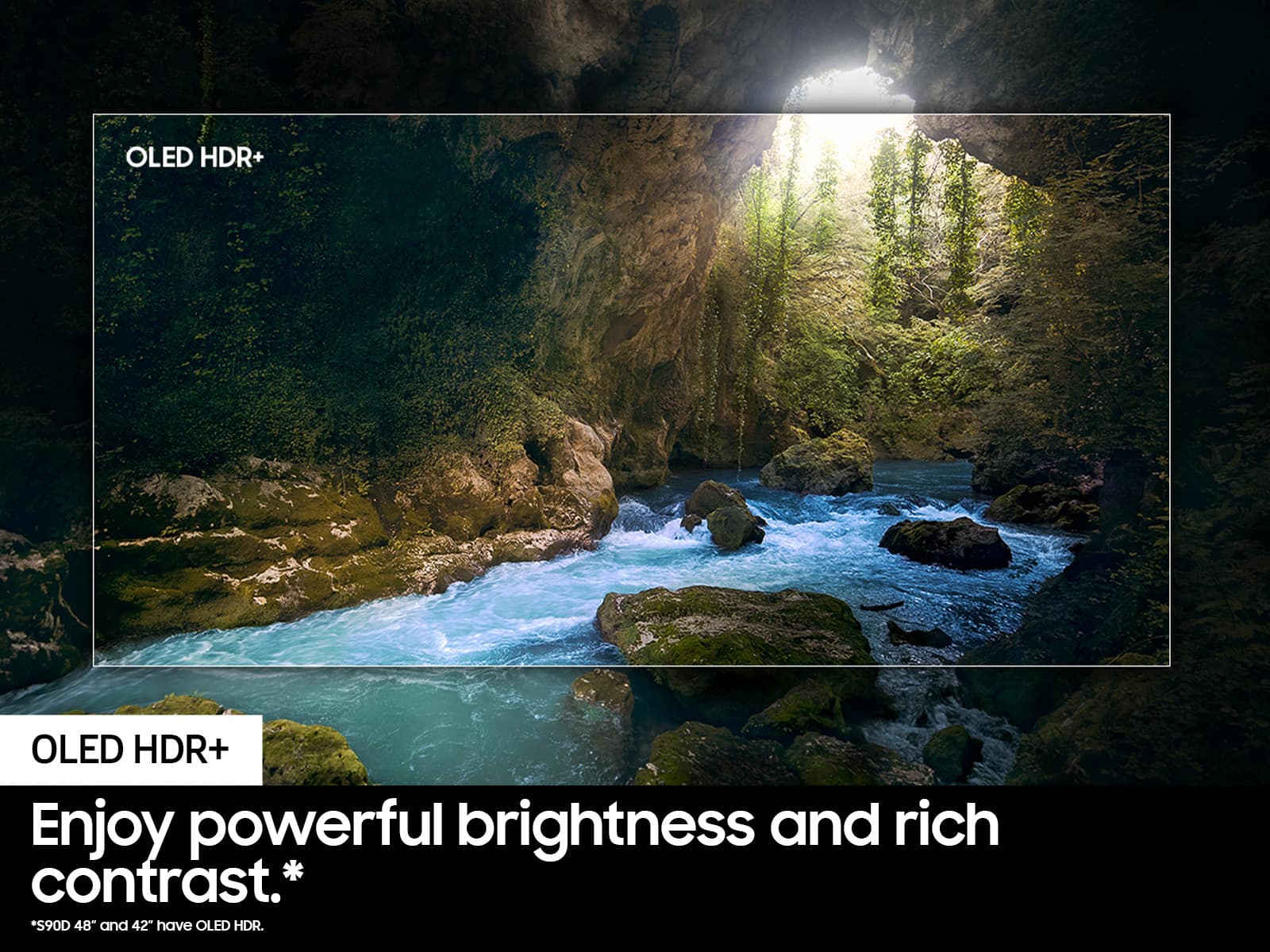
A:AnswerBecause it has a glossy display, it provides the most accurate colors and best HDR performance. Specular reflections are not spread across the screen as they are with a matte display. Because it is brighter than the matte display on the more expensive 95, in all except the brightest rooms, there will be less intrusive reflections. However in a bright setting, the 95 will deliver fewer and softer reflections.
Yes the lenticular grid that is optional on an Apple monitor would be the best of both worlds but it would add $thousands to the price of a TV. And it still slightly reduces contrast.
So if you are serious about HDR then this is Samsung's best option.
A:AnswerLuci - If there is a protective film on your screen, it will be indicated with a large blue triangle in the upper left corner. The triangle will have an illustration showing how to remove the protective film.
If you do not have a blue triangle in the upper left corner, then that means there is no protective film on the screen, so please do not try to peel off anything. You will damage what is actually the screen.
~ Samsung Specialist
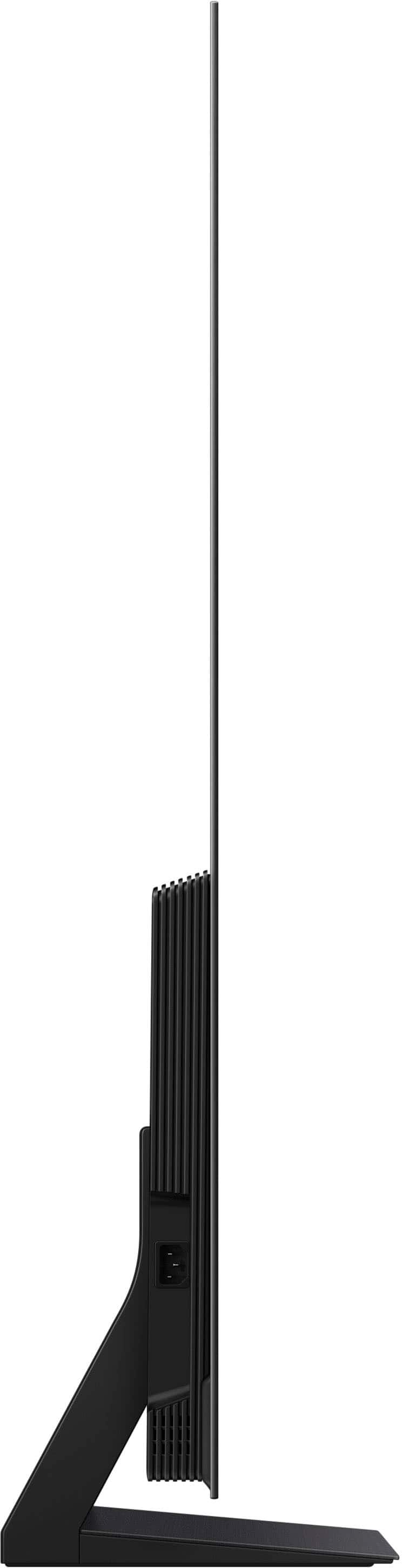
A:AnswerThe Q990d there is a pretty beefy sound bar. The angle of the stand also affects the sound bar. You definitely can’t rest it on the stand without it angling down. Pretty stupid designed by Samsung for the TV stand. You have to have enough space in front of the stand to place it flat. Most TV stands don’t have that much room. Whatever the case that sound bar is an amazing sound system. Just figure out a way to make it work and you will be more than happy. I’ve heard some not so great things about these Samsung TV is burning in. That’s why I went with a LG G4 and G5 with the five-year Panel warranty.
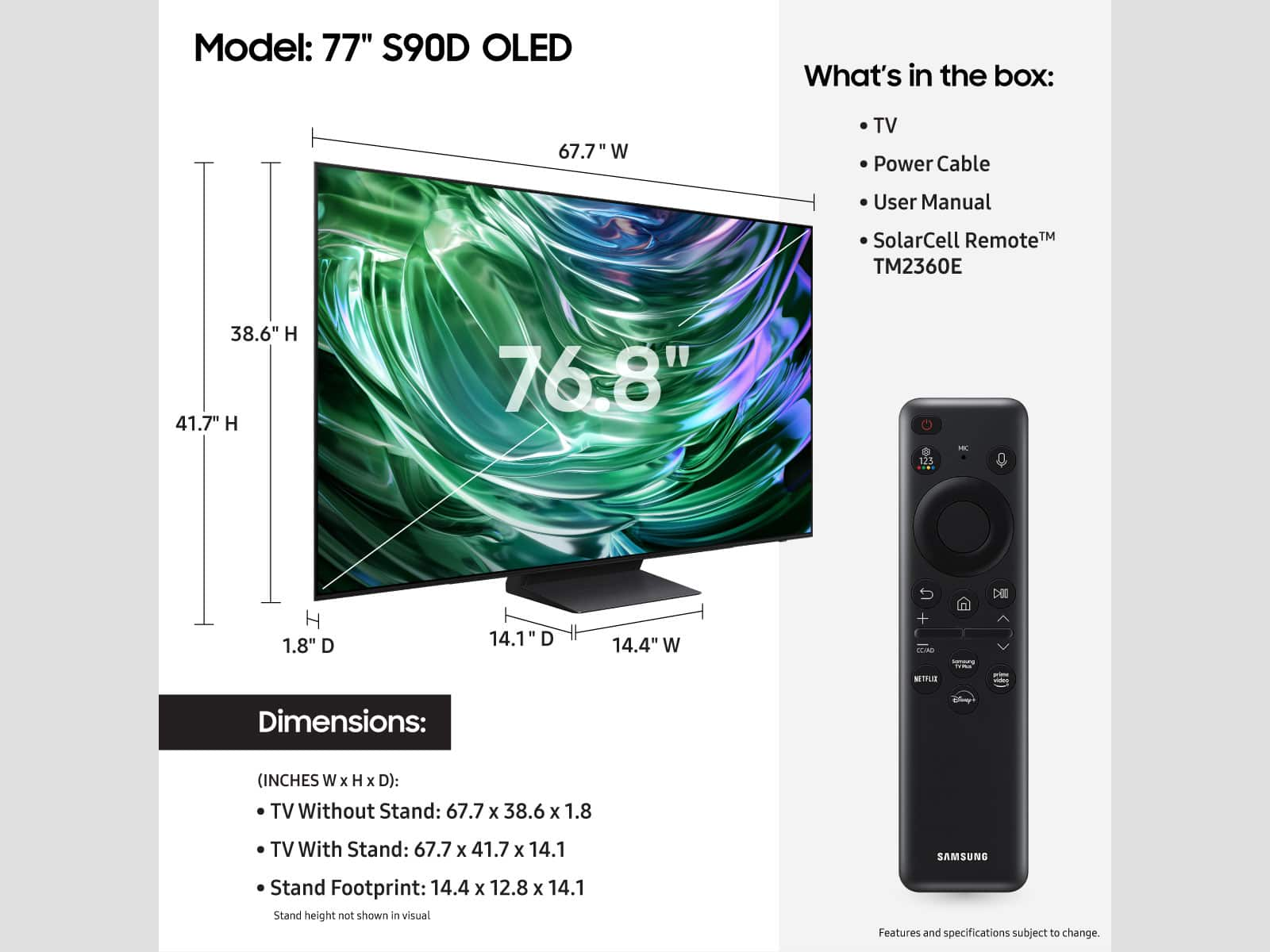
A:AnswerYou can find these measurements on this model’s product page – just click Show Full Specs and scroll down to Box Dimension: https://www.bestbuy.com/site/samsung-77-class-s90d-series-oled-4k-uhd-smart-tizen-tv-2024/6578065.p?skuId=6578065
~ Samsung Specialist
A:AnswerHi Frustrated,
Thank you for sharing your experience with the Screen Saver on Samsung's S90D TV. First, we'd like you to make sure your TV is running the latest firmware version. You can check this by going to: Home > Menu > Settings > Support > Software Update > Update Now
If this firmware version is not yet available on your TV, you can download the update on a USB drive and manually update your TV:
1. On Samsung's website (upper right corner), go to: Support > Manuals & Software > Find your TV model.
2. Download the update and extract it to the root of a USB thumb drive. (Do not put it in any folders on the thumb drive.)
3. Connect the USB thumb drive to a USB port on your TV.
4. Navigate to Settings > Support > Software Update, select Update Now, and then select Yes.
5. Follow the on-screen instructions to install the updated software.
Please also try turning off Data Service by going to: Settings > All Settings > Broadcasting > Data Service, then click to disable. After you've turned this off, please open/play Netflix or YouTube playback full screen.
I hope the above helps. If you need further assistance, Samsung's here to help. Just give us a call at 1-800-SAMSUNG, 8AM - 12AM EST, 7 days a week. Or visit us on the Samsung website and click on the ‘Support’ link for:
• LiveChat
• Manuals, Software, & Warranty Info
~ Samsung Advisor