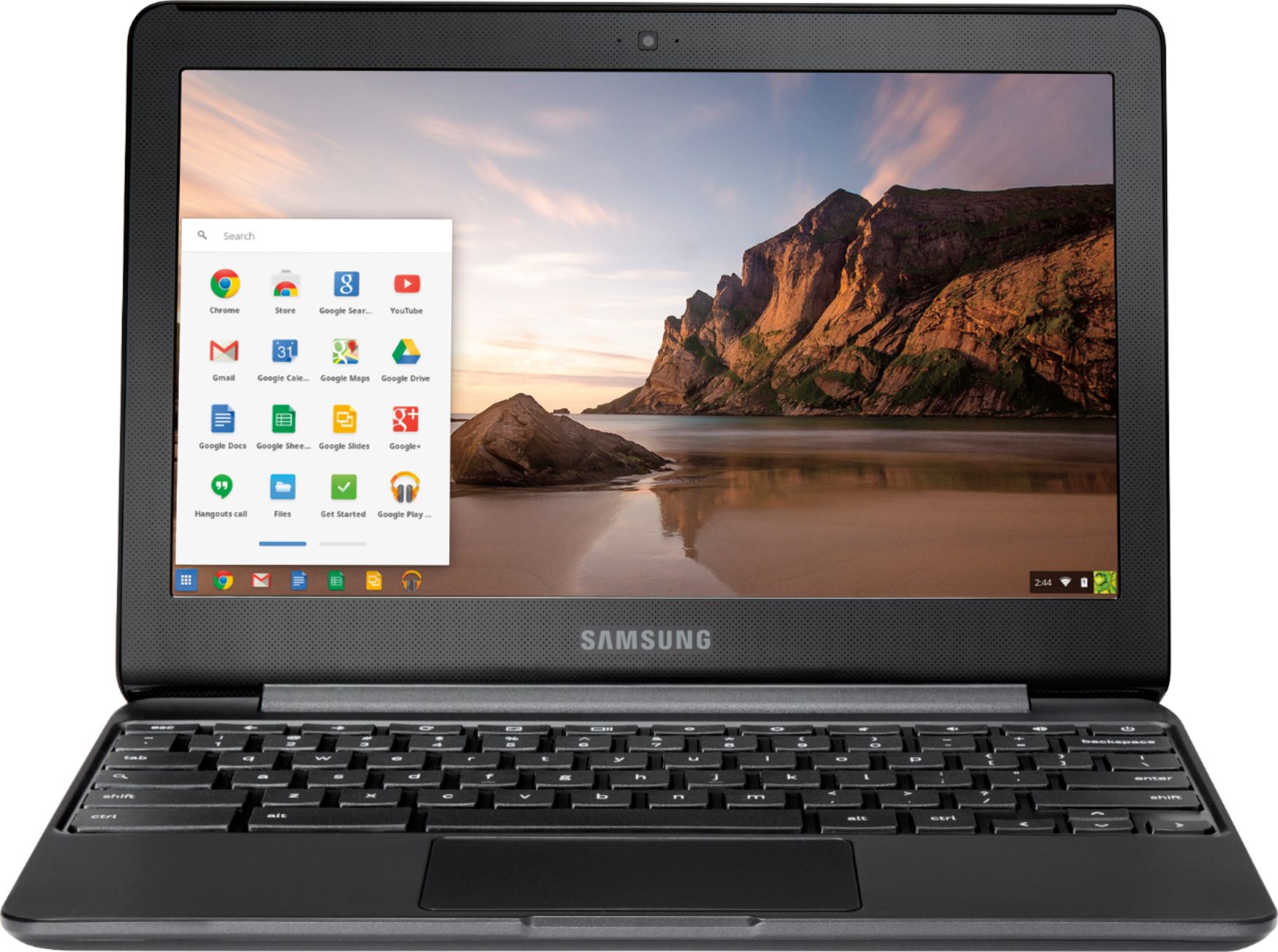
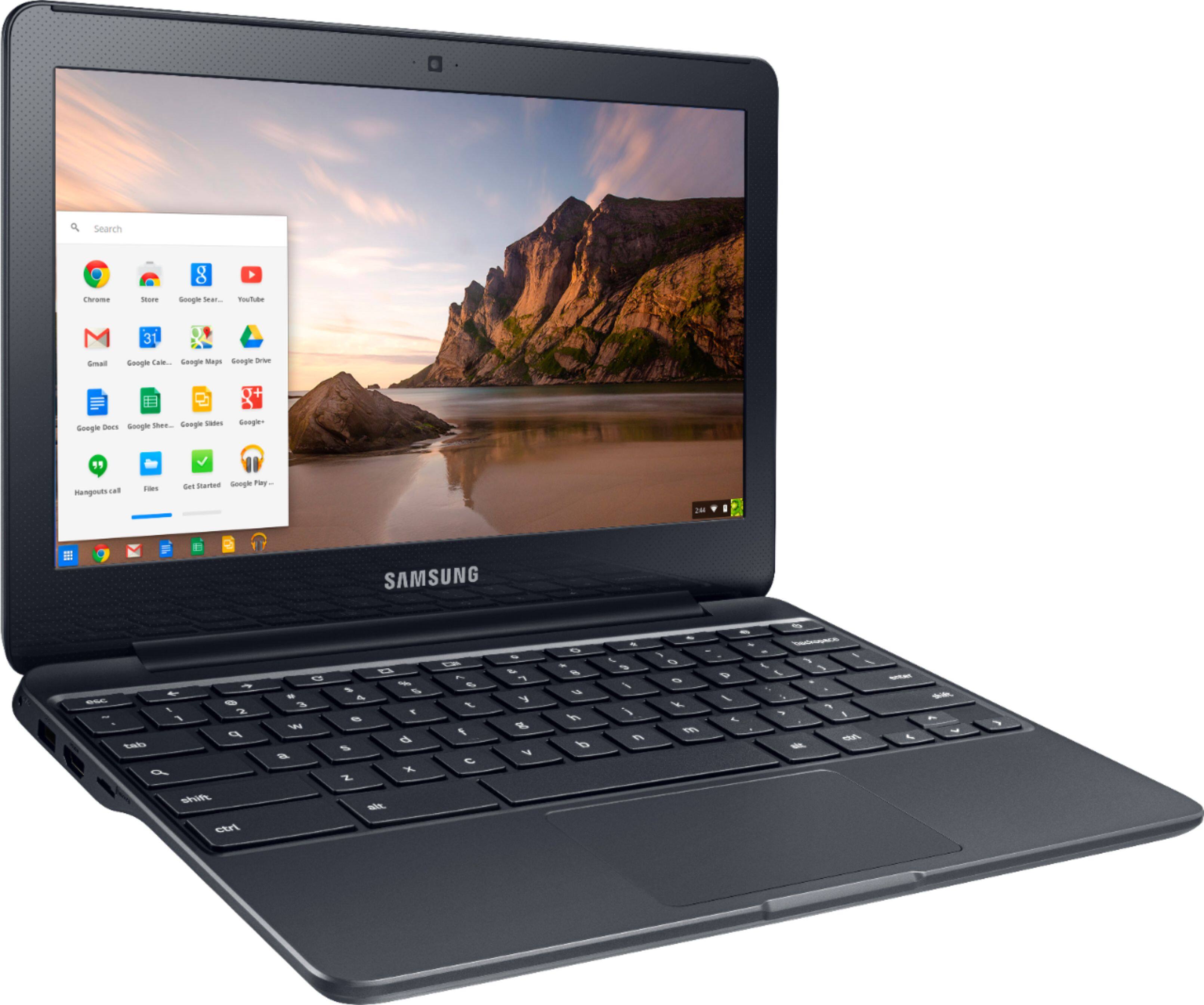
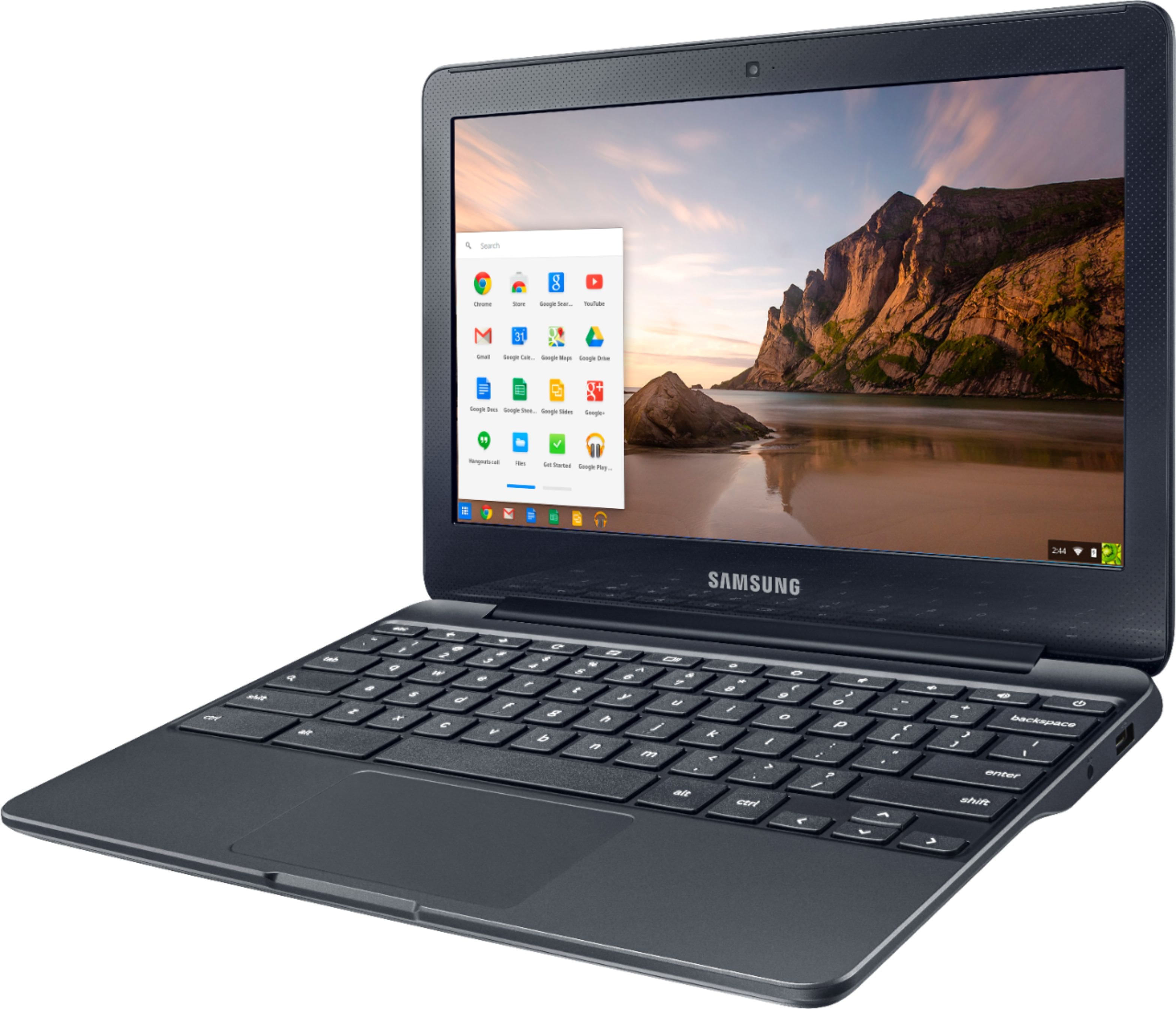
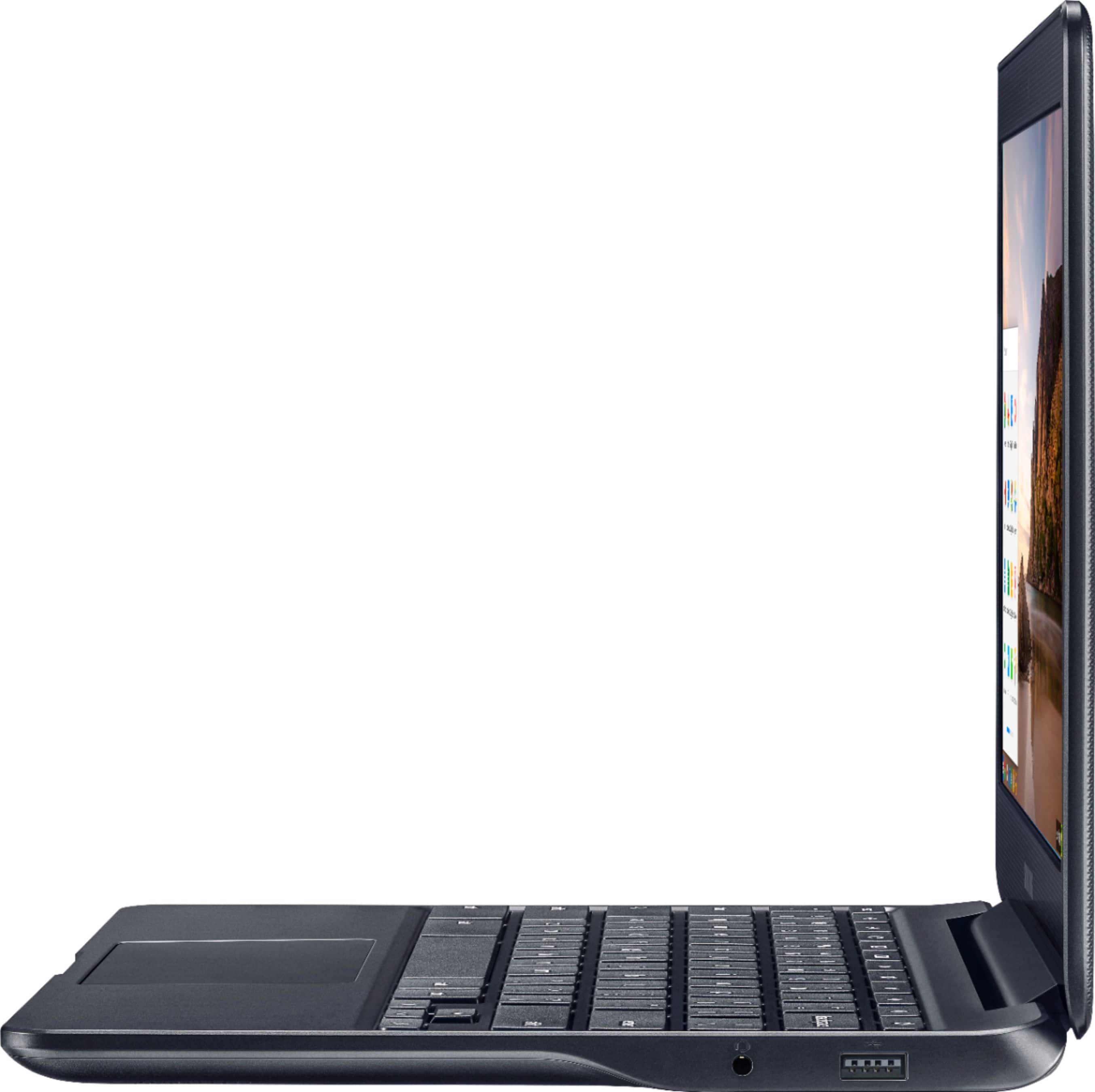
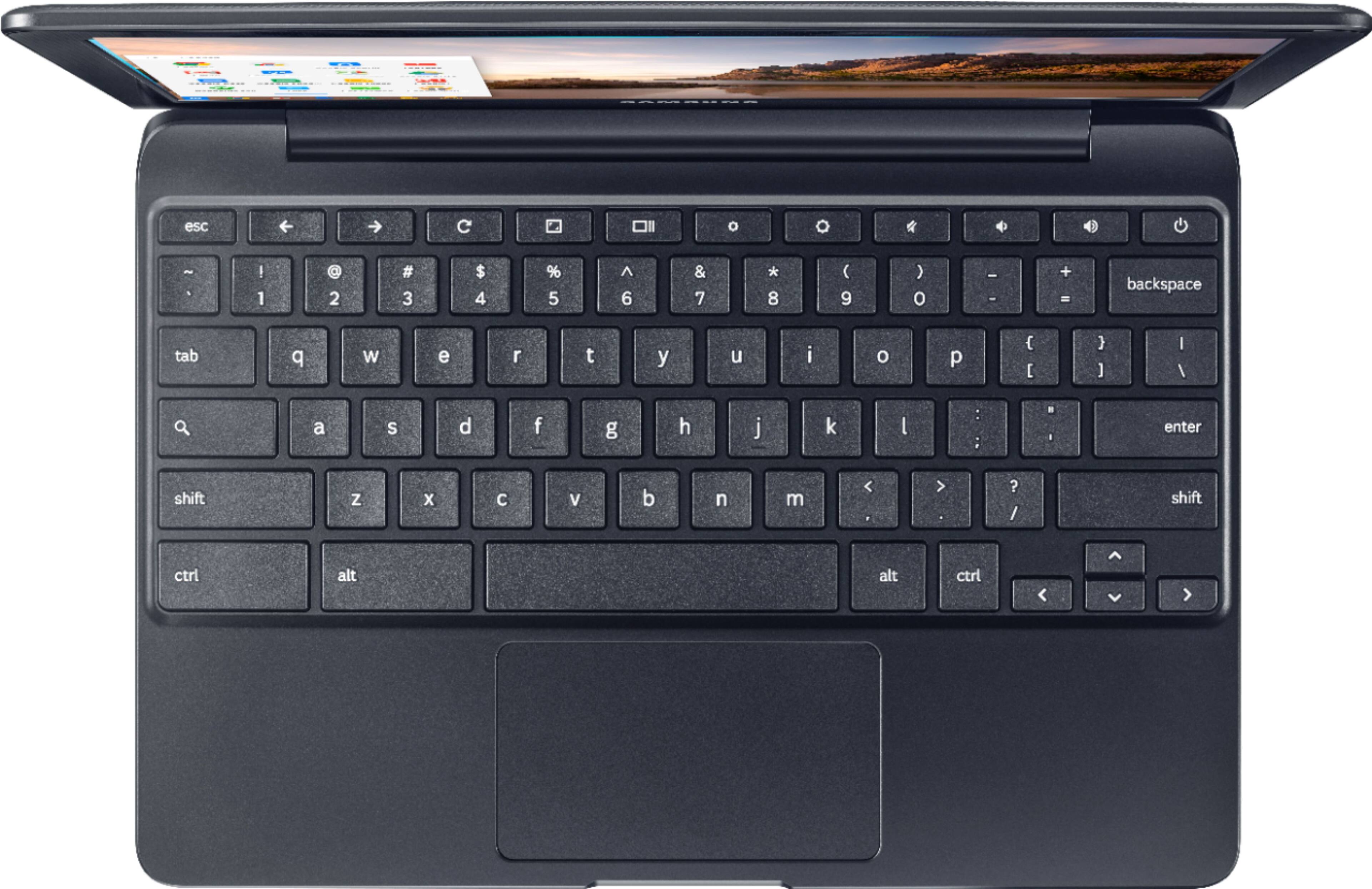
A:AnswerYes it would be great for that....... I purchased this for my wife....... Who is not tech savvy. She loves it. Instant on when you open long battery life. Great for that.
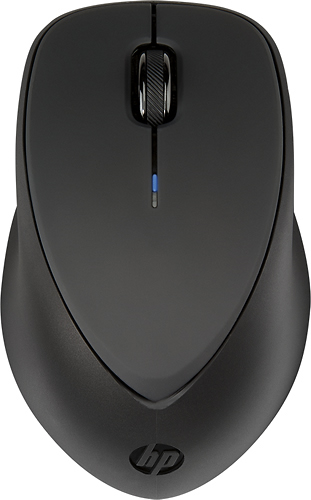
Using a mouse with it might be nice as copy and paste functions are a little different than a traditional PC.
Best
Rick
A:AnswerNo accessories are required, the Chromebook will work out of the box like any other laptop. However, my daughter does have a wireless mouse that she keeps in her book bag. She will connect it to the Chromebook at home, or to her school assigned Chromebook. She prefers a mouse to the touchpad.
A:AnswerIf your Chromebook has the ability to install apps from the Google Play market you might try downloading Amazon Alexa from there. Running it may or may not work - but I have a few android apps running on my Chromebook (this all hinges on the fact I am assuming you meant Alexa, not Echo.
A:AnswerYes, but you need a strong wifi connection. You will not be able to download shows though as it doesn't have the storage capacity. For anything other than logging into Netflix and watching it while connected to internet you will need to look for systems with the i5 or i7 chips in them.
A:AnswerAll your bookmarks are synced to your Google account so when you go to a new system, they should all show up if you use the same Google account on the new system. If you have any documents, pictures, music, videos, etc on your system you can copy them to your Google Drive so that they will be accessible to the new system. You could also copy to a USB flash drive to transfer as well.