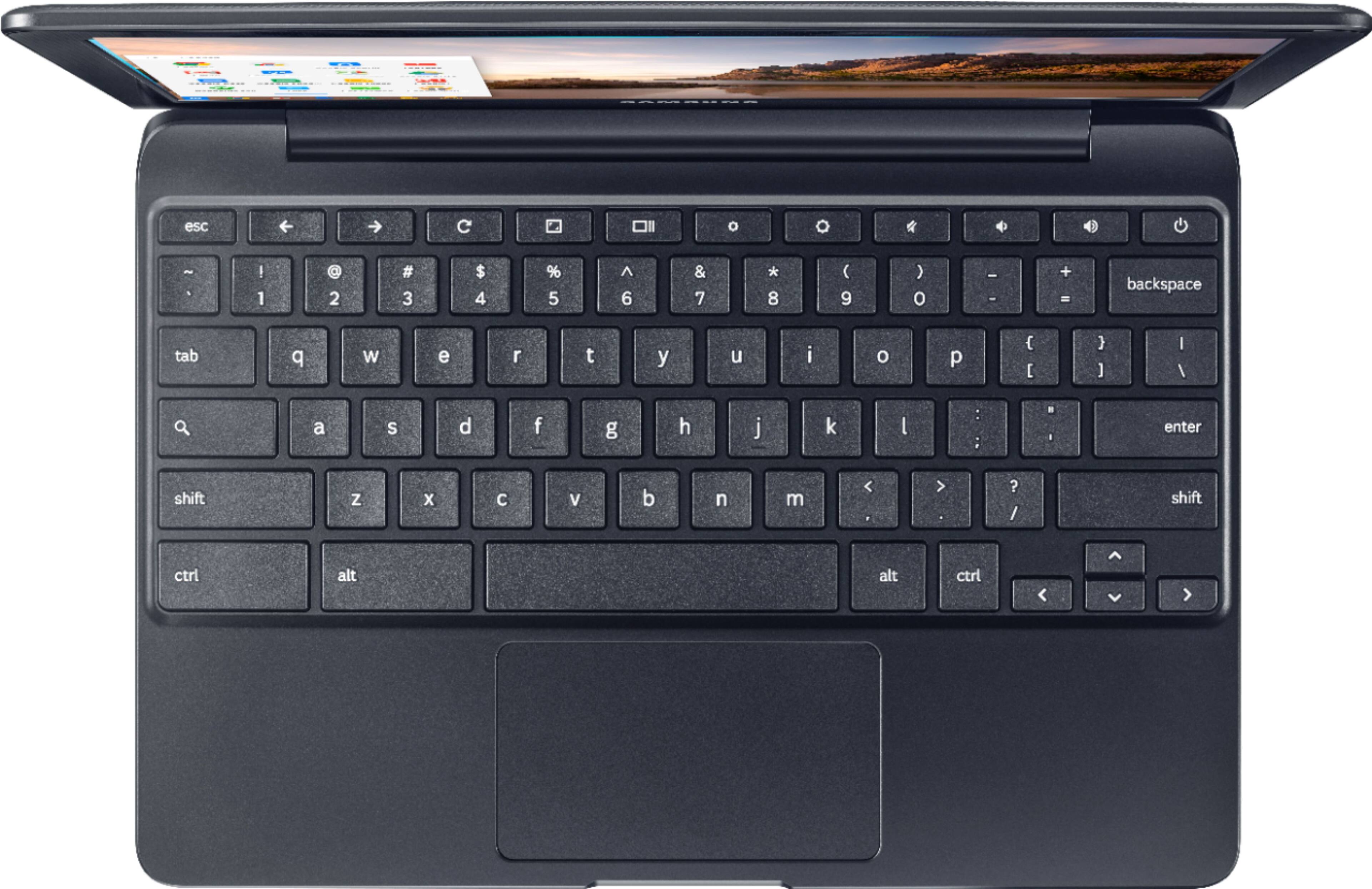
A:AnswerMost definitely. You can also use Goggle Doc and Drive for backing everything up. It's too bad that you can't use Scrivener but you can't have everything. I would suggest this book also. It's short and has excellent tips.
A:AnswerHi Kid10, we understand your concerns with the Chromebook. Please fill out the form below and one of our social media specialists would be happy to assist you. http://smsn.us/SamsungSupportUSA and we will respond accordingly. ^Britt
A:AnswerYes, will work great! Chrome browser is fast! I'm assuming you will be wanting to copy either doc's, pdf's, or another type file to your Chromebook for upload to a website. I recommend putting those files on a flash/thumb drive and just pulling them from there when you upload. That way you can keep the thumb drive with your financial documents safe at home and still be able to take your Chromebook with you and feel safer about your personal data. **Always make sure you upload personal data like that to a site that begins with https:// as the s stands for secure.
A:AnswerNo. This does not operate on a windows operating system. You can use those programs with this chromebook through Microsoft Office Online though.