A:AnswerIt tracks as far as it goes. The farthest i been 100 miles from it. But it only work if there a same brand phone near by with Bluetooth. Bluetooth is the answer. Ex. I have a Samsung phone so any body that close by that has a Samsung phone with their Bluetooth on it will let you know the location of device, if there noone there you will not get a reading. I have them hiding in my vehicle.
A:AnswerYes, has a battery with a tag in place so battery is not active. Uses a CR2032 battery. Once paired to your phone there's a "Power Saving Mode" that can be activated to conserve battery, doesn't effect location read of device.
A:AnswerHi Patricia, thanks for taking the time out of your day to ask us your question about the Samsung Galaxy SmartTag2. Yes, the Galaxy SmartTag2 will work with the Galaxy A23. Samsung's SmartThings Find app utilizing Bluetooth and UWB (Ultra-Wideband) technology to locate and track items. If you have any other questions, please feel free to reach out to Support. Thanks for being a valued Samsung customer. - Debra
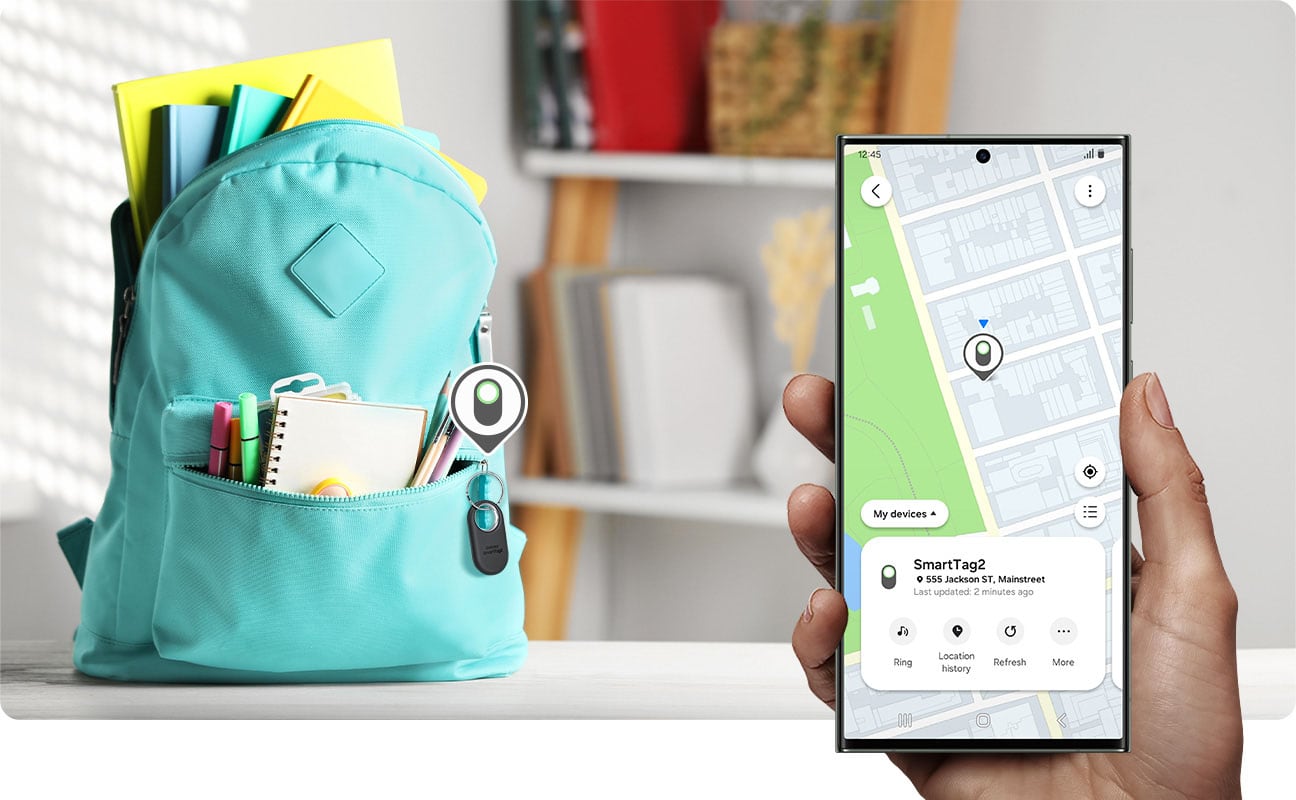
A:AnswerAloha Lloyd, thanks for asking us your question about the Samsung Galaxy SmartTag2. The SmartTag2 utilizes the SmartThings Find network which consists of many other "findable" Galaxy devices that work as beacons by sending out signals. Once these beacons detect a signal from a device that is being sought out by its owner, they will relay that information to the SmartThings Find network; allowing you to see the approximate location of where your lost SmartTag 2 last transmitted its signal. Other Galaxy users that are participating in the SmartThings Find network help with updating your SmartTag2's location within the app. If you have any other questions, please let us know by contacting Support at your earliest convenience. Thank you for being a valued Samsung customer. - Debra
A:AnswerNo, services are not compatible. That being said it does use bluetooth so you can identify the device the device if the bluetooth is compatible and if you are close enough, like pairing. There is a utag app that works across devices but never tried so i dont know. If you have apple devices get an airtag or lesser an itag. Itag may bridge device compatibility but have also never tried.
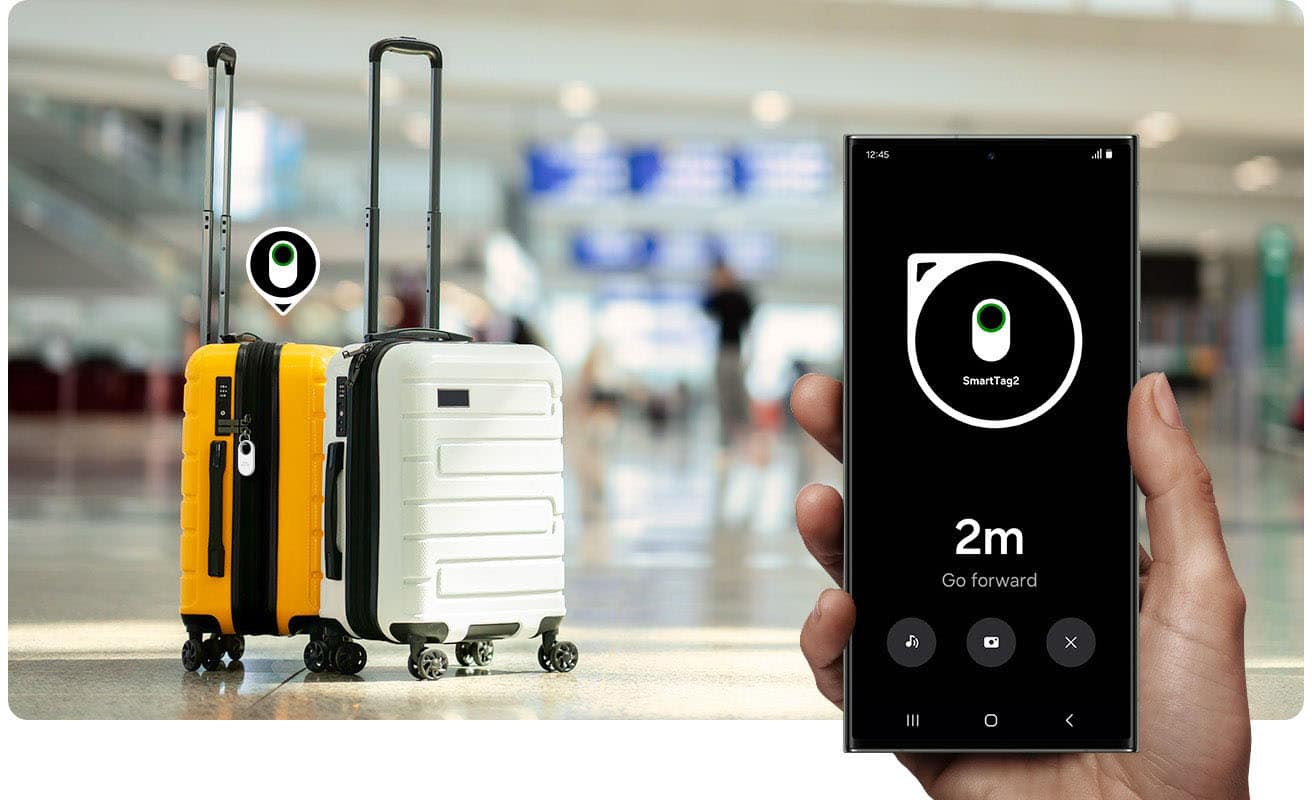
A:AnswerDepends on how far the school is located. From my experience, they are accurate within the airport area, including when checked luggage is processed behind the scenes on the conveyor belt, loaded onto a cart, placed inside the aircraft, offloaded at the destination, and finally retrieved from the carousel.
A:AnswerHi there Oldgrandma11, thank you for asking us your question about the Samsung Galaxy SmartTag2. The advertised Galaxy SmartTag2 has been designed specifically for Samsung Galaxy devices running Android 9.0 or above, however, some features features require Android 11 and UWB support. If you have additional questions for us, please do not hesitate to contact Support. Thank you for being a valued Samsung customer. - Debra