A:AnswerYou should be able to restore the tablet to factory settings. It will be like you just took it out of the box. All your settings and applications you installed will be gone. So will any pictures stored on the device. If your email is stored in the Cloud, you can still get to those. Every tablet is different, but on mine I press the power and volume down buttons at the same time and hold for about 10 seconds. While still holding the power button (don't let go) press the volume up button. If you get the timing right, you'll get a maintenance menu. Use the volume buttons to move around the menu; one of the choices will be to Wipe data/Factory reset. (Using Google on your PC or another tablet you can find a video that shows you how to do this.) Remember! A factory reset will erase all data (including photos) and applications from the tablet. Hope this helps.
A:AnswerI don't play this game but it is easy to connect to any wifi spot. As for location and GPS, many of the apps recognize your location and many ask permission to use the location so this should be any problem. It will often direct me to the closest store and seems fairly accurate. Good little tablet.
A:AnswerHi Miles,
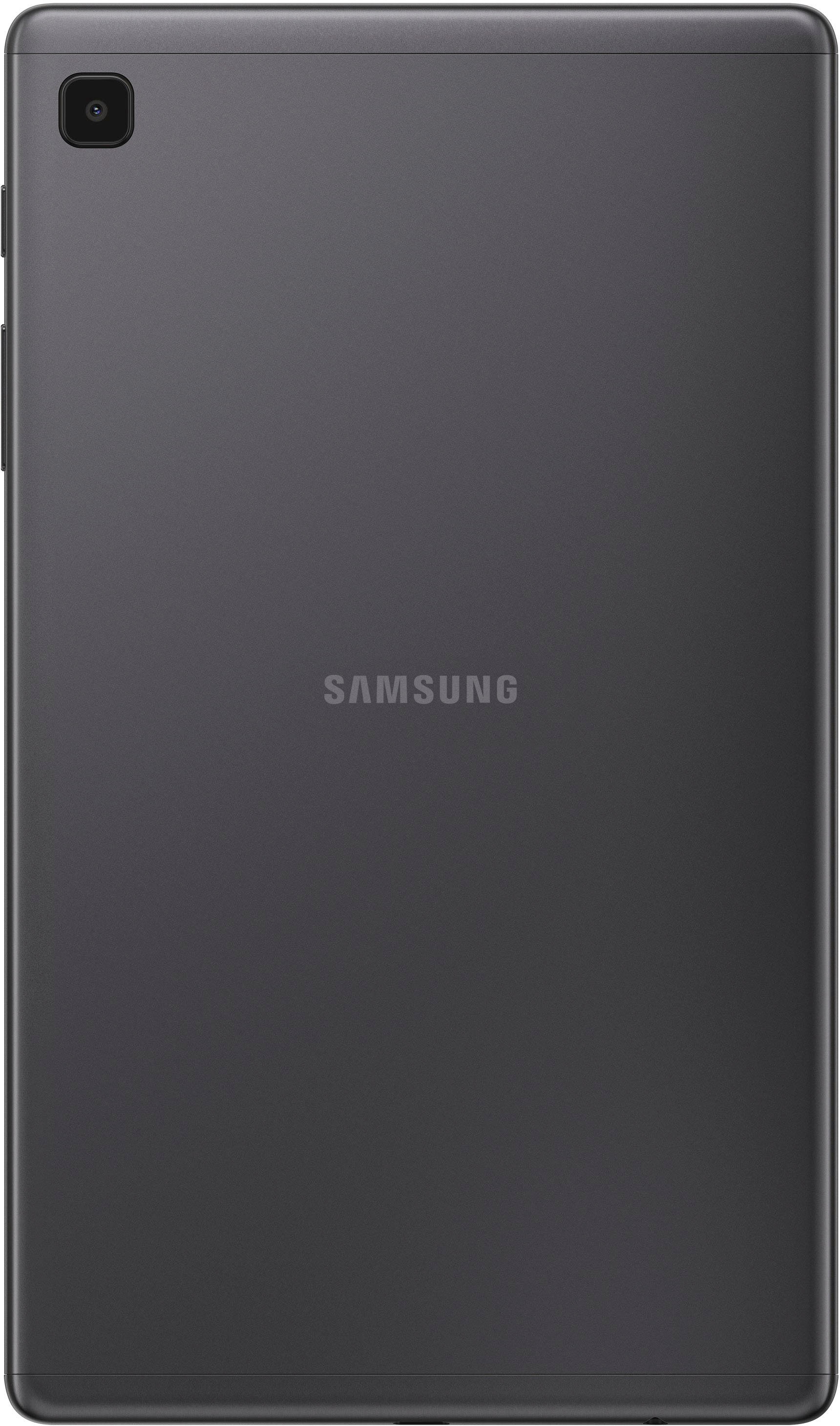
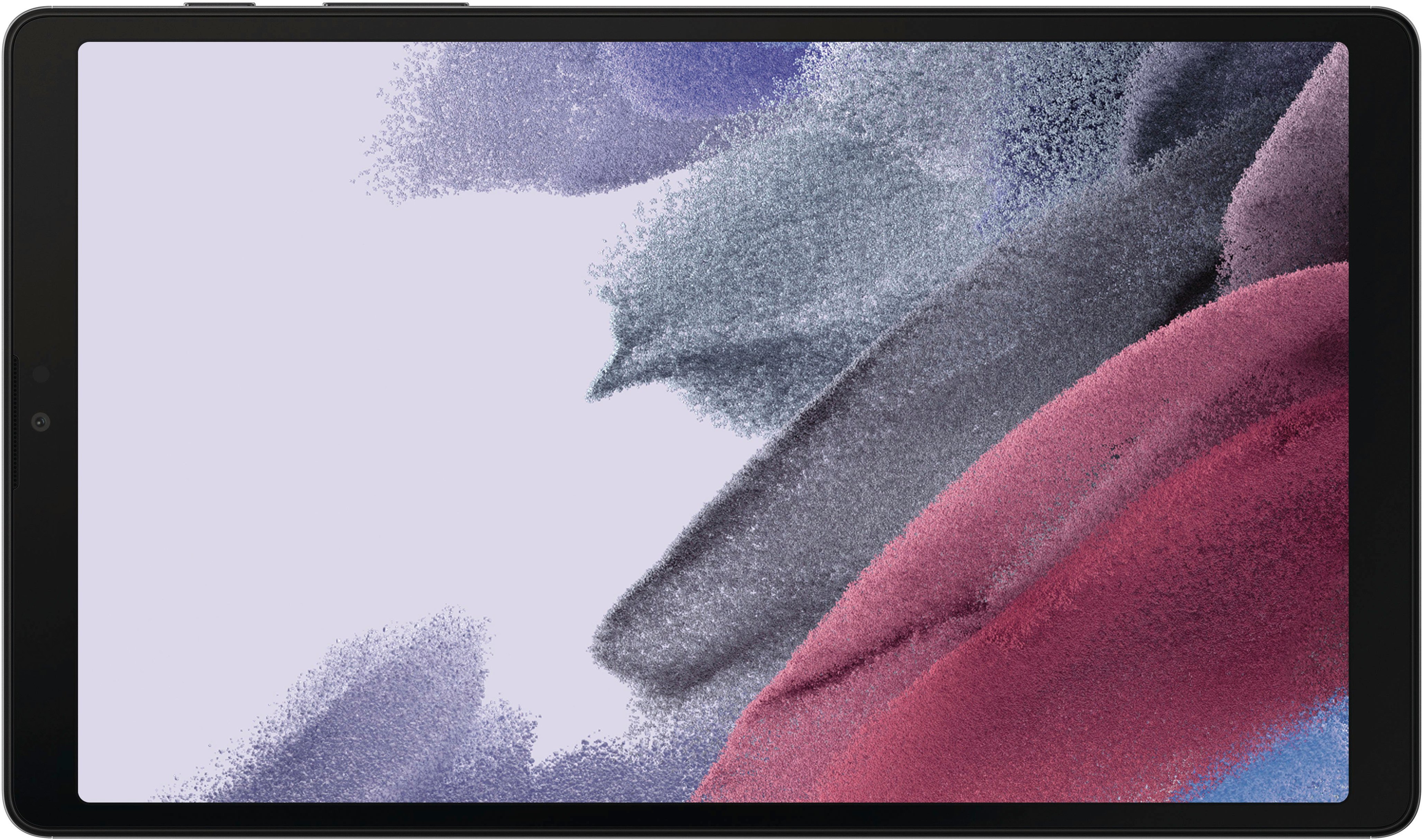
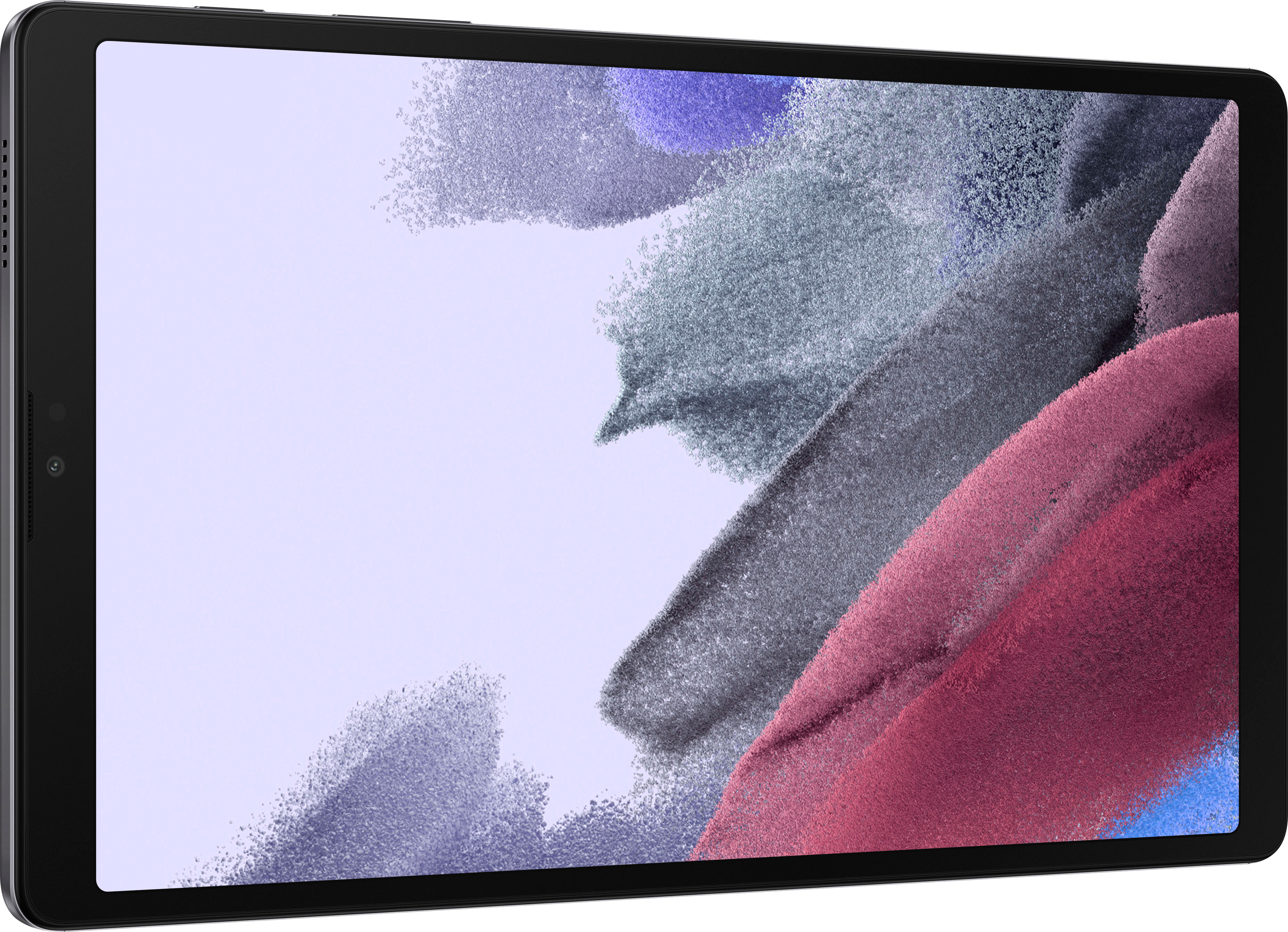
Thank you for bringing this to our attention. We appreciate your query regarding if the Galaxy Tab A7 Lite includes a USB Port. In line with this, the device is equipped with a Type-C USB 2.0 Charger port.
For more information, kindly visit our website under the "Specs" section:
https://www.samsung.com/us/mobile/tablets/galaxy-tab-a/galaxy-tab-a7-lite-8-7-32gb-grey-wifi-sm-t220nzaaxar/#specs
Another is the user's manual on Page 5 to see the device's layout:
https://downloadcenter.samsung.com/content/UM/202106/20210623002343105/SAM_T220_T227_EN_UM_R11.0_060721_FINAL_AC.pdf
Should you need more assistance, you may reach us via the following for immediate support:
1. Samsung Community: https://us.community.samsung.com/t5/Samsung-Community/ct-p/us
2. Facebook Messenger: http://m.me/samsungsupport
3. Twitter: https://twitter.com/messages/compose?recepient_ id=18768513
Reference Number: 1144370857
Thank you for choosing Samsung. Have a great day!
^Chrystel
A:AnswerHi Dawn!
Thank you for reaching out to us. We appreciate your interest in knowing the operating system for Galaxy Tab A7 (Wi-Fi). In line with this, Galaxy Tab A7 Lite (Wi-Fi) is Android 11.
You may visit our website under the "Compare the Models" tab for your reference: https://www.samsung.com/us/mobile/tablets/buy/?modelCode=SM-T220NZAAXAR.
Should you need more assistance, please feel free to get back to us via the following options:
1. Facebook Messenger: http://m.me/samsungsupport
2. Twitter: https://twitter.com/messages/compose?recipient_id=18768513
3. Samsung Community: https://us.community.samsung.com/t5/Samsung-Community/ct-p/us
Reference #: 1144364875
Have a great day.
Melardo
A:AnswerHi Sheila. Thank you for bringing this to our attention. I appreciate your time raising this inquiry regarding the Galaxy Tab A7 Lite; for your child to watch youtube kids. The tablet is robust enough for regular use by kids and adults since we can control how hard or soft our touch needs to be. It will be a different story for toddlers, though; I would suggest keeping an eye on them not to drop or smash the tablet. ^Charles
A:AnswerHi Padra. Thank you for bringing this to our attention. I appreciate your taking the time to raise this inquiry regarding the Samsung - Galaxy Tab A7 Lite. Regarding the Word Processor app, you are looking for. Please go to Google Play Store and check if your preferred app is available to be downloaded and installed on your device. Since the app developers manage the app's updates and compatibility, you call and reach out to them if needed. ^Charles
A:AnswerHi Mimi!
Thank you for reaching out to us. We appreciate your interest in knowing if there is a compatible S Pen for Galaxy Tab A7 Lite. We apologize, S Pen does not come with the tablet, and this tablet model lacks S Pen support.
For more information about Galaxy Tab A7 Lite, you may visit our website: https://www.samsung.com/us/mobile/tablets/galaxy-tab-a/galaxy-tab-a7-lite-8-7-32gb-grey-wifi-sm-t220nzaaxar/#specs.
Should you need more assistance, please feel free to get back to us via the following options:
1. Facebook Messenger: http://m.me/samsungsupport
2. Twitter: https://twitter.com/messages/compose?recipient_id=18768513
3. Samsung Community: https://us.community.samsung.com/t5/Samsung-Community/ct-p/us
Reference #: 1144291992
Have a great day.
Melardo