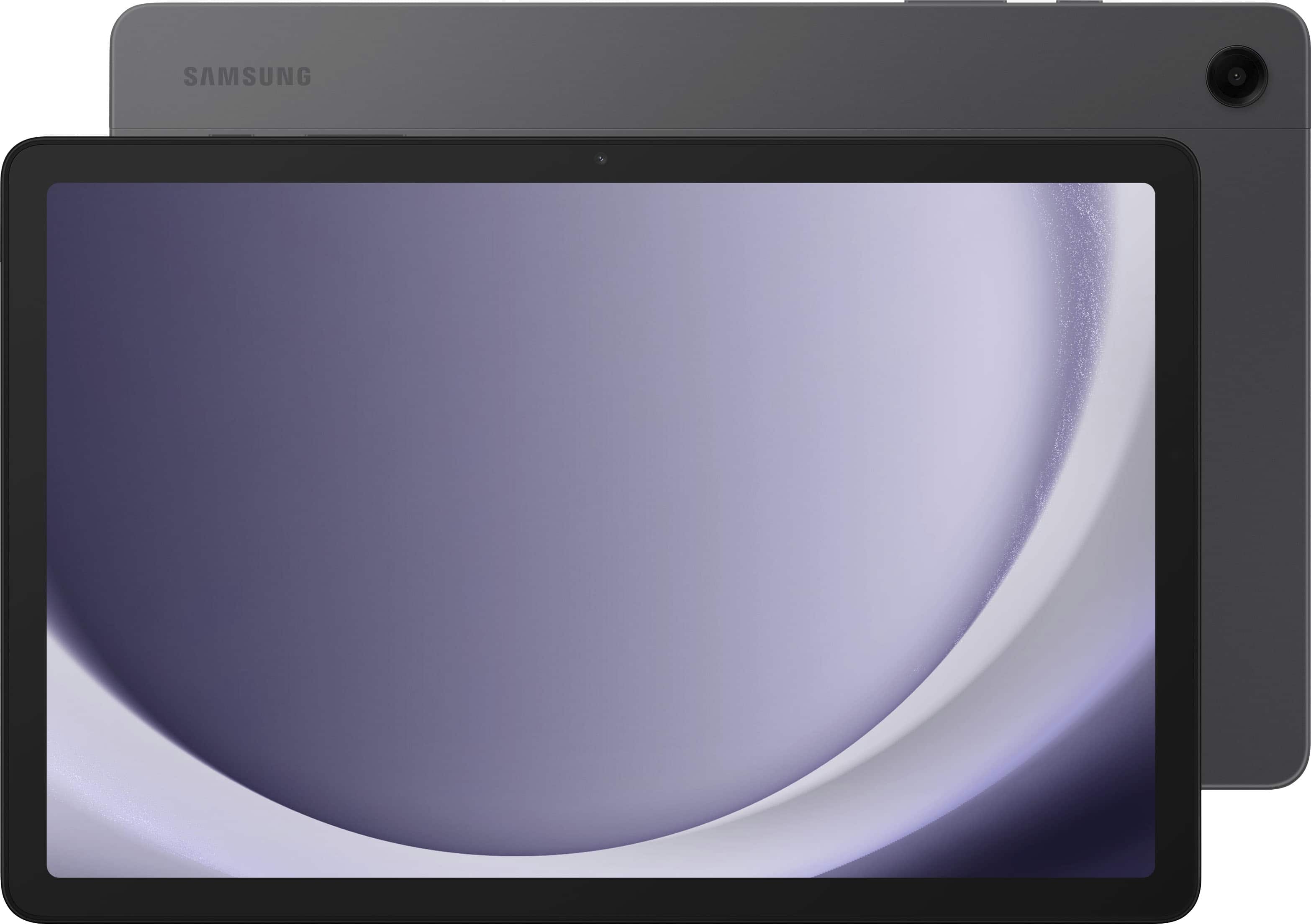
A:AnswerAloha, thank you for finding the opportunity to ask us your question about the Samsung Galaxy Tab A9+. The Tab A9+ offers Wi-Fi 5 (802.11 a/b/g/n/ac 2.4G+5GHz, VHT80) as its connectivity. Let us know if you have any other questions for us by reaching back out at your leisure. Thank you for being a staunch Samsung customer. - Debra
A:AnswerHey Theresa, thank you for finding the time out of your bustling day to ask us your question about the Samsung Galaxy Tab A9+. No, the Tab A9+ is not compatible with the S Pen so one if not included in the box when you purchase this tablet. Feel free to reach back out with any other questions you may have. Thank you for being a trustworthy Samsung customer. - Debra
A:AnswerGreetings Donna, thank you for finding the time out of your day to ask us your questions about the Samsung Galaxy Tab A9+. Yes, the Galaxy Tab A9+ is a touchscreen and it does come with a data cable for charging the device. It does not include a wall adapter so if you do not one from a previous device, you may want to grab one. Let us know if you have any other questions for us by reaching out to Samsung Support. Thanks again for being a valued Samsung customer. - Debra
A:AnswerThanks for reaching out to us, Segistech. The Galaxy Tab A9+ has GPS compatibility, but only when the device is connected to Wi-Fi or a hotspot. If you have any further questions, please contact us at support. - Kelvin
A:AnswerThe correct answer is no. In the car there is no wifi like there is in most homes. If you have a cell phone with you in the car that has a data plan and hot spot for wifi you could connect the tablet to your cell phone's wifi hot spot to get maps and directions.
A:AnswerThere is a 5G option, but that model often runs a little higher than the Wi-Fi model and you'll need a cellular plan for tablets. If you do go this route, a cellular carrier may give you a "Bring Your Own Device" deal for purchasing the 5G variant through a vendor (like Best Buy, Walmart, or Amazon) and then going to them.
A:AnswerSamsung does not sell unlocked tablets in the USA at this time. Apple sells unlocked tablets and some Chinese companies sell unlocked tablets, but most seem to get poor reviews.
A:AnswerYes you can. You will need a Wi-Fi network to connect to which will give you access to the internet. If you buy a USB-C (male) to USB-A (female) adapter, you can upload stored books or any other data (photos, documents, etc.) into the tablet from a USB thumb drive, as well.
A:AnswerHi there FutureUpgrader, we appreciate you reaching out to us with your question about the Samsung Galaxy Tab A9+. This tablet will get at least 4 years of security updates. It comes with Android 13 but should have the update available. Please, reach out to us if you have any additional questions. Thank you for being a Samsung customer. -Elizabeth
A:AnswerHello, we appreciate you reaching out to us with your question about the Samsung Galaxy Tab A9+. All Samsung devices get at least 4 years of software and security updates to their devices. Please, reach out to us if you have any additional questions. Thank you for being a Samsung customer. -Elizabeth
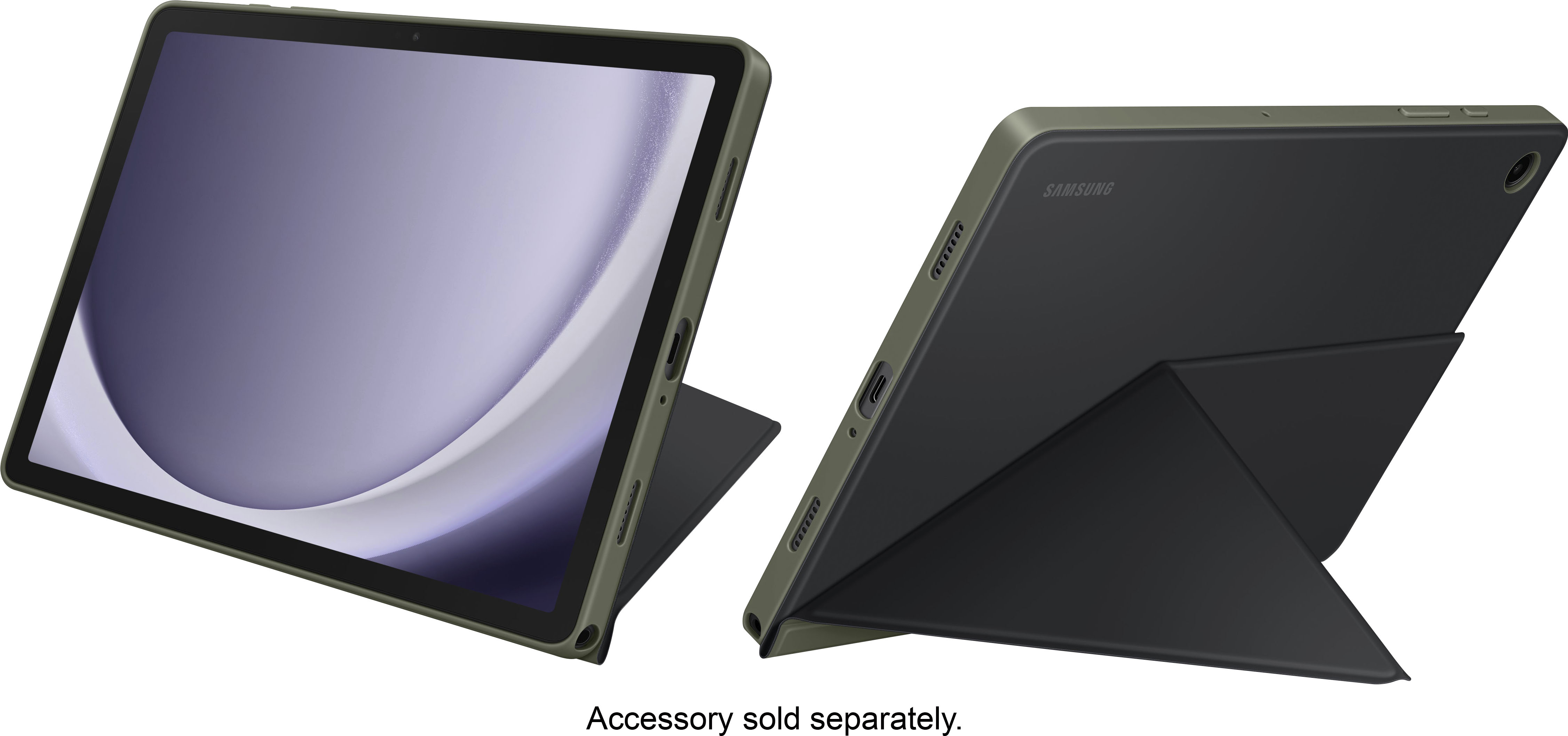
A:AnswerYou can use a Micro SD Card up to 1TB.
1 TB Micro SD cards are rather expensive. You would be better off to invest in a 512GB that you can usually find for $25-$30
A:AnswerThank you for reaching out, Sherry. We understand that you inquired about the Galaxy Tab A9+. The Tab A9+ package includes the Galaxy Tab A9+, a data cable, and an ejection pin. The wall charger is sold separately. If you have any further questions, please do not hesitate to reach out to us at Support. -Kelvin
A:AnswerThey're only up to Android 15 currently which is a beta, 14 is the newest version being shipped with certain devices. You have to give manufacturers time to develop for these platforms... only time will tell if Samsung will release a tablet with android 14 or 15. Samsung typically stays ahead of it class in most cases, so be patient.
A:AnswerYour S8 has a much better CPU, if you are having issues with lagging I would suggest clearing cache and or reinstalling game. The A9+ is an entry level tablet that has medium gaming capabilities.
A:AnswerGreetings Kelly, thank you for finding the time out of your day to ask us your question about the Samsung Galaxy Tab A9+. You can easily adjust the screen brightness of the Galaxy Tab A9+ according to lighting conditions or your personal preference. Here's how: 1. From Settings, tap Display. 2. Customize options under Brightness: - Drag the Brightness slider to set a custom brightness level. - Tap Adaptive brightness to automatically adjust the screen brightness based on the lighting conditions. * You can also adjust screen brightness from the Quick settings panel. Let us know if you have any additional questions for us by contacting Samsung Support at your leisure. Thanks for choosing Samsung! - Debra
A:AnswerThank you for reaching out to us about the Galaxy Tab A9+. To keep your tablet charged when you need it most, you can use various Samsung chargers and accessories, including the 15W Power Adapter, 25W Power Adapter, and the 25W Wireless Portable Battery Pack, which is compatible with the device. Although the Tab A9+ does not support wireless charging, it can be charged via USB using the Portable Battery Pack. The tablet features internal storage that can be expanded with a MicroSD card of up to 1TB, and you can also use a USB Type-C 1.8m 3A cable for connectivity. For any further questions, please be sure to reach out to us at Support. -Kelvin