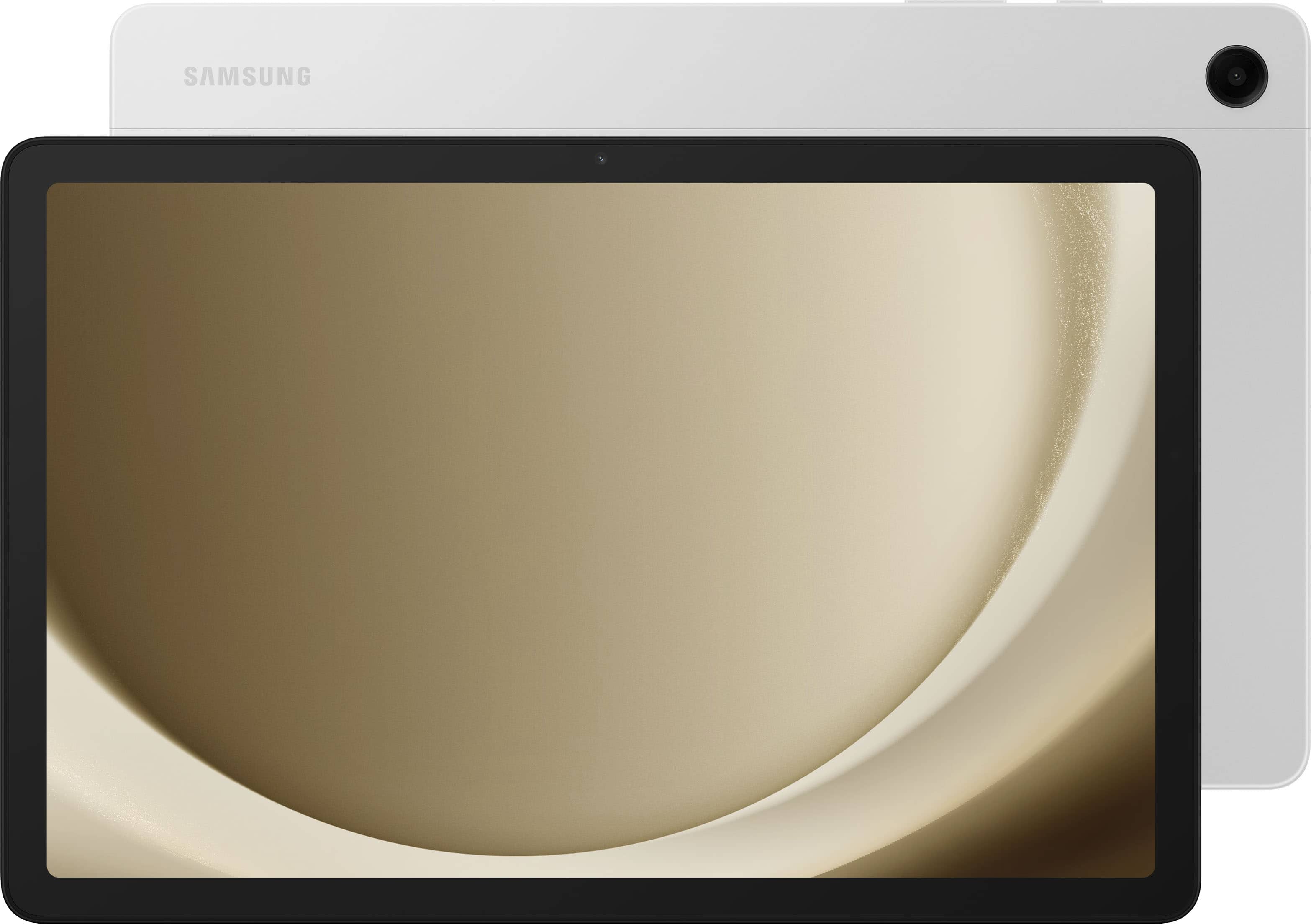
A:AnswerHi there Tormented, thanks for taking the available time out of your hectic day to ask us your question about the Samsung Galaxy Tab A9+. No, the advertised Galaxy Tab A9+ is a Wi-Fi enabled tablet. This tablet utilizes Wi-Fi and/or Bluetooth connectivity in order to be considered fully functional. An LTE version of this tablet is what you are looking for, if you were wanting to add it to your wireless carrier's network! Let us know if you think of any other questions for us by contacting Samsung Support. Thank you for being a faithful Samsung customer. - Debra
A:AnswerYes, but you'll need to use a USB C to USB A cable or another compatible cord for your PC to connect to your tablet. Then you'll want to copy the music files on your computer and then paste them to the DCIM folder which is located inside of the tablet folder on your file explorer after you've connected the tablet.
A:AnswerHowdy Vic, thanks for taking the available time out of your busy day to ask us your question about the Samsung Galaxy Tab A9+. Absolutely! We offer a plethora of resources online for our customers to review that include product specifications, device manuals, software updates, interactive simulators, and video tutorials. Feel free to check out those resources when you have some free time. Let us know if you have any other questions for us or if you would like any further assistance by reaching out to Samsung Support at your earliest convenience. Thank you for being a valued Samsung customer. - Debra
A:AnswerHi Oldmike, we appreciate you reaching out to us with your question about the Samsung Galaxy Tab A9+. You can absolutely use your Nook account with this device. You would need to use the Google Play Store to download the app and log in from there. Thank you for being a Samsung customer. -Elizabeth
A:AnswerHi, thanks for taking the time out of your hectic day to ask us your question about the Samsung Galaxy Tab A9+. The advertised Galaxy Tab A9+ is Wi-Fi enabled tablet so it would not have a have slot for a SIM card; it would have a slot for a microSD card. You can expand the storage of this tablet up to 1TB if you do decide to add a microSD card. Feel free to reach out to Samsung Support if you have any additional questions for us. Thank you for being a cherished Samsung customer. - Debra
A:AnswerHi there Jubird, we appreciate you reaching out to us with your question about the Samsung Galaxy Tab A9+. This device does have a front facing camera that would allow for video calls. You would need to download the desired apps from the Google Play Store to then use this feature. Thank you for being a Samsung customer. -Elizabeth
A:AnswerHi RAD, thank you for reaching out to us with your question about the Samsung Galaxy Tab A9+. With a Samsung Galaxy phone and connection with a Samsung account you will be able to see your calls and texts on this device so long as you are connected to Wi-Fi. Please, reach out to us if you have any additional questions about your Samsung products. Thank you for being a Samsung customer. -Elizabeth
A:AnswerIt's great to hear from you! We see that you reached out to inquire about the Galaxy Tab A9+. To answer your question, yes! The Live Transcribe feature uses the external speaker of your phone to provide a transcript of conversations taking place around the phone. This feature also provides descriptions of non-verbal elements, like when music is playing. You can even create a transcript of your voicemails using the visual voicemail app if the audio is played on speakerphone. Live Caption automatically detects audio streams from your phone once it's on. You can use it on media such as videos, podcasts, phone calls, video calls, and audio messages. Live Caption will even caption your voicemails in real-time when you use the *86 method for accessing your voicemails. A text box will appear on your screen and you can use your finger to move the box if it’s blocking part of the screen you want to see. Drag the box to the bottom of your screen to dismiss it entirely. If you have any further questions, please reach out to us at Support. -Kelvin
A:AnswerHey Jacinto, thank you for finding the unobstructed time out of your day to ask us your question about the Samsung Galaxy Tab A9+. Yes, the Galaxy Tab A9+ does feature Smart View. From Settings, tap Connected devices for the following features: Smart View: Show your device's screen or play videos on a nearby TV. Let us know if you think of any other questions for us by reaching out to Samsung Support at your leisure. Thank you for being a trustworthy Samsung customer. - Debra
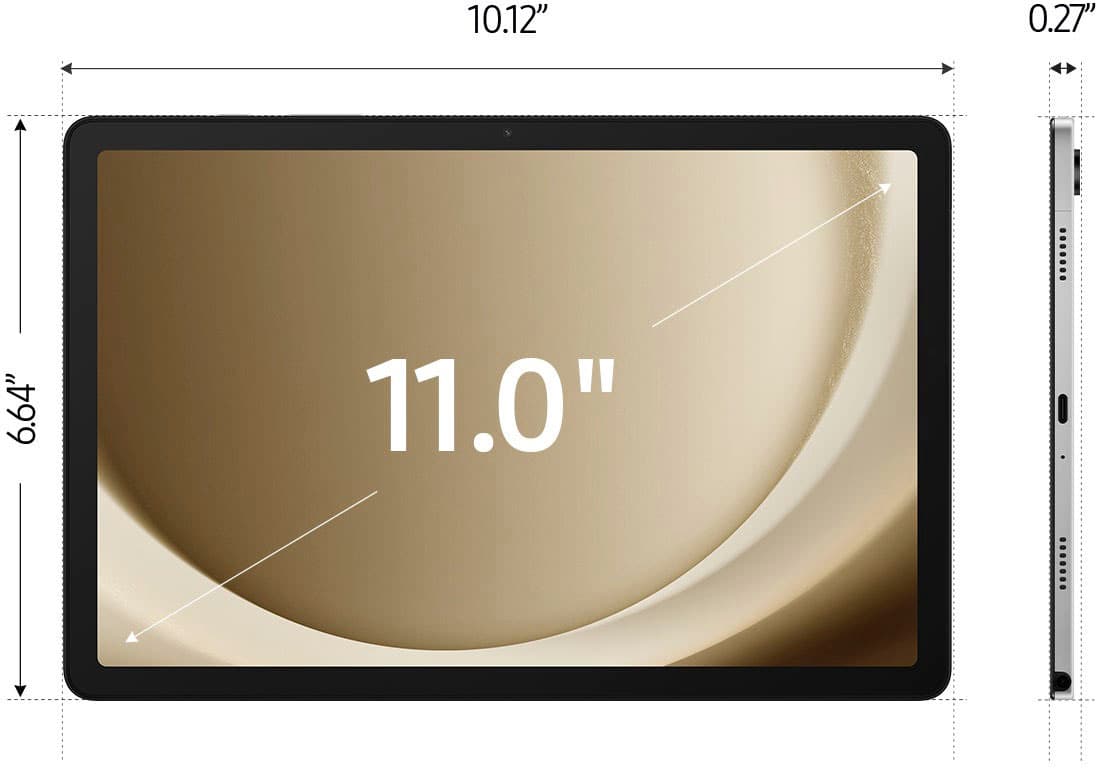
A:AnswerThanks for reaching out to us, Rjudu. The Galaxy Tab A9+ features an 11.0" (278.2mm) main display with a resolution of 1920 x 1200 (WUXGA). It uses TFT technology and has a color depth of 16 million colors. This device does not come prelaminated. If you have any other questions, please do not hesitate to reach out to us at Support. -Kelvin
A:AnswerHi there, thanks for taking the available time out of your hectic day to ask us your question about the Samsung Galaxy Tab A9+. The advertised Galaxy Tab A9+ is a Wi-Fi enabled tablet that lacks a SIM card tray. It does, however, have expandable storage up to 1TB when you add a microSD card to this device. Hope that clears up any misinformation on this advertised tablet. If you have any other questions for us, feel free to contact Samsung Support. Thank you for being a faithful Samsung customer. - Debra
A:AnswerHey Johnny, thank you for finding the time out of your day to ask us your question about the Samsung Galaxy Tab A9+. Please feel free to visit the Google Play store to download your favorite apps. If you would like any further assistance or have any additional questions for us, feel free to contact Samsung Support at your earliest convenience. Thank you for being a trustworthy Samsung customer. - Debra
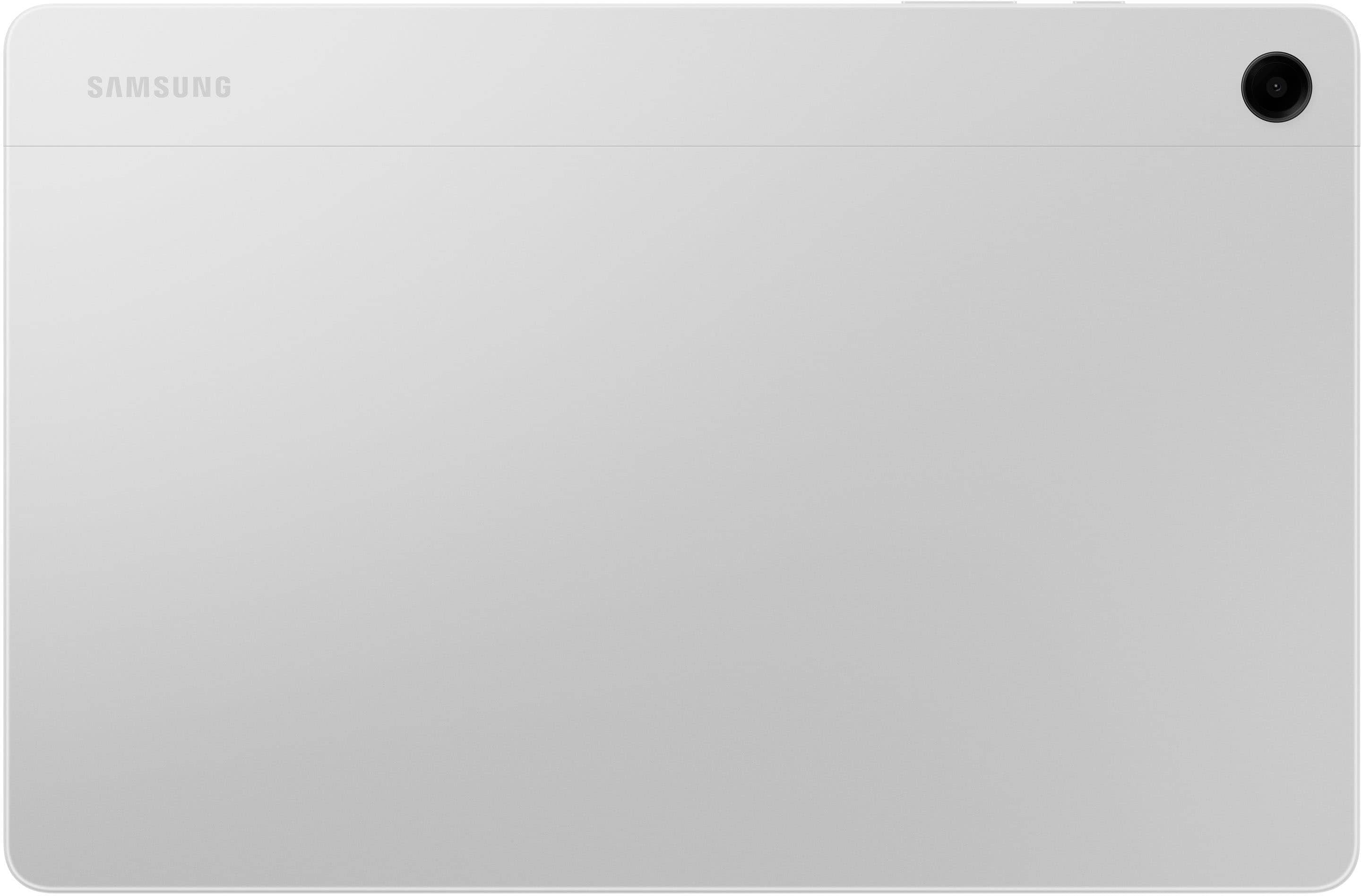
A:AnswerHi there Bob, thank you for your question about the Samsung Galaxy Tab A9+. This device absolutely has video recording capabilities. The camera is 5MP for the front facing and 8MP on the rear with up to 10x zoom capabilities. Thank you for being a Samsung customer. -Elizabeth
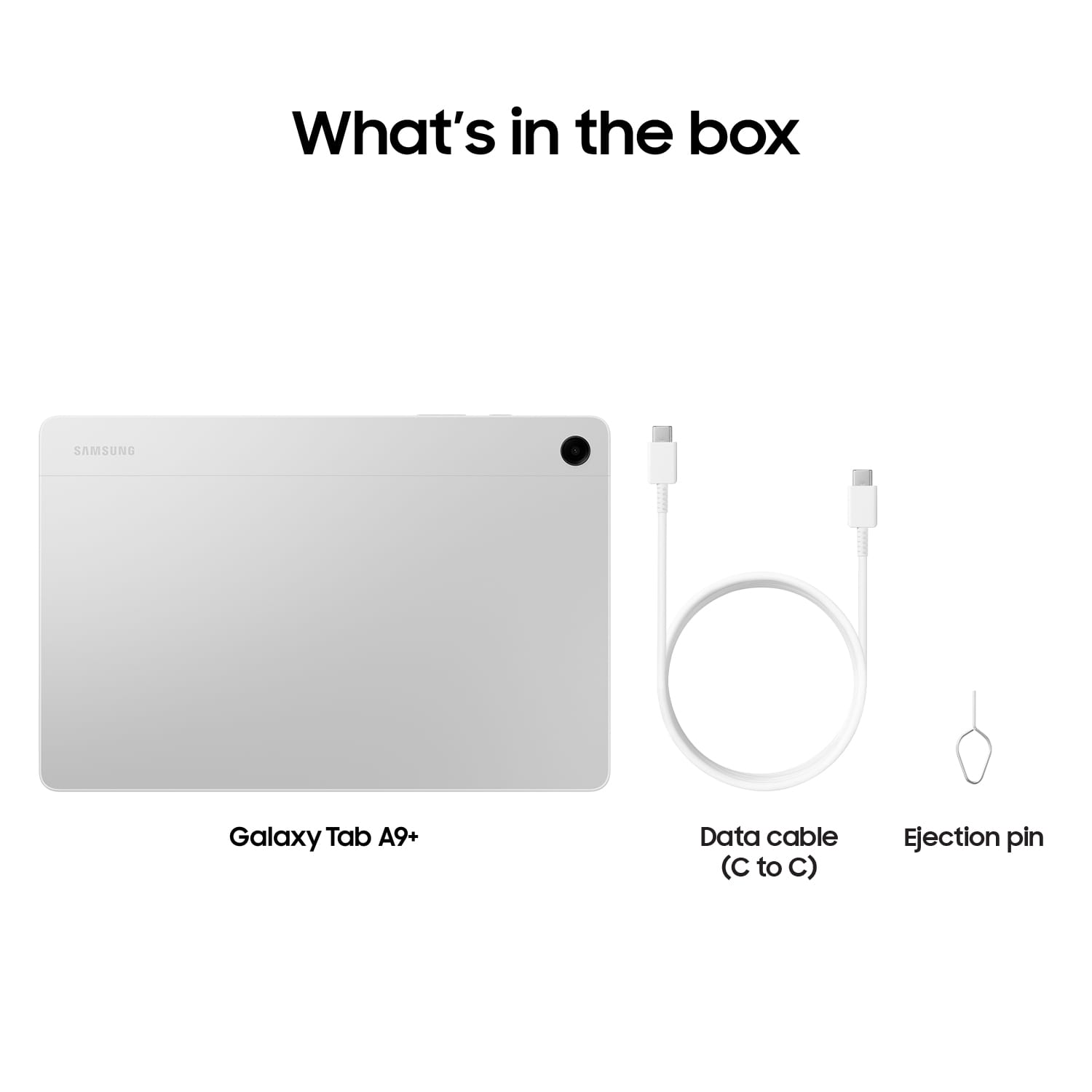
A:AnswerHello there, we appreciate your question about the Samsung Galaxy Tab A9+. The standard charging for adaptive charging speeds is a 15W adapter. If you are interested in faster charging speeds you can use a 25W adapter as well. If you are looking for the best cable as well USB-C cables come in two variations as well the USB-C 3A cable is the standard that comes with most devices. A USB-C 5A cable is going to appear larger and thicker and able to carry more power to your device. We have an article available that will provide further details about the charging capabilities of Samsung products titled "Wall chargers and charging your Galaxy phone or tablet". Please, reach out to us again if you have additional questions. Thank you for being a Samsung customer. -Elizabeth
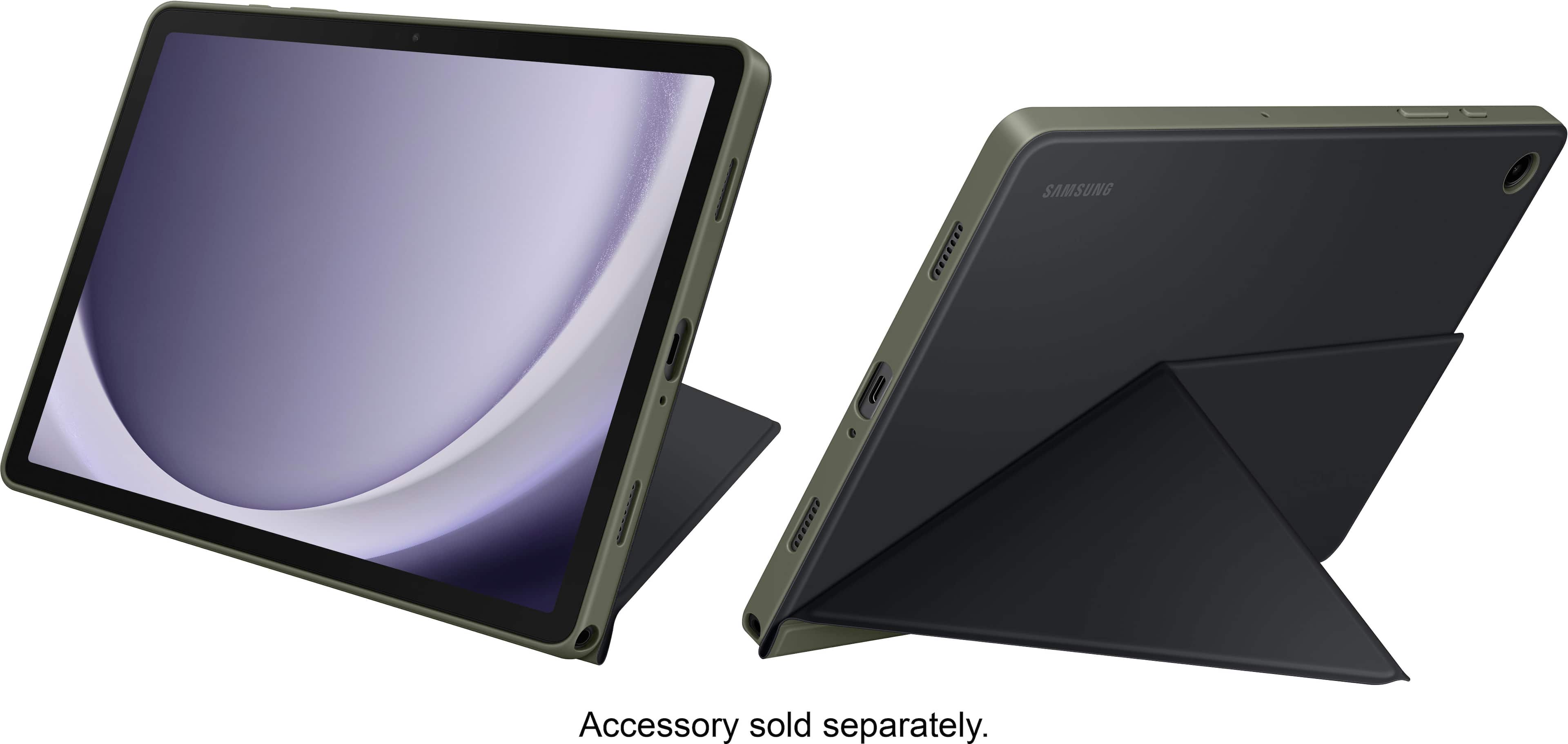
A:AnswerHi Zaidinc, thank you for reaching out to us with your question about the Samsung Galaxy Tab A9+. We recommend purchasing accessories for this device specifically as many accessories for the Galaxy Tab S9 or Galaxy Tab S9 FE may some differences in the hardware of the device and the designed accessories ensure the best fit possible for cases with your chosen device. Thank you for being a Samsung customer. -Elizabeth