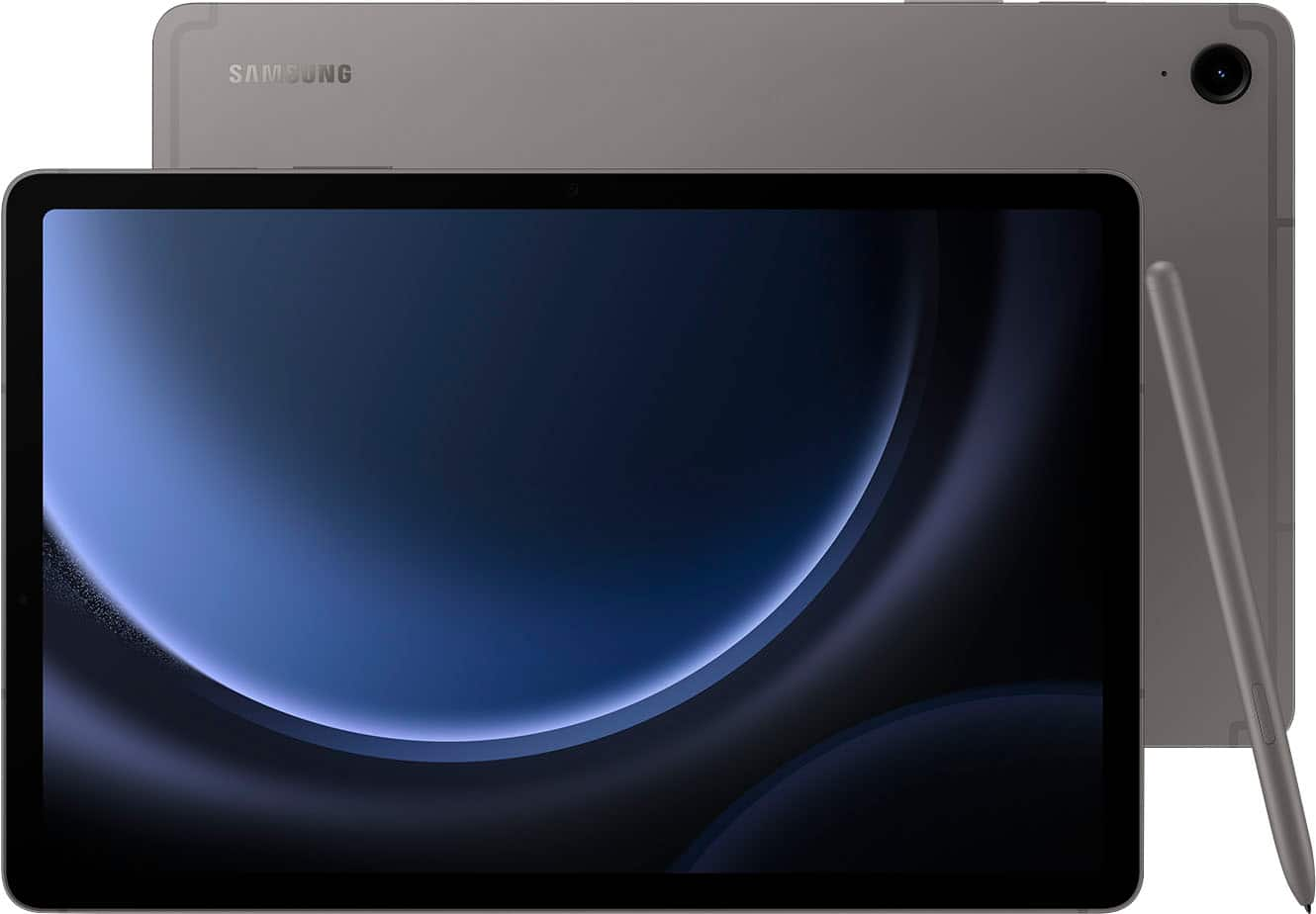
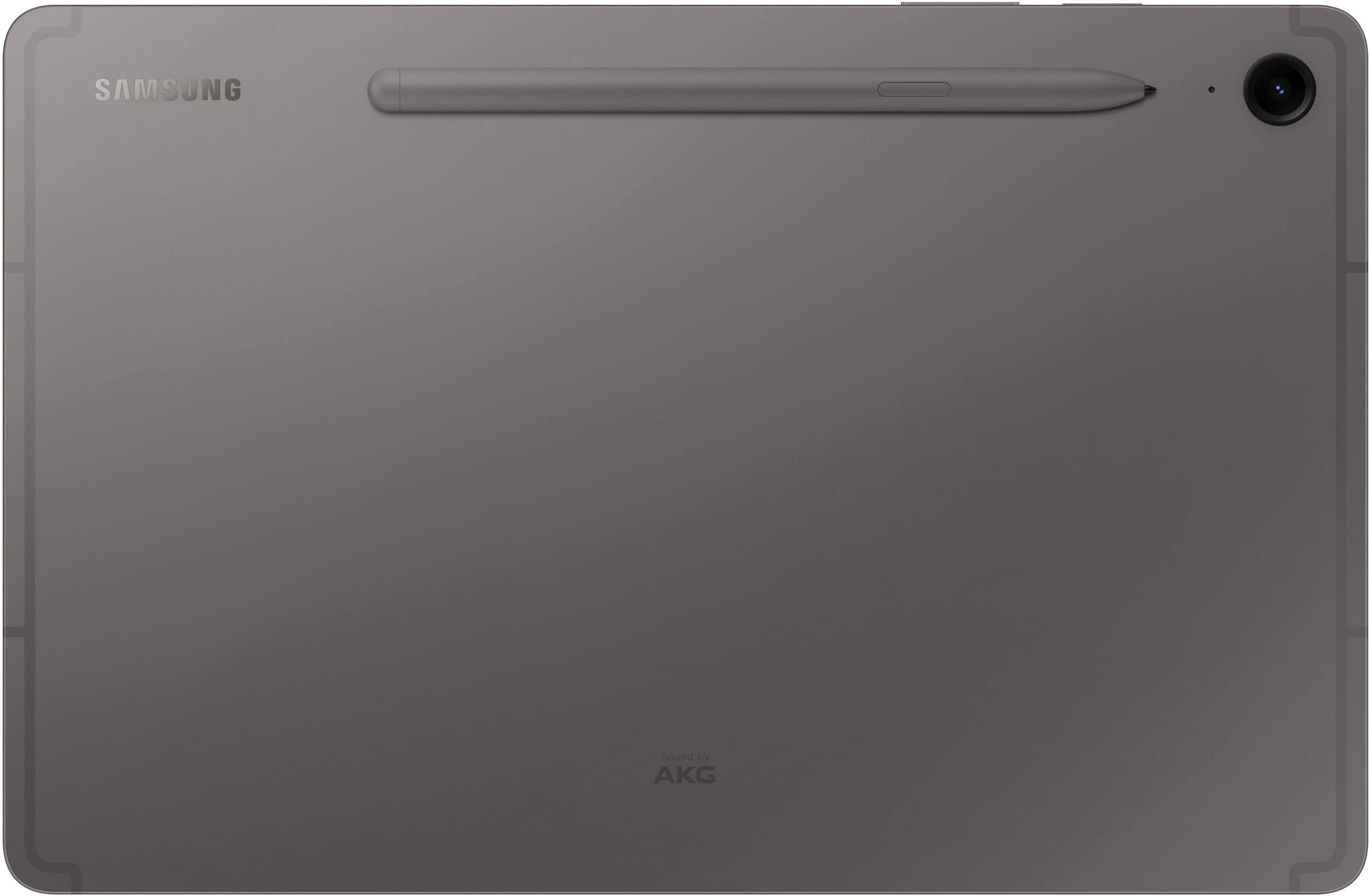
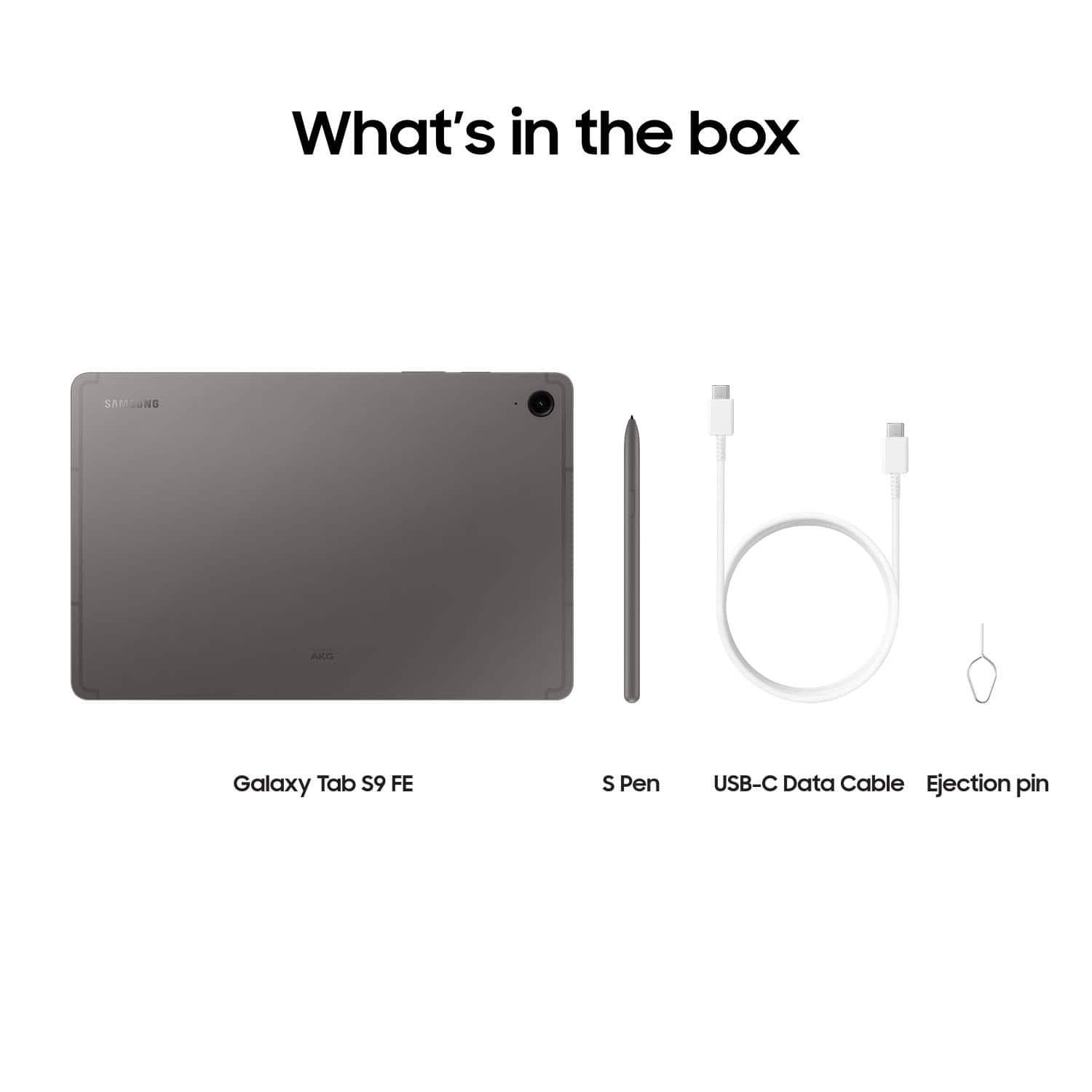
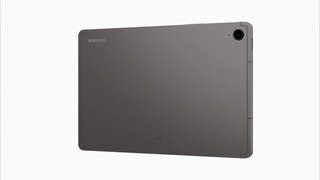
A:AnswerThank you for reaching out to us, LKitty! We always appreciate the opportunity to assist our valued customers. We noticed that you inquired about the Galaxy Tab S9 FE. The S Pen allows you to go beyond basic touch interactions with your new Samsung tablet. It is designed to feel like a real pen and offers 4,096 levels of pressure sensitivity, enabling you to get creative with writing, drawing, and swiping. If you have any further questions, please don't hesitate to contact us at Support. -Kelvin
A:AnswerHey! We appreciate you reaching out to us with your question regarding the Galaxy Tab S9 FE. This is a Wi-Fi tablet meaning it does not have LTE network connectivity. You can access the tablet via Wi-Fi as opposed to LTE. For any further questions, please reach out to us at Support. -Kelvin
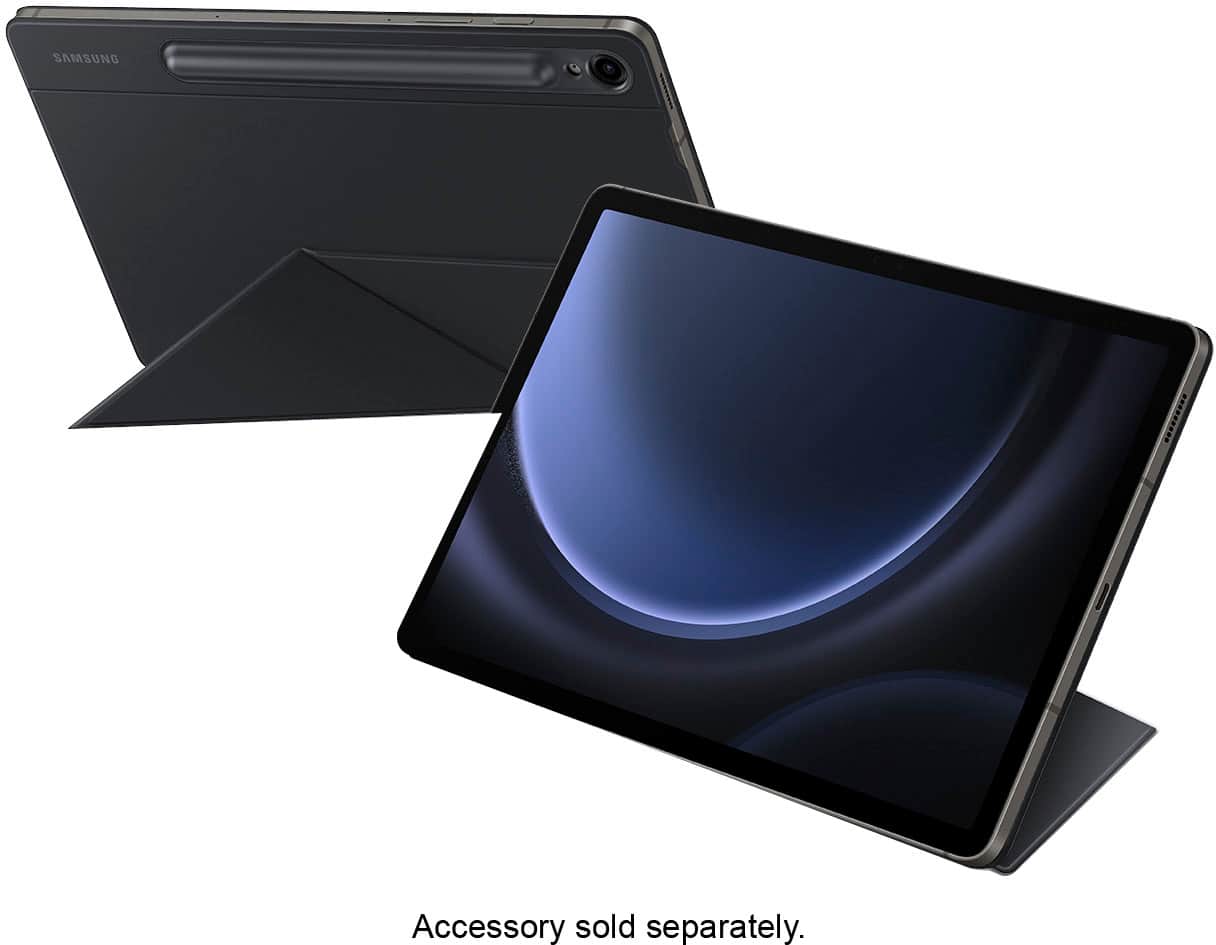
A:AnswerThanks for reaching out with your inquiry, Rick. We see that you are interested in connecting the Galaxy Tab S9 FE to your TV. The Tab S9 FE series does not support DisplayPort Out, and therefore, it does not support wired or wireless DeX. However, you can utilize the standalone DeX mode found in Settings > Connected devices > Samsung DeX for an enhanced tablet experience when using a keyboard and mouse with the Book Cover keyboard connected. If you have any further questions, please do not hesitate to reach out to us at Support. -Kelvin
A:AnswerGood day Nicole, thank you for finding the free time out of your busy day to ask us your question about the Samsung Galaxy Tab S9 FE. That's a good question! Yes, the Tab S9 FE does indeed have the multi window option available. If you have additional questions for us, let us know by reaching back out to Samsung Support at your leisure. Thanks for being a valued Samsung customer. - Debra
A:AnswerSalutations Lvnm, thanks for taking the available time out of your busy day to ask us your question about the Samsung Galaxy Tab S9 FE. Without having more information available regarding what you may be experiencing with your Galaxy Tab S9 FE and without being able to ask you any follow up questions to probe further, I recommend reaching out to Samsung Support for further assistance at your earliest convenience. Samsung provides a 12-month warranty on our products for manufacturing defects in materials and workmanship. Thank you for being a faithful Samsung customer. - Debra
A:AnswerThanks for the outreach, Handi10. We see that you inquired about the Galaxy Tab S9 FE. It’s unlikely that your phone or tablet will be affected by malware since all apps from the Galaxy and Play Stores are scanned before downloading. However, deceptive ads or emails might attempt to install harmful software. To protect your Galaxy device, only download apps from the Play Store or Galaxy Store, as they verify safety, and avoid using third-party anti-malware apps. Additionally, keep your device's software and operating system up to date and turn off Bluetooth and Wi-Fi when not in use. Managing app permissions is a reliable way to safeguard your device; if an app seems suspicious, it's best not to grant it access. For any other questions, please be sure to reach out to us at Support. -Kelvin
A:AnswerHey John, thank you for finding the time out of your day to ask us your question about the Samsung Galaxy Tab S9 FE. That's a great question! Yes, the Galaxy Tab S9 Fe does indeed have Bluetooth. In fact, it has Bluetooth v5.3. If you think of any other questions that you may have for us or if you would like any further assistance, feel free to reach out to Samsung Support at your leisure. Thanks for being a valued Samsung customer. - Debra
A:AnswerGood day Mina, thank you for finding the free time out of your busy day to ask us your question about the Samsung Galaxy Tab S9 FE. That's a great question! Of course you can! Here's how you can adjust the brightness of your screen according to lighting conditions or personal preference: 1. From Settings, tap Display. 2. Customize options under Brightness: - Drag the Brightness slider to set a custom brightness level. - Tap Adaptive brightness to automatically adjust the screen brightness based on the lighting conditions. * You can also adjust screen brightness from the Quick settings panel. If you think of any other questions that you have for us or if you would like any further assistance, please feel free to contact Samsung Support at your leisure. Thank you for being an unwavering Samsung customer. - Debra
A:AnswerGood day Bautista, thank you for finding the free time out of your busy day to ask us your question about the Samsung Galaxy Tab S9 FE. The advertised Galaxy Tab S9 FE is being sold brand-new. If you think of any other questions that you may have for us or if you would like any further assistance, please feel free to reach out to Samsung Support at your earliest convenience. Thank you for being an unwavering Samsung customer. - Debra
A:AnswerSalutations, thanks for taking the available time out of your busy day to ask us your question about the Samsung Galaxy Tab S9 FE. The advertised Galaxy Tab S9 FE is a Wi-Fi version of this tablet, so it lacks the cellular capability needed in order to be added to any wireless carrier's network. This version of the Tab S9 FE lacks a SIM card tray as well. You are looking for an 5G/LTE/cellular version of this tablet if you are wanting a cellular carrier to provide mobile services to the tablet when you are not in the presence of a steady Wi-Fi connection. I hope all that information helps! Let us know if you have any other questions for us or if you would like any further assistance by contacting Samsung Support. Thank you for being a faithful Samsung customer. - Debra
A:AnswerThanks for reaching out to us! We see that you reached out to inquire about the Galaxy Tab S9 FE. The Samsung Galaxy Tab S9 FE can be charged by plugging it into a USB-C port on a computer or wall outlet. If you have any further questions, please do not hesitate to reach out to us at Support. -Kelvin
A:AnswerHey! It's wonderful to hear from you. We noticed that you inquired about our Galaxy Tab S9 FE. Please note that the Galaxy Tab S9+ supports microSD memory cards, but the card must be formatted specifically for the S9 FE. An SD card that has been formatted on a computer may not work with the device. To format the SD card on the Galaxy Tab S9 FE, follow these steps:
1. Open Settings.
2. Tap Device care.
3. Select Storage.
4. Swipe left to access the SD card page.
5. Tap the three dots in the top right corner and choose Format.
For any further questions, please do not hesitate to reach out to us at Support. -Kelvin
A:AnswerGreetings, thank you for finding the time out of your bustling day to ask us your question about the Samsung Galaxy Tab S9 FE. Yes, absolutely it does have IMEI information. You can review information about this device, including current status, legal information, hardware and software versions, and more by going to the Settings > tap About tablet for the model number, serial number, and IMEI information. > Tap additional items for more information about your device. If you think of any other questions for us, let us know by reaching out to Samsung Support at your earliest convenience. Thank you for being a dedicated Samsung customer. - Debra
A:AnswerHi there InquiringMind, thanks for taking the time out of your hectic day to ask us your question about the Samsung Galaxy Tab S9 FE. The advertised Galaxy Tab S9 FE is a Wi-Fi enabled tablet that lacks cellular capabilities; it would require a steady Wi-Fi signal in order for it to be fully functional. You may be looking for an LTE/cellular version of this tablet if you are wanting to add a SIM card which would require a cellular carrier to provide mobile services to the tablet when you are not in the presence of a Wi-Fi connection. If you have any other questions for us, feel free to reach out to Samsung Support at your earliest convenience. Thank you for being a loyal Samsung customer. - Debra
A:AnswerHi Bill, thanks for taking the time out of your day to ask us your question about the Samsung Galaxy Tab S9 FE. The advertised Galaxy Tab S9 FE is a Wi-Fi enabled tablet that lacks the cellular capabilities necessary in order for it to need its own line of service with a cellular provider. It would require a steady Wi-Fi signal in order for it to be fully functional. Let us know if you have any other questions for us by reaching out to Samsung Support. Thank you for being a cherished Samsung customer. - Debra