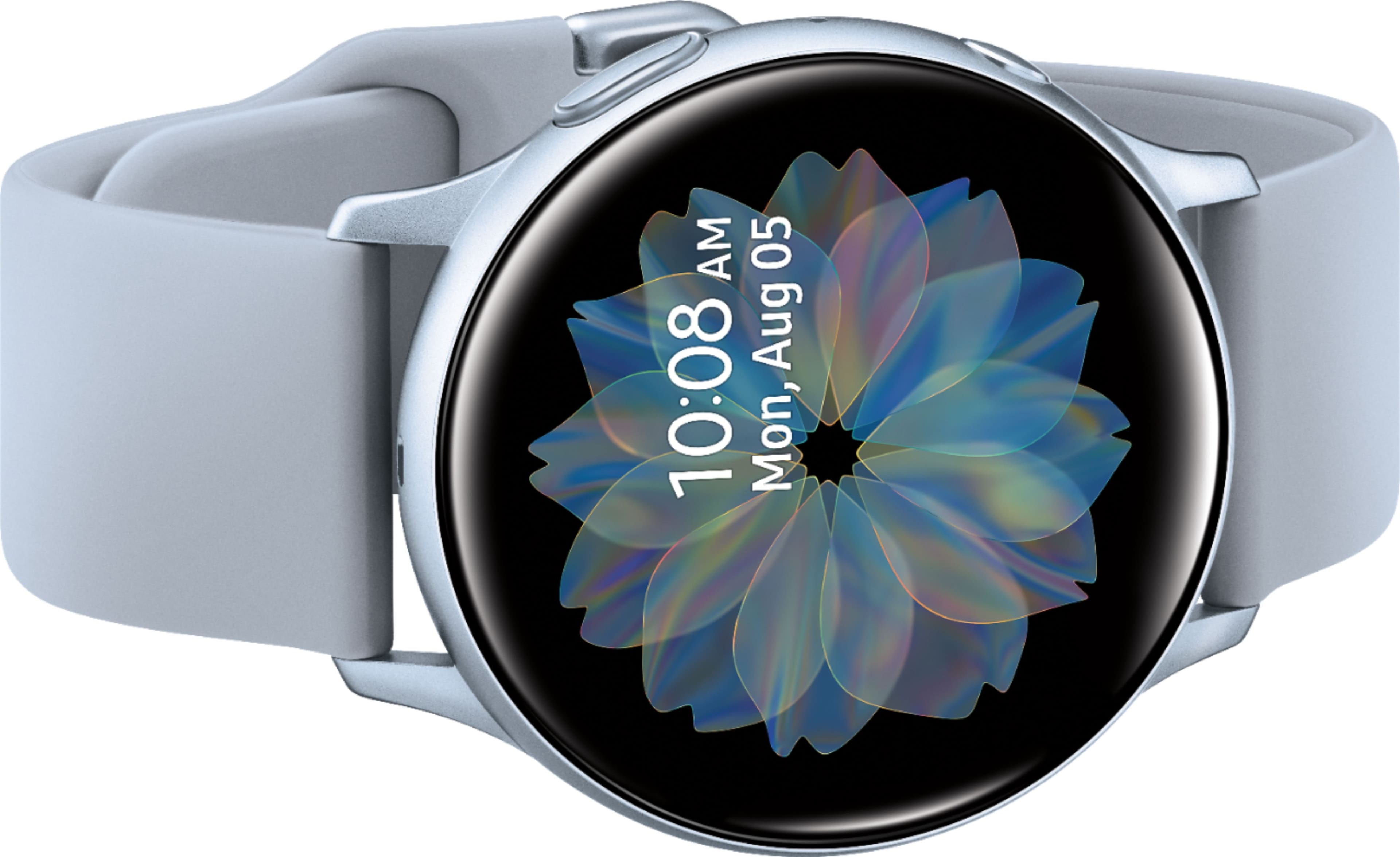
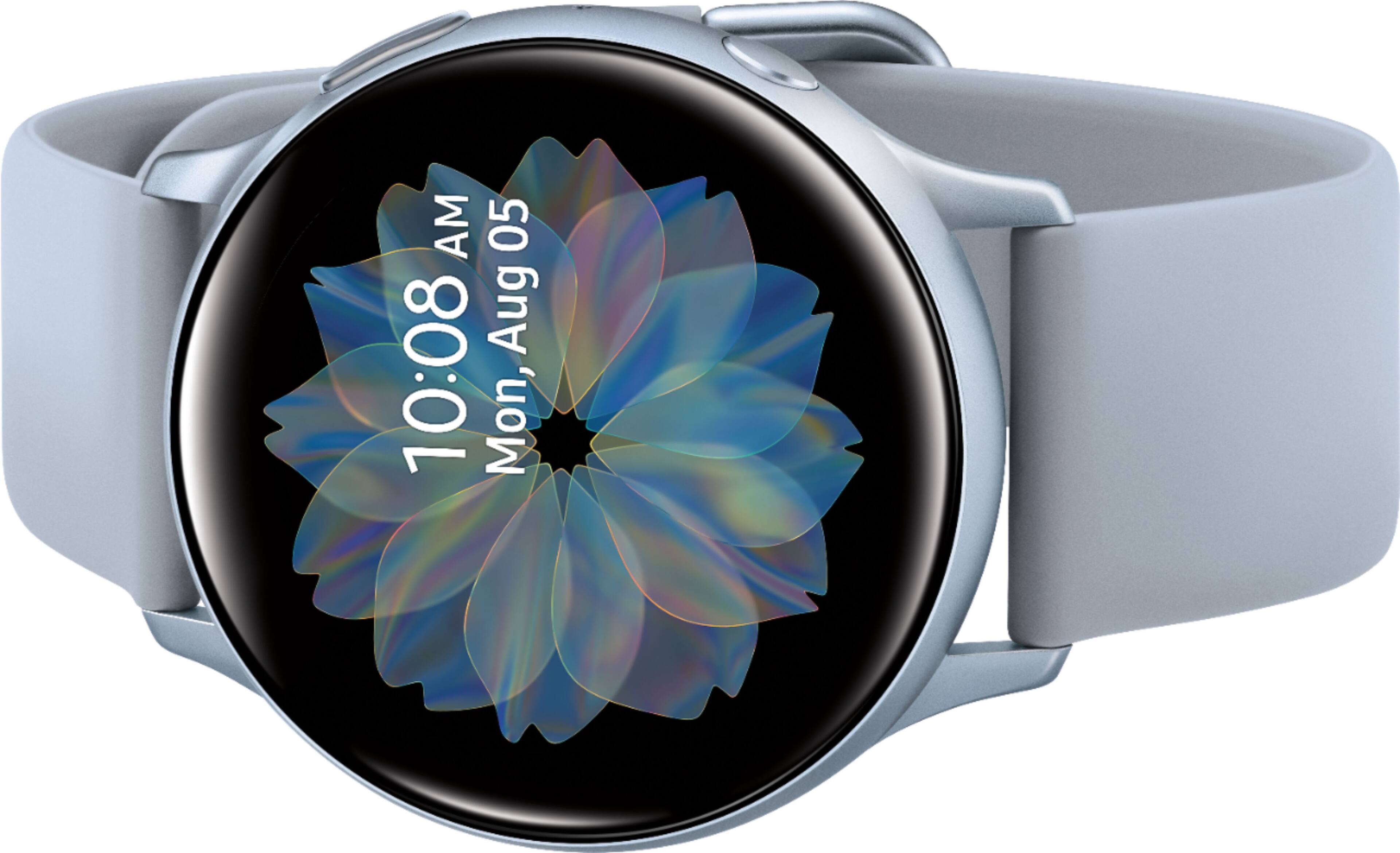
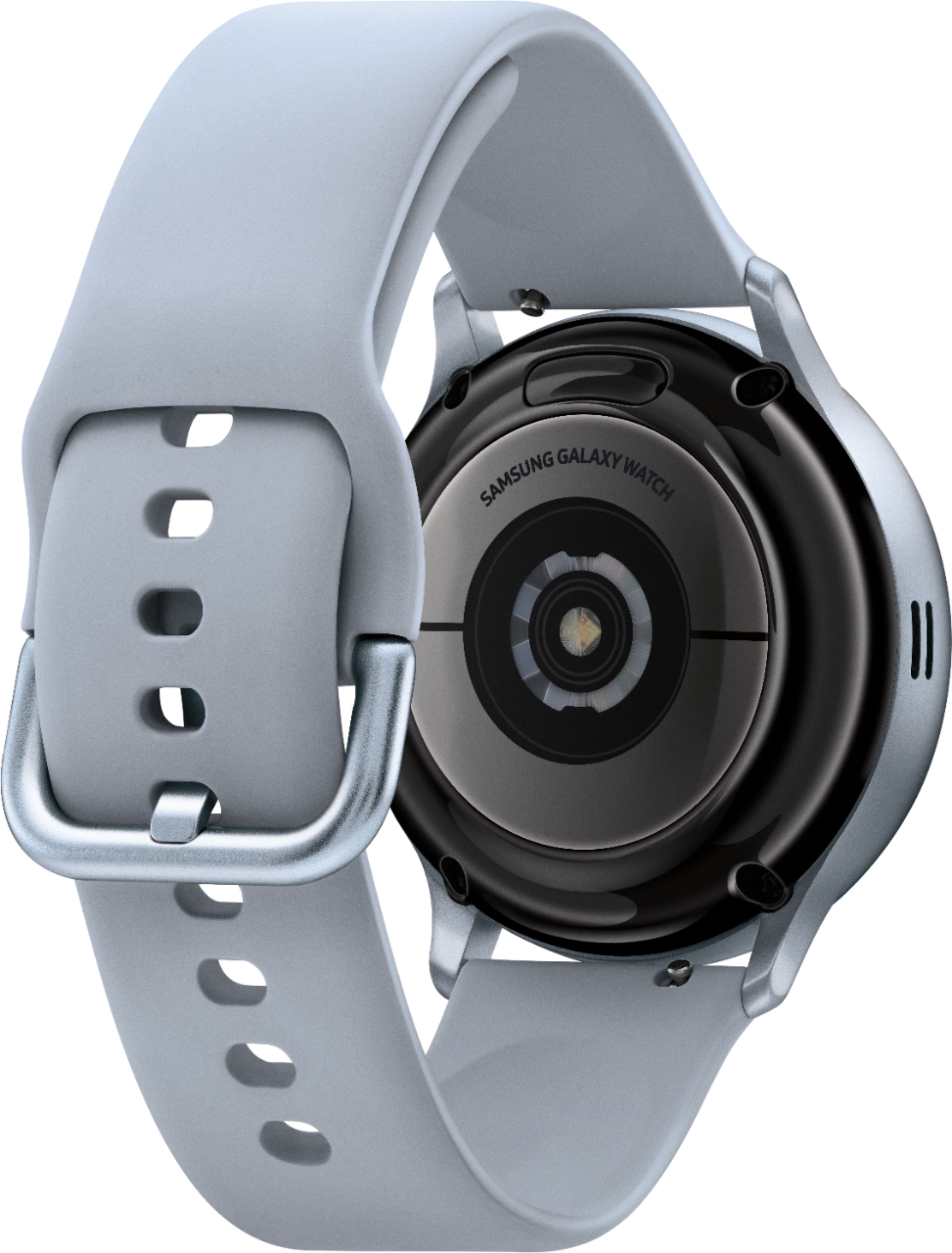
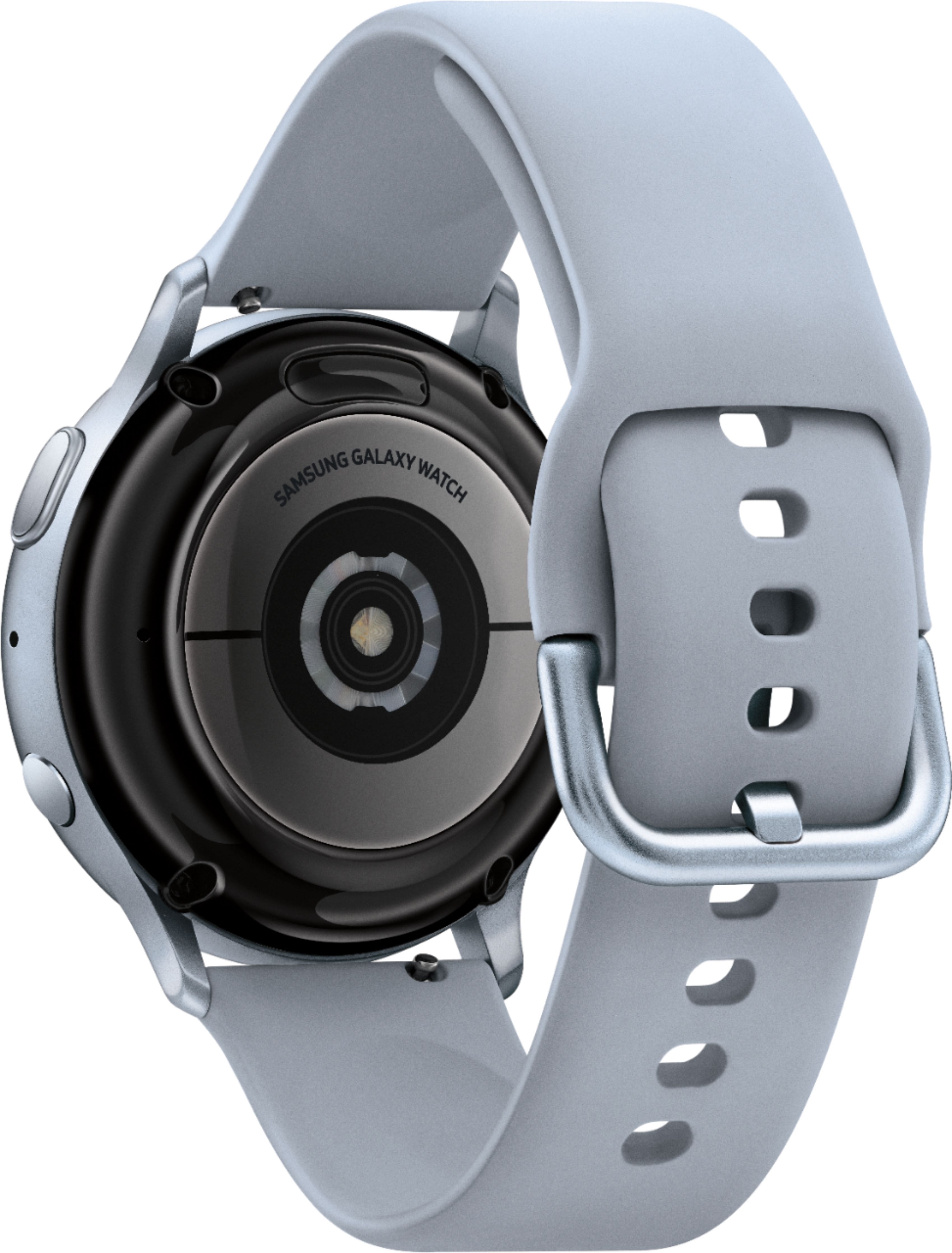
A:Answeryes you can ...
Import and export images
Images can be exchanged between your watch and smartphone.
Import images from your smartphone
Send images or entire albums from your smartphone to your watch.
1. From Galaxy Wearable, tap the Home tab.
2. Tap Add content to your watch > Send images.
3. Select files or albums and tap Done.
To automatically sync images on your smartphone with your watch:
1. From Galaxy Wearable, tap the Home tab.
2. Tap Add content to your watch > Auto sync to enable. Images will be synced
while the watch battery power is at least 15 percent.
• Image limit: Set a limit to the number of images that can be synced to your
watch.
• Albums to sync: Select which Gallery albums to sync to your watch.
Export images to your smartphone
1. From Gallery, tap the image you want to send to the smartphone.
2. Tap More options > Send to phone.
A:AnswerNot certain, but do know that I can be in one end of the house with my phone at the other and still be connected to my S10+. I'd think that might also vary depending on your phone.
A:AnswerTap Set security. If you have not used Find My Watch before, tap turn on Remote connection. Set security will then become available. Next, tap Reset watch, and then tap Reset. Enter your Samsung account's password, and then tap Confirm.
A:AnswerHello Hugo, that's a really good question! Please follow this link (https://www.samsung.com/us/support/answer/ANS00080310/) to an article that will help you learn more about silent modes on this watch. ^Elizabeth
A:AnswerHello Scb, great question! Please follow this link (https://www.samsung.com/us/support/owners/product/galaxy-watch-active2-bluetooth) to learn more about the warranty for this watch. ^Elizabeth
A:AnswerHello Redhead, great question! This watch pairs with smartphones running Android 5.0 or higher & RAM 1.5GB and above, iOS 9.0 and later, and smartphones iPhone 5 and newer. ^Elizabeth
A:AnswerMy experience has been that as long as the watch is charged it works on it's own and once you reconnect on your phone it automatically will register info ( ie steps taken) . Check settings in My Wearables on your phone
A:AnswerHello Booboo, great question! You can make and answer calls right from your wrist! You just need to make sure the watch is connected to your phone through Bluetooth or through a mobile network. You can quickly view incoming messages and send replies without even taking out your phone. You can also send replies using Quick messages, or when you decline incoming calls. ^Elizabeth
A:AnswerHey there, thank you for bringing this to our attention! We would love the opportunity to assist you further with this matter. Please give us a call at 1-800-SAMSUNG. We're here to help! ^Elizabeth
A:AnswerHello IBCarmie, thank you for bringing this to our attention. We would love the opportunity to assist you further with this matter. Please give us a call at 1-800-SAMSUNG. We're here to help! ^Elizabeth