A:AnswerHi there! The Samsung HW-S60D does not support DTS-HD Master Audio. When playing a Blu-ray with a DTS-HD MA track, the soundbar will revert to the standard DTS 5.1 core audio. You’ll still hear the soundtrack, just not in full lossless DTS-HD MA quality. ~ Samsung Solutions
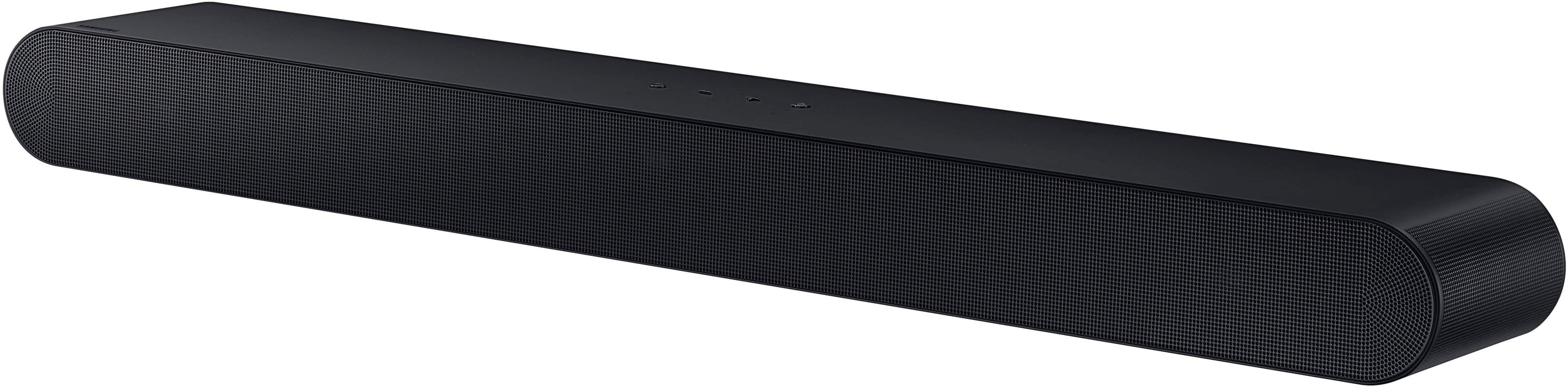
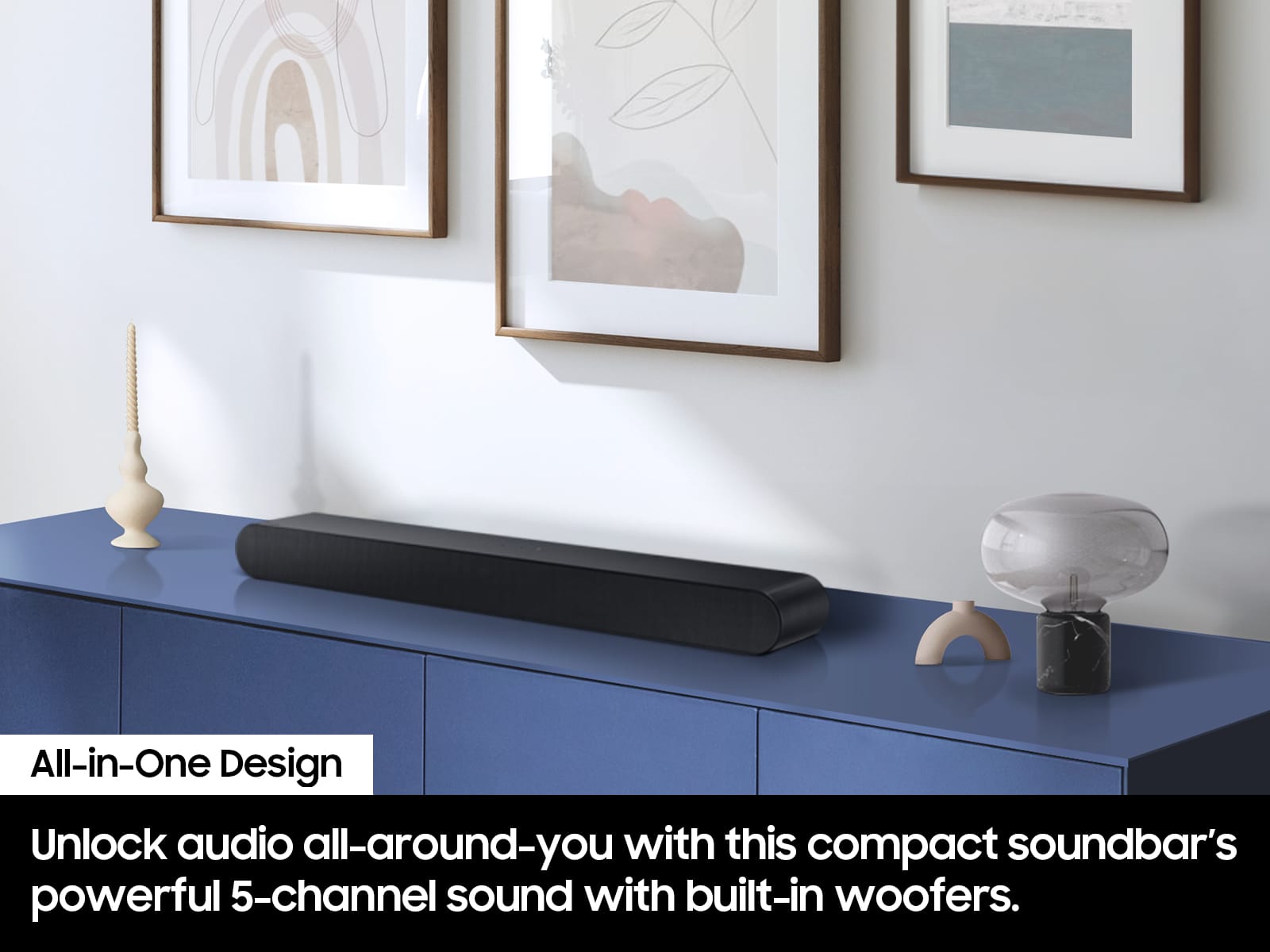
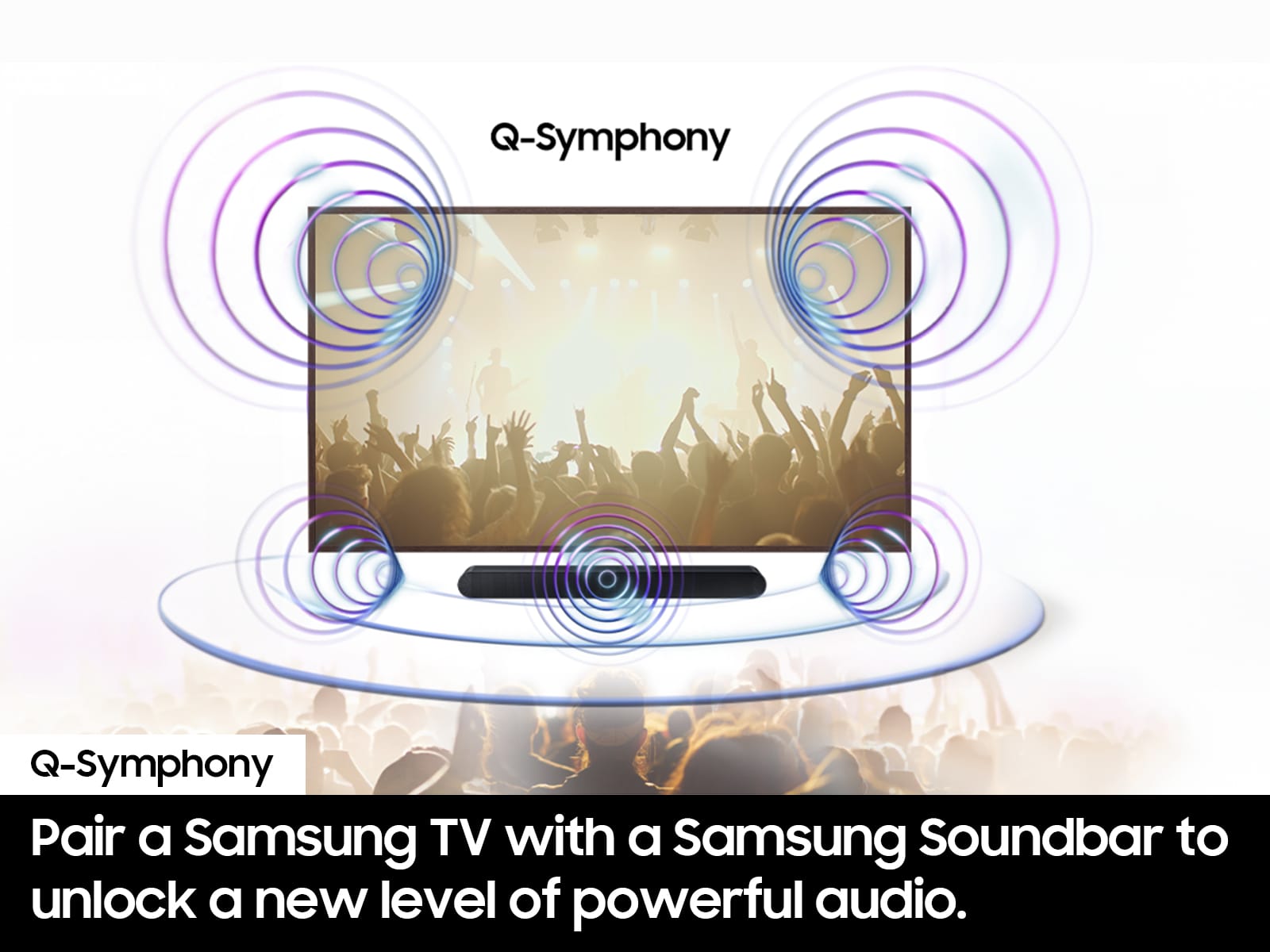
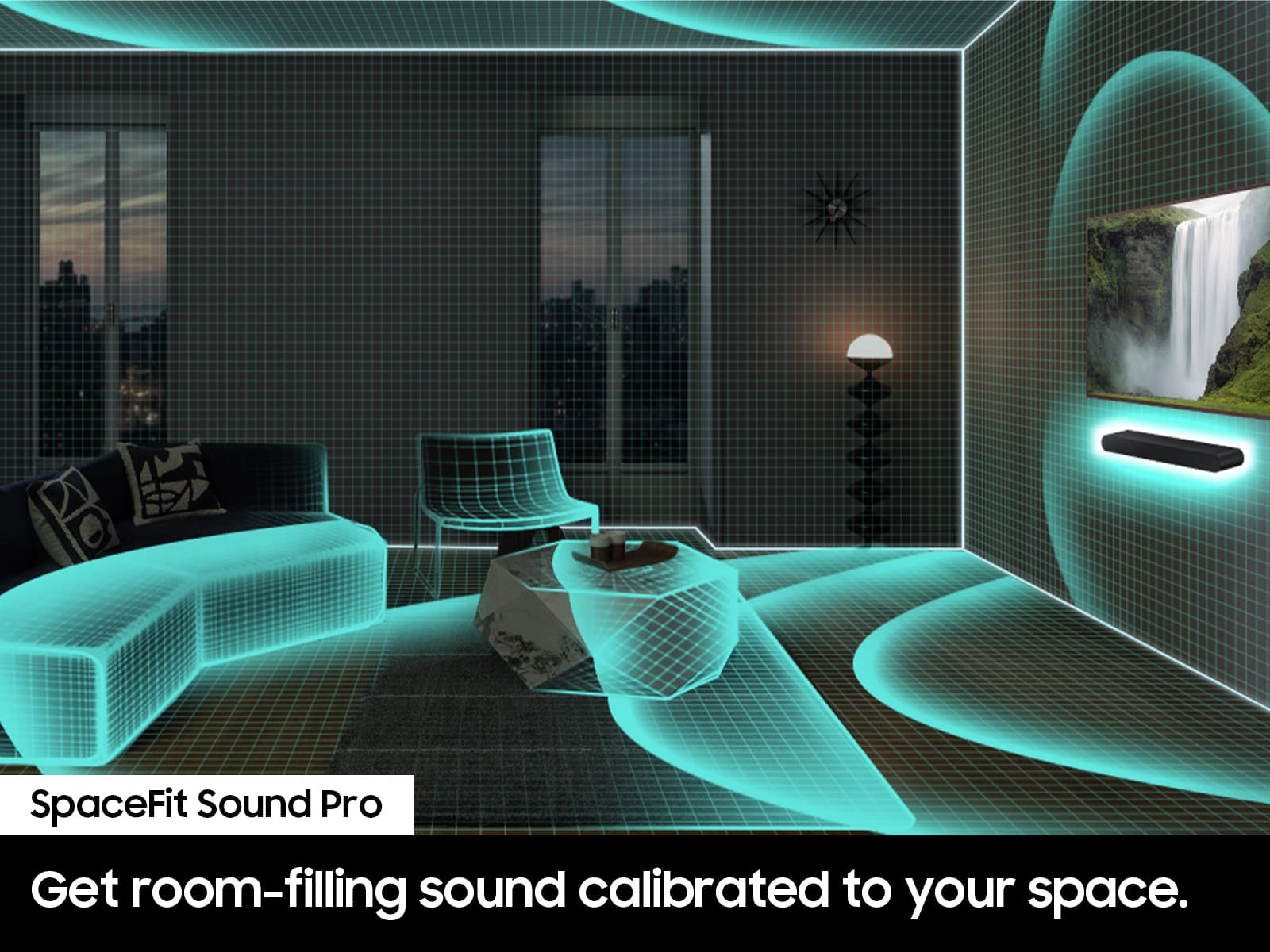
A:AnswerHello Louise! Even if your TV doesn’t support Q-Symphony, you can still get great performance from the HW-S60D Soundbar. This all-in-one 5.0-channel system includes four woofers and three tweeters, delivering room-filling, powerful surround sound without needing additional speakers.
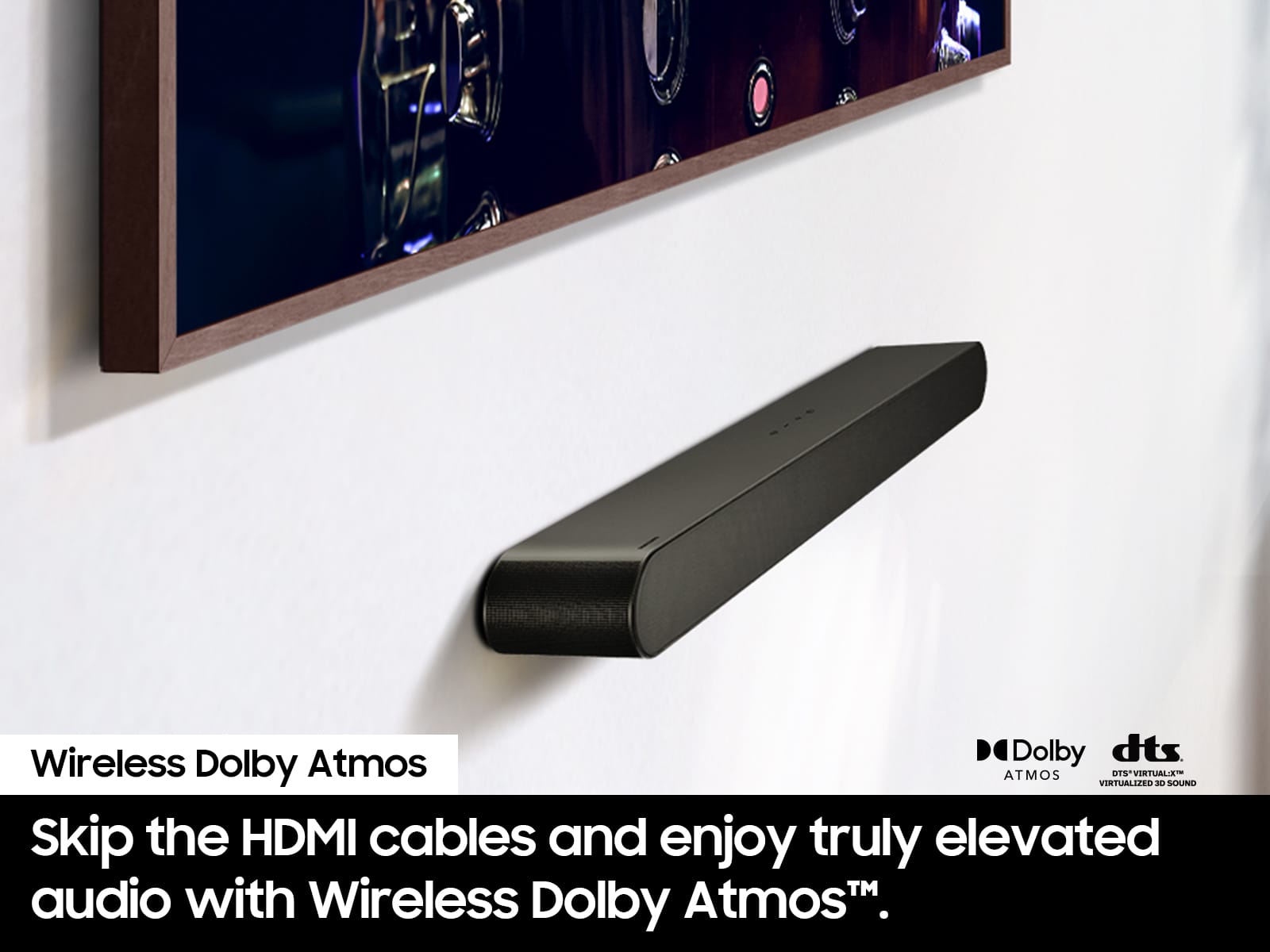
Experience immersive audio with Dolby Atmos and DTS Virtual:X. Using Samsung’s wireless Dolby Atmos connection, your compatible Samsung Smart TV can send 3D sound to the soundbar, creating overhead and all-around effects for a more cinematic experience.
Plus, a dedicated center channel ensures dialogue comes through clearly, so you never miss what’s being said.
~ Samsung Solutions
A:AnswerHi JJ, Yes to take full advantage of your new soundbar, download the SmartThings App to your smart device. This will allow you to control your soundbar as you would with the provided remote, but with the added advantage of seeing what changes you make on your device. You can further adjust TREBLE and BASS via the TONE CONTROL button on the remote. ~ Samsung Solutions
A:AnswerHi AngieMom. Make sure that the sound out put is set to Soundbar + TV. If you still not getting audio from both TV and Soundbar try unplugging the soundbar for about 30 seconds from the power, then plug the soundbar back in and try it again. If you are still experiencing issues please contact Samsung Support at 1-800-SAMSUNG (Ask for Soundbars), 8AM - 12AM EST, 7 days a week. Our Live Chat agents are also available by clicking on the ‘Support’ link on our website.
~ Samsung Solutions
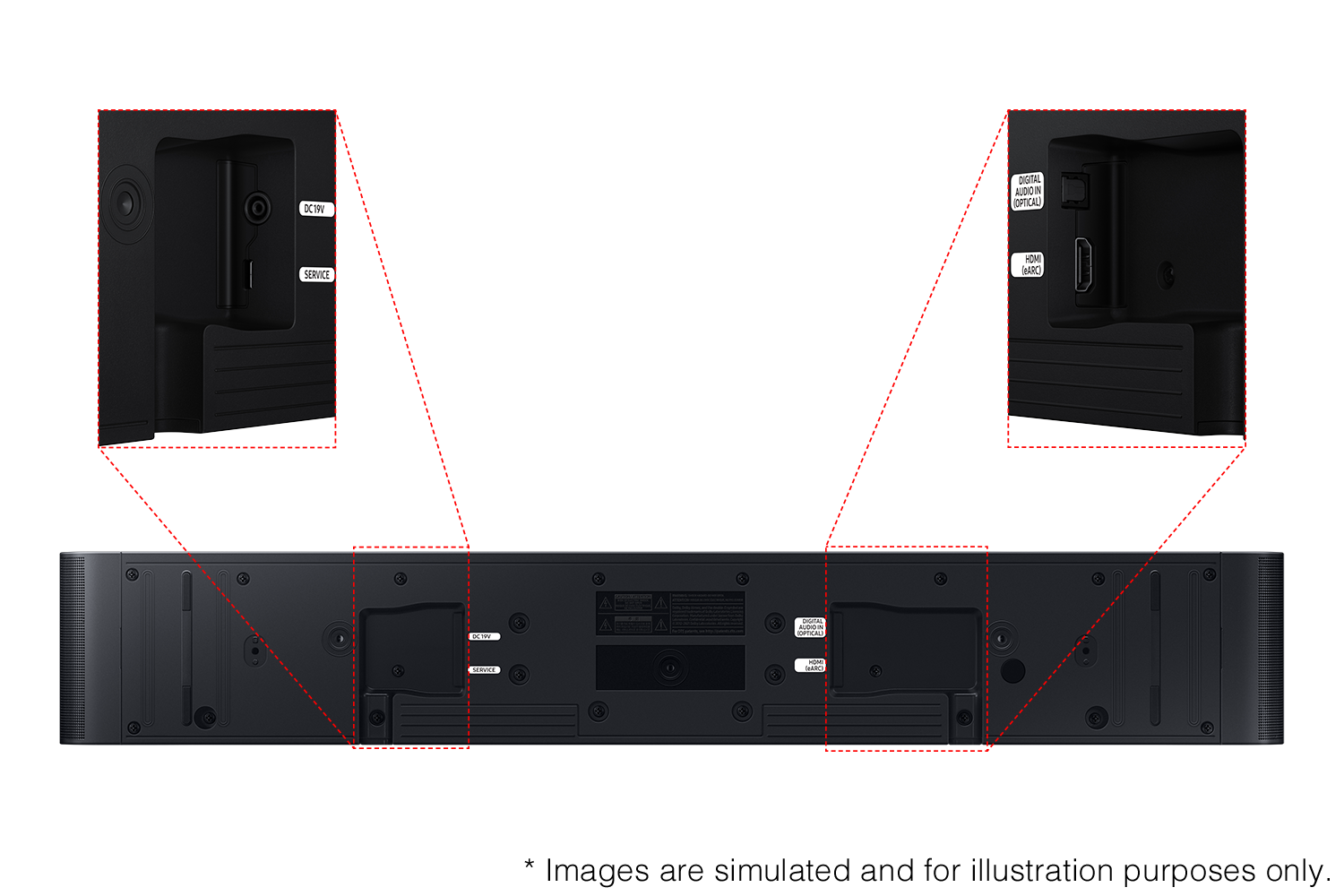
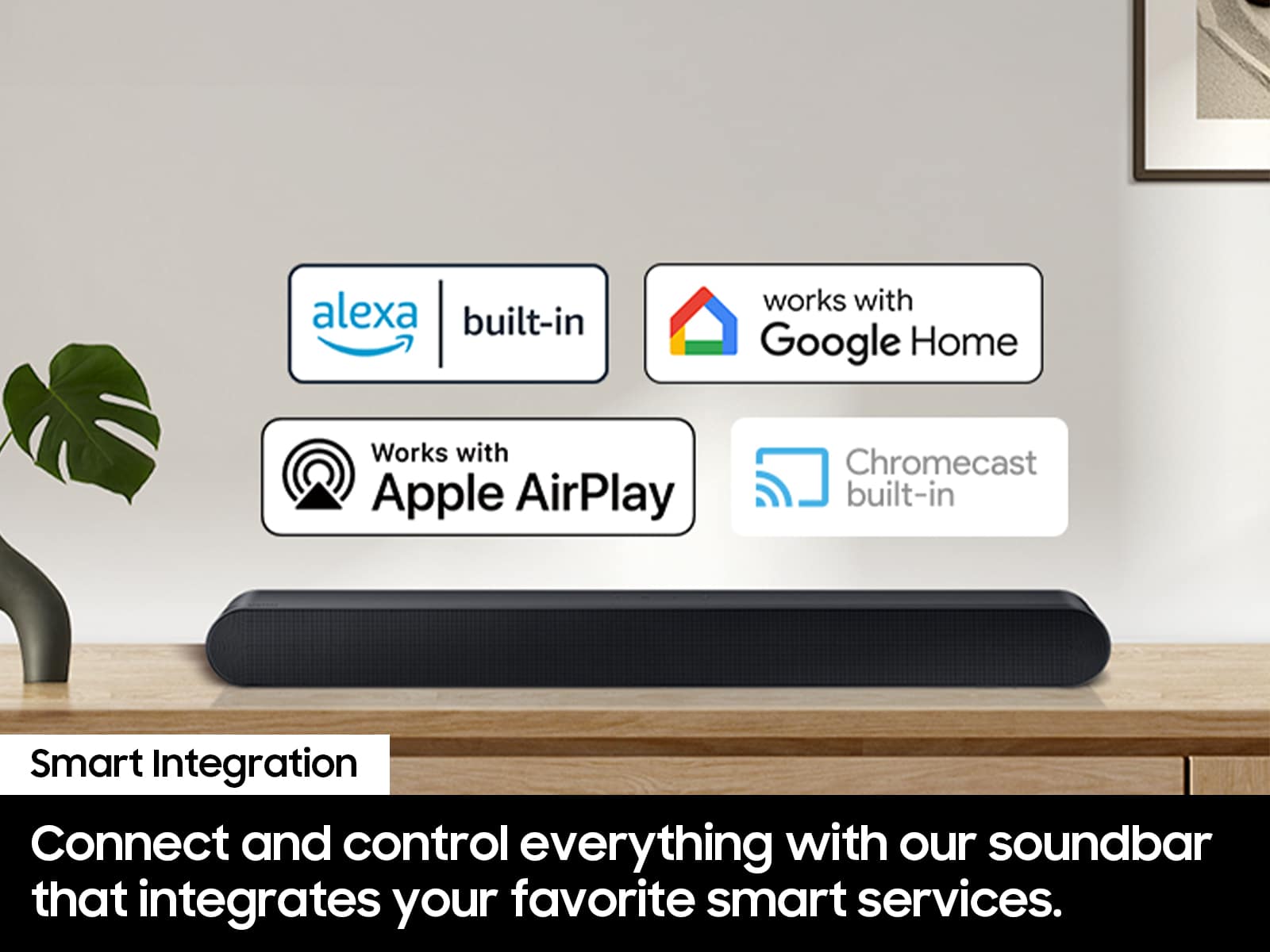
A:AnswerHi! The HW-S60D features four ways to connect to an external device: Wi-Fi, HDMI eARC (cable included), digital optical audio, and Bluetooth wireless audio technology. If your TV is compatible with one of these four audio connections, you should have no issue connecting the soundbar to your TV. ~Samsung Solutions
A:AnswerHello MS. Hi! The HW-S60D features four ways to connect to an external device: Wi-Fi, HDMI (eARC), digital optical audio, and Bluetooth wireless audio technology. If your TV is compatible with one of these four audio connections, you should have no issue connecting the soundbar to your TV. ~Samsung Solutions
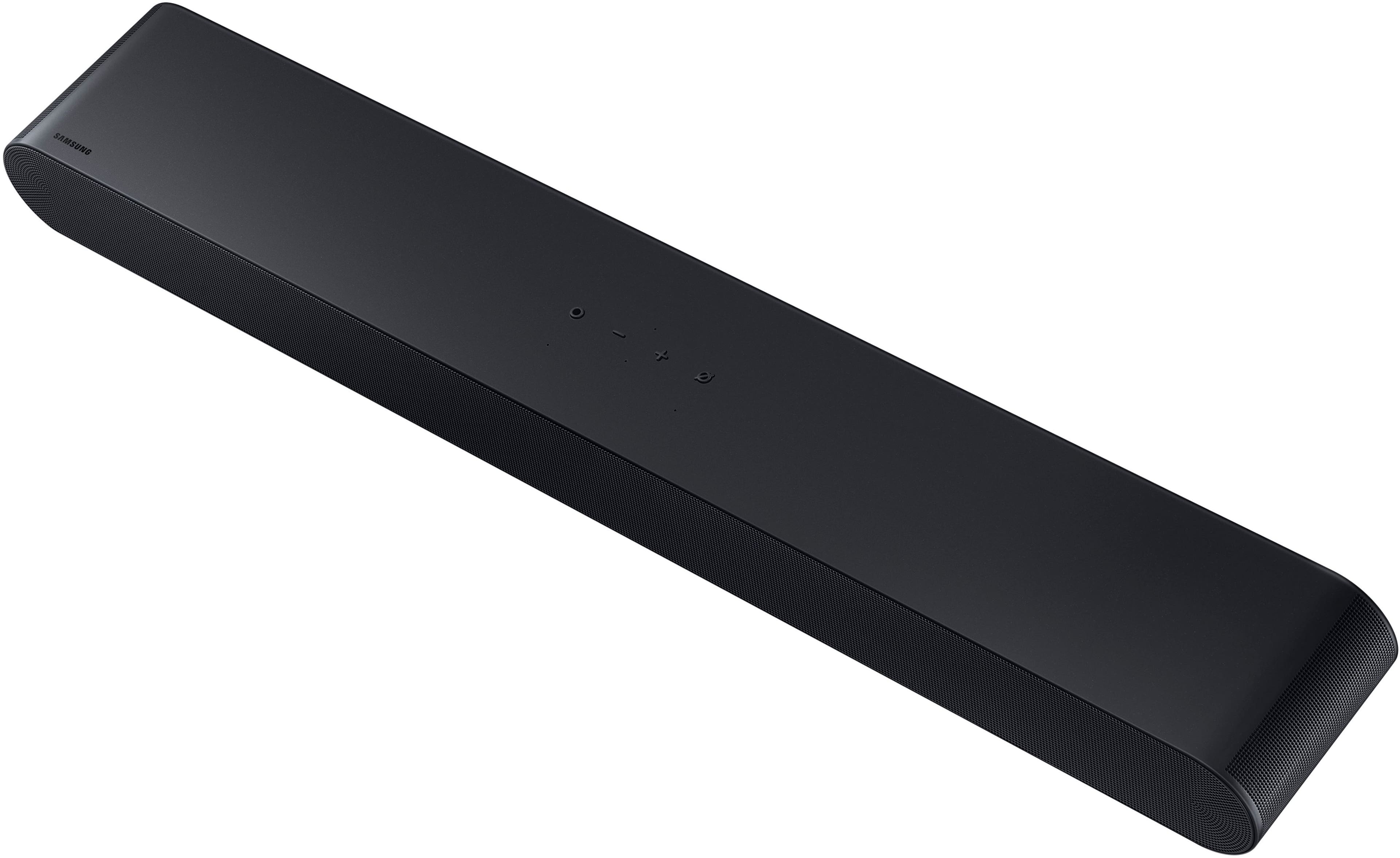
A:AnswerHello nick75, Try to factory reset your HW-S60D Soundbar, first make sure the soundbar is powered on. Then, press and hold the Volume Up (+) and Volume Down (-) buttons on the soundbar simultaneously for about 5 seconds until the display indicates the reset has been completed. Please note that this will erase all saved settings, including Wi-Fi and Bluetooth connections, so you'll need to set them up again afterward. ~ Samsung Solutions