A:AnswerHi Rock,
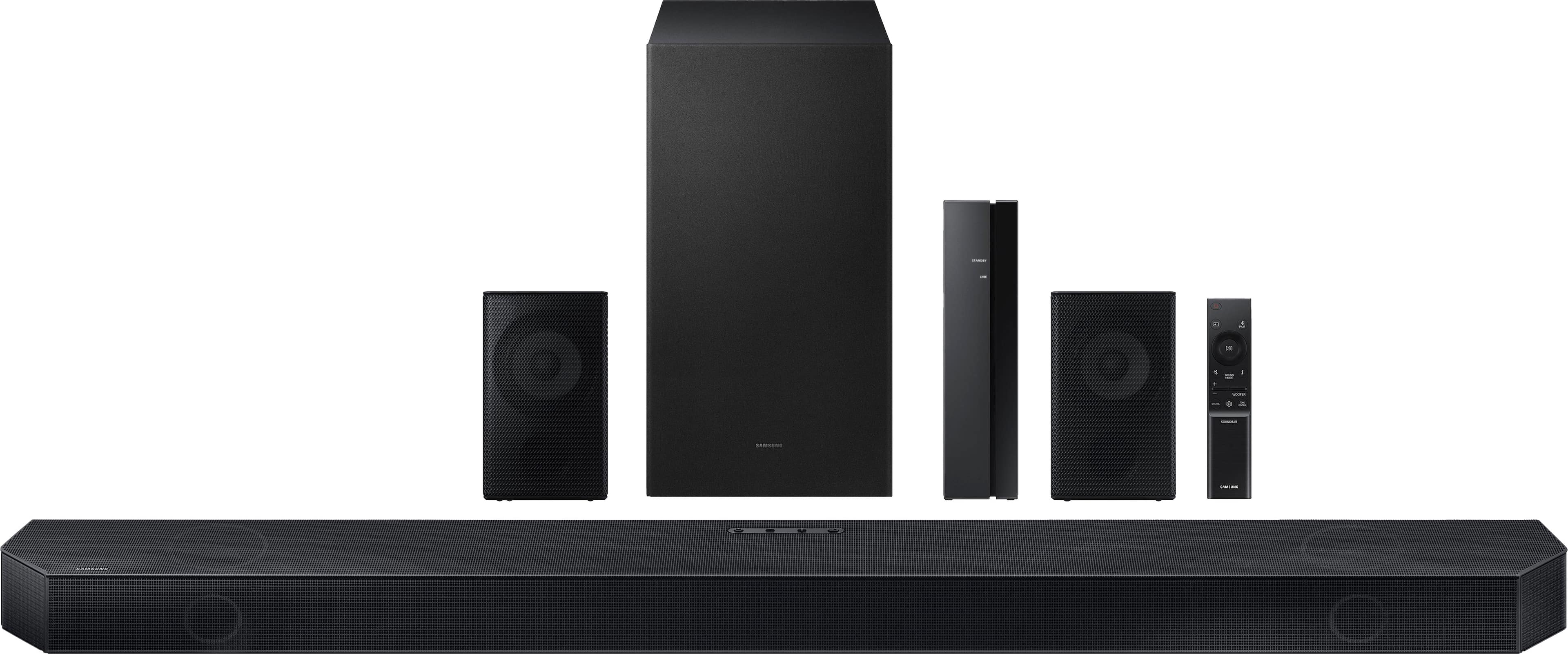
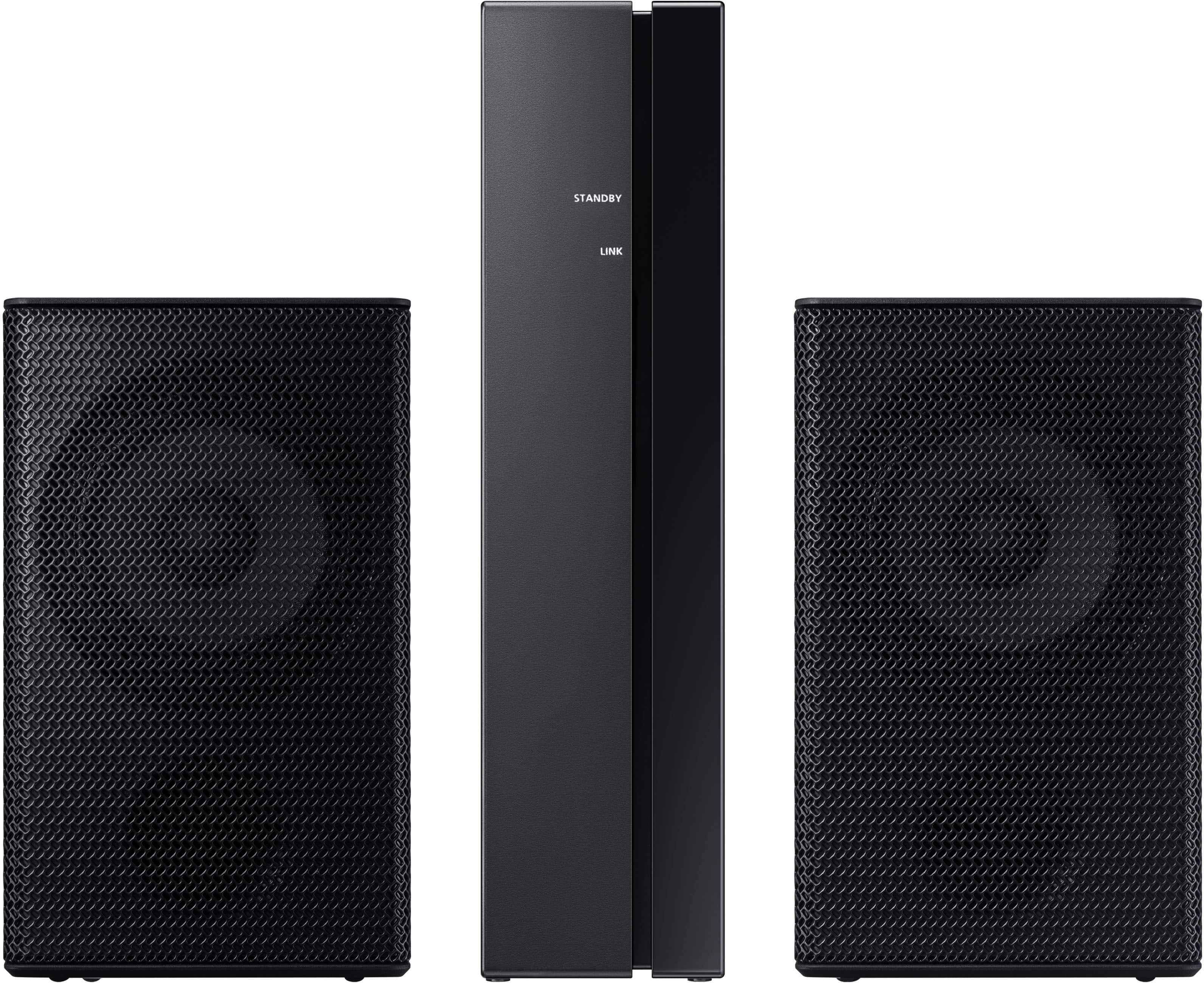
The rear speakers are wireless to the Soundbar itself, but do require speaker cables that will connect the rears to a central wireless transmitter.
~Samsung Solutions
A:AnswerHi JohnB,
You can find the available firmware for your Soundbar by going to Samsung’s website then clicking “Support” in the top right corner. Then go to “Manuals & Software” > “TVs & Home Theater” > “Home Theater” > “Sound Bars”. From there, you can select the HW-Q750C under Q Series.
Download the update and install it via USB thumb stick to your soundbar. If you need additional help, there are how-to instructions on this page. Please know that Samsung Customer Service is here to assist as well.
You also have the option to install SmartThings on a smart device (iOS/Android and phone or tablet) then connect your Soundbar to Wi-Fi. Within the SmartThings app you can manually check for software updates, or set it to automatic and you'll be all set.
~Samsung Solutions
A:AnswerHi there,
The HW-Q750C Soundbar does come with a USB port, but it is only for service. This means you can download update software to a thumb stick and then update your Soundbar if you do not have Wi-Fi.
~Samsung Solutions
A:AnswerHi T,
The included rear speakers are not stand-alone speakers, therefore you cannot use them as something similar to a Bluetooth speaker. They will only ever receive rear/surround sound channels.
There is not an on/off button on the rear speakers, should you not want to use them, just unplug them from the wall from the outlet.
~Samsung Solutions
A:AnswerHello Bobby! No, however the HW-Q800C Soundbar is compatible with the SWA-9500S Rear Speaker Kit. Check them out at Best Buy: https://www.bestbuy.com/site/samsung-2-0-2-channel-wireless-rear-speaker-kit-with-dolby-atmos-dtsx-black/6456115.p?skuId=6456115 ~Samsung Solutions
A:AnswerHello Me! You can use regular speaker wire to connect the rear speakers of the HW-Q750C Soundbars rear speakers. Check it out on Best Buy: https://www.bestbuy.com/site/rocketfish-30-16-gauge-pure-copper-speaker-wire-clear/6404070.p?skuId=6404070
~ Samsung Solutions
A:AnswerI can offer some of the basics:
Make sure you're the satellite base station is in Bluetooth range to begin. Pairing process is described in the manual.
Check your speaker wiring connections compared to the manual. Are they connected to the correct ports (red to red, black to black)? Is the metal part of the wires making clean connection in the ports (wire insulation not in the clamp portion of the speaker)?
Are you seeing LEDs light up indicating that there is power?
Good luck!
A:AnswerHi ErikO,
Please contact Samsung Customer Service at 1-800-SAMSUNG (ask for Soundbars), available 8 AM – 12 AM EST, 7 days a week.
LiveChat with an agent by clicking the ‘Support’ link on the Samsung website.
~Samsung Solutions
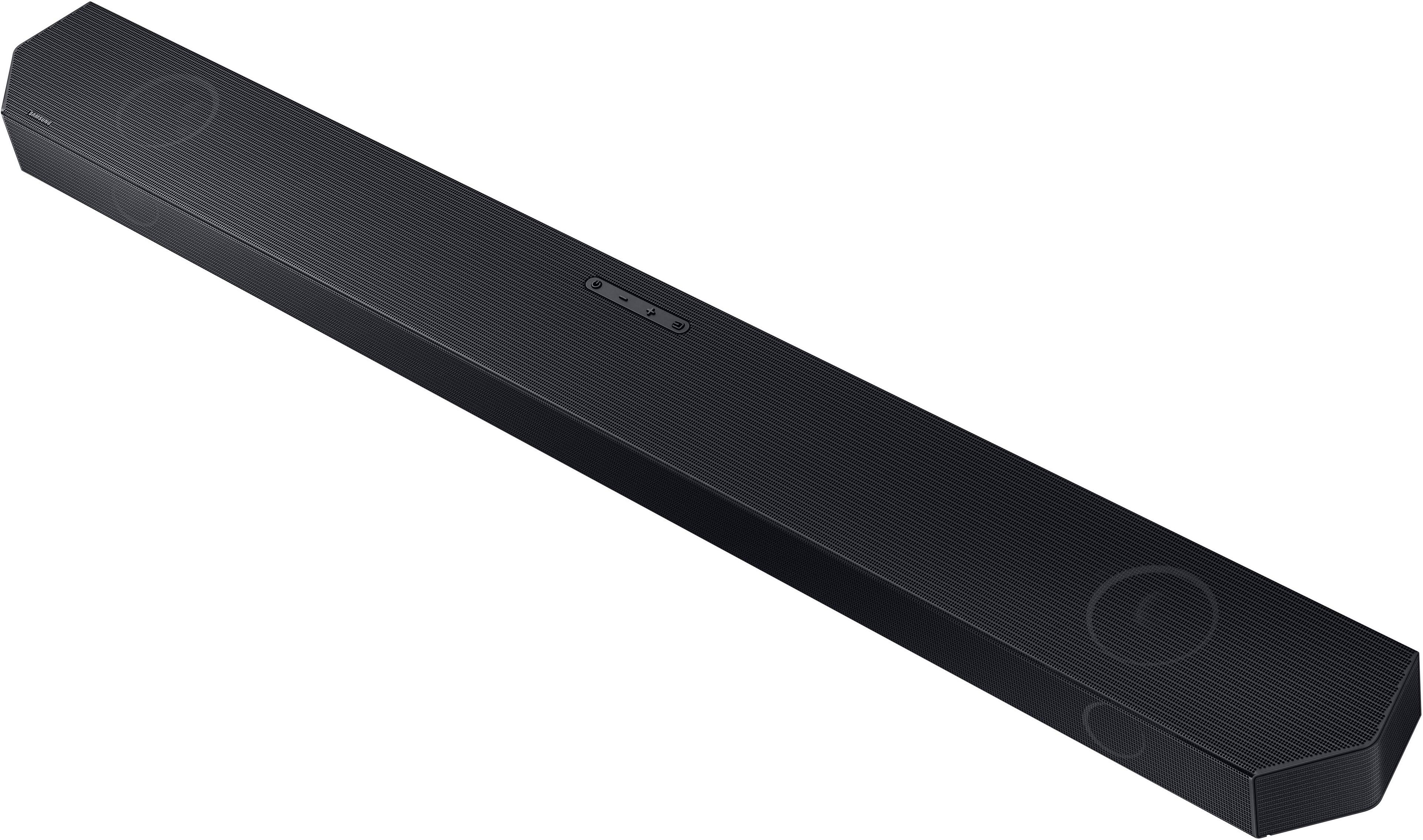
A:AnswerYou need to re-pair them. Press and hold the button on the sub woofer until it blinks and then press the pair button on the sound bar…sound bar has a power button and volume up and down - the other one is the pair button
A:AnswerHi Dave,
The HW-Q750C Soundbar is exclusively compatible with the included Wireless Rear Speaker Kit and cannot be paired with the SWA-9500S Wireless Rear Speakers.
~Samsung Solutions