A:AnswerHello Eric,
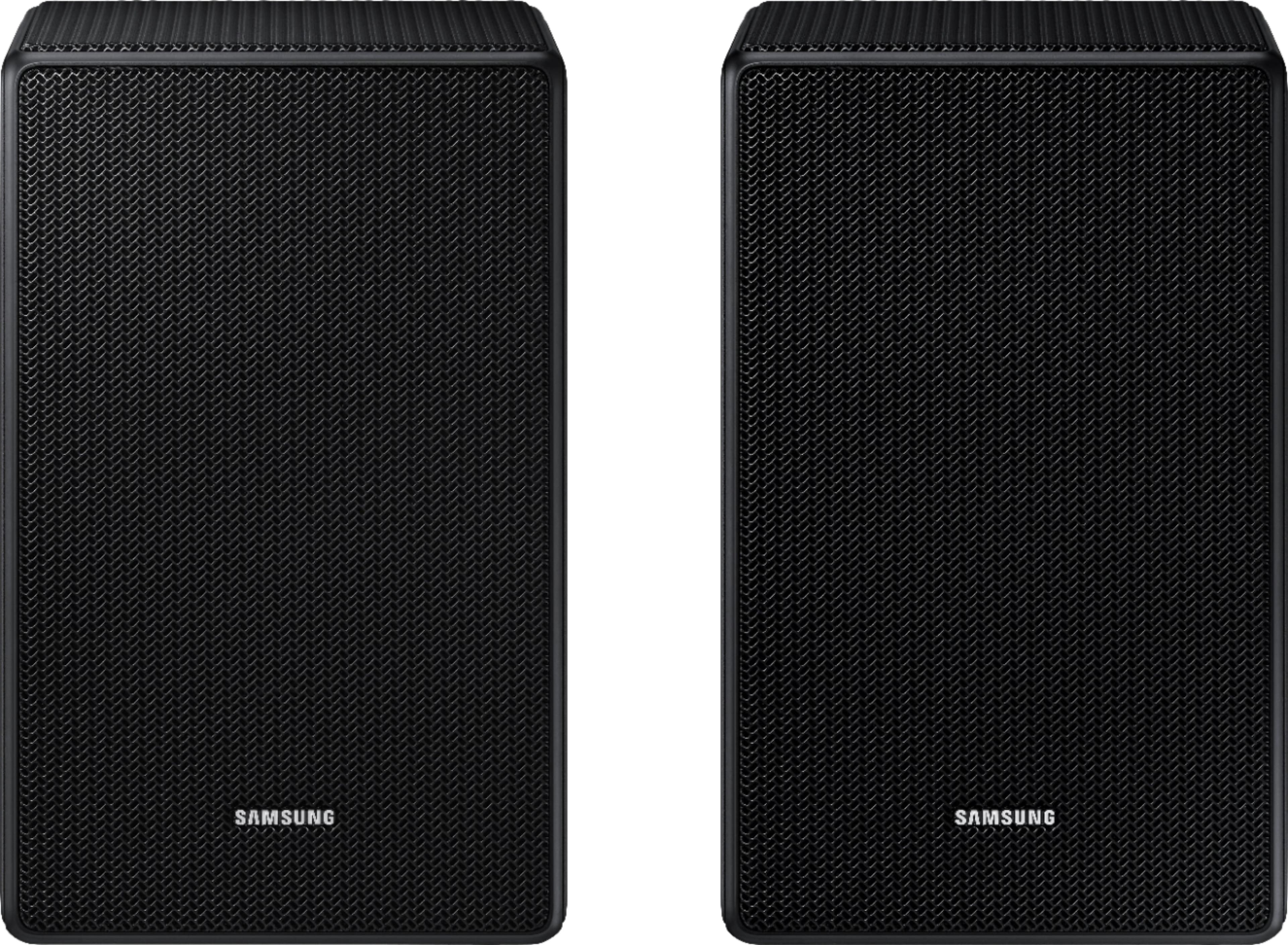
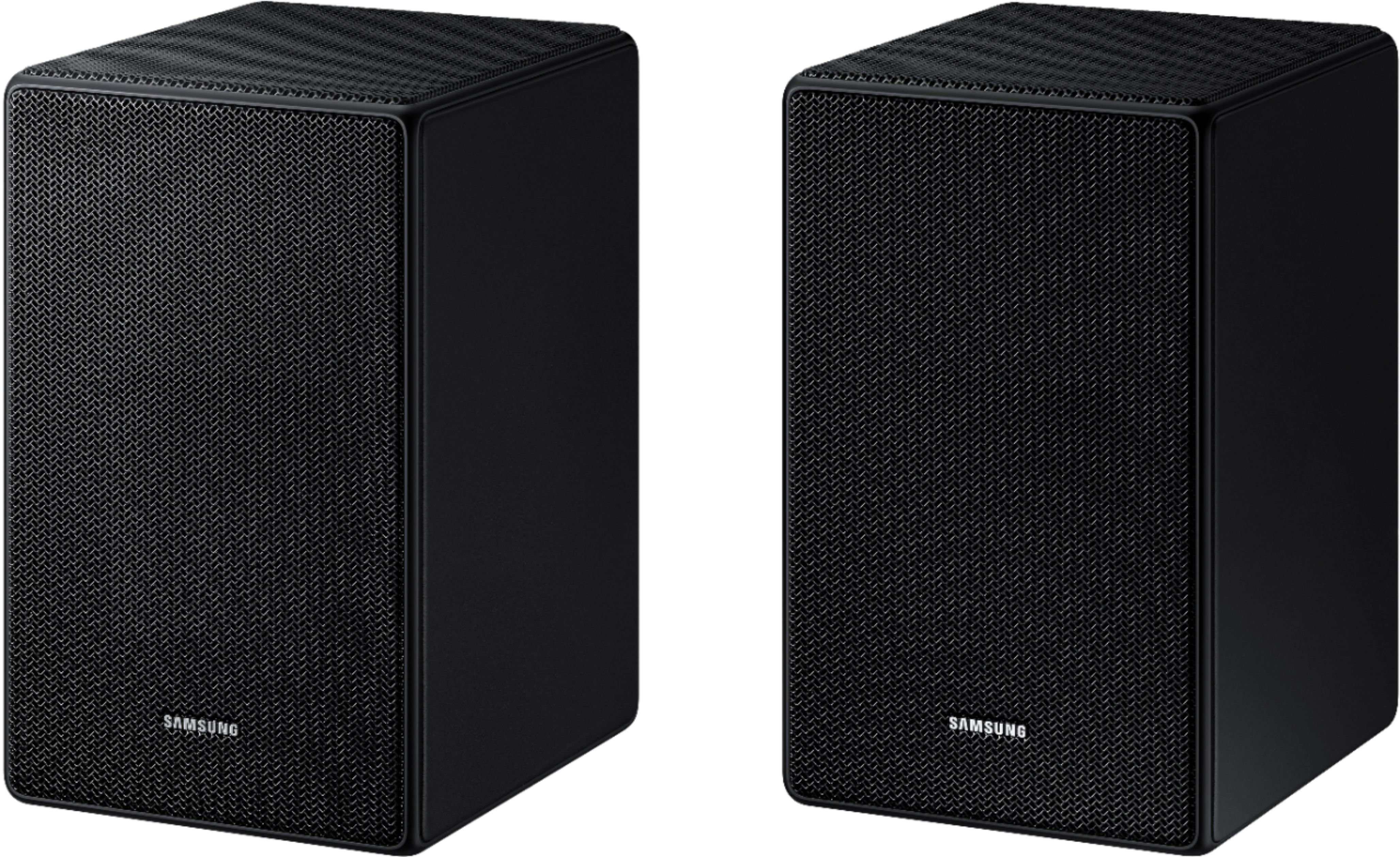
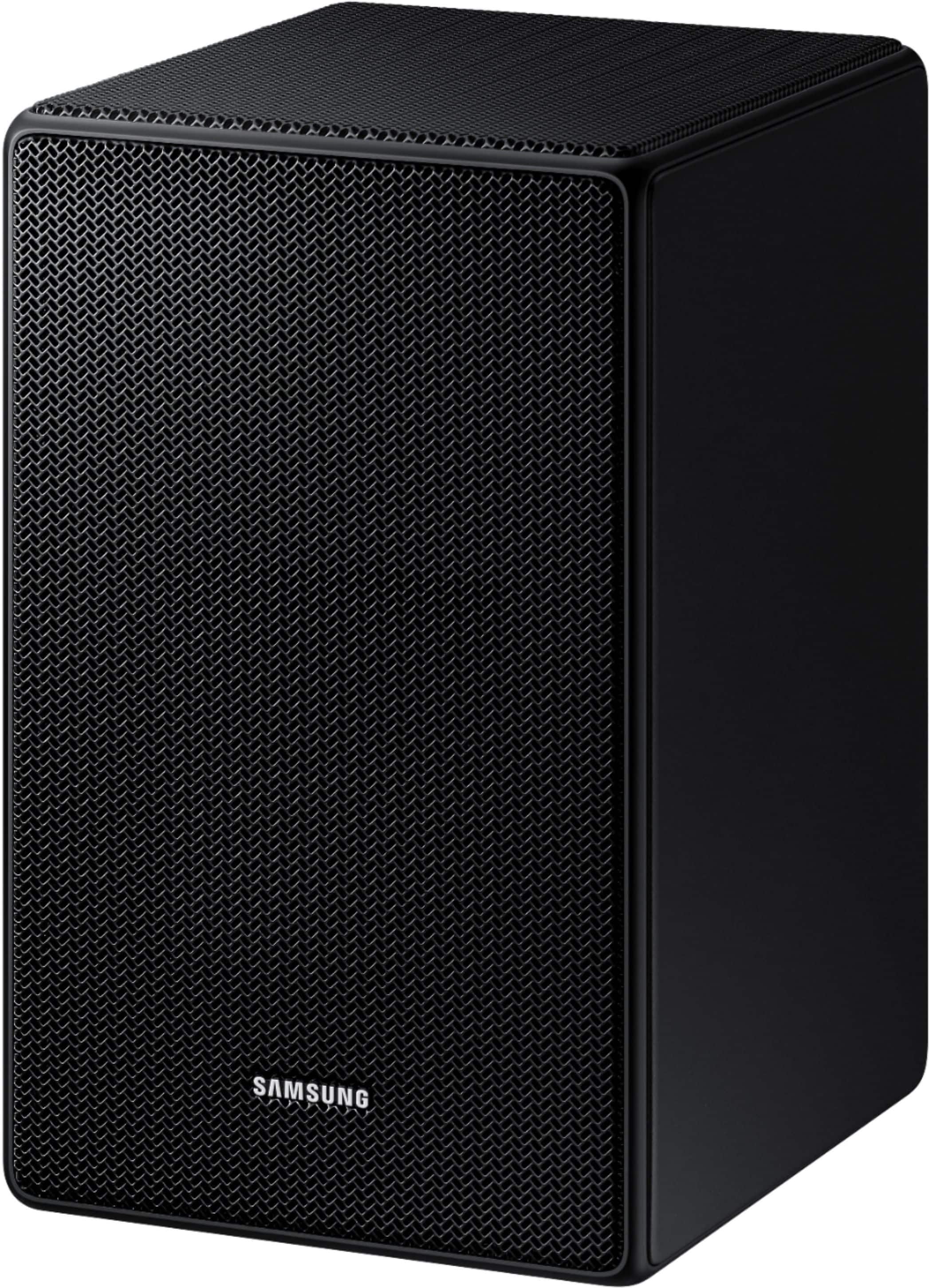
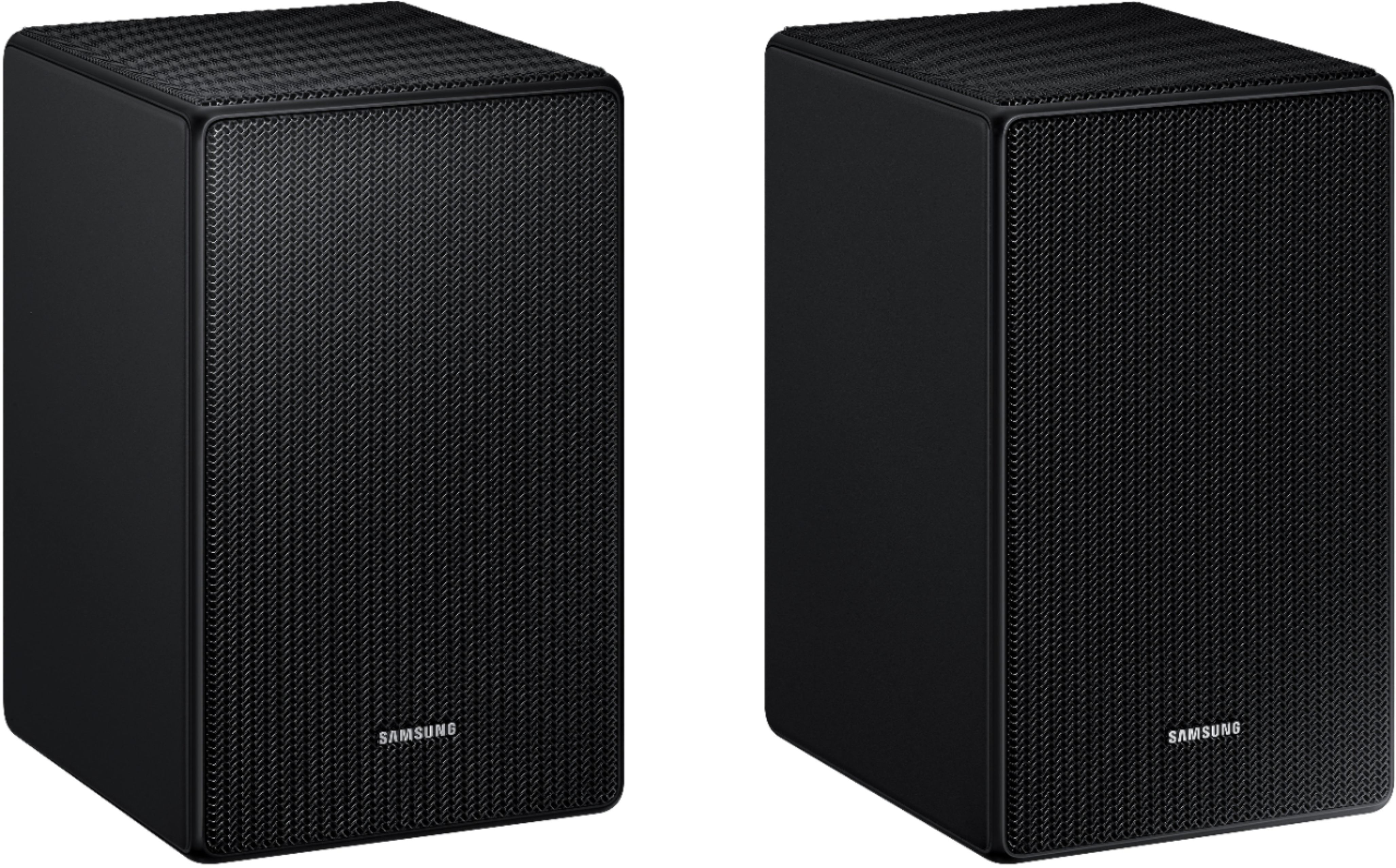
The SWA-9500S Wireless Rear Speakers are not compatible with the HW-Q600B Soundbar and all of our Soundbars can only be paired with a single set of wireless rear speakers.
~Samsung Solutions
A:AnswerHi there,
The SWA-9500S Wireless Rear Speakers do not work with the HW-B450 Soundbar.
You will need to pair the SWA-9200S Wireless Rear Speaker Kit with that soundbar.
~Samsung Solutions
A:AnswerHi Michael! The SWA-9500S Wireless Rear Speakers are compatible with select Q Series soundbars and will not connect to the HW-T650. The correct rear speakers designed to pair with the T650 is model SWA-8500S.
^Tim
A:AnswerSorry i belive no is the answer the only play on 2021 versions or newer Q symphony sound bars HW-Q700A, HW-Q800A, HW-Q900A, HW-Q950A they are designed to add to these only and will not pair with others.
A:AnswerThanks for the reply but the SWA-9500S speakers are NOT compatible with the Q850A package! I purchased the 9500S speakers and they would not pair. I called Samsung tech support and they confirmed that they are not compatible. I'm just going to use and enjoy the 9100S rear's that came with the Q850A system. Returning the 9500's tomorrow.
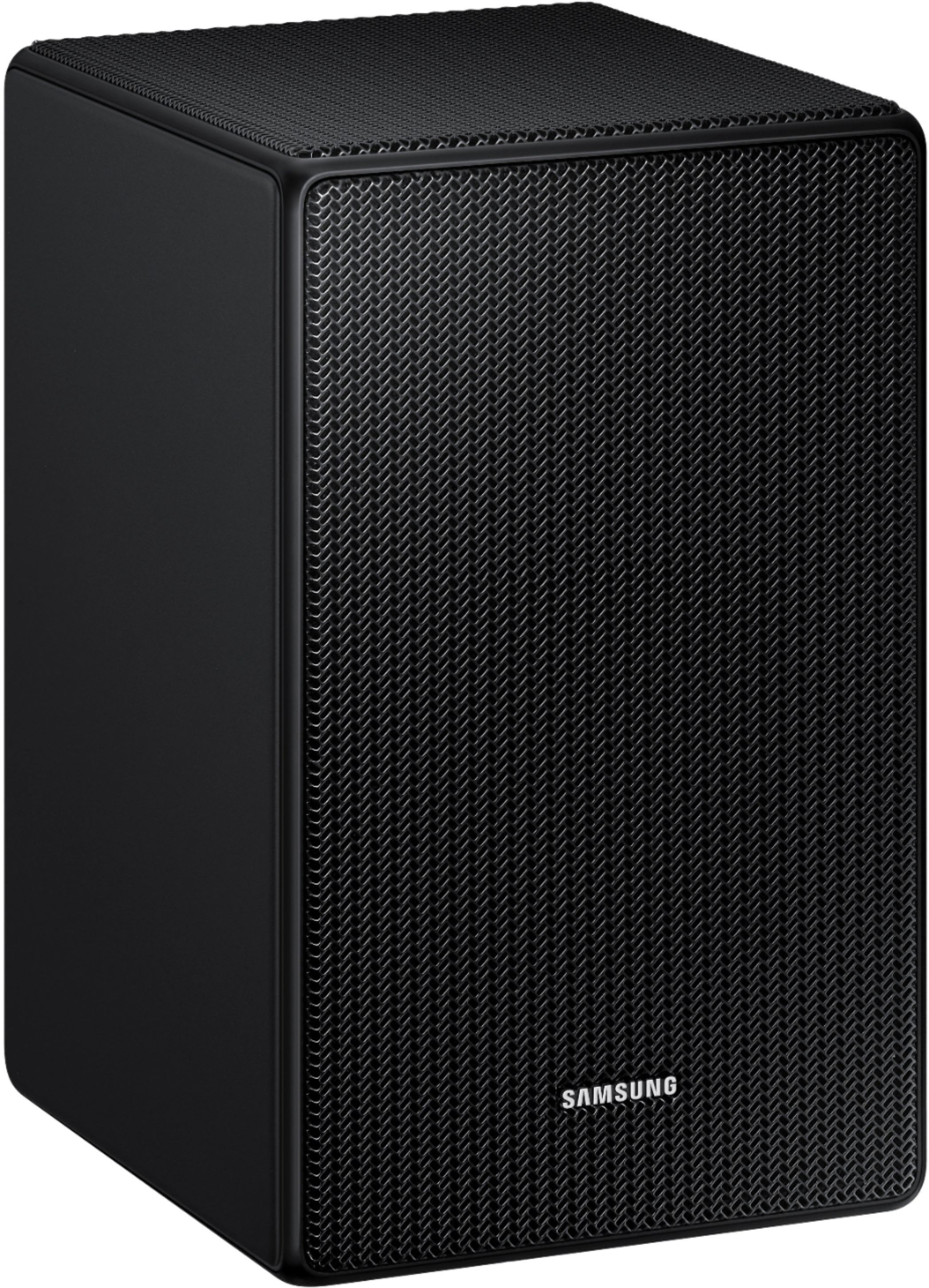
A:AnswerHi RobertR! The SWA-9500S is the only compatible speaker kit designed for the HW-Q700A soundbar. Each speaker is compatible with standard universal mounting equipment and require a power outlet to connect to. The SWA-9500S does not utilize speaker wire or a transmitter base and will connect to the soundbar directly.
^Tim
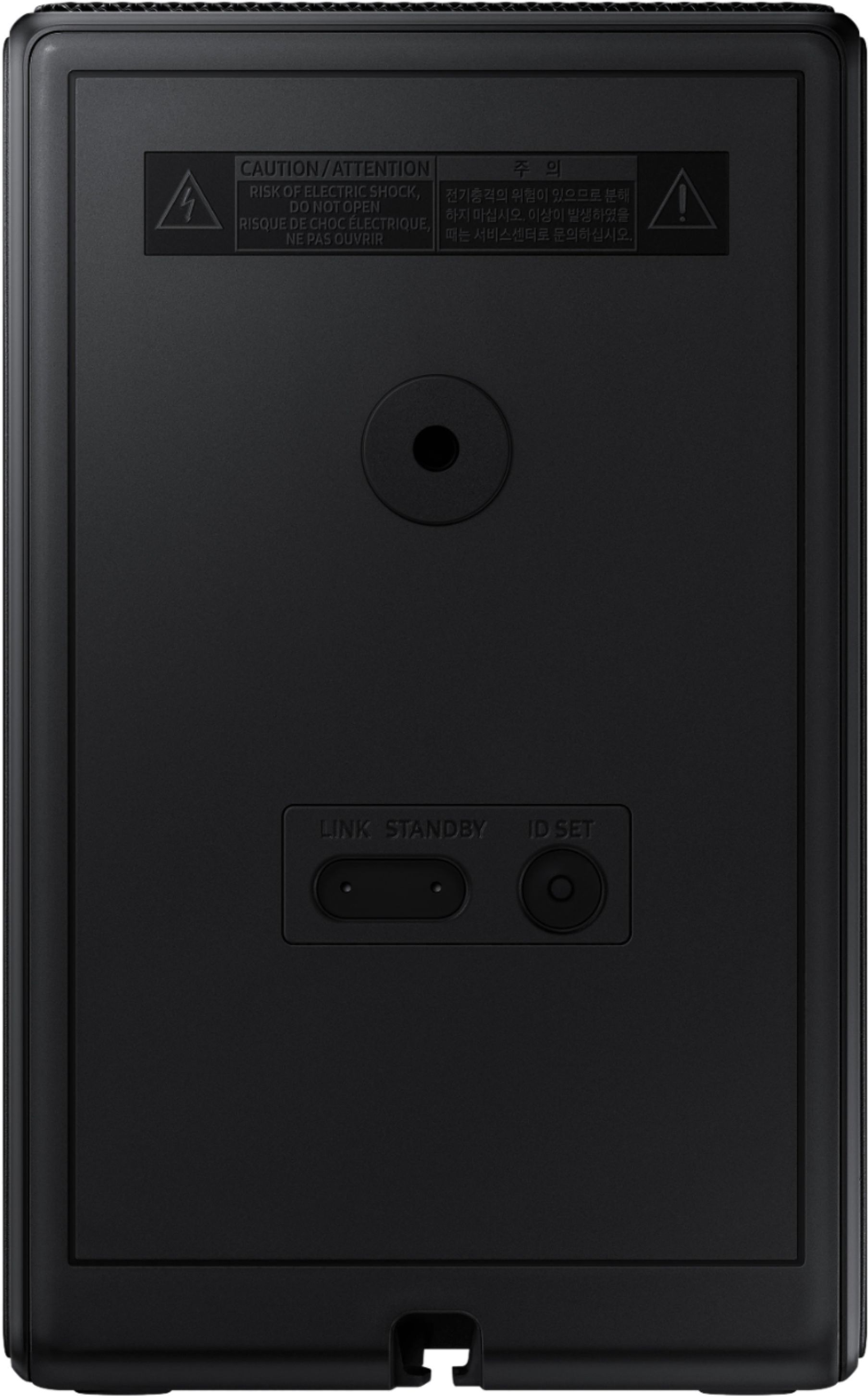
A:AnswerIt is 1/4-20 UNC. Same screw as on the camera stand. Try it. I found this spec after few days struggling with BB and even Samsung support which has same answer if this funny 6.3mm…..
A:AnswerHi DADZ!
Thank you for inquiring about the SWA-9500S. These are not the same rear speakers that are included with the HW-Q950A. The speakers included with the HW-Q950A are exclusive to that model soundbar, featuring forward, top, and side firing speakers for our most immersive surround sound experience yet. The SWA-9500S wireless rear speakers features forward and top firing speakers.
^Tim
A:AnswerHello there! The SWA-9500S is compatible with Samsung Q Series Soundbar HW-Q900F, HW-Q900H, HW-Q800F, HW-Q800H, HW-QS700F, HW-Q800D, HW-QS730D, HW-Q900C, HW-Q800C, HW-Q700C, HW-Q800B, HW-Q700B, HW-Q900A, HW-Q800A, HW-Q700A models, and S-Series models HW-S800D/S801D, HW-S800B/S801B.
Press and hold the ID SET button on the back of the left rear speaker for at least 5 seconds or until the blue light starts blinking. Turn off your soundbar and press the Up button on the remote for 5 seconds. The ID SET message will appear on the soundbar for a short time and then disappear. After the ID SET process, the soundbar power is automatically turned on. The LINK LED indicator stops blinking and glows a solid blue when a connection is established between the soundbar and the wireless rear speaker.
~ Samsung Solutions