A:AnswerI don't know which is the best, but what I've discovered is you don't want to go too cheap, but definitely don't buy into the expensive hype either. I had an Amazon basics HDMI cable that I bought for like $4, and it was terrible for playback. The picture would freeze/skip/jump as it couldn't keep up with the bitrate of the 4k playback. I bought a $10 Securomax HDMI 2.0 / 18 gbps on Amazon and it works great so far.
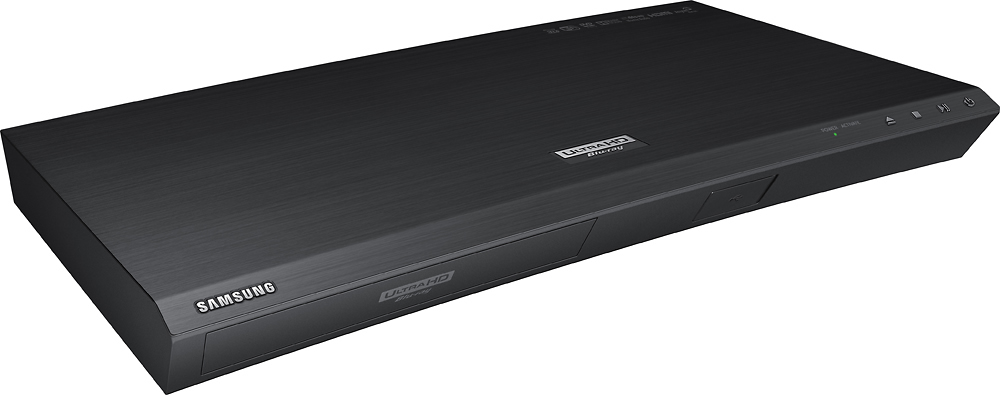
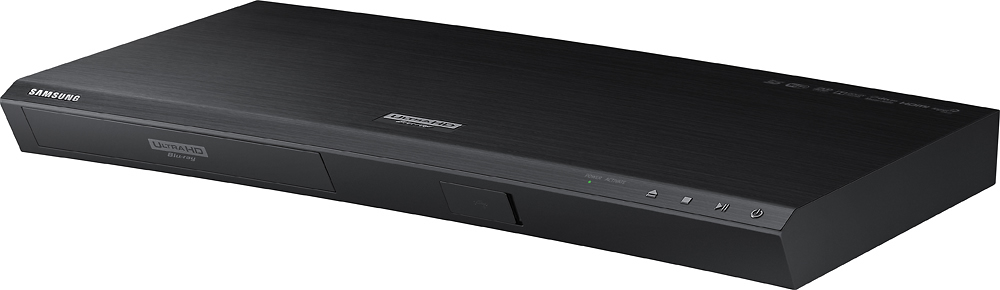
A:AnswerAs long as your asing HDMI cables that are 1.4 your golden. There are HDMI cables coming out that are speced 2.0 but This Bluray player is manfactured to 1.4 HDMI specs. This Samsung 4K Bluray player has 2 HDMI outputs. 1 for Audio/Video and 1 for Audio Only. If you are using a A\V reciever with your TV you would set the main output to Video Only and output 2 would go to your reciever for Audio only. You can always use Output 1 with Audio and Video going thru a Reciever. The reciever will thru-put audio and the video to your TV if you didnt want to use your surround while watching movies.
A:AnswerI know it is supposed to be region free. I have played region free DVDs and Blu-ray's but I have not played region free 4K so I do not know if it will play 4K. It is meant to play region free 4K I'm not sure about all countries I know Europe Australia In the UK will play I'm not sure about the Middle East
A:AnswerI have a Vizio M50-C1, and it works great on my TV using the HDCP 2.2 HDMI ports. I'm using the port that supports 60fps. You need to use high-speed HDMI cables.
A:AnswerIt should work no problem, as the Denon x7200wa is HDCP 2.2 compliant. If it continues to not work, I would call Denon and inquire about it. I have heard a few problems with the Samsung UBD-K8500 not recognizing the 4k sources, it could be that as well and a firmware update should be on its way.
A:AnswerThey are the same the other to reply’s say the 85c is an up converter 4K I have the 85c and it says right on the box and manual true 4K video play back and 4K upscaling and the 4K blue rays I play look amazing