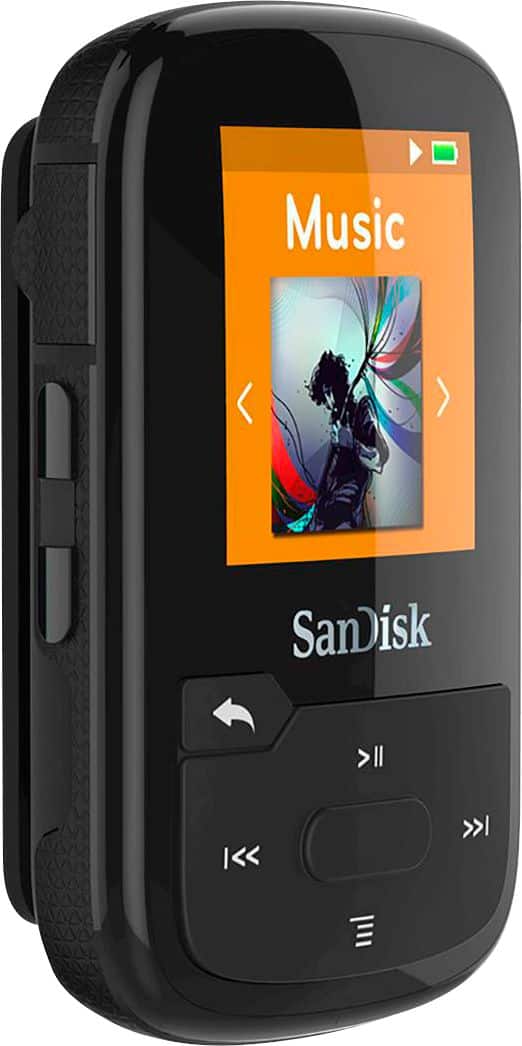
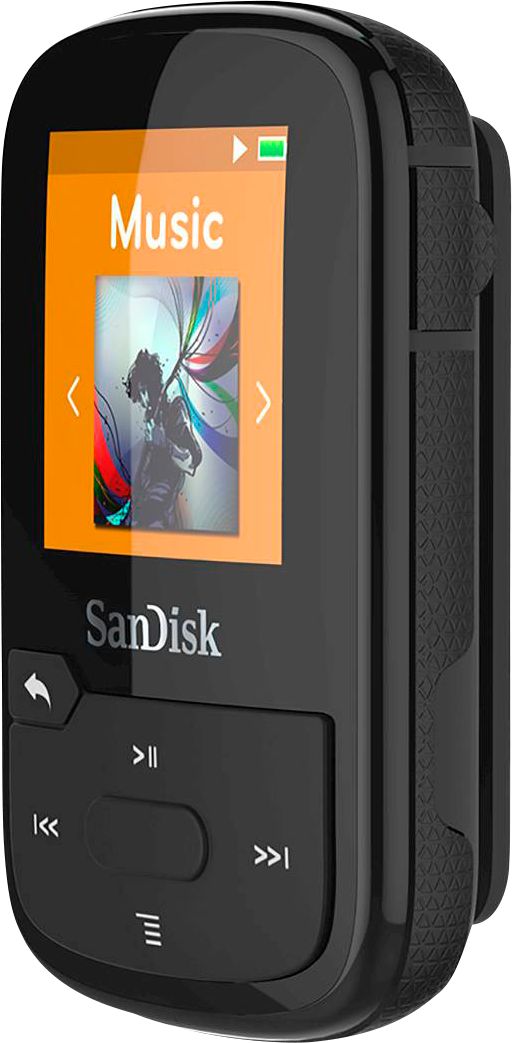
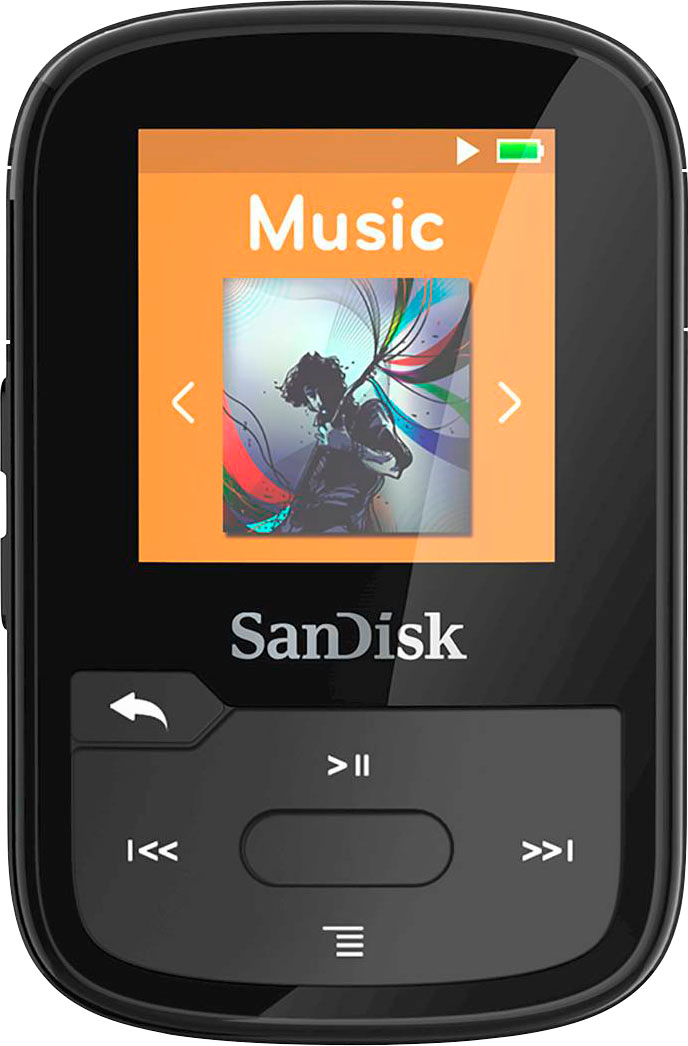
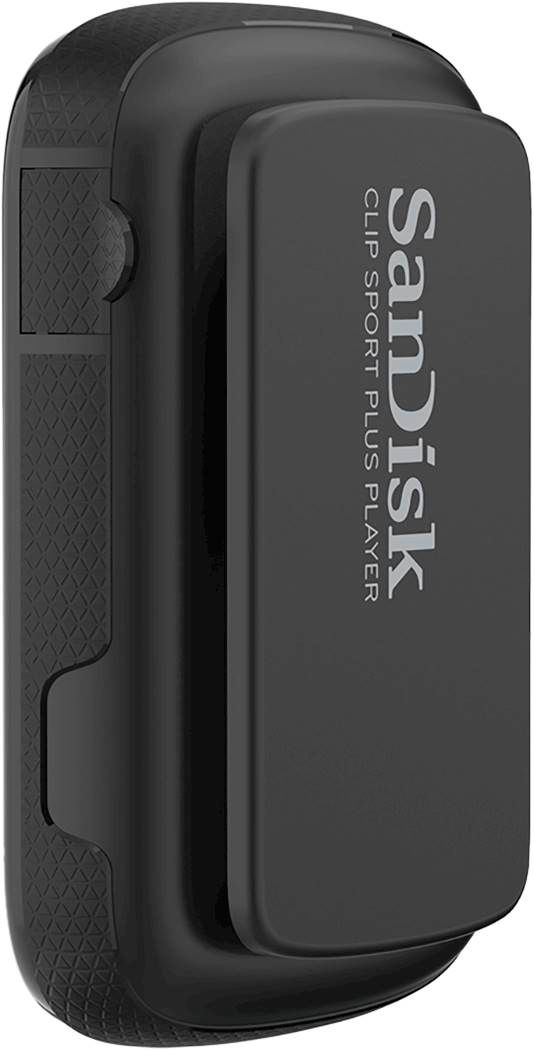
A:AnswerYes, the SanDisk® Clip Sport Plus MP3 player support WAV file format. You may also refer to the below mentioned link to know the supported file formats by SanDisk® MP3 players :
-- https://kb.sandisk.com/app/answers/detail/a_id/14130
A:AnswerPlease allow us to inform you that the SanDisk® Clip Sport Plus MP3 does not come with Memory Card slot. Hence, no Memory Card is compatible with the same.
A:AnswerI can't tell you about the iTunes - I don't do iTunes. However, if your car stereo has a 3.5mm input jack you can connect it with a male-male 3.5mm audio cable through the earbud jack. It does come with a USB connect cable.
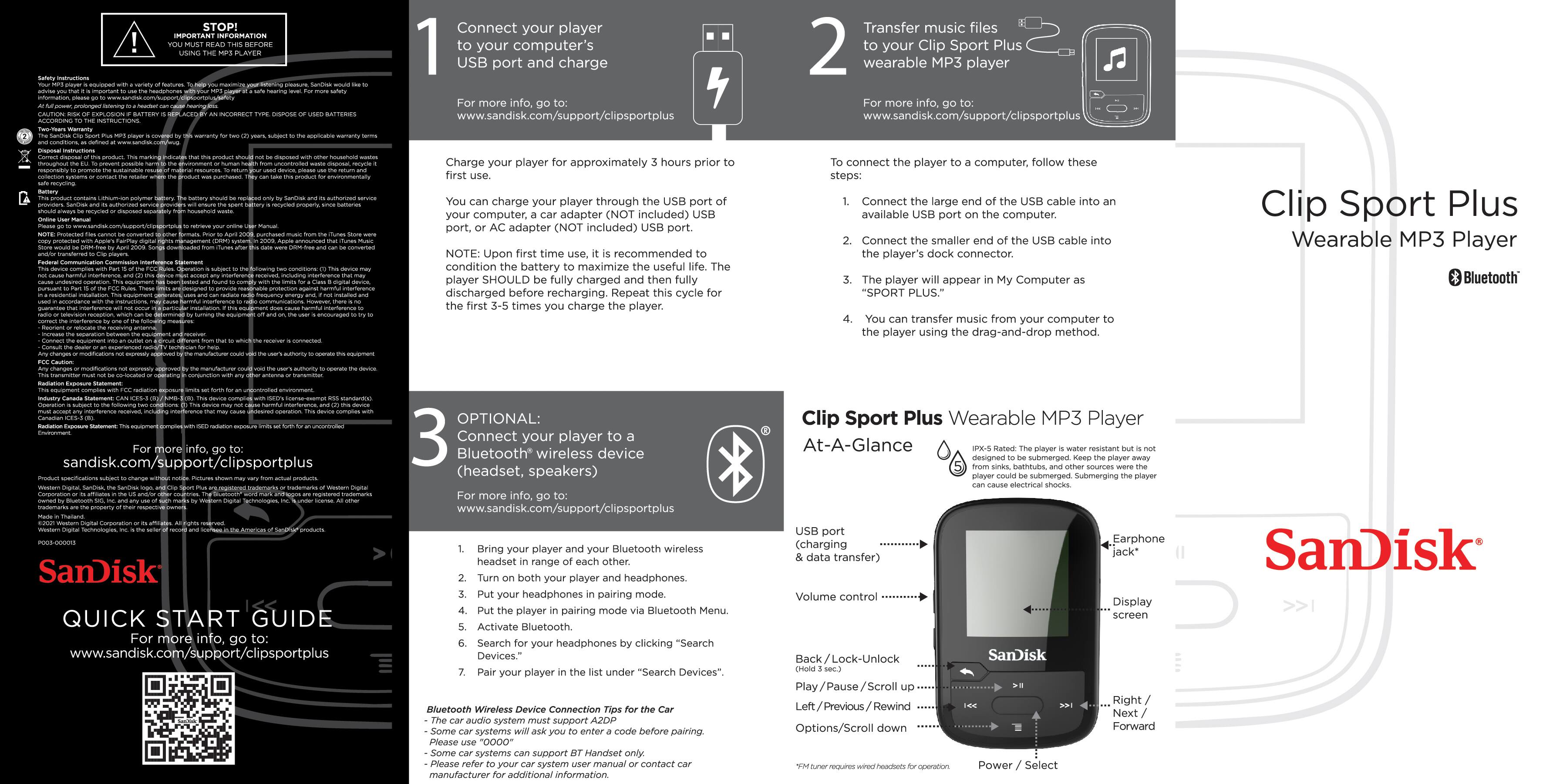
A:AnswerYes. Use the included cable with the purchase. One end connects to the mp3 player and the other end connects to a USB port on your computer. Then drag and drop.
A:AnswerPlease allow us to inform you that you can connect this MP3 player to an Audio audio device using Bluetooth or Auxiliary cable. However, this MP3 can can be connected to a computer for data transfer.
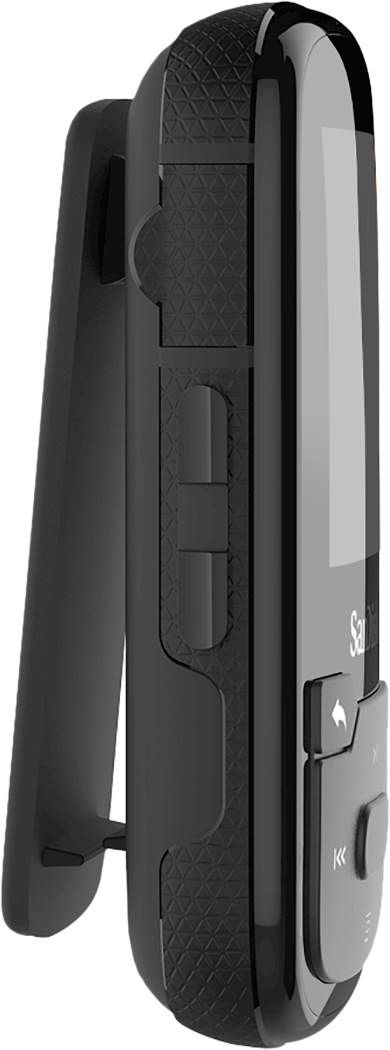
A:AnswerNo, the SanDisk® Clip Sport Plus MP3 player come with navigation keys. Please refer to the user manual of this player using the below mentioned link :
-- https://kb.sandisk.com/app/answers/detail/a_id/20075
A:AnswerNo, the SanDisk® MP3 Players does not support images or pictures. In order to know the supported file format on this MP3 player, please refer to the below mentioned link :
-- https://kb.sandisk.com/app/answers/detail/a_id/14130
A:AnswerYes, you can transfer music files from iTunes to this MP3 Player using a computer. Please refer to the below mentioned to know the steps :
-- https://kb.sandisk.com/app/answers/detail/a_id/7946
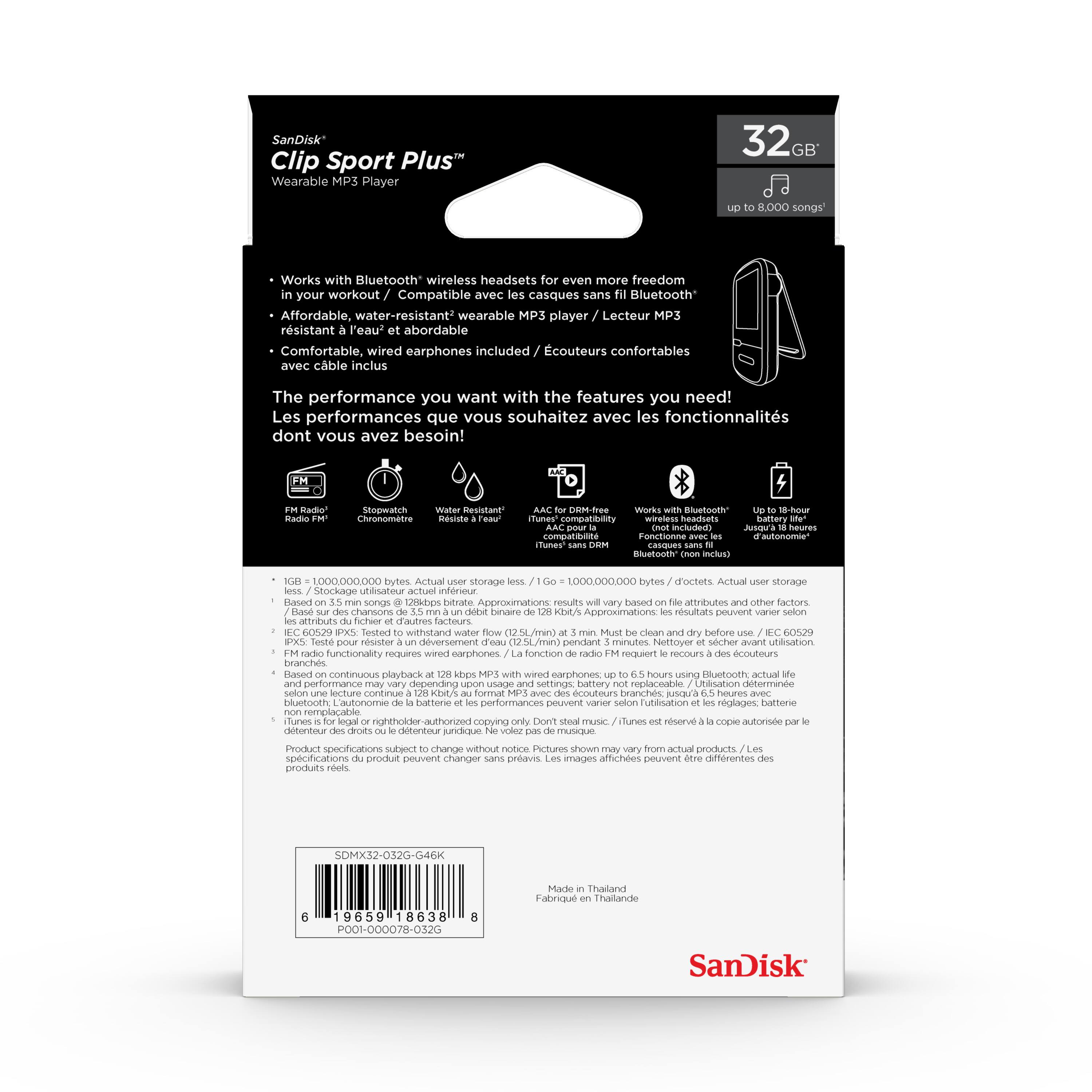
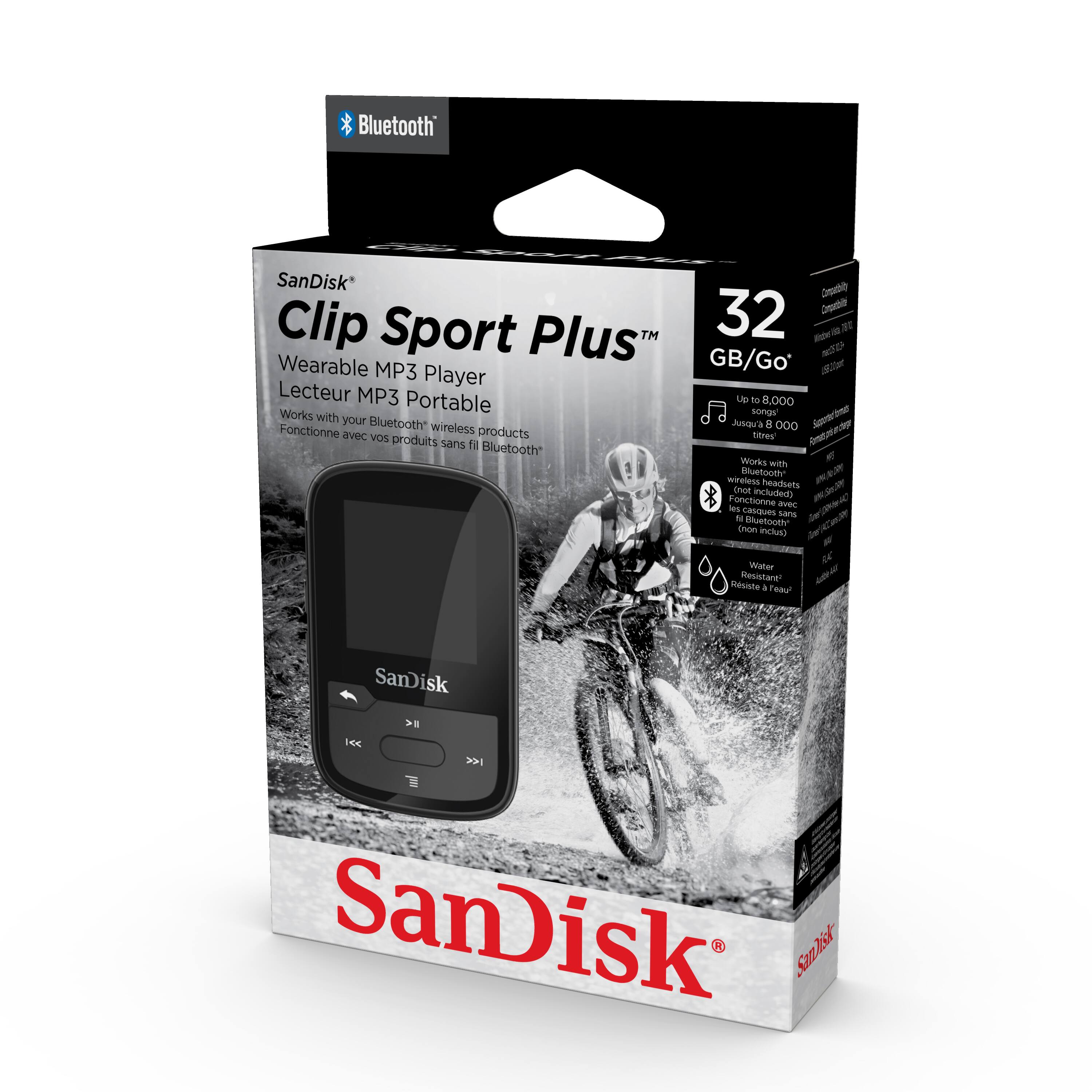
A:AnswerPlease allow us to inform you that you can store up to 8000 songs on this MP3 Player and you may also refer to the below mentioned link :
-- https://kb.sandisk.com/app/answers/detail/a_id/74
Also, you can transfer songs from iTunes to this MP3 Player using a computer, please refer to the below mentioned link :
-- https://kb.sandisk.com/app/answers/detail/a_id/7946
A:AnswerNo, you will not be able to play the music directly from CD however, you can transfer files from CD to a computer then to this MP3 Player. You may refer to the below mentioned link :
-- https://kb.sandisk.com/app/answers/detail/a_id/100
A:AnswerYes, but you have to save the Playlist as a .M3U file and make sure the .m3u is in the folder with the songs for that list. My first try failed because I missed the M3U step, but I have the playlists on my player now.
A:AnswerPlease allow us to inform you can transfer music files to the SanDisk® Clip Sport Plus using a computer only. You may also refer to the below mentioned link :
-- https://kb.sandisk.com/app/answers/detail/a_id/100
A:AnswerNo you can't download it directly from the mp3. It's old school, so it can't connect to wifi. You will need to download music from your computer and connect it to your mp3 player and transfer it over. I think you can download audio books as long as it's in the right format.