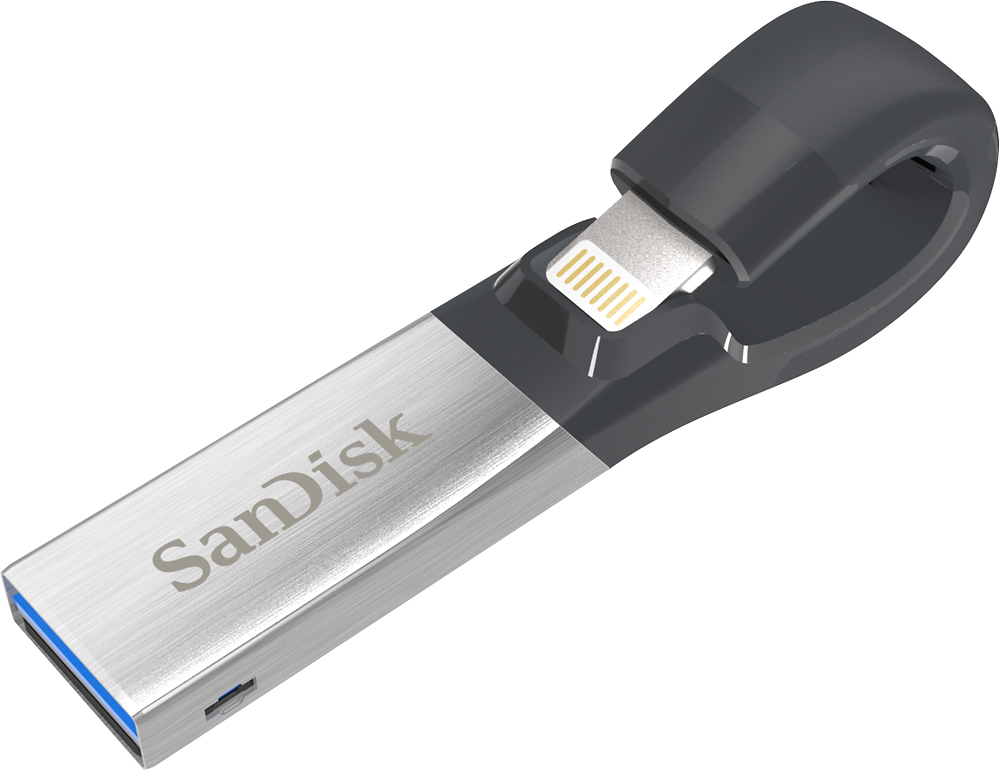
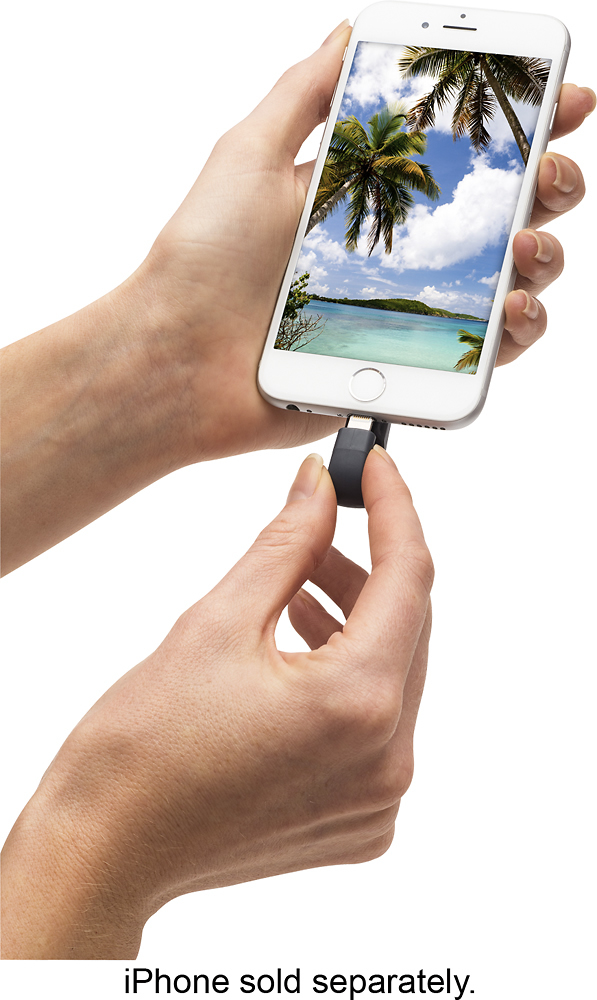
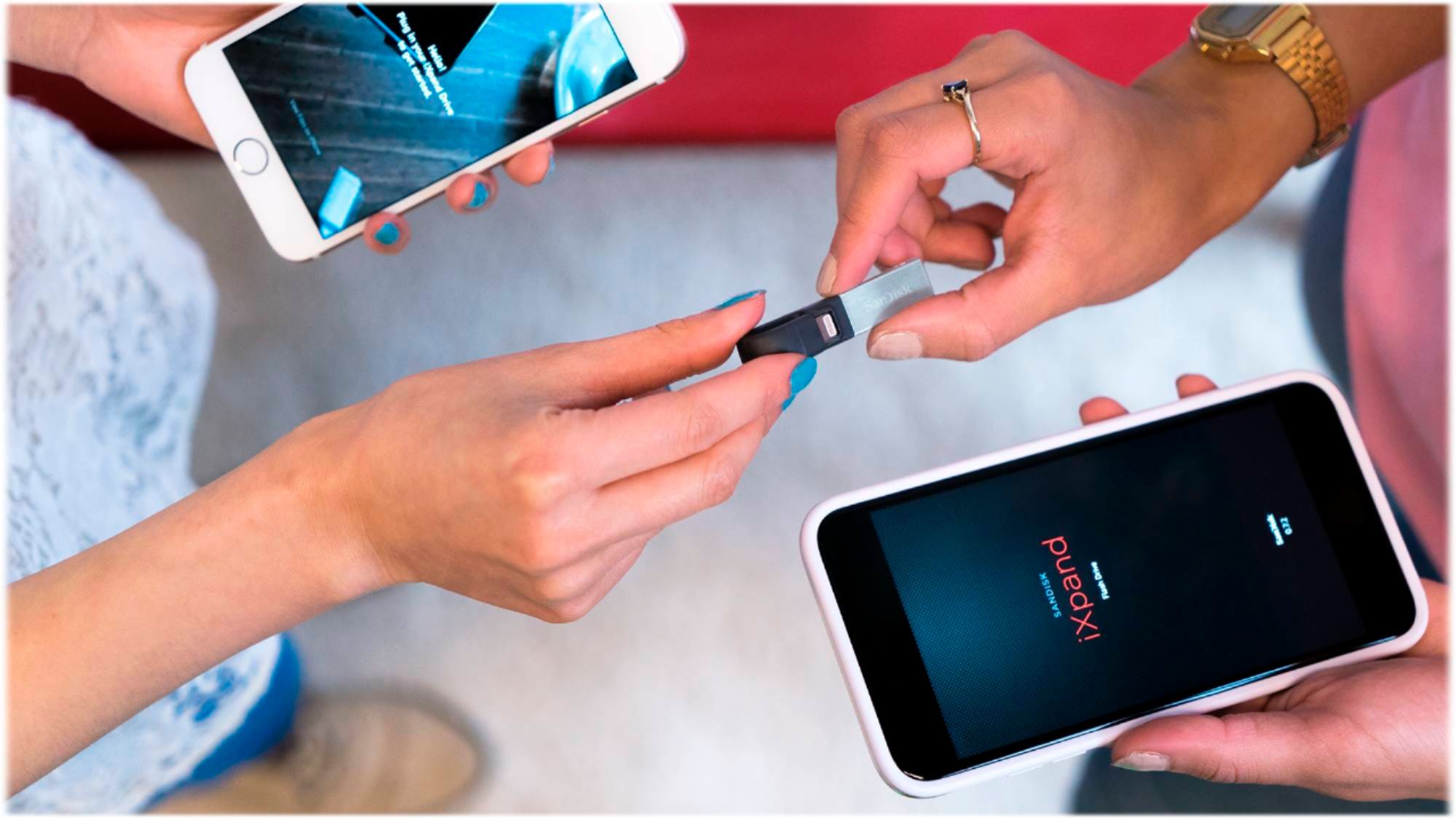
A:AnswerThis iXpand Flash Drive is NOT compatible with Windows XP operating system. I have the iXpand 128GB and when I plug it into my Windows XP machine it will show up as a drive but I cannot access it. However, it will work with Windows 7 and up.
A:AnswerYes you could. You just would not be able to use the auto back up/restore feature because everything would get mixed up. But you can definitely create a folder and separate them. I hope this helps.
A:AnswerYep, you sure can. Here's a link to the
SanDisk website info:
https://www.sandisk.com/home/mobile-device-storage/ixpand
highlight and paste that line into your browser
A:AnswerThis device does not copy from the "Cloud"! The intent is to backup/ transfer from the Camera Roll. If you are not keeping FULL SIZE versions on your phone with duplicate copies, as backup, on the "Cloud", you may be "Saving Storage Space" on your phone per Cloud Settings. This would infer that "small size copies" are on your phone and all of the full size copies cannot be stored on your phone. If this is your situation, I would recommend transferring many, if not all, of the videos to the "iXpand Flash Drive" and using a computer to Save/ Burn CD's or DVD's. The "iXpand Flash Drive" could then be cleared before transferring the pictures. If the "Small Size Pictures" are what are on your phone, changing the CLOUD Setting for Photos to NOT Saving Space will allow the Full-Size Pictures to be restored from the Cloud over a significant period of time. Once restored to Full-Size on your phone, these pictures can then be saved, as described, to the "iXpand Flash Drive" and subsequently, to your computer and desired backup media. These procedures will require you to delete FILES/ PICTURES/ VIDEOS from your phone (and the Cloud) after a group has been safely transferred and archived. You may leave a reasonable number of Full-Size Pictures and Videos on your phone, They will remain backed up on the CLOUD.
A:AnswerHello, we apologize for the inconvenience this has caused you. This matter can be best addressed through our technical support team. Please visit our support site where you can find our customer technical support phone numbers, open a ticket, chat live or check the status of an open ticket https://www.sandisk.com/about/contact/customer-care.