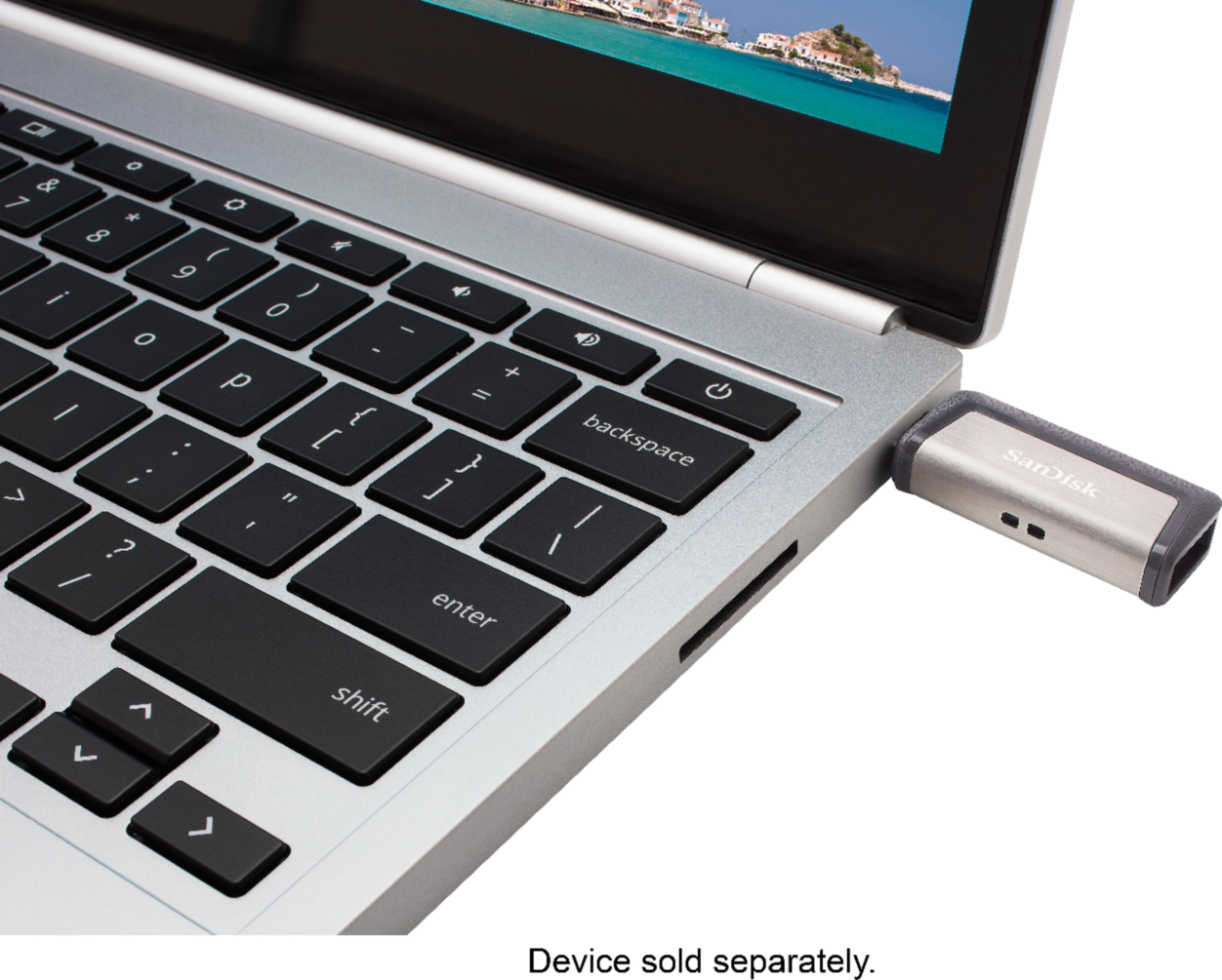
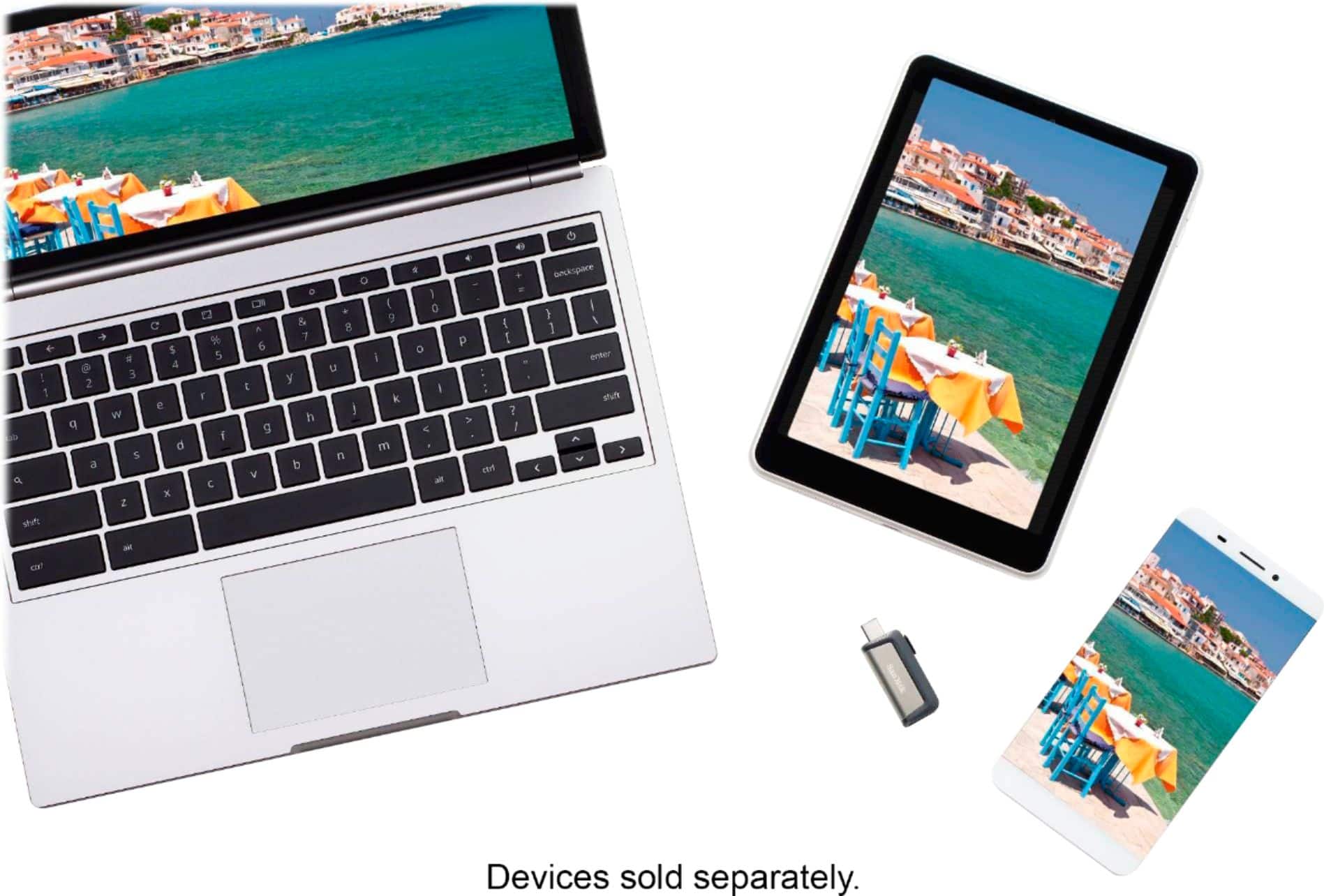
A:AnswerHi
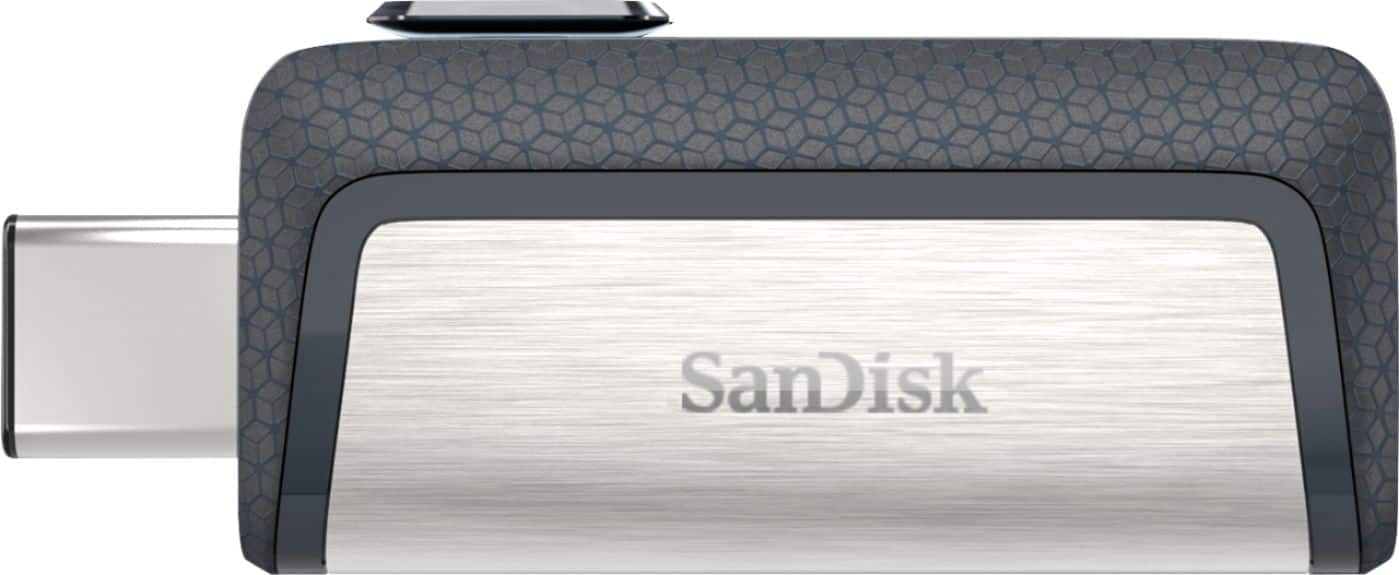
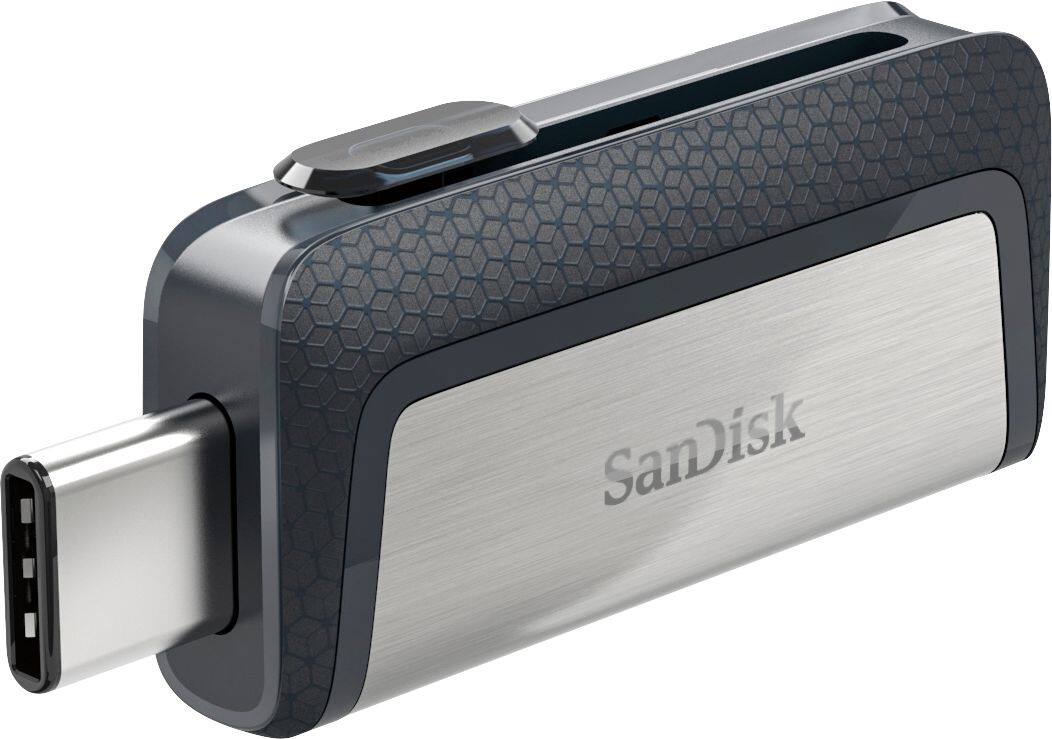
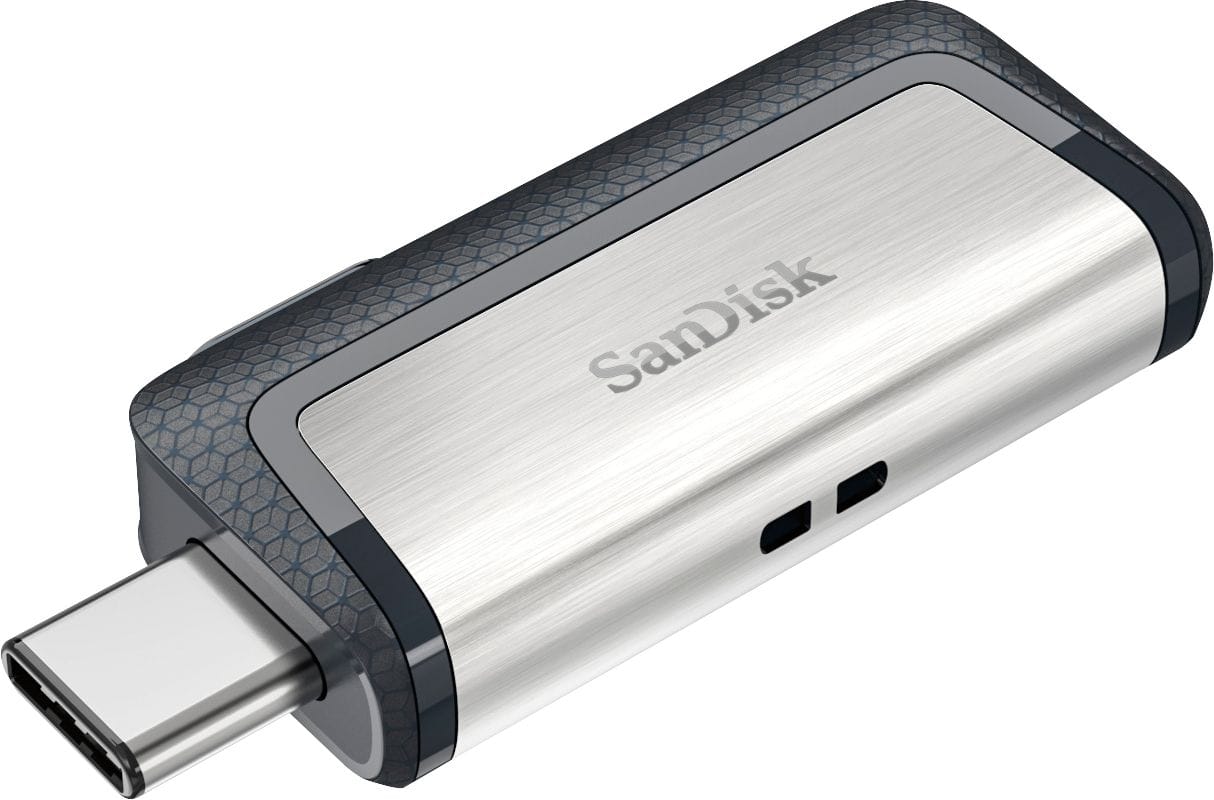
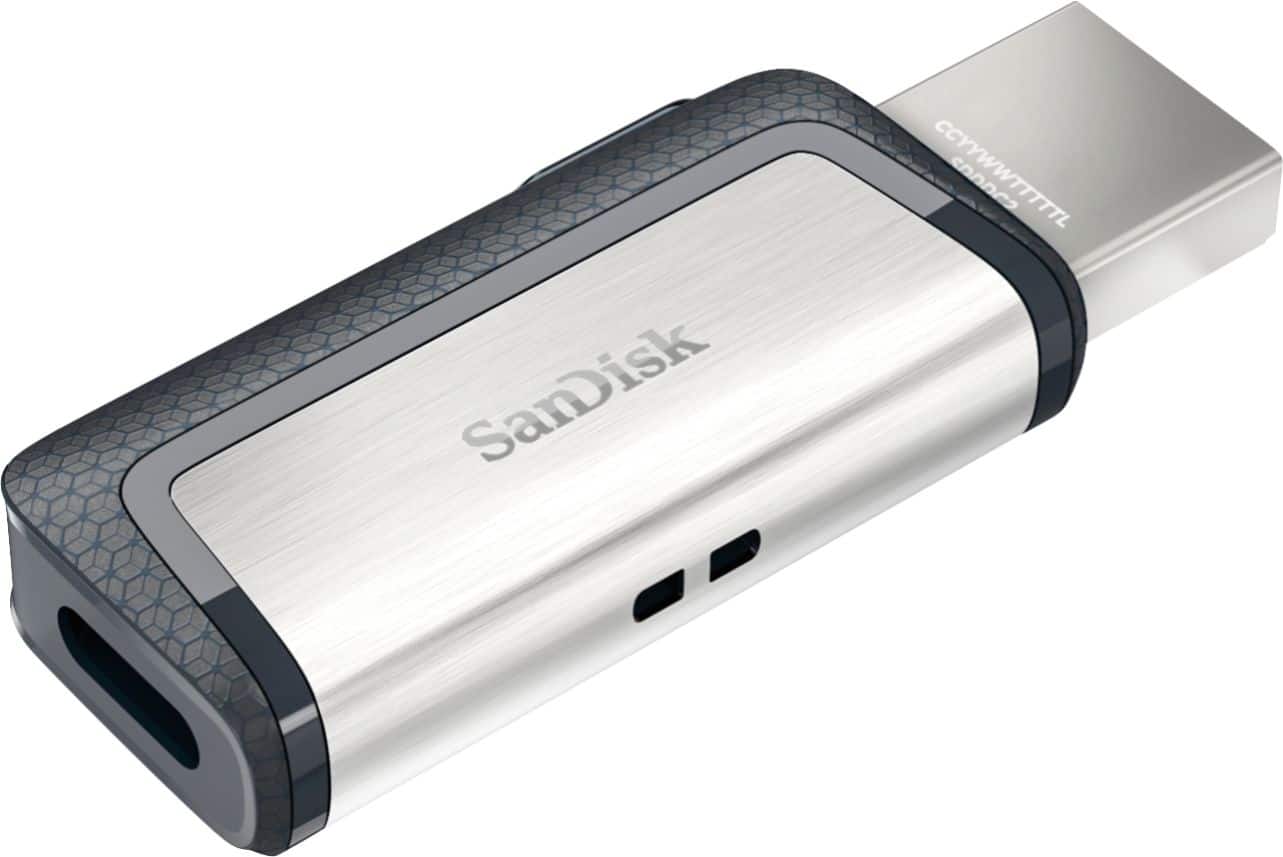
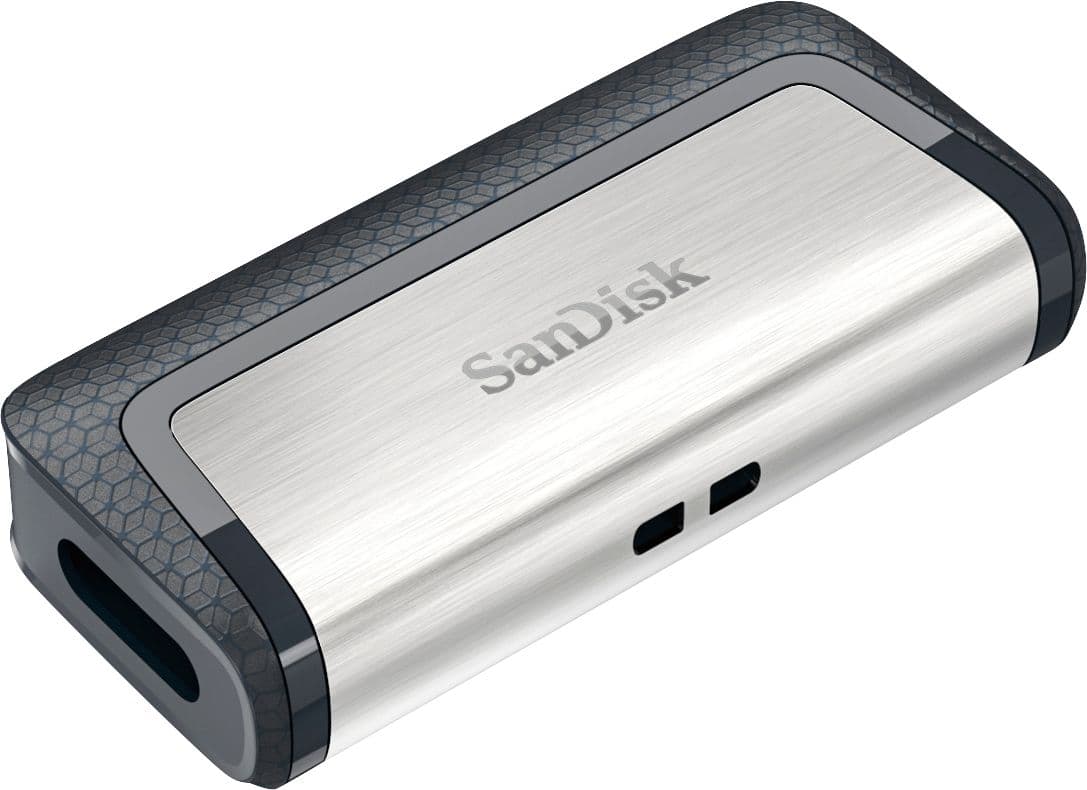
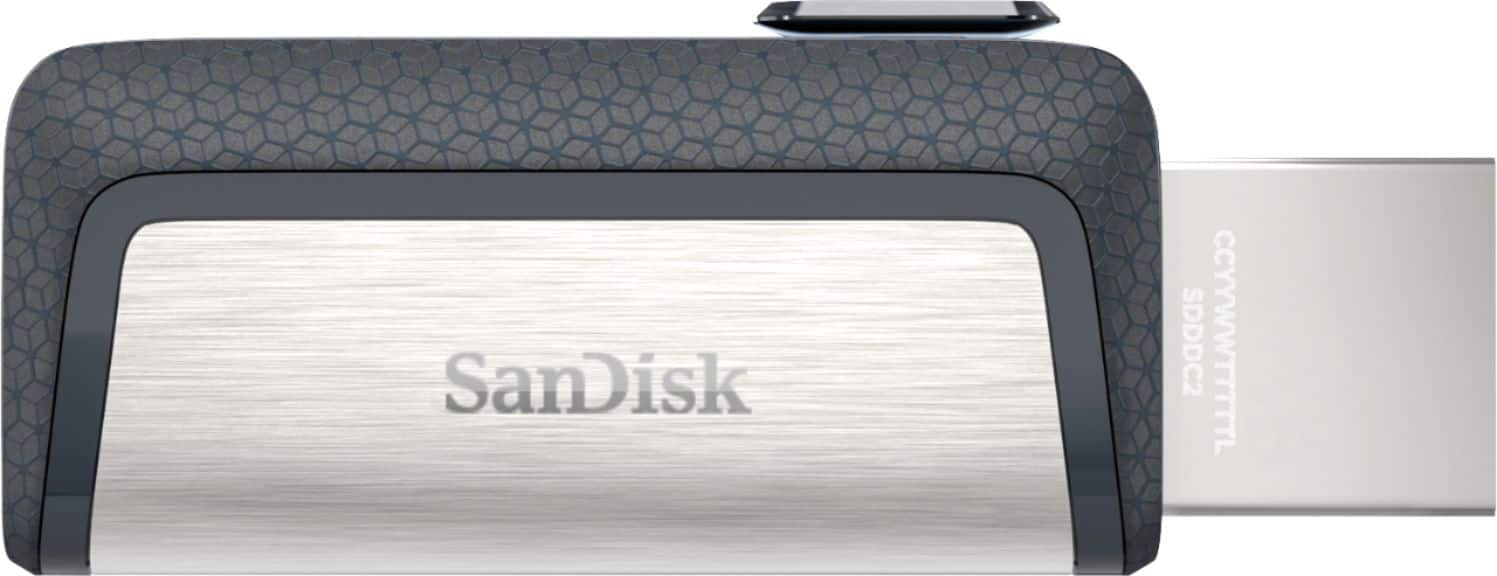
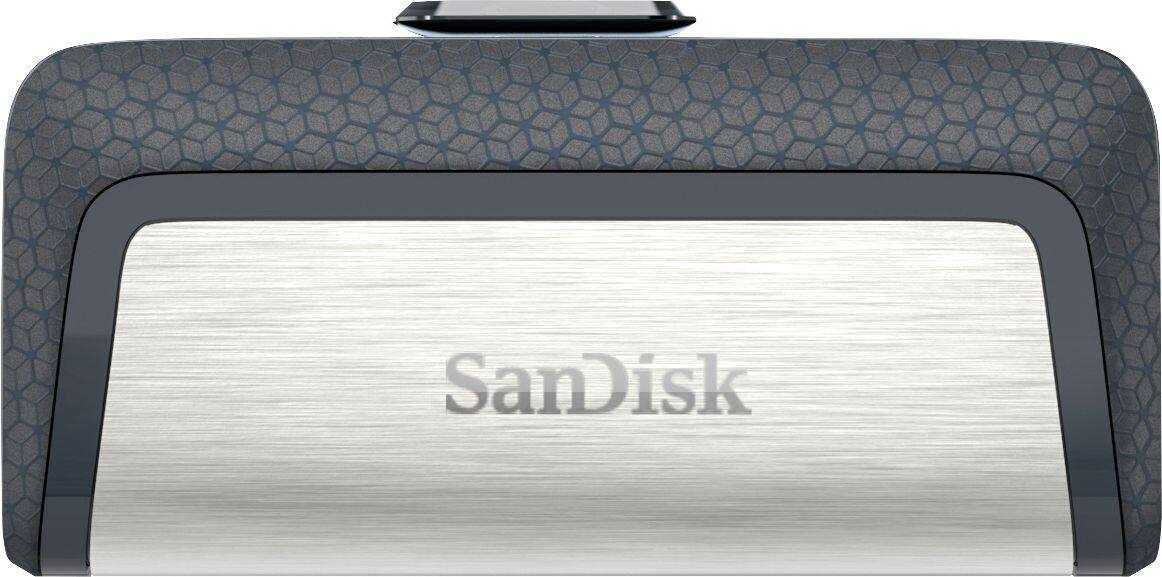
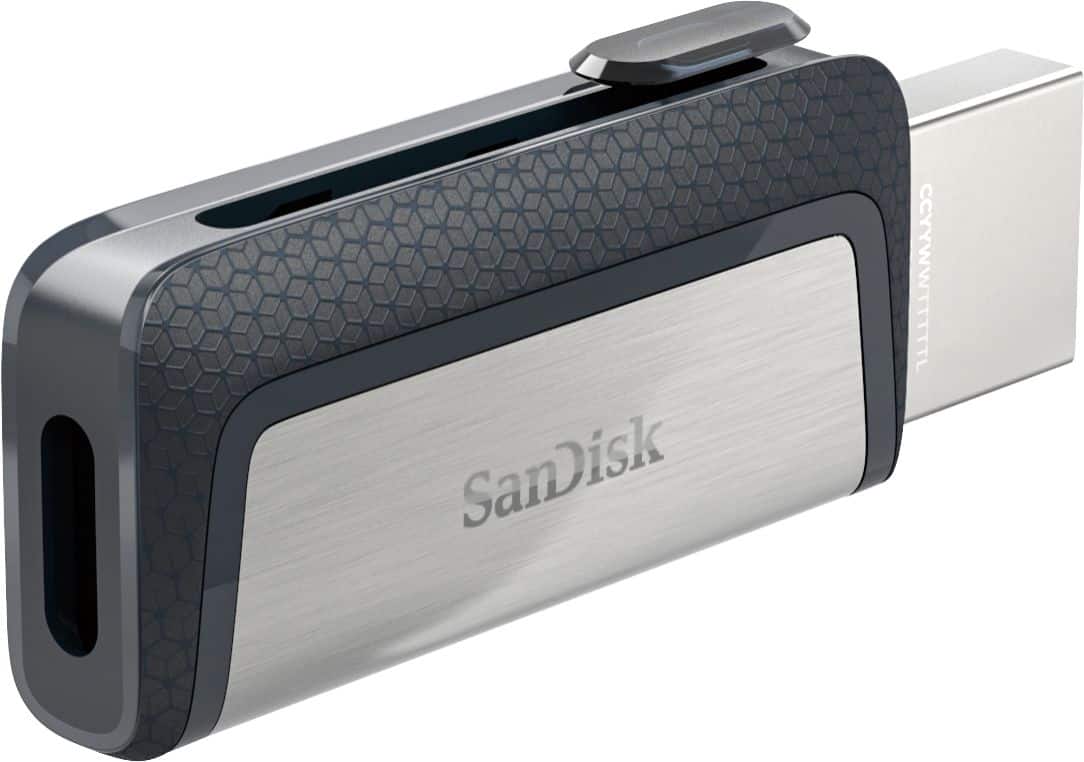
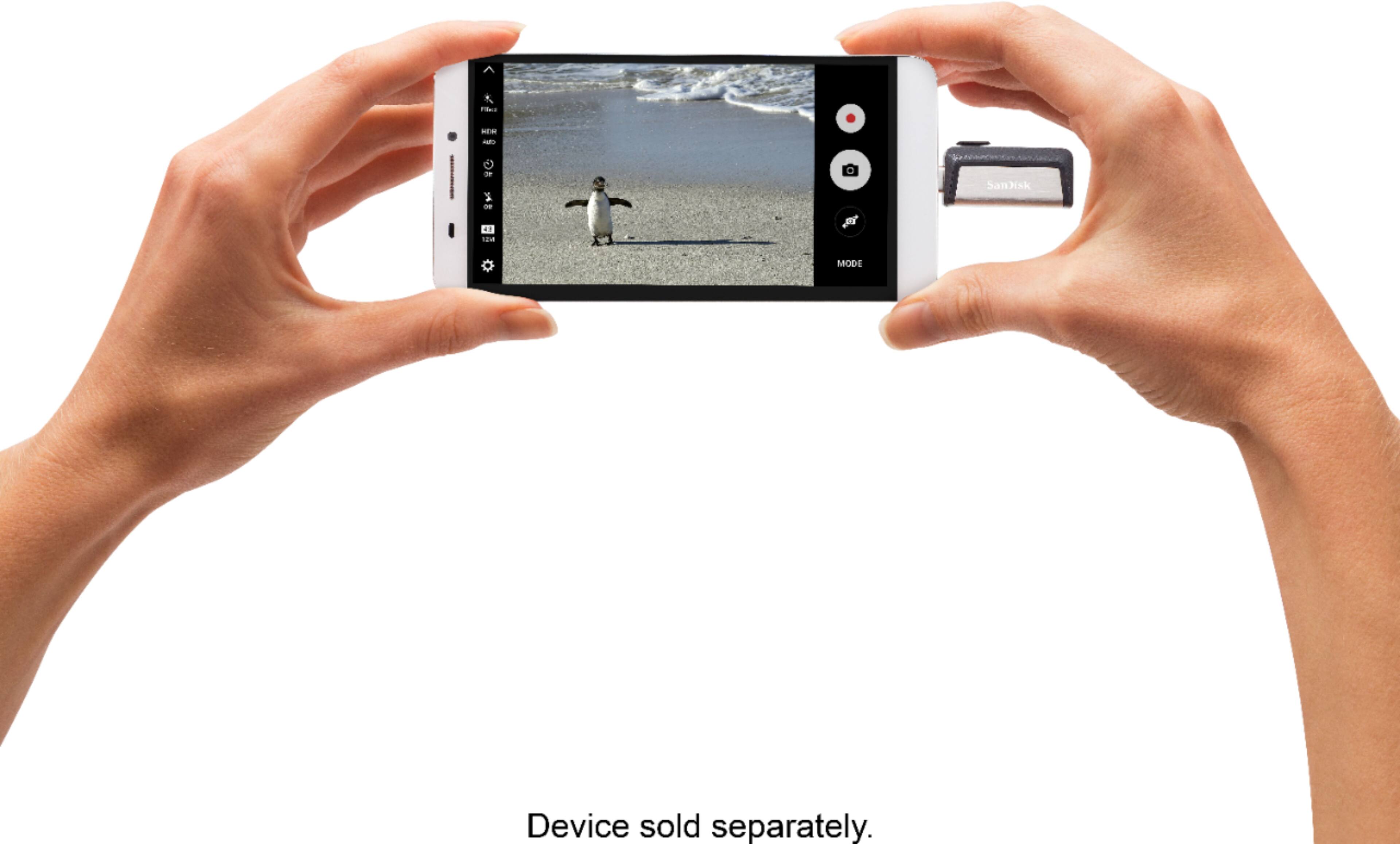
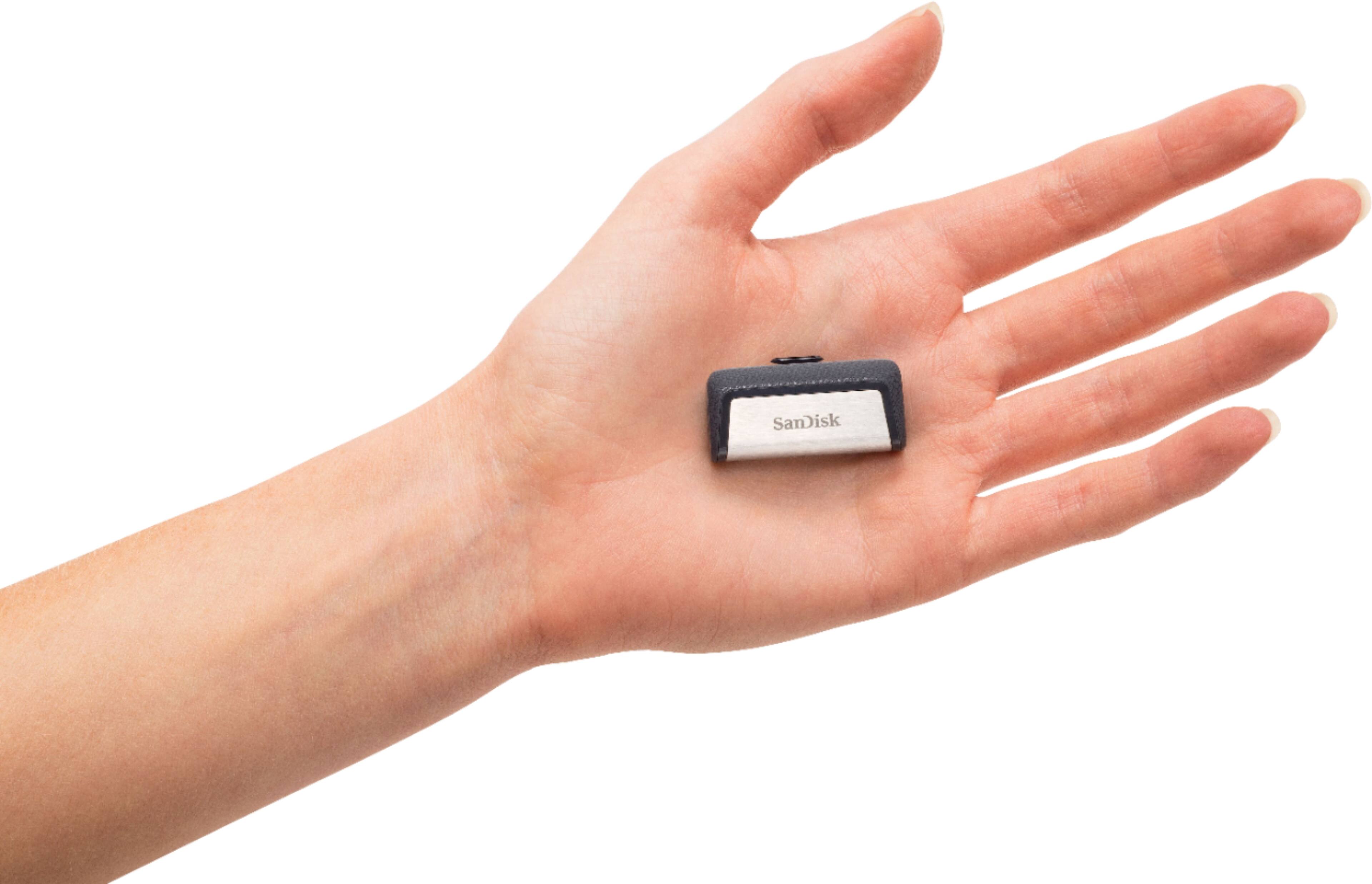
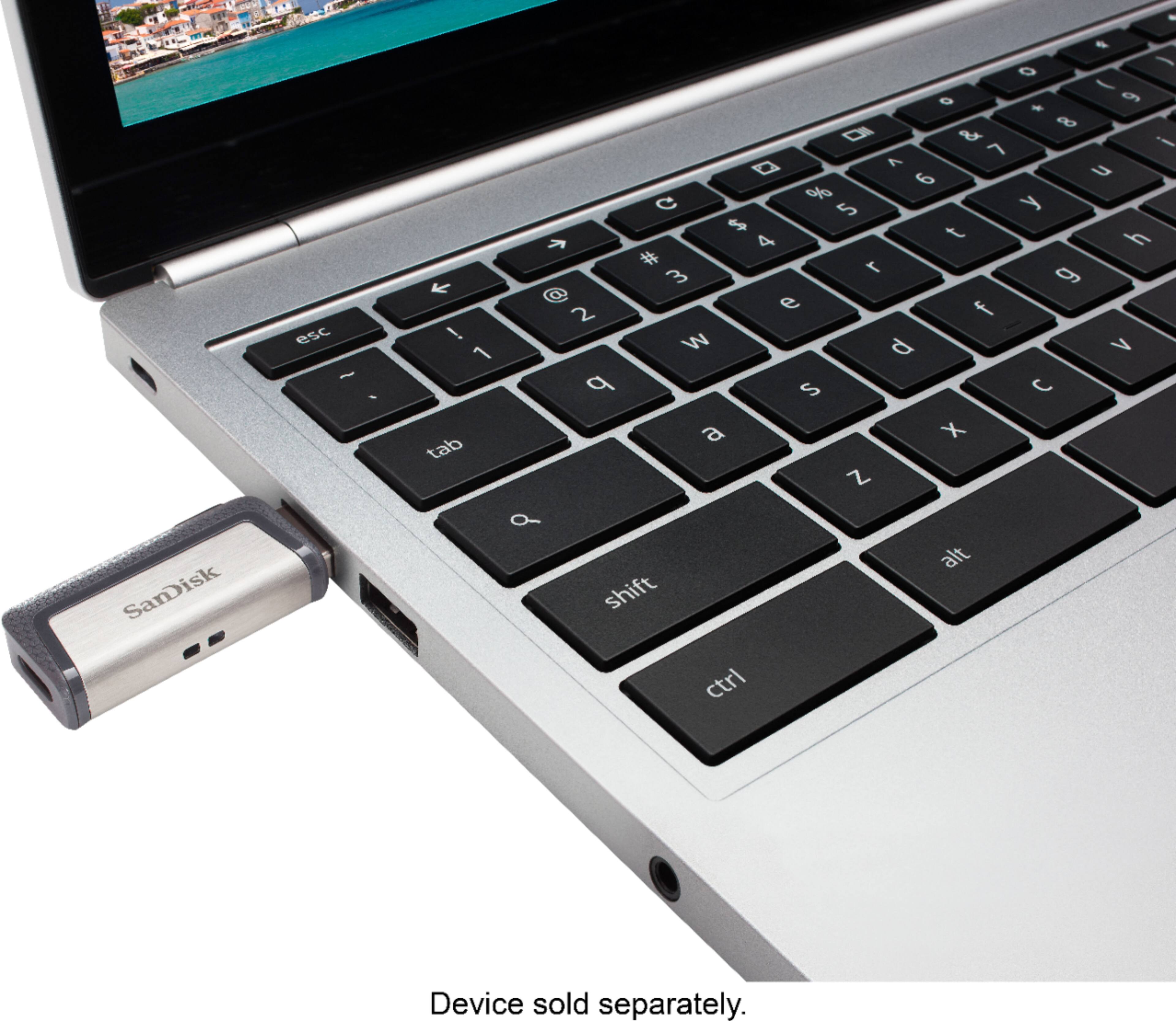
This usb drive is designed to work with computers or devices which can accept a USB TYPE A or C connector
Your Samsung S8 active cellphone can only accept microSD card with upto 256 GB storage limit
Hope this helps
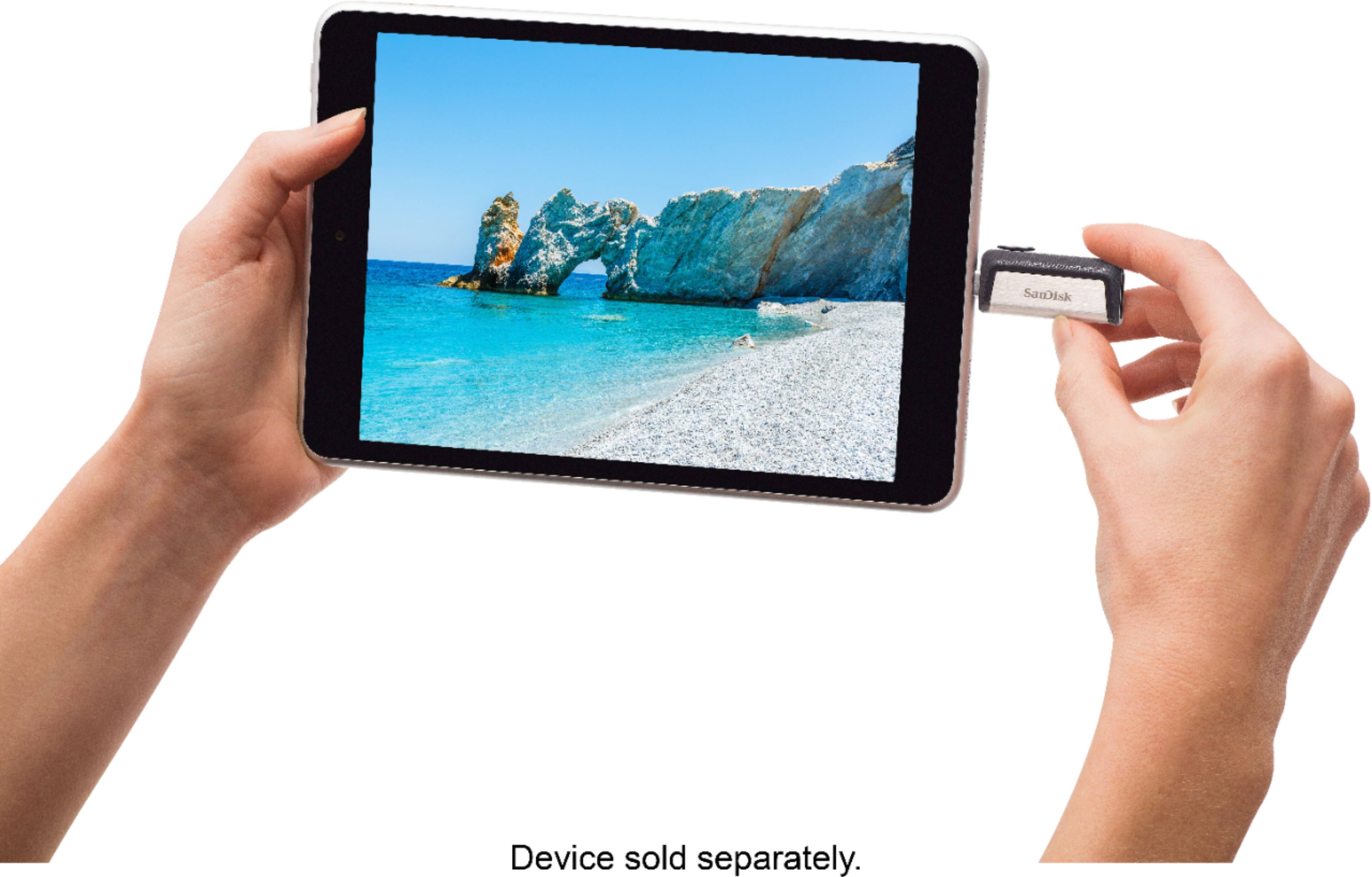
A:AnswerI bought this USB drive for my Samsung Galaxy tablet s3, it works very well with the C type USB port. I'm not sure it will work with the iPhone 8 and X because I don't know they still using Lightning port or changed to type C port yet, but SanDisk do make a C type iXpand drive for Apple device.
A:AnswerYes, the SanDisk®️ Ultra Dual Drive USB 3.1 Type C 64GB will work in the Samsung Galaxy S20 FE as it has a Type C port and supports OTG (On-The-G)..
A:AnswerNo you need a micro USB connection this is a USB C connection . Here's a link to the proper device.
https://www.bestbuy.com/site/sandisk-ultra-dual-64gb-micro-usb-usb-3-0-type-a-flash-drive-black/7016092.p?skuId=7016092
A:AnswerUnlikely, this device can get access to the File folder on the phone but to find the file folder for SMS that would be internal memory under app/data which requires root access, even then I'm not sure if they are even in a readable format, they may have to be coded to read.
A:AnswerYes. I bought this to use with my Note 8 and my iPad 11" Pro and confirmed it works with the Note 8. Need to take my case off for it to seat into port properly and I needed the Sandisk Memory Zone app to work. I will note, I couldn't get it to recognize in Secured File which I want it to. I don't know if it's a security thing with Secure Folder and will look into it more. But in regular file area it works.