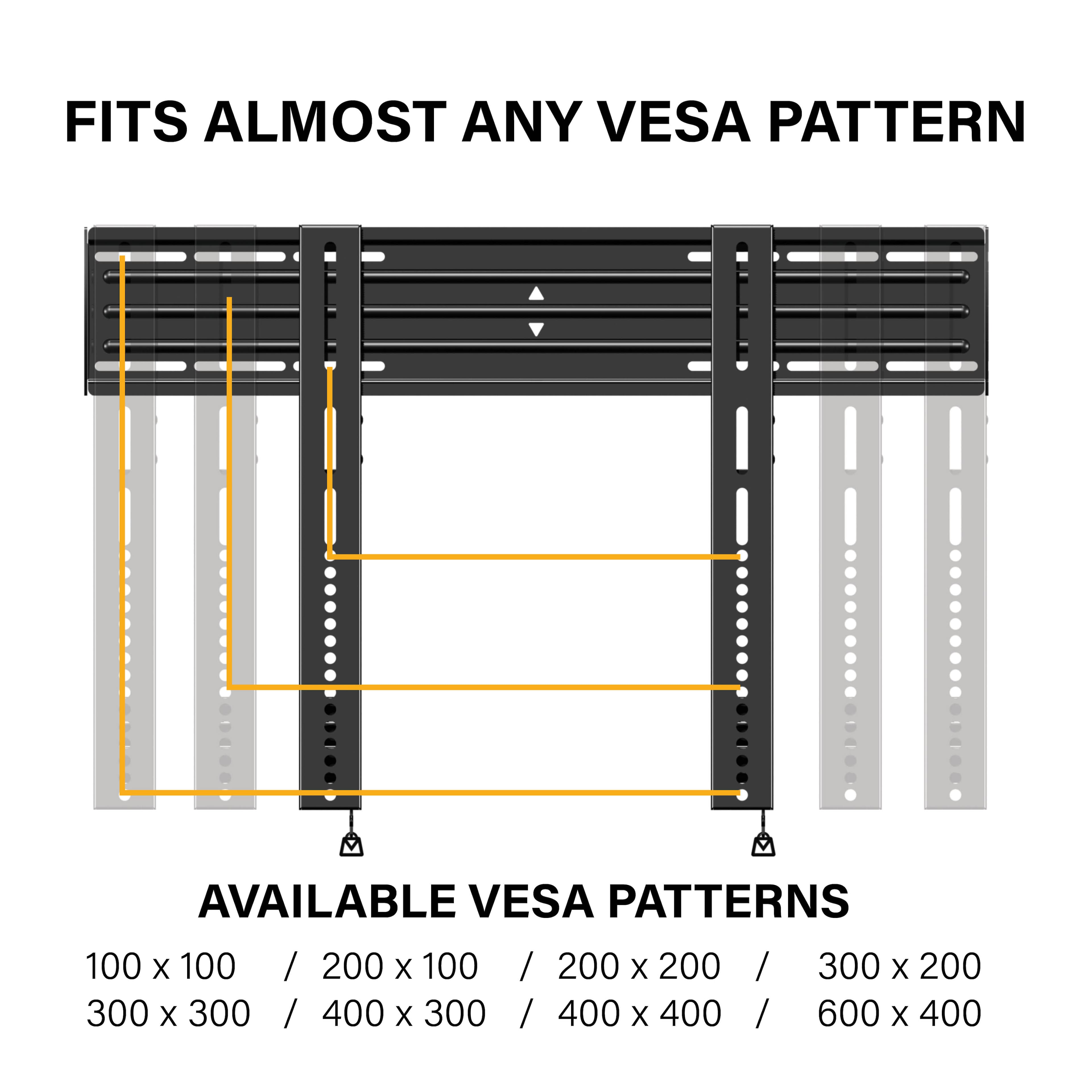
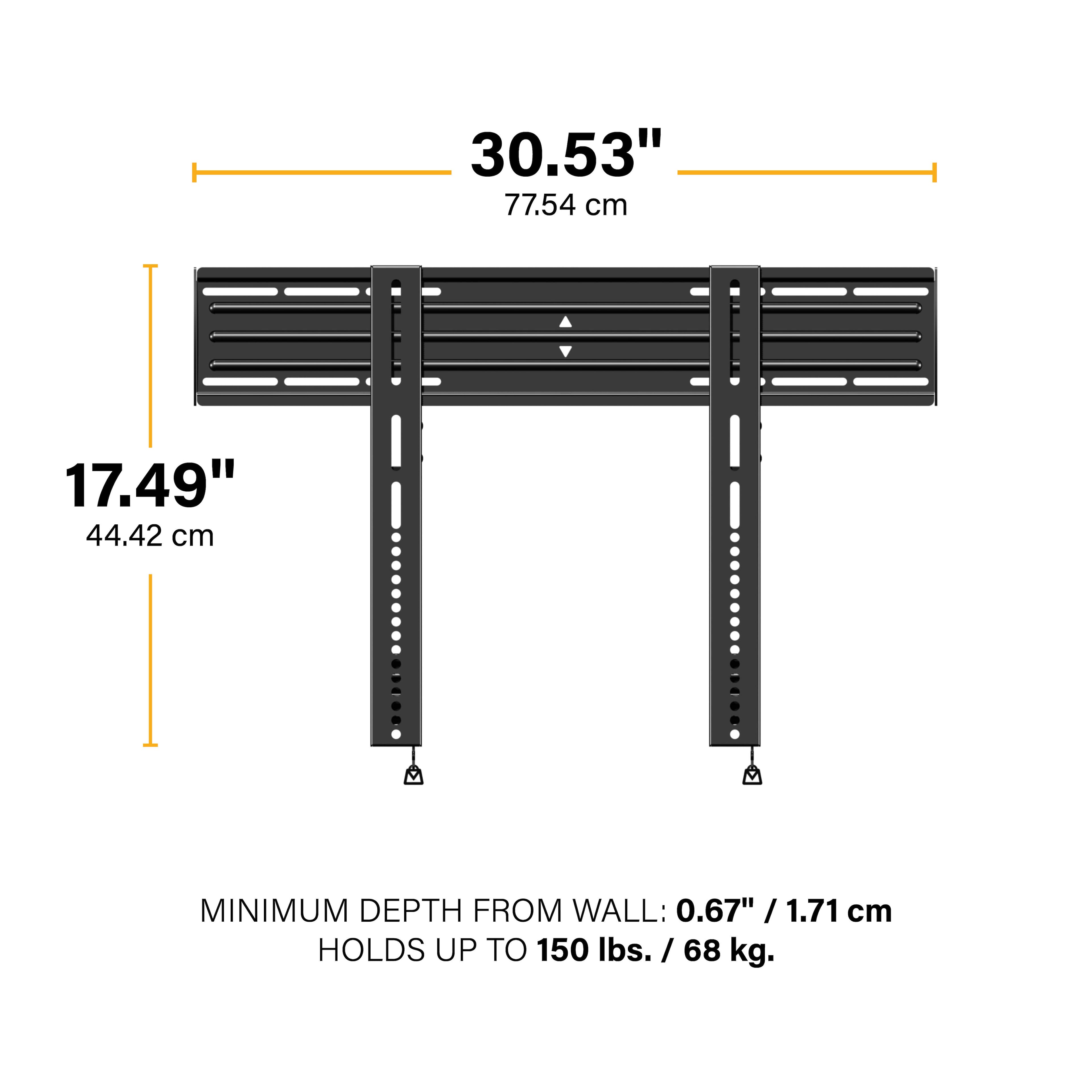
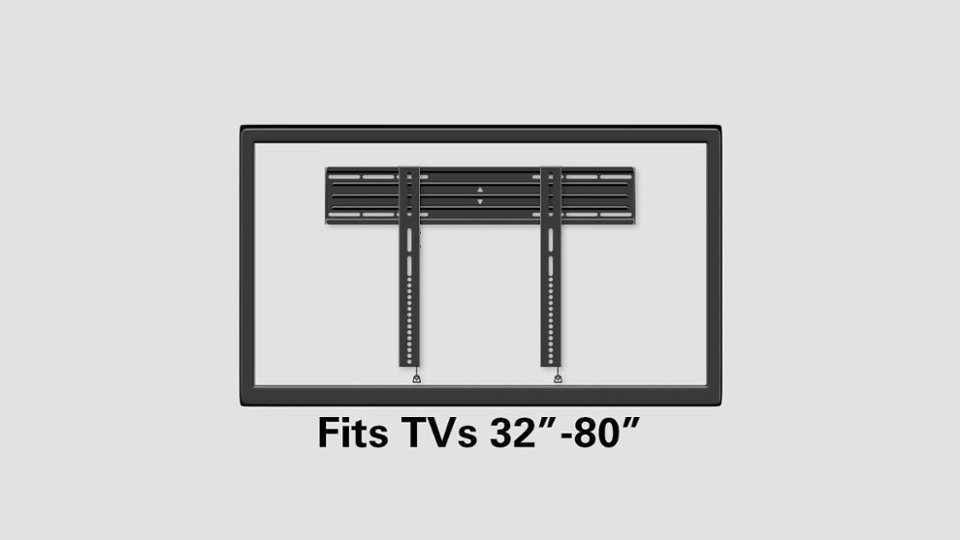
A:AnswerNo worries. Except for Samsung Q7 and Q9, most mounts are universal as long as they can carry the weight and fit up to a 600 mm x 600 mm mounting pattern or less .
A:AnswerHi Jackie,
We recommend putting spacers behind your TV for more access which are included with your TV. Also, if you are looking for more space for access, I'd suggest our full motion series of mounts, like the BLF series.
Kathryn @SANUS
A:AnswerHello,
To make sure this is the right mount for you, please consult the mountfinder tool here with your exact model #.
http://mf1.bestbuy.selectionassistant.com/
Kathryn @SANUS
A:AnswerThe TV will have 4 spacers that come with it. Insert them into the back of the tv and then your bracket using the M8x45mm screws provided with the mount.
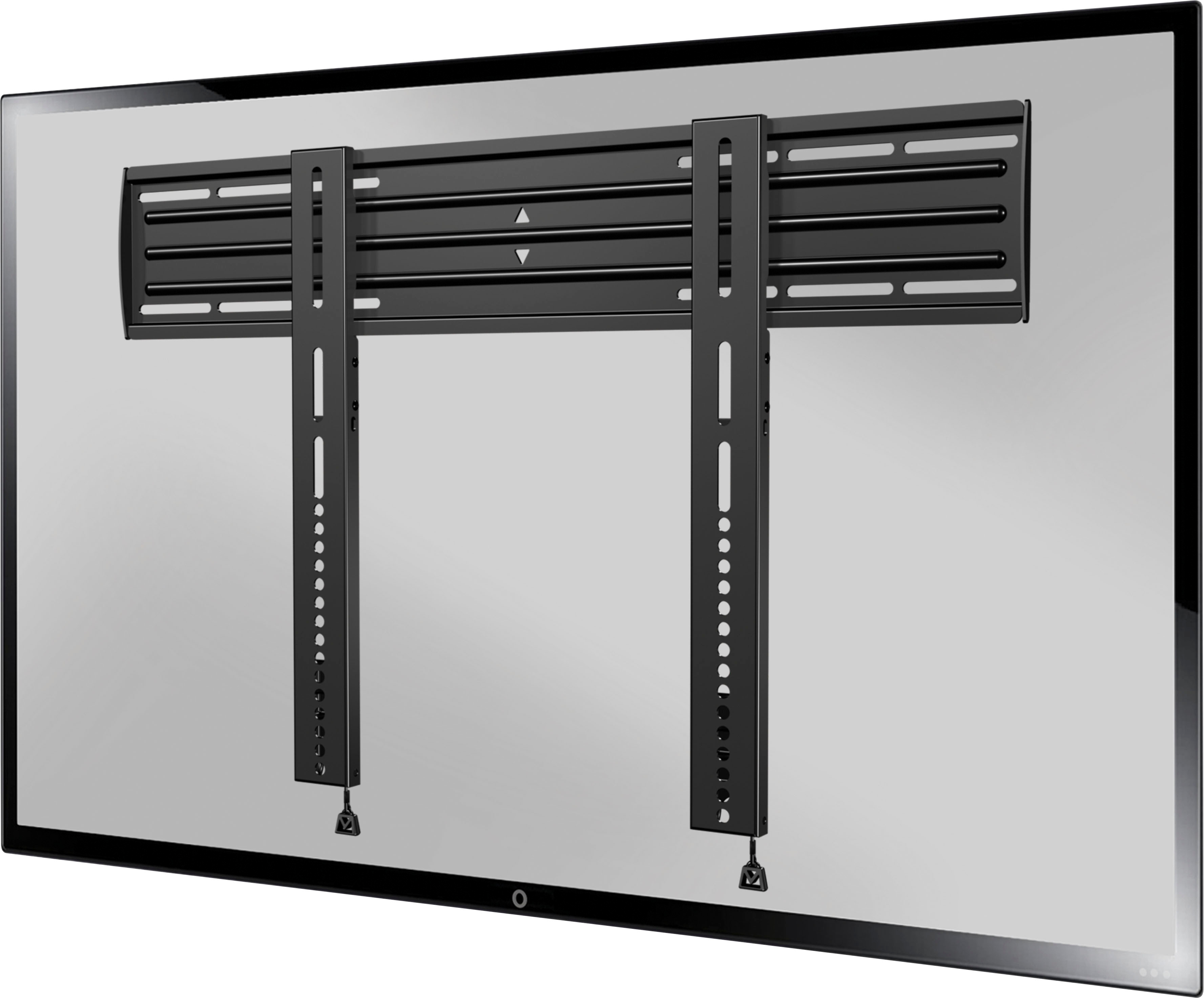
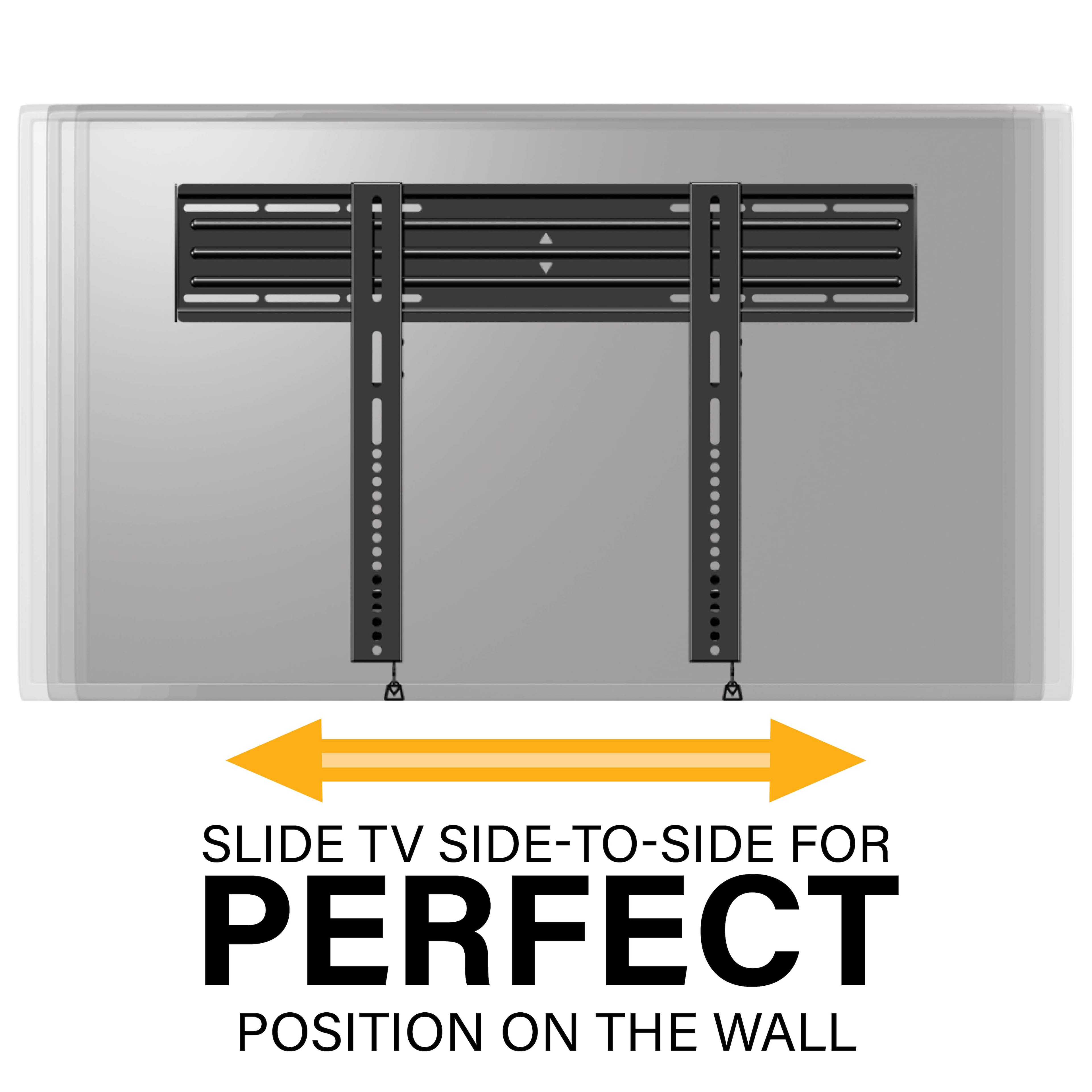
A:AnswerYes. The horizontal holes run across the whole bracket which should line up with the dimensions specified. Our TV mount is to the far left, so that it was to line up with the Center of the room about 6" so it has plenty of room to fit to size.
A:AnswerGood Day,
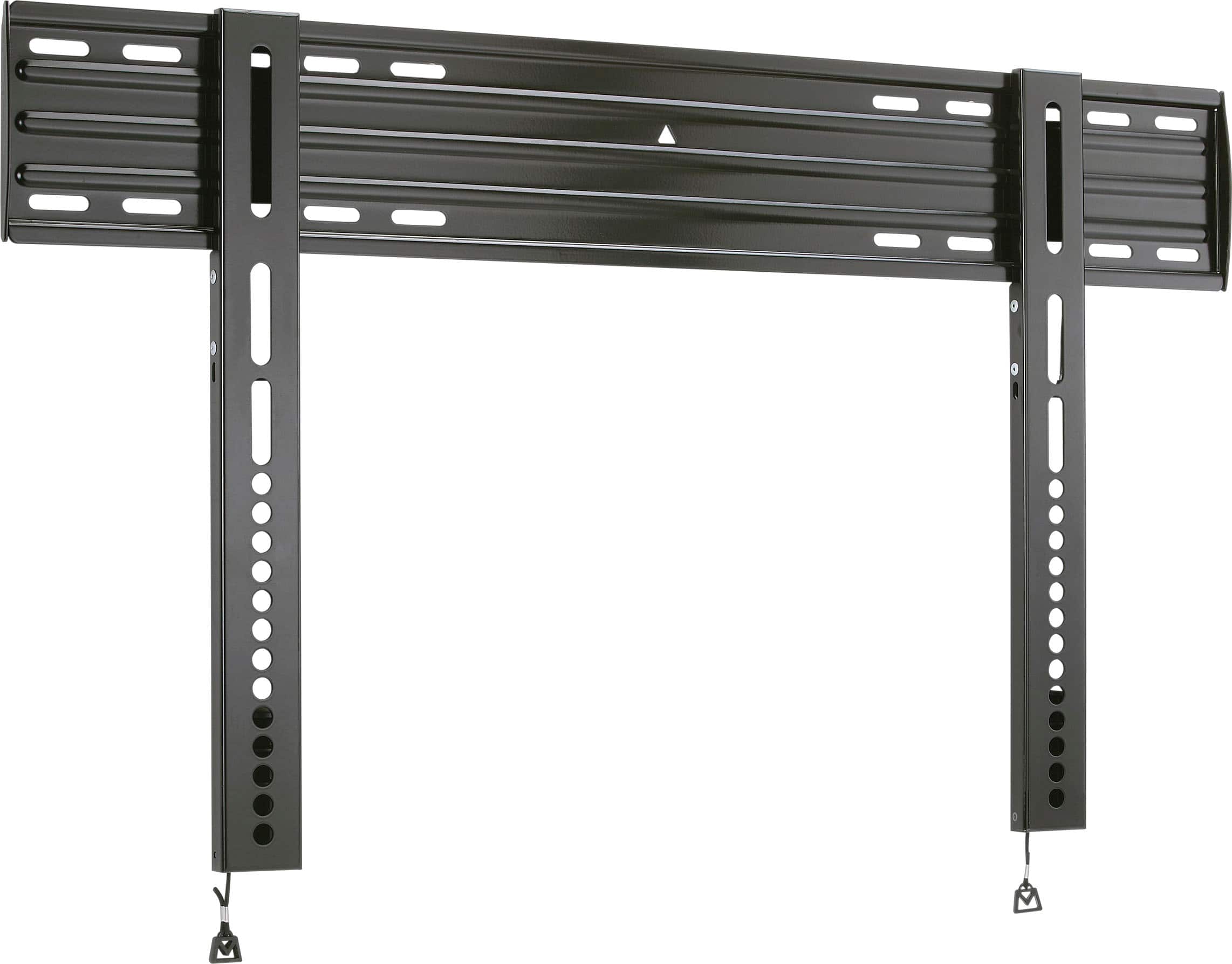
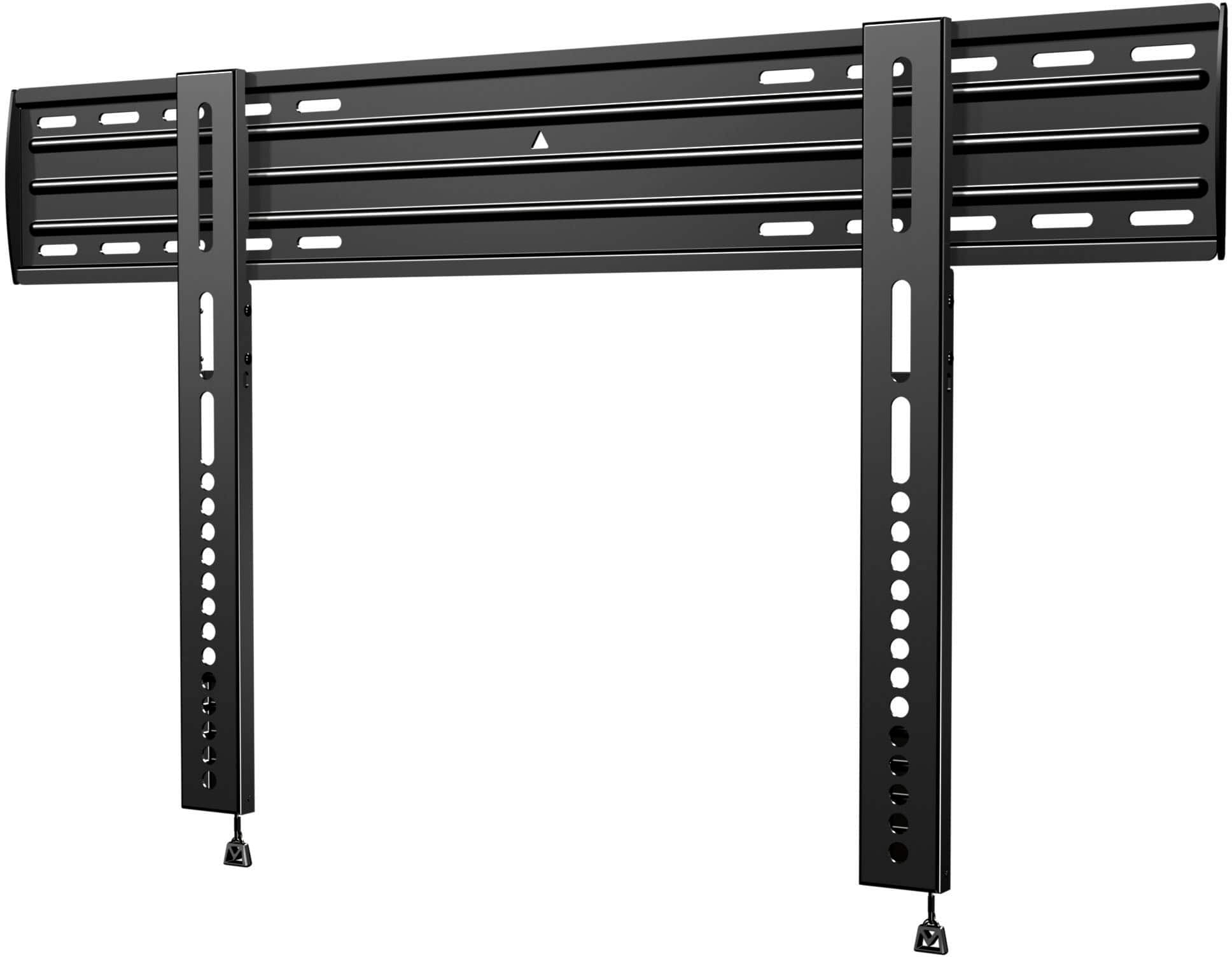
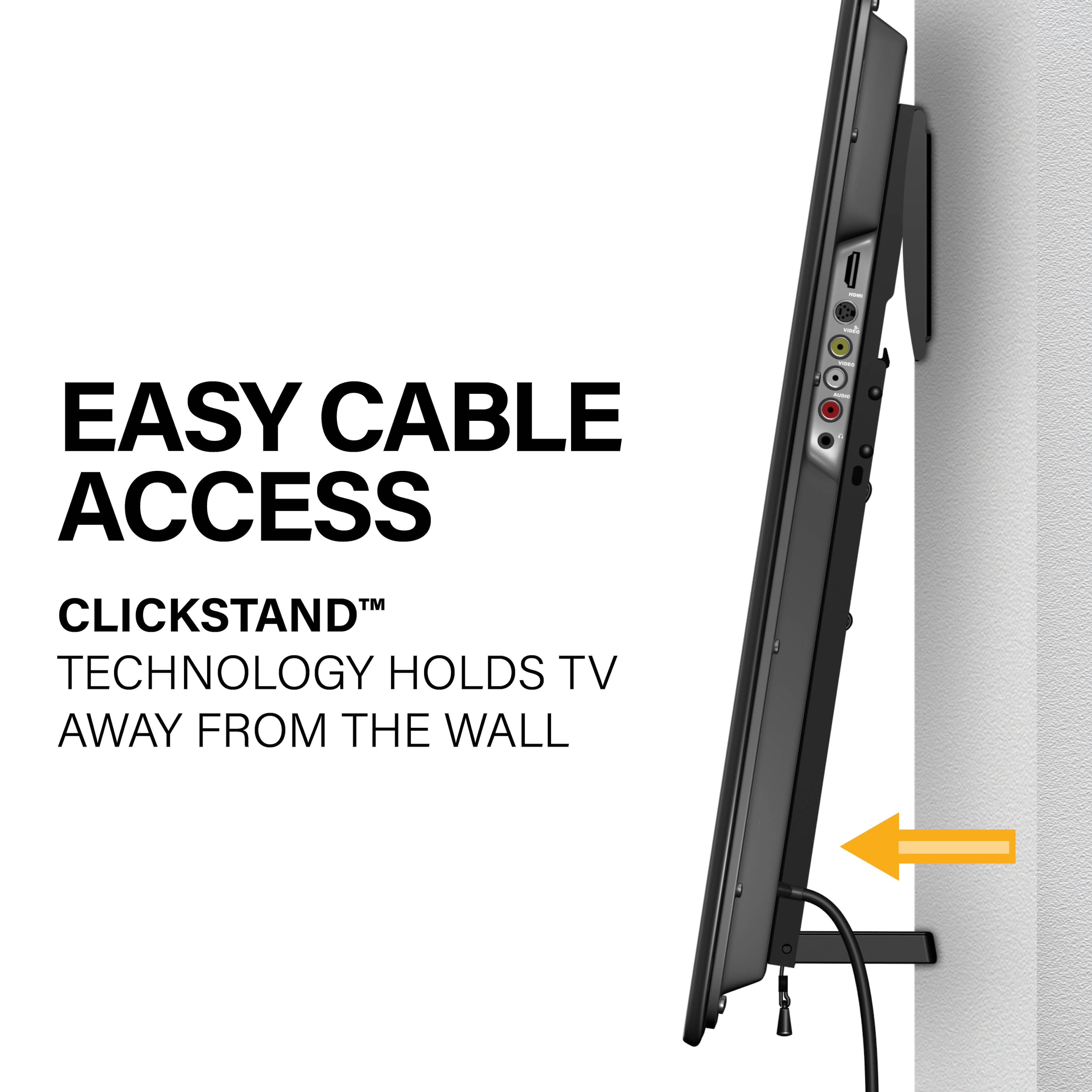
Actually, there are two pull string on the bottom of each monitor bracket. Pull these down and move the bottom of the TV away from the wall. Once you do this you can lift the TV off the wall plate and you are all set. Let us know if you need anything else.
Thanks!
Jake @ SANUS
A:AnswerGood Day,
We do have one mount that will work with studs that go out to 40", which is out VMPL3. Check it out on SANUS.com and let us know if you need anything else.
Thanks!
Jake @ SANUS
A:AnswerHello,
Yes this is a perfect fit with your Sony! For a full list of all mounts that will work with your TV, check out our mountfinder tool here:
http://mf1.bestbuy.selectionassistant.com/
Kathryn @SANUS
A:AnswerHi Robin!
The BLL2 has two different diameter machine bolts for attachment to the back of the TV. M8 and M6, M6 is the smaller of the two diameters. Based on the information we have on this TV it requires the M6 bolts (which are included in our hardware selection) but the TV may have changed from the information we have. Couple of ideas for a solution: if in fact the M6 is too large in diameter, then you could use M5 or M4 size bolt - easily picked up at local automotive stores... or if we’re told the length needed, our Customer Care team can ship the smaller bolts to you at no cost (you can contact us at care@sanus.com). You can easily find out which M bolt size is needed by contacting the TV manufacturer. We hope this helped!
- Lauren
A:AnswerHi. Yes that is how they hang which is odd. I just used some packing tape to tuck them under. Just be sure they don’t get pinched in the releases. It is no fun trying to get the TV lifted while one or more releases is locked.