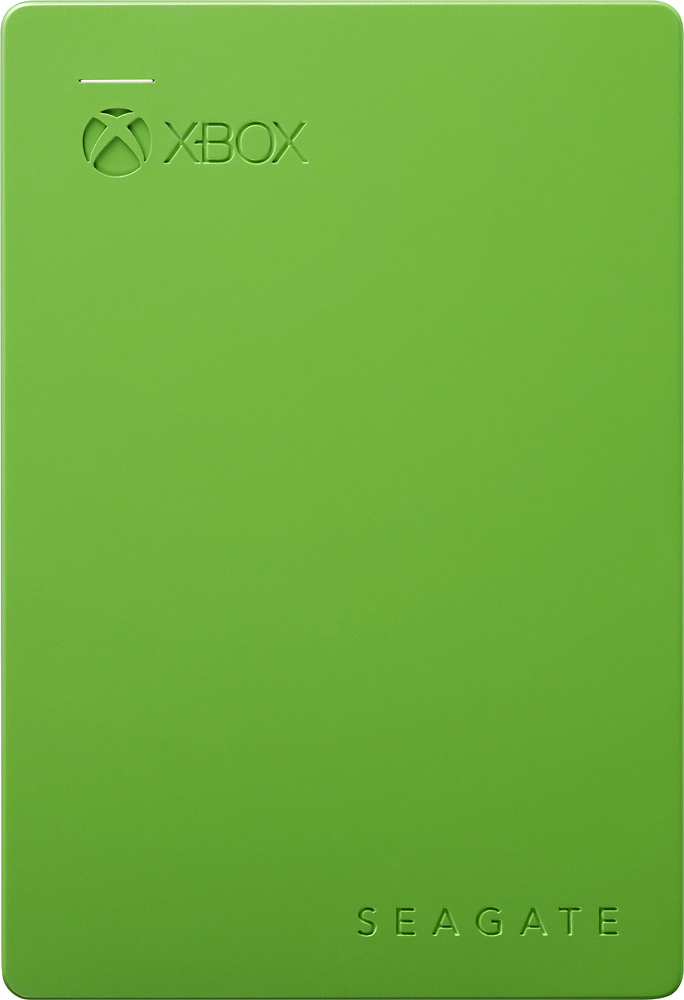
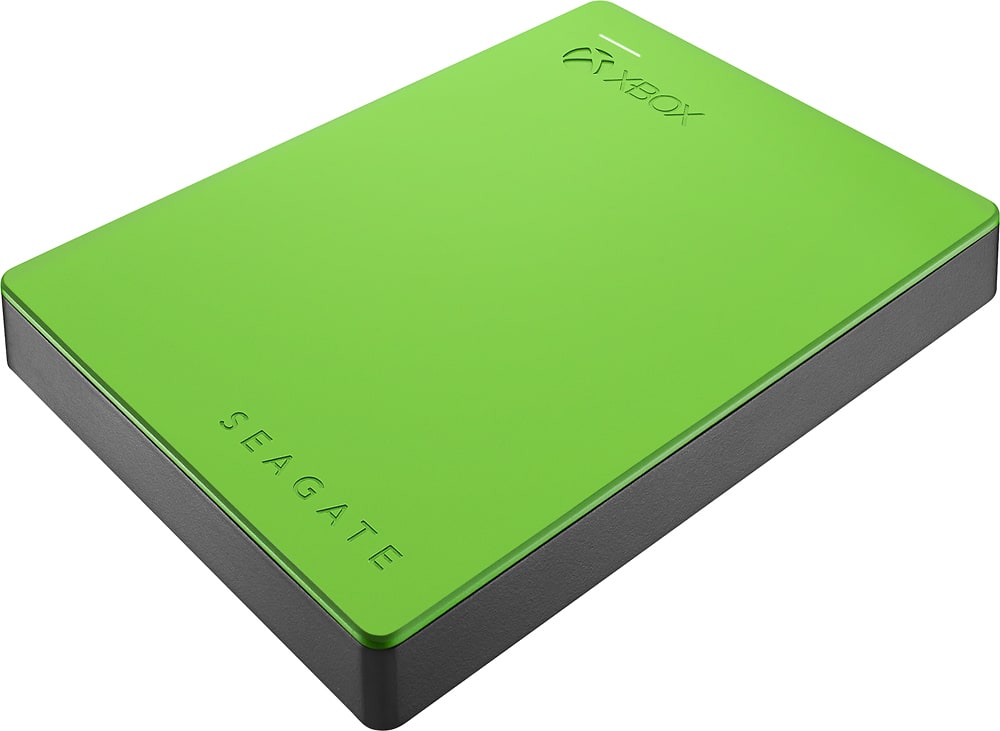
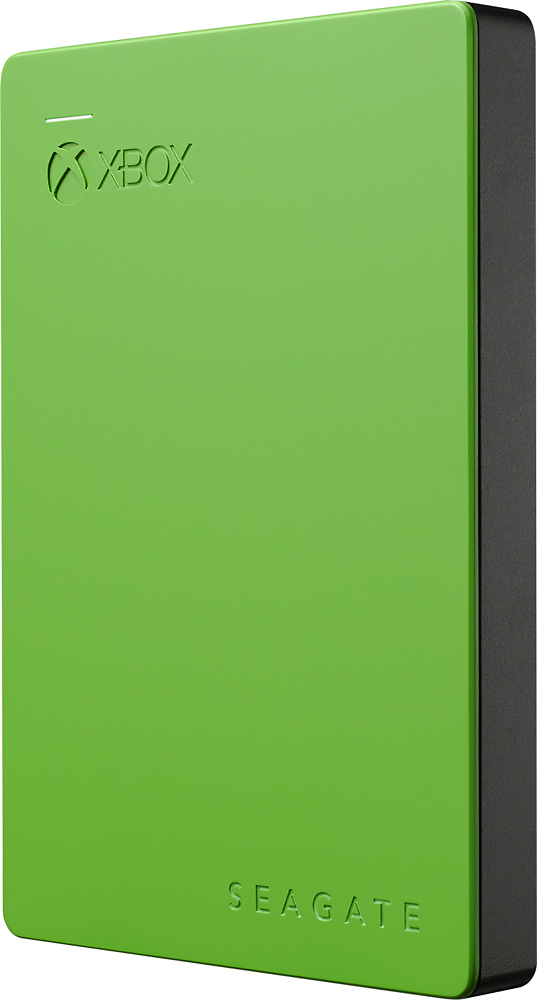
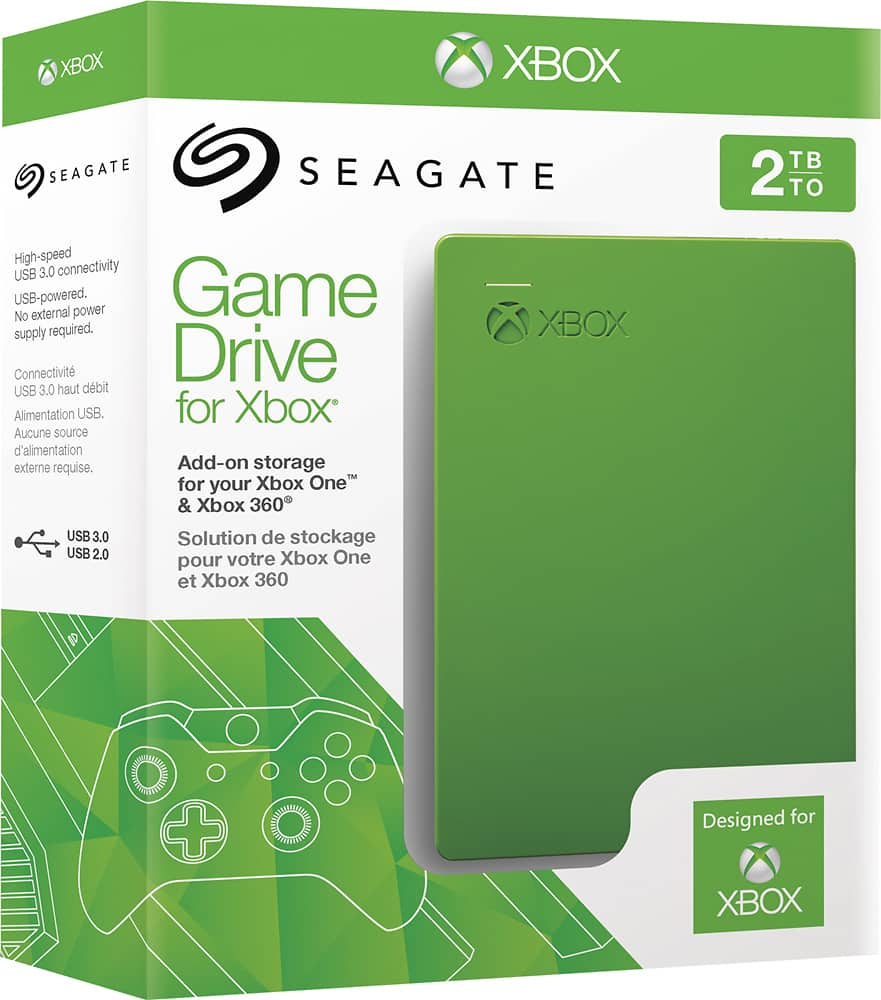
A:AnswerIt doesn’t say anything about rpm but i guess it’s the standard 5400. My drive is model SDC003 with a production date of 13jun2020 made in Thailand. Photo attached
A:AnswerPlease save your money and invest in a different one. Or you will regret it, mine messed up in less that a day and i've heard of others messing up around the same time frames.
A:AnswerFor a One S or One X it will work perfectly. But of you are wanting to upgrade for a Series X I would look into an SSD external. Or look into their 1TB expansion pak.
A:AnswerHadn't heard this issue as I've used this for about a month no issues. Sometimes these drives just fail, but its unlikely it will fail anytime in the first year. An SSD is typically more reliable as it has no moving parts & is basically flash memory. Its still a great price for the storage expand-ability.
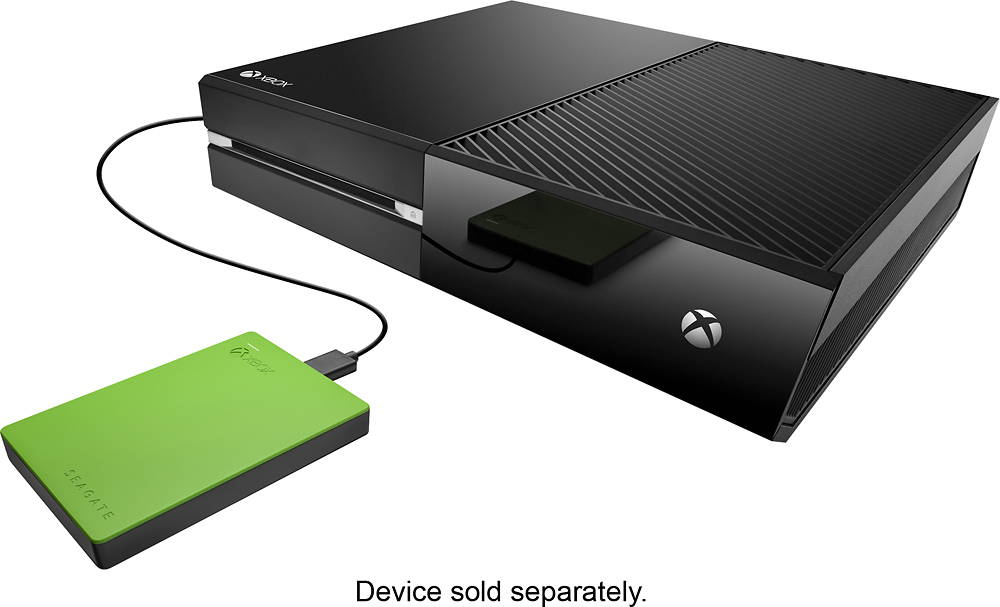
A:AnswerYes it is. It's made for just that, although it can be used as is (prior to formating) on computers, etc. But when you get it, you plug in the cable to the drive, the other end (USB) to the port (you'll see two of them... pics in the documentation) on the back of the Xbox One. I'd recommend doing this when the system is off. Mine was on and didn't recognize the drive... I did a restart and there it was.
How to transfer Xbox games to an external hard drive
Open the Settings app on Xbox One.
Navigate to the System tab.
Select Storage.
Scroll over to the right to select the internal drive.
Select Transfer. ...
Select items you plan to transfer. ...
Choose Copy selected to copy the items between drives.
During this process you'll get a prompt re: formatting the drive which only takes about a minute or so.
Very simple and will give you tons of space for more games. Good luck!
A:AnswerThe laptop must have a 2280 M.2 slot, PCIe 3 x4.. some M.2 slots are SATA-only and others don't have the four lanes needed to take advantage of this drive's unusually fast speed (about 30 faster than a laptop hard disk). Newer upscale laptop motherboards have the right specs. Note: this will not connect to the SATA ports inside your laptop: a M.2 form factor slot is required. It can be formatted just as any other drive, BTW. I use mine inside a desktop Inspiron 3670 with amazing results.
A:AnswerYes you just transfer it from your internal hard drive to the seagate hard drive. Go to settings, then go to system, then go to storage. Click all the games you want transfered over then hit transfer. Can have up to 50 games on the Seagate hard drive. Plus about 8-10 games on your internal hard drive for 500 GB model.
A:AnswerGo to Settings > All Settings >System >Storage>Manage Storage>Select Hard Drive on system and click Manage>Click Game or Video you want to manage>Highlight and select move all to new drive. That should solve the issue but if the video clips are too small you won't notice a significant difference in drive size till enough is moved over.
A:AnswerOnce you format it for the Xbox one it can only be used on the Xbox one. I do believe there are PC versions of the Xbox games that u can download on there but then I don't think you can use it for a PC and an Xbox one.
A:AnswerYes, it will work for each of the Xbox's available at the moment. Not sure what the specs for the new on coming out at the holiday's 2017 will require.