A:AnswerSennheiser RS 175 is not blue tooth. If the Sony UBPX800 Streaming 4K BR Player has optical digital out it should work. But it is more likely that you would connect the Sennheiser to your TV. That's how I use mine, not on my player.
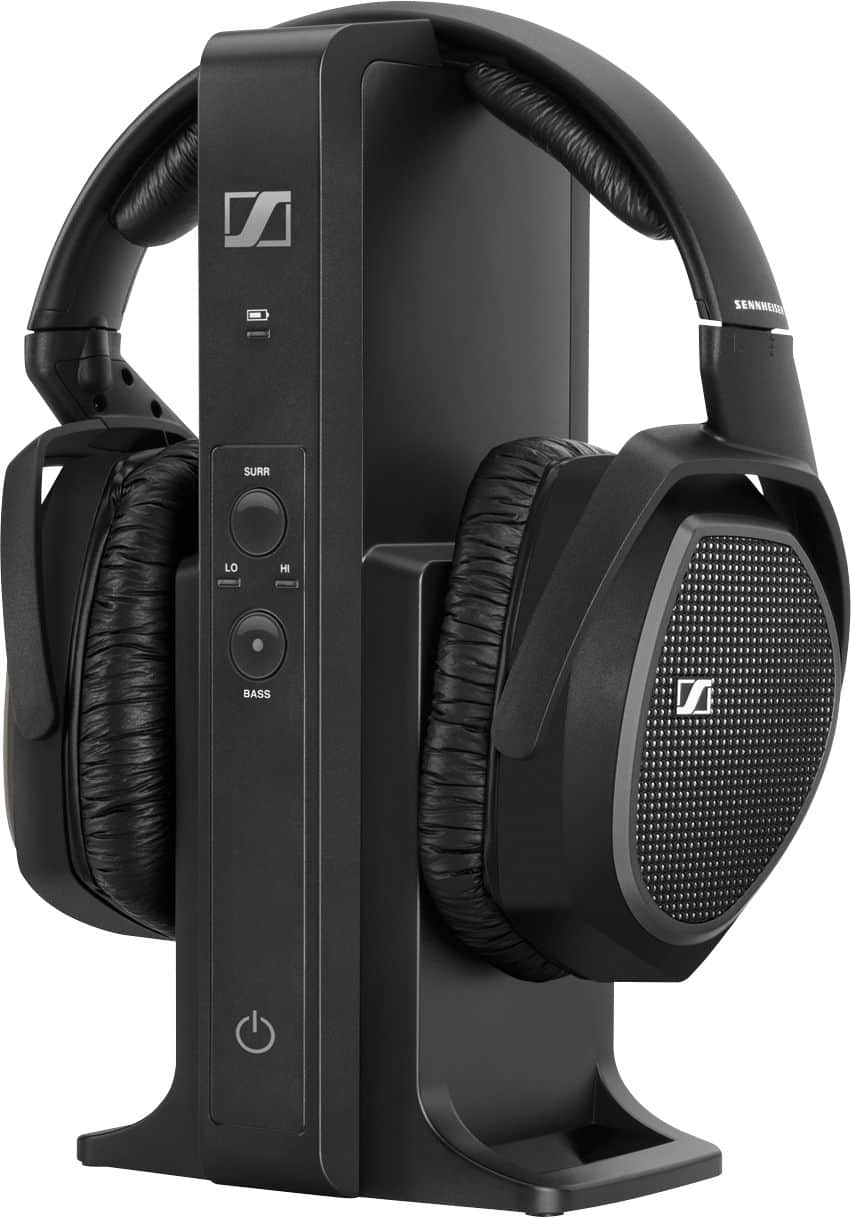
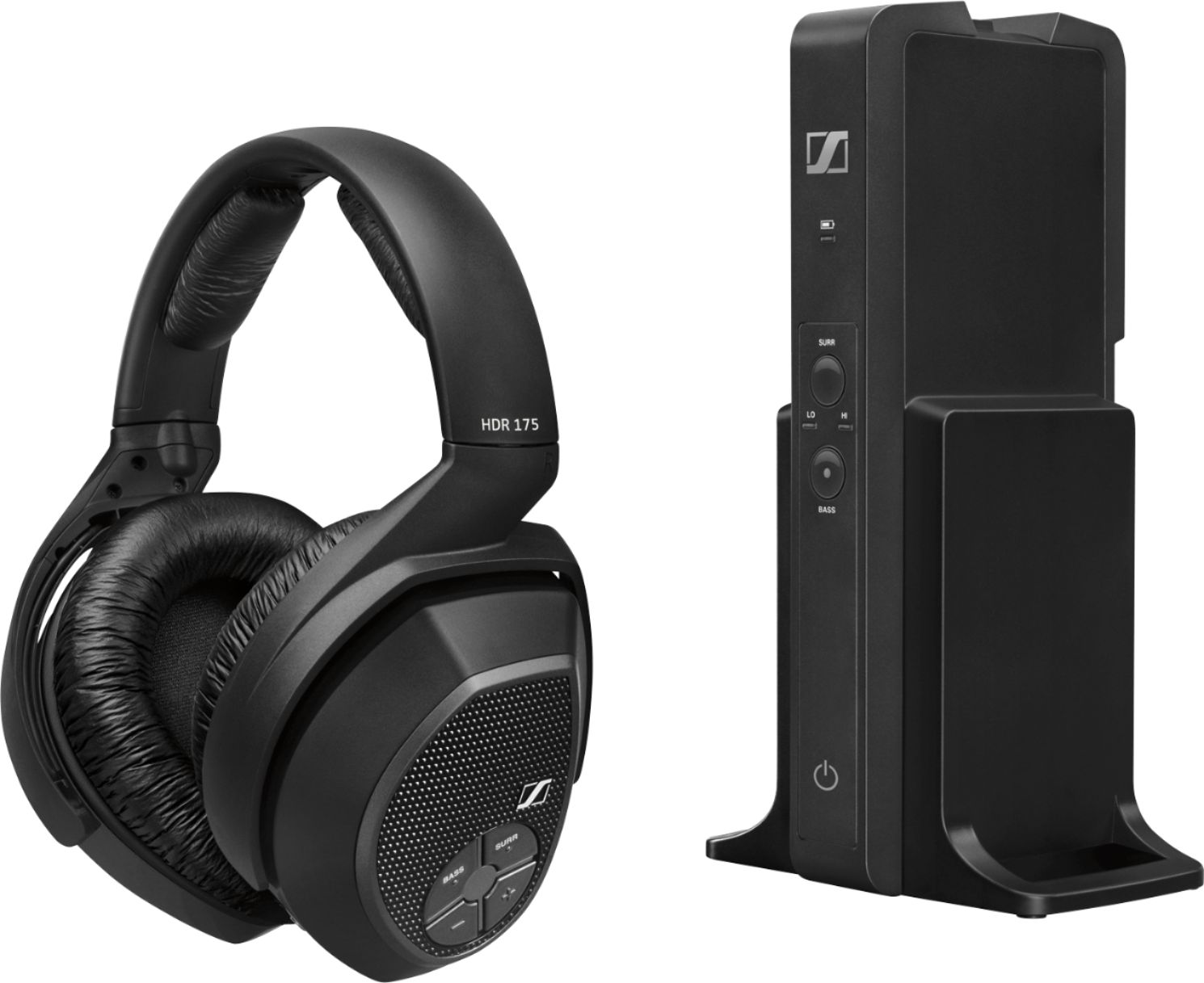
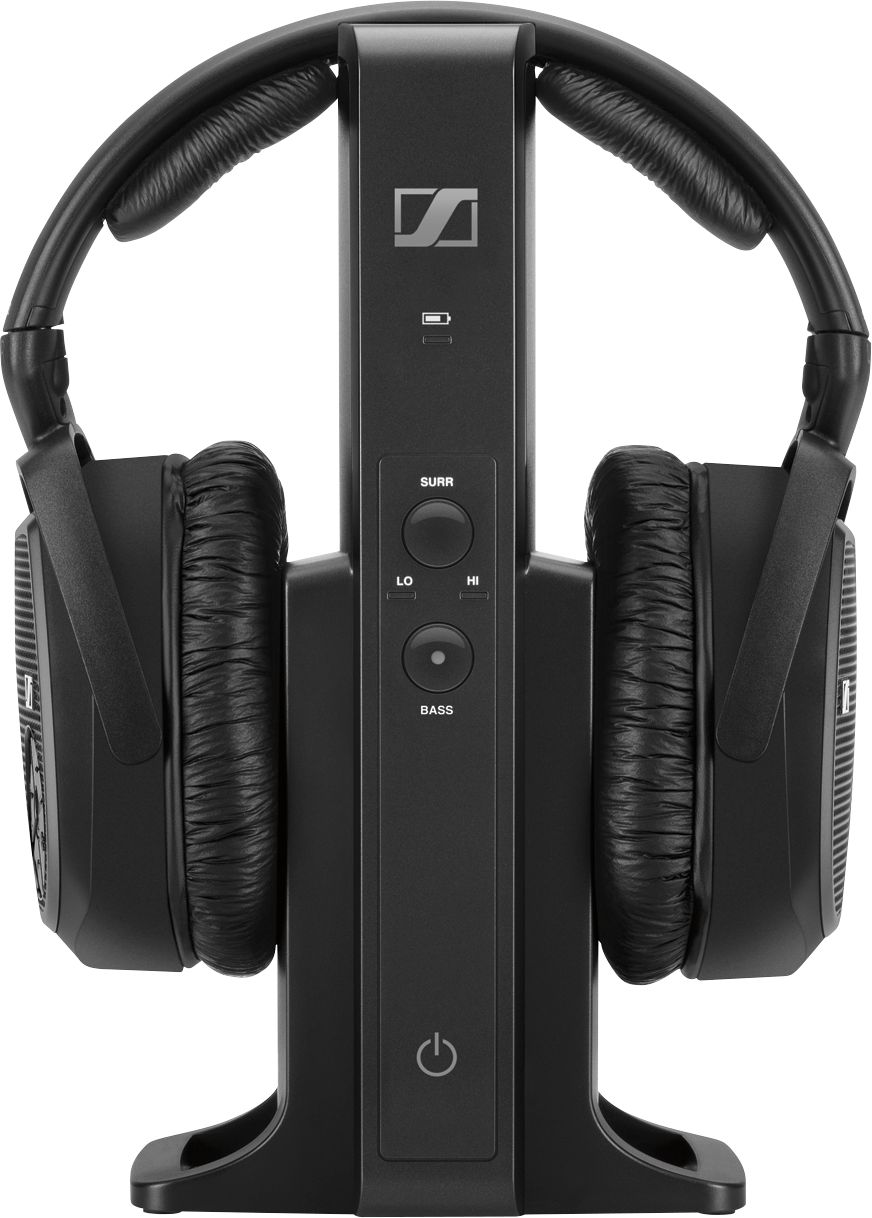
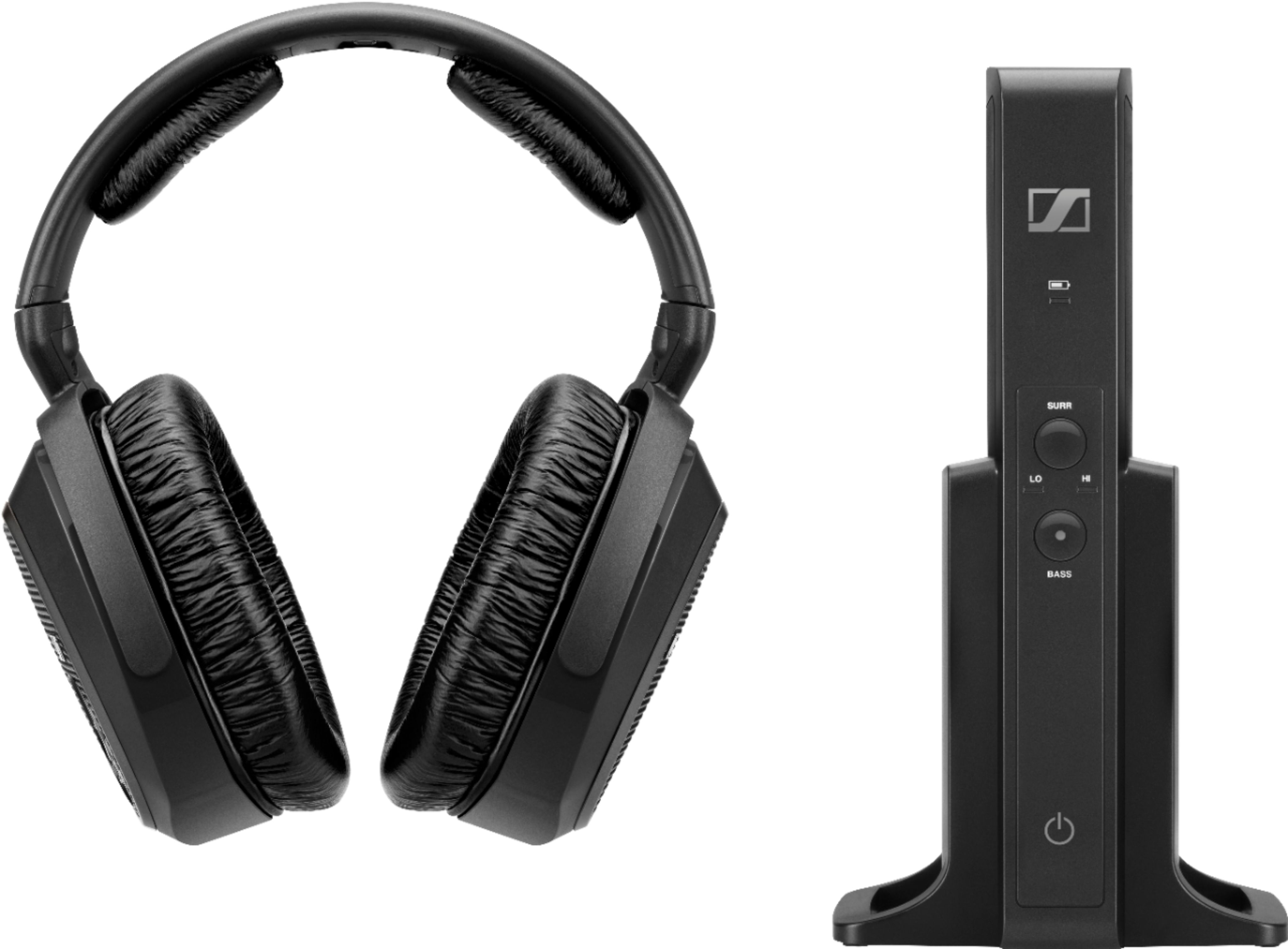
Sennheiser charger transmits with radio signal to headphone, with external speaker setting on TV, and cable optical and/or 3.5 mm cable out to electric powered transmitter, then wirelessly to battery powered headphone. It is a more mechanical operation of connections. Then you push a power on button on the headphone to power on the transmitter and boom you hear your TV, or other device. It takes up to 16 hours to charge the Sennheiser transmitter when first operating it. Later the charge takes less time.
A:AnswerI have a Sennheiser Model TR120 ll which has 2 wires that use to plug into my old tv not my samsung new tv has a hdmi what converter is used from a two wire to a hdmi (i dont not have a rca plug)
A:AnswerI just got these so I don't know from experience about how long a charge lasts. The manual says up to 18 hours of use on a full charge.
There is no cable to connect the phones if they lose their charge. However, they use rechargeable AAA batteries, which can be replaced with standard AAA batteries in a pinch. Just don't put the phones on the charging stand with non-rechargeable batteries installed!
A:AnswerYour TV must have either Analog 3.5 mm out and/or Digital Optical out connections for the cables that work with this Sennheiser RS 175 headset and transmitter.
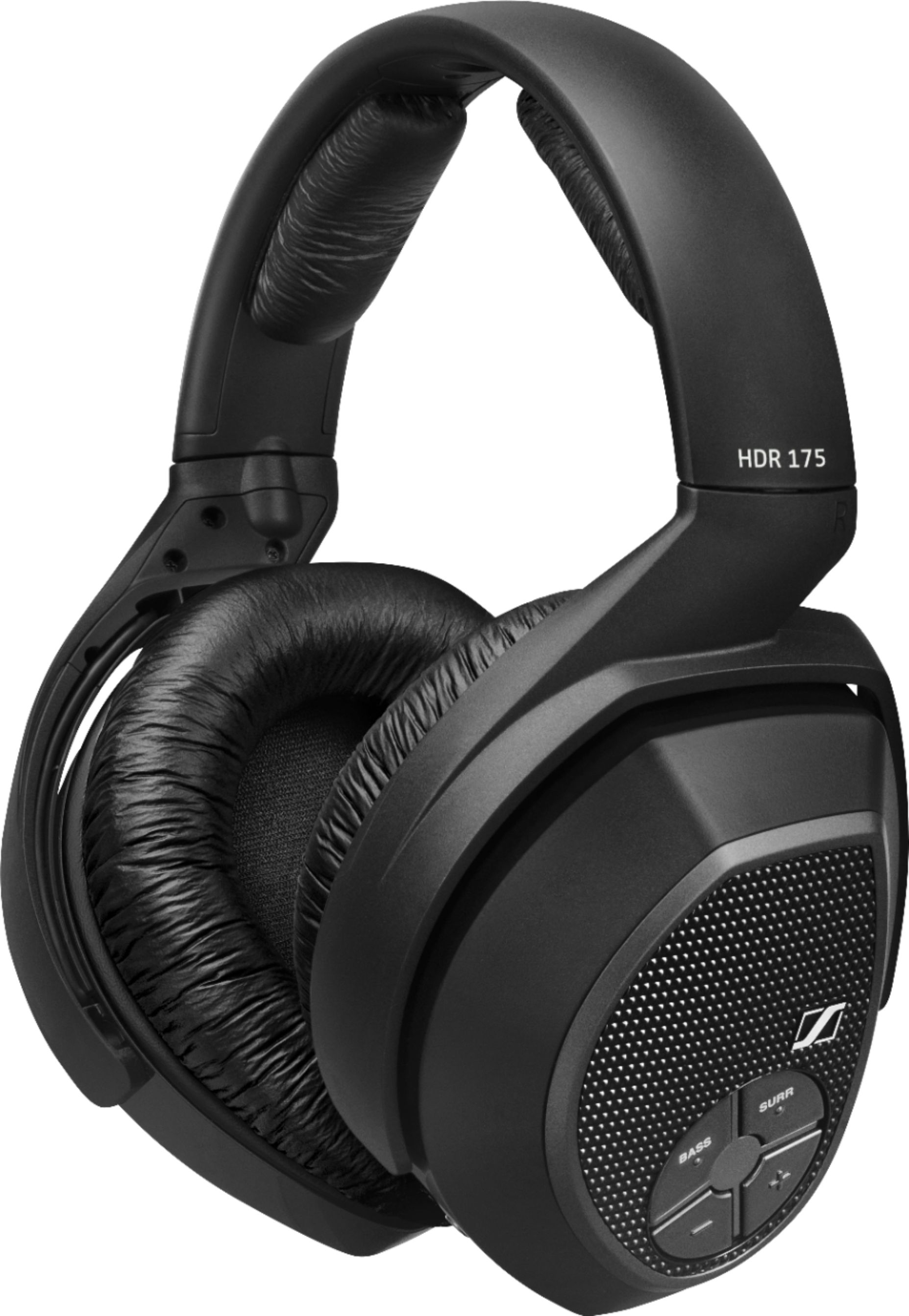
A:AnswerThis unit supports two headphones (we bought the 2nd headset for the 175 unit). They will work independently from each other & carry a 10+ hour charge. We just alternate the charging time— one base unit with two chargeable headsets requires alternating.
A:AnswerTechnically, the optical audio input is supposed to be the better one. That is what Sennheiser prefers you use for their entertainment wireless headphones. But both are viable options, and it just comes down to what capabilities your TV has and what your preferences are.
A:AnswerYES, YES, AND YES!!! The RS-175 is astounding. I had the RS-180 for 7 years and paid $300 for them, but these sound much better for under $200.
A:AnswerWhy would you hook them up to what is, essentially, a speaker? To listen to TV, DVD, etc. hook them to the TV via a optical cable. Your headphones are the speakers.
A:AnswerMake sure the switch on the back is on digital. Should only have to use the optical cable. The one supplied didn't work for me. I had to buy a better quality one.