A:AnswerA: From another user but worked for me too: I have a Samsung smart TV and had the same problem but with this solution headphones work perfectly. First when regular TV was on I went to the menu and changed the sound to PCM. Then it was necessary to start Netflix and again to use the menu to go to sound settings and change once again to PCM. Merely changing the sound in TV mode was not sufficient. Now headphones work perfectly.
A:AnswerIdk... mine are set up using the optical cord. I think your gonna need to switch whatever is using thebootical to HDMI since the headphones don't have any other source... it'll be worth it. The sound on these are awesome...only problem is my girlfriend can still here the sound but it's low and she can still sleep if I'm up watching a movie...
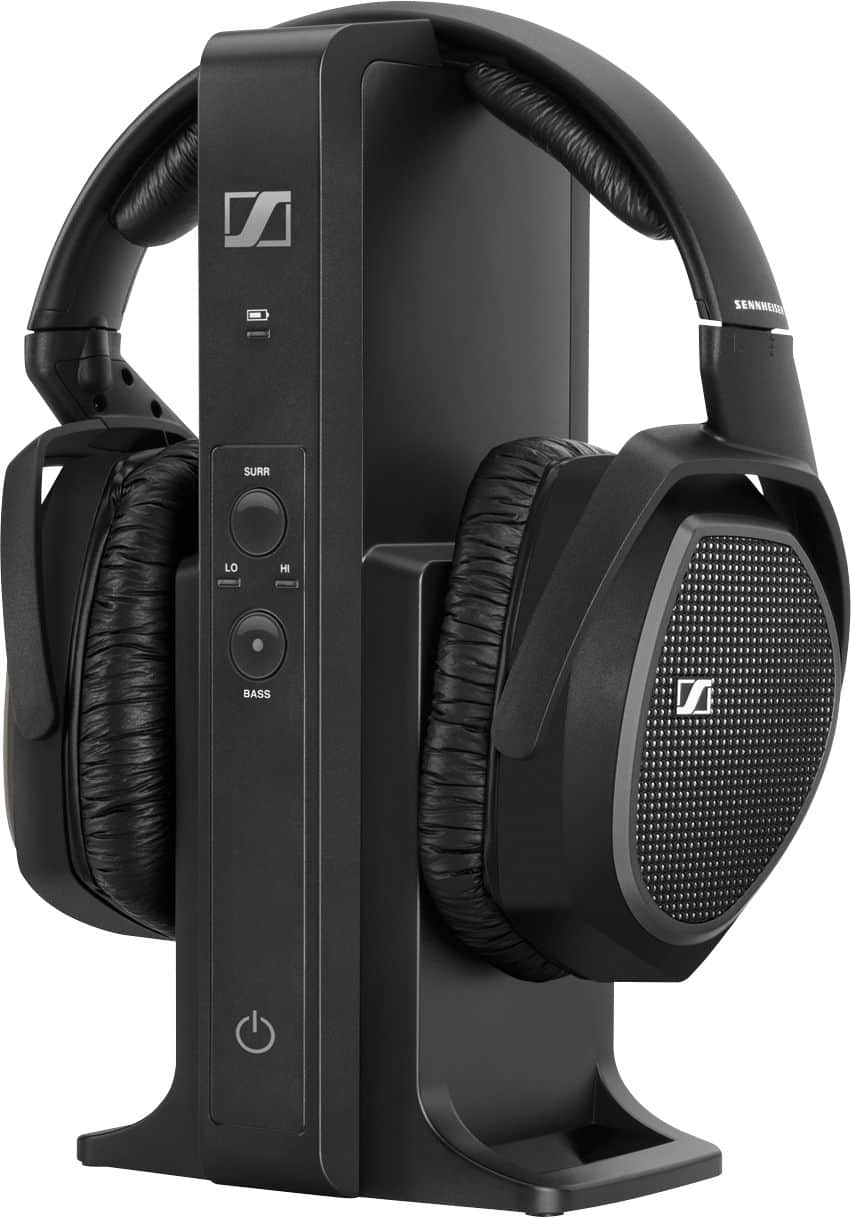
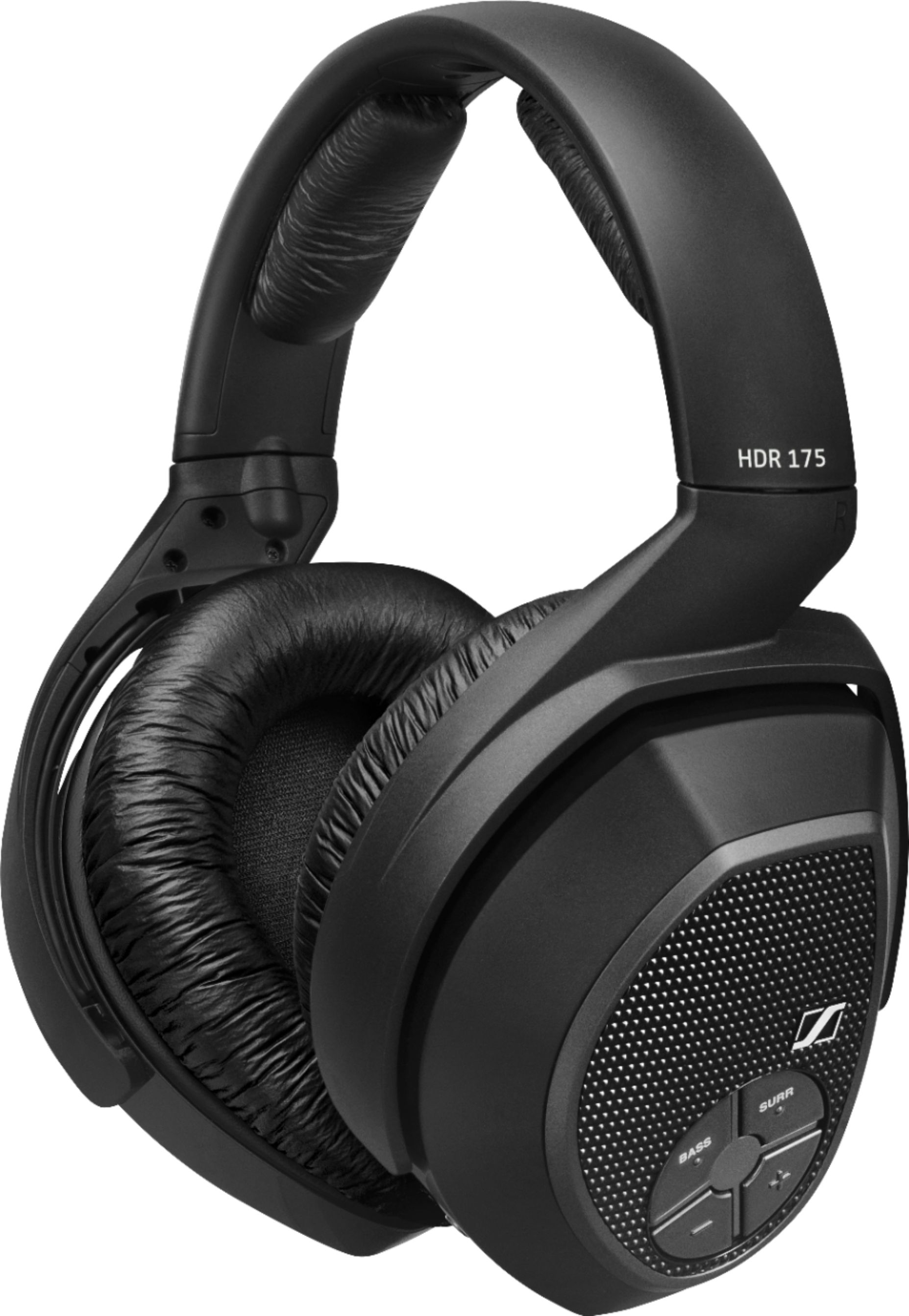
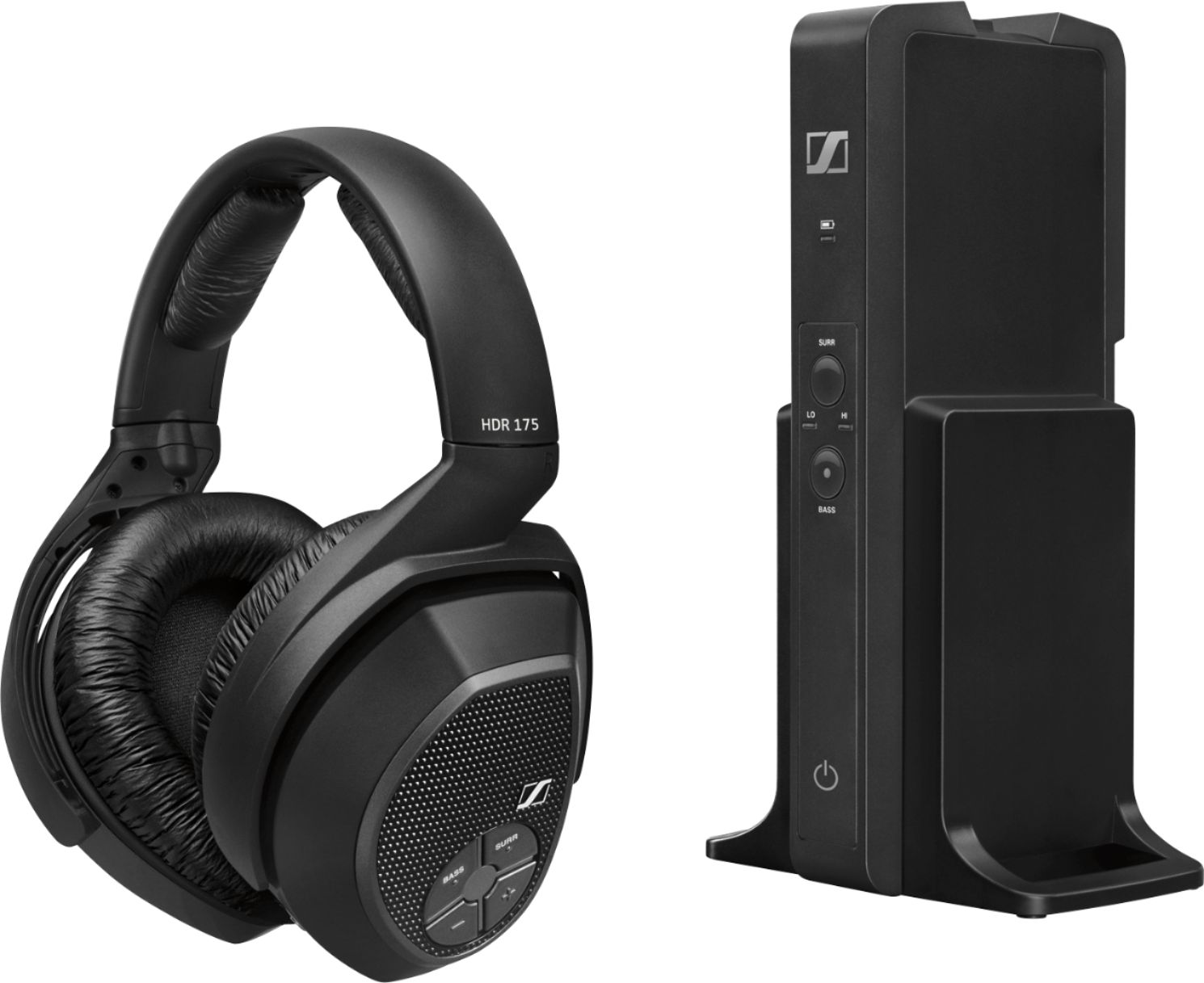
A:AnswerYes, you can buy an additional headphone unit (without transmitter) directly from Sennheiser and it will connect to your transmitter. I believe only one additional headphone can be added and it must be the model RS 175 unit.
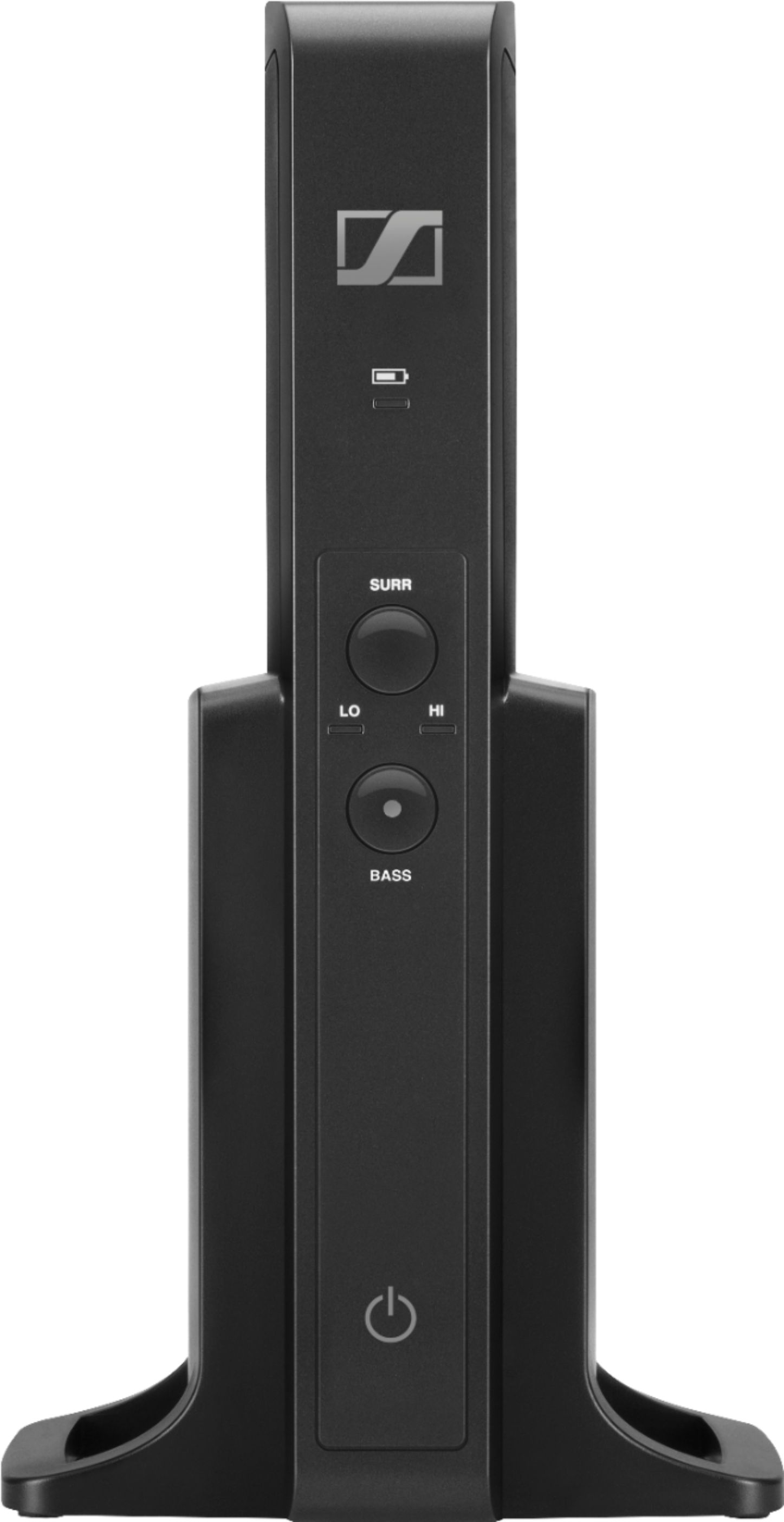
A:AnswerDigital Optical cable connects into TV's optical out, and connects to the digital optical in, on the back of the RS175 charging base, that is charged through an AC wall outlet with adapters for different countries' outlets. Or you can use the Analog 3.5 mm cable to audio out depending on the TV's available connections. The RS175 Sennheiser has a switch on the back of the charging stand for using either analog or digital optical connections. On the TV's menu under Sound, you switch to External speakers. The manual shows how to for everything on this RS175. Make sure your TV has both connections types or at least one of them. The photos show the three connections on the Sennheiser RS175 charging stand: Digital Optical in, Analog 3.5 mm in, and the AC wall outlet charging cable.
A:AnswerTR170 only uses 3.5 mm connections (Audio input: 1/8" (3.5 mm) stereo headphone plug (includes 1/4" and RCA adapters). The upgraded TR175 wirelessly uses both digital optical and 3.5 mm connections from the Sennheiser RS175 transmitter connected to TVs with digital optical and/or 3.5 mm connections to many other audio devices, even with my old CD changer using 3.5 mm cable to transmitter. Photo shows the digital optical, the 3.5 mm, and the electrical outlet power cable connections to the back of my Sennheiser RS175 transmitter. I know nothing re your Apple Pro IPad, sorry.
A:AnswerYes you can. You will need an adapter to go from the included 3.5mm audio cable. It will be a female 3.5mm to two male RCA plugs. You can pick these up at any audio supply store. I used this set up on my TV. Works great.
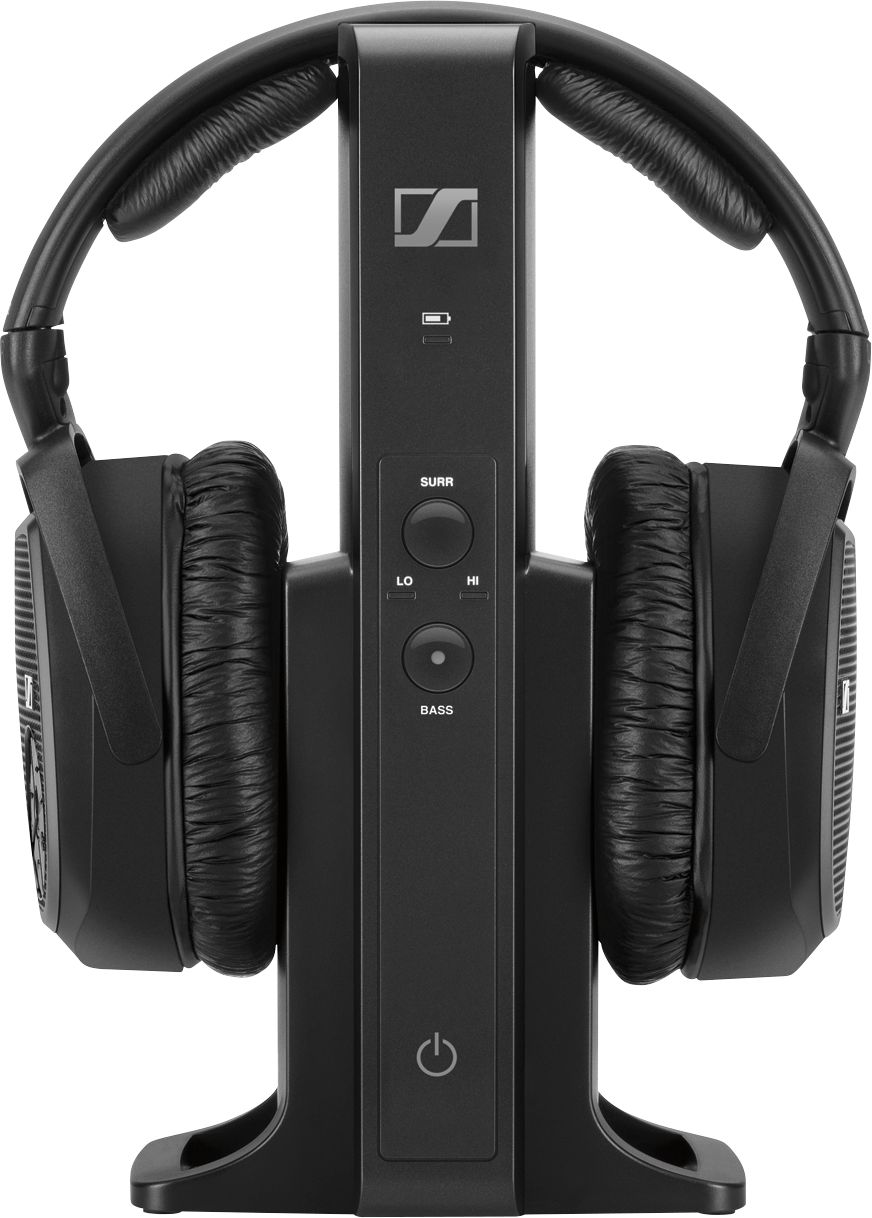
A:AnswerYes. After use when you place the headset on top of the charging station, the charging station automatically turns off the headset and a red light appears indicating that charging is taking place. Batteries are fully charged when the red light turns green. When you remove the charged headset, just push the button on the headset to turn on the system.