A:AnswerI just finished a run and had some doors closed. Passed them up with no problem.
I don't remember the exact address, but google shark robot and some variations of same.
Found a fairly good user manual, and already needed it to explain some flashing light codes.
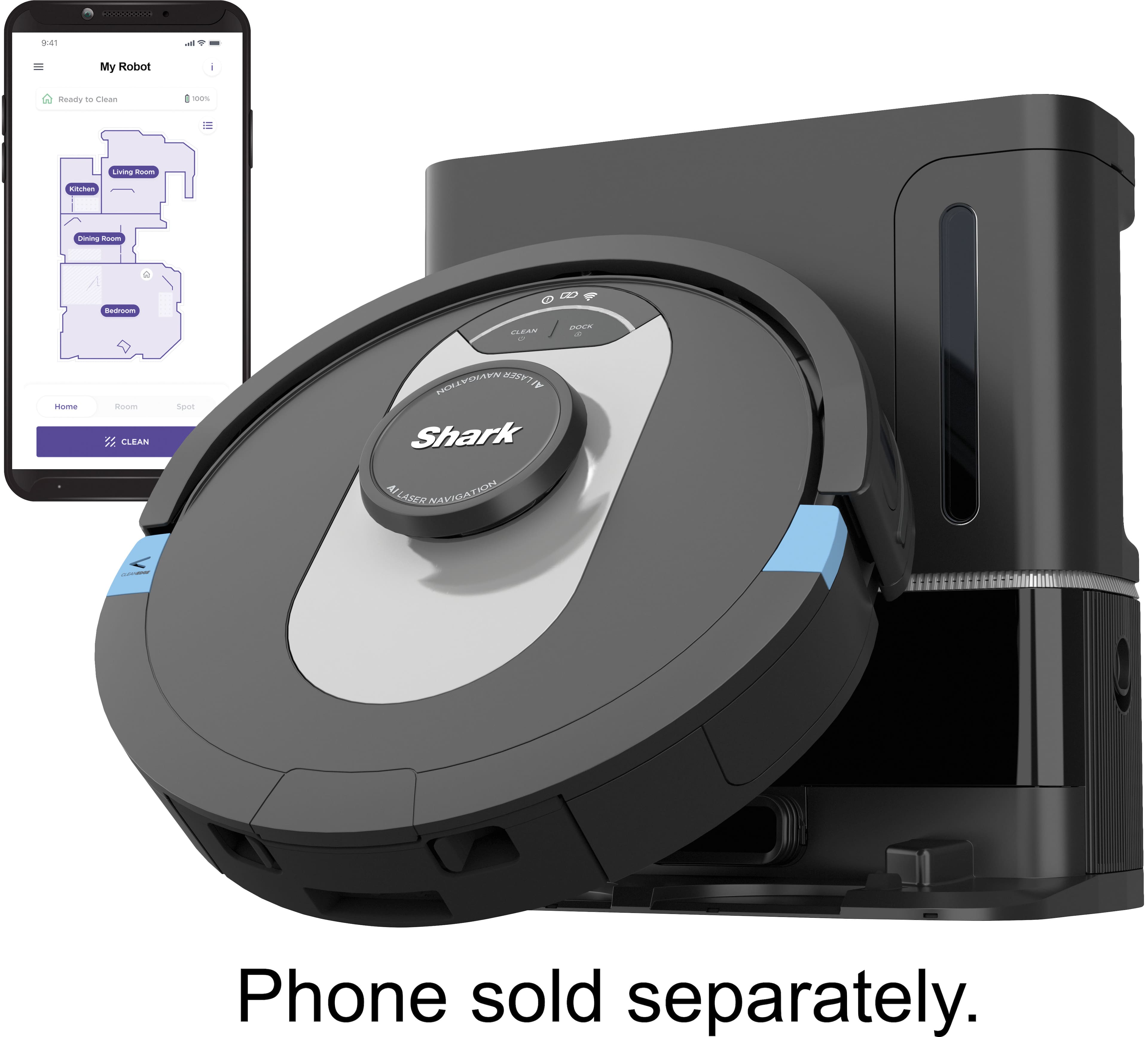
My only big complaint so far is that you can't map other levels at the same time. I have 3 and the manual says you can just put the robot on a different level and it won't have a map, but will randomly clean without the map. ???
Hope this helps.
FO
A:AnswerWe would like to let you know that you can purchase filters by reaching out to our Robot Customer Care Team at 1-888-228-5531 Monday to Friday, 9:00 am - 9:00 pm EST, as well as Saturday from 9:00 am to 6:00 pm EST.
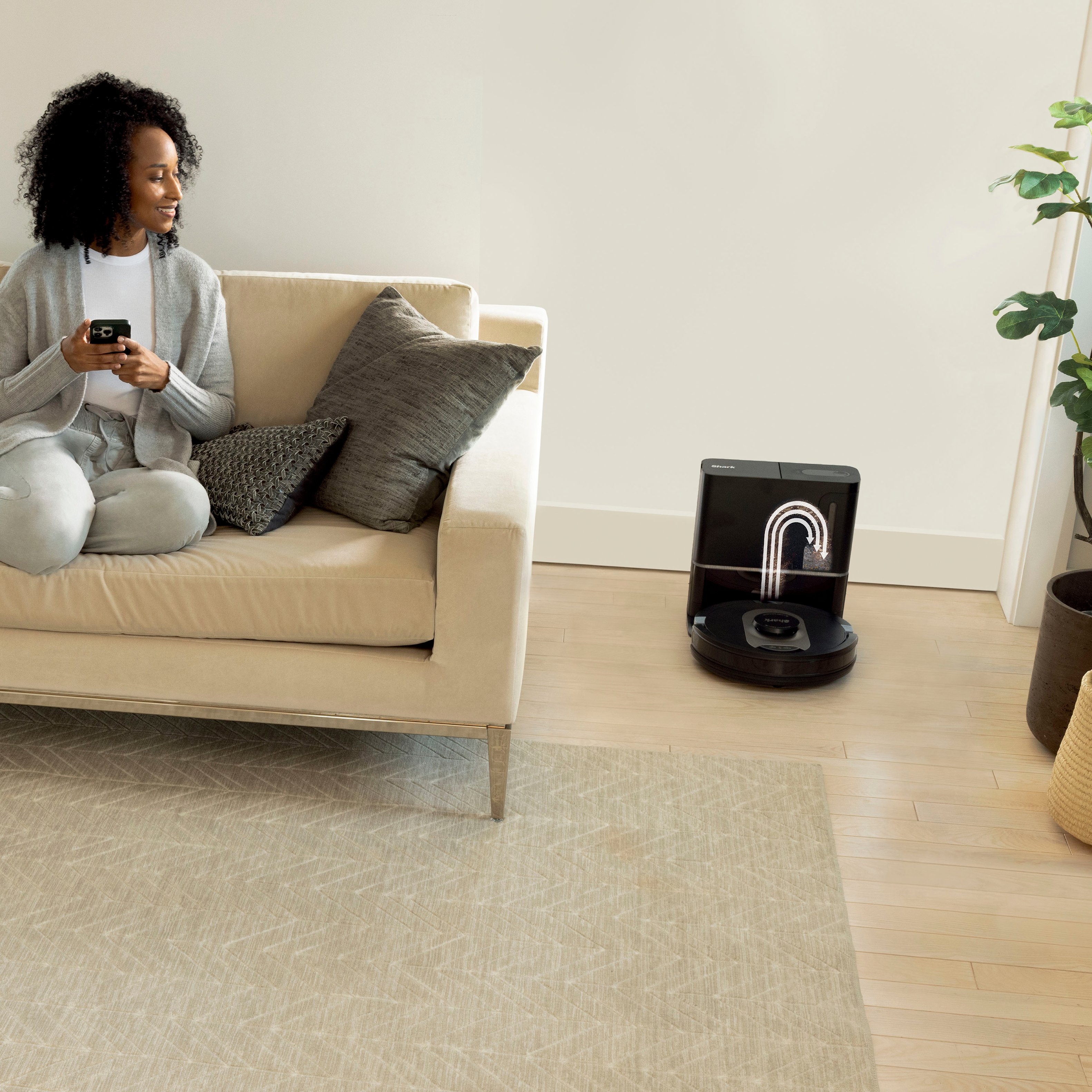
A:AnswerIt is supposed to go back at the 30 minute mark and empty but it doesn’t. If you call customer support they tell you that it doesn’t do that. Right out of the box mine has not gone back and emptied at the 30 minute mark. We have called customer service everyday and nobody knows why it’s not working.
A:AnswerThe robot was designed with cliff detection sensors that prevent it from falling down stairs. The robot will sense the stairs and change direction to avoid any drops or falls.