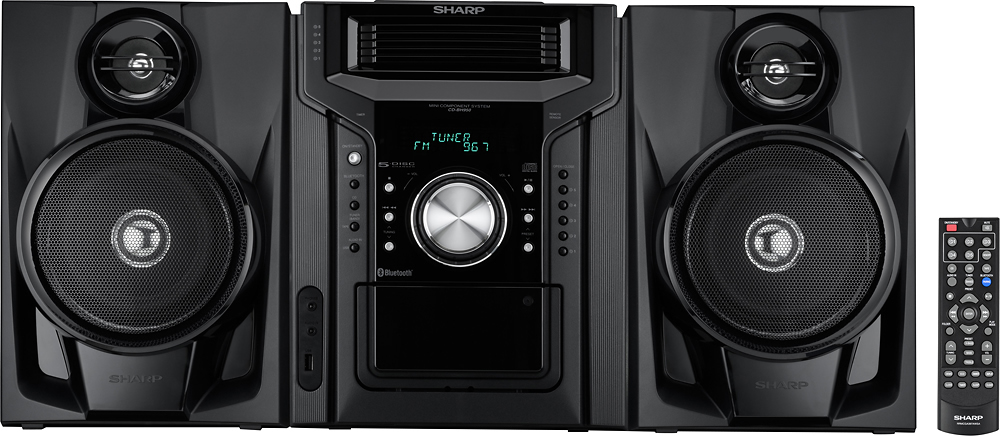
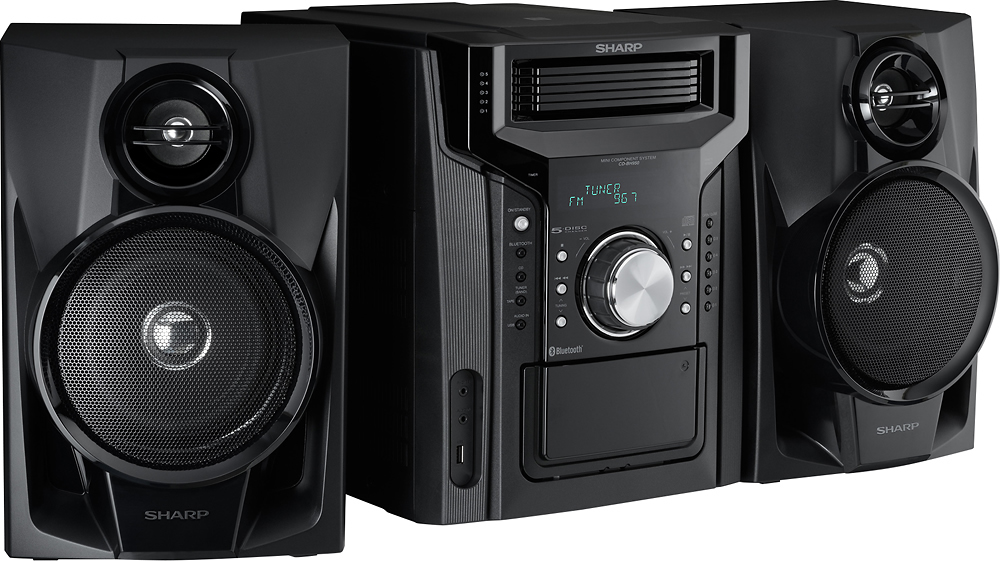
A:AnswerHello, you may check to see if the unit is muted, if not you may unplug the unit for 30 seconds. If the issue is not resolved you may email us at onlinesupport@sharpsec.com.
A:AnswerHello, please be advised that you are unable to connect a wireless Bluetooth speaker to the unit. Only smart phones and tablets can be connected to this feature on the unit.
A:AnswerHello, this would indicate that the remote control that you have is not the one that was made for your unit. Please contact us at onlinesupport@sharpsec.com so that we may assist.
A:AnswerHello, we are very sorry to hear of this inconvenience. Unfortunately there is not a way to permanently remove this feature however it can be cancelled by pressing the Eco button on the Sharp remote control for the unit. If you are in need of any further assistance, please feel free to email us at onlinesupport@sharpsec.com so that we can advise.
A:AnswerHello, we are sorry to hear of this issue. It is recommended to position the antenna where reception is best. It may be placed on a shelf or attached to a stand or a wall. If this was already done and the issue remains you may email us at onlinesupport@sharpsec.com for further assistance.
A:AnswerWe are sorry to hear that the unit is shutting off and we are happy to look into this further and work towards a resolution with you. Please email us at onlinesupport@sharpsec.com so we may provide you with troubleshooting steps.
A:AnswerHello, your phone can be connected to this unit if it has the NFC function. Please ensure that the NFC feature is enabled on your phone before you connect.
A:AnswerHello, unfortunately, you are not able to connect external speakers to the unit. It is recommended to use the speakers that came with the unit.
A:AnswerHello, the unit does not have a shuffle feature but it does have random play that allows you to play all tracks on up to 5 discs. The tracks on each disc will play in random order automatically.
A:AnswerThe unit does not have a shuffle feature but it does have random play that allows you to play all tracks on up to 5 discs. The tracks on each disc will play in random order automatically.