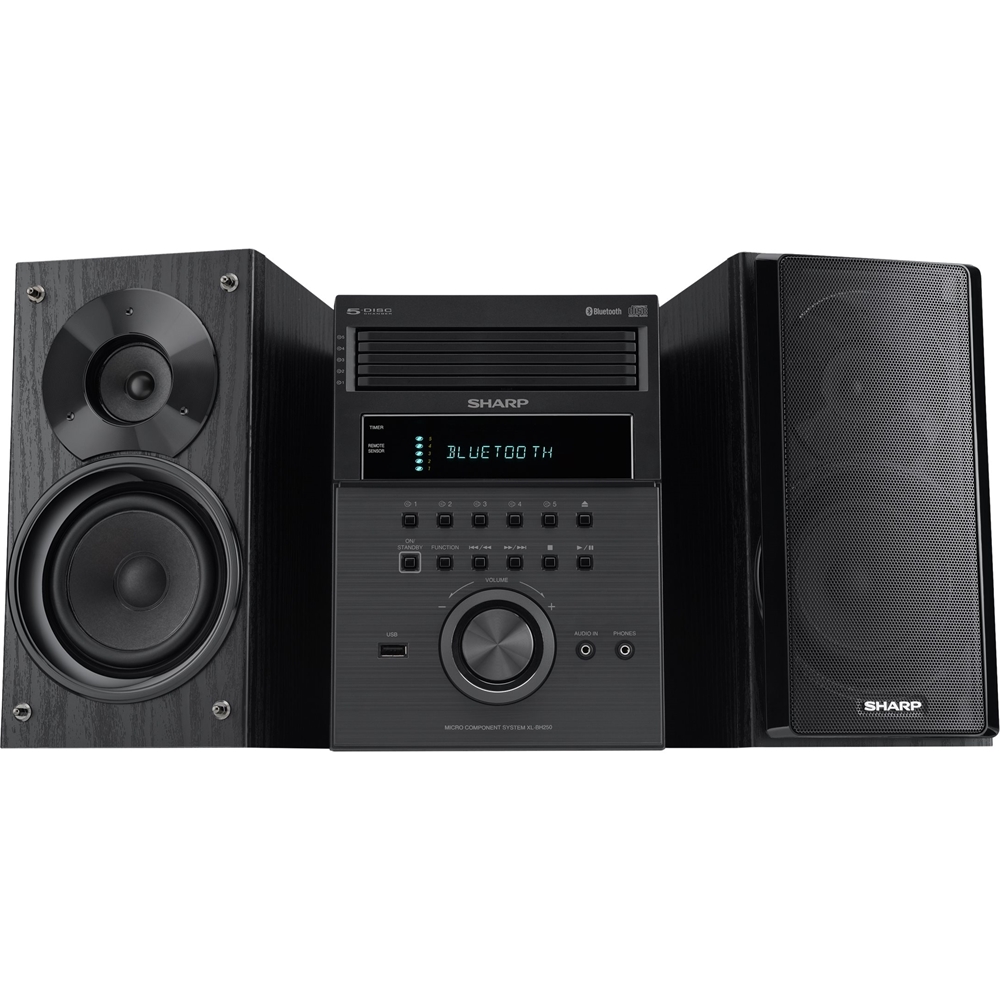
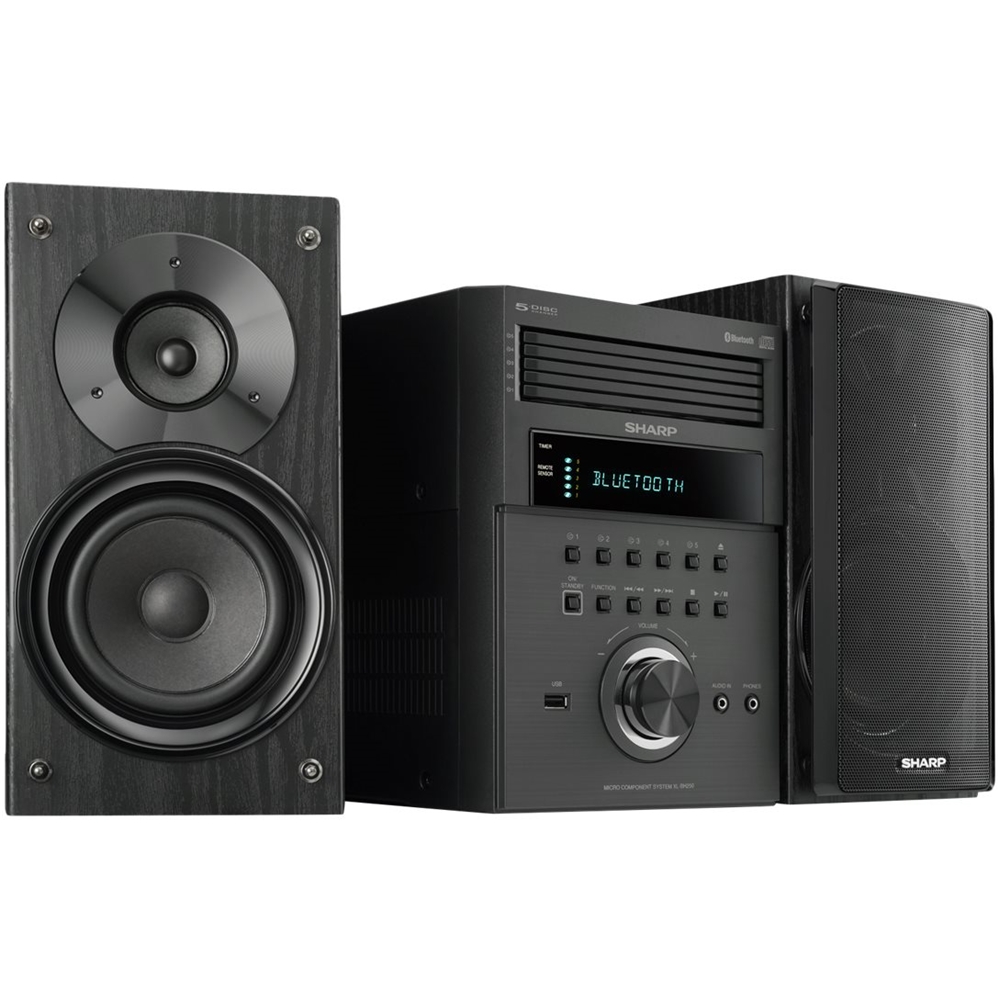
A:AnswerHello Rickw, we are happy to advise, the settings on the component system comes preset. You are able to make adjustments where necessary to meet your auditory preference.
A:AnswerHello, the XLBH250 unit does have a audio in (3.5mm jack port) that you are able to connect devices for input. The unit also has a Bluetooth function for connecting devices.
A:AnswerMaybe it has something to do with electric service from India, compared to USA, also the format CD has been recorded on, India has a particular standard compare to the USA. I can not answer any more on the subject, unless I hear it myself.
A:AnswerHello, please ensure that both speakers are connected to the unit properly. Please email us at onlinesupport@sharpsec.com if you are still having this issue. We will be happy to assist.
A:Answerj6nopinion:
T
They will sell these until they are gone.
I have thousns of CDs, so I NEED the player//hanger. They will do what they wandt ro support the bttom line then KAPUT.
Good luck.
A:AnswerHello, thanks for your question. Unfortunately no, this unit cannot be connected to a turntable, we do apologize for any inconvenience this might have caused. Feel welcome to contact us at the 1-800-237-4277 for any question or concerns you might have. Thank you for choosing Sharp.
A:AnswerHello, thanks for your question. We would love the opportunity to provide you with further assistance and help resolve any concerns you may have. If you could please contact us at CRL@sharpsec.com or call us at 1-800-237-4277.
A:AnswerWe’re sorry you had a negative experience with one of our products. This isn’t the kind of experience we want our customers to have, and we would like to investigate this issue further. If you could please contact us at CRL@sharpsec.com or call us at 800-237-4277.
A:AnswerHello, the part number for the original antenna that comes with the unit is 92LFANT1535A, if you need an external antenna you may connect an FM 75 Ohms Antenna Jack to the FM port on the unit.