A:AnswerYou can try a hard reset on it by pulling the plug and letting it sit for about a minute before plugging it back in. Sometimes that will work but If it was working correctly for 3 months and is suddenly acting up it's possible that you had a power surge. You might need to use the manufacturer warranty. Usually even if you sign up the same day, you can get in touch with the manufacturer as soon as it is in their system. They can help you beyond that.
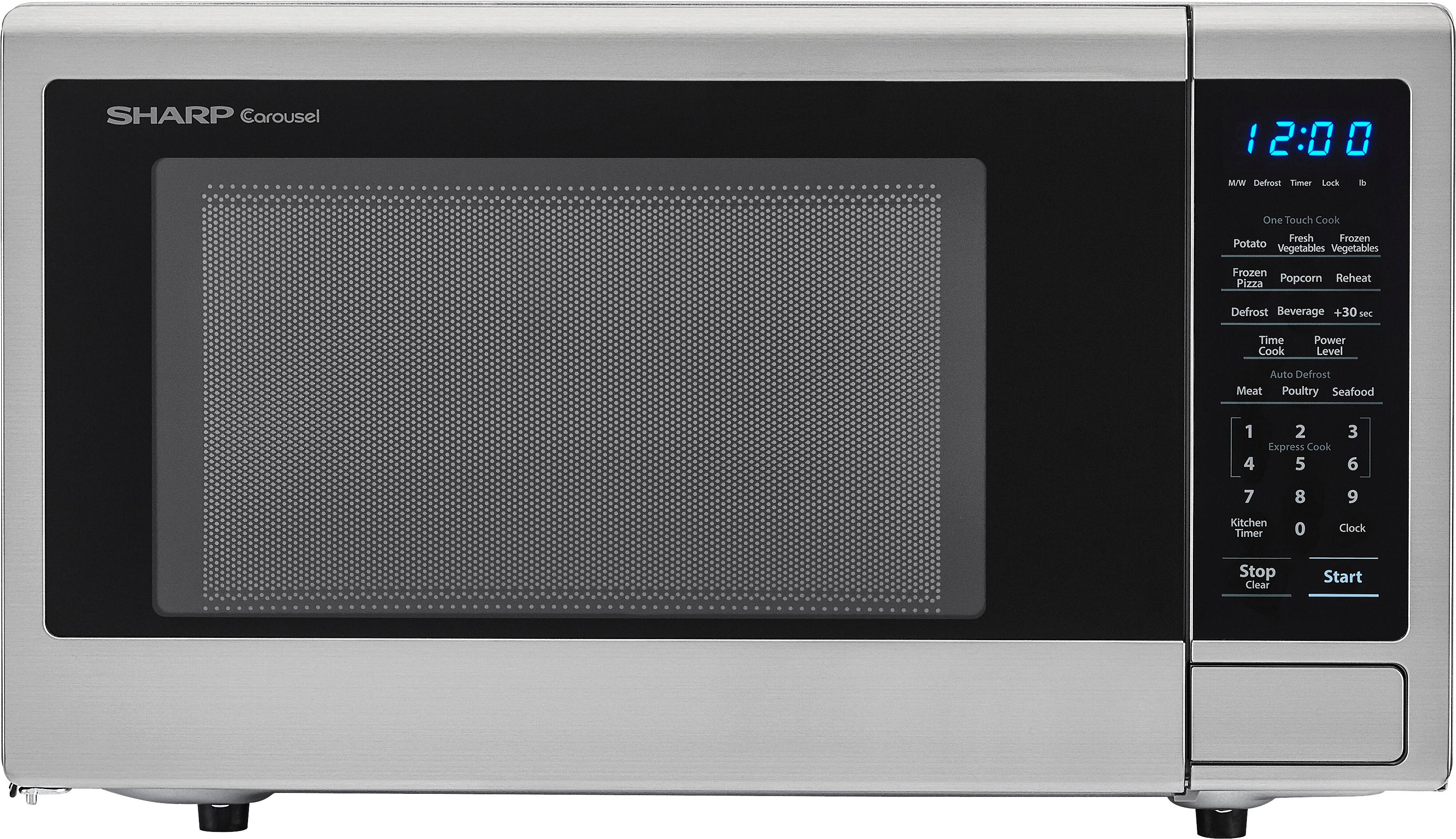
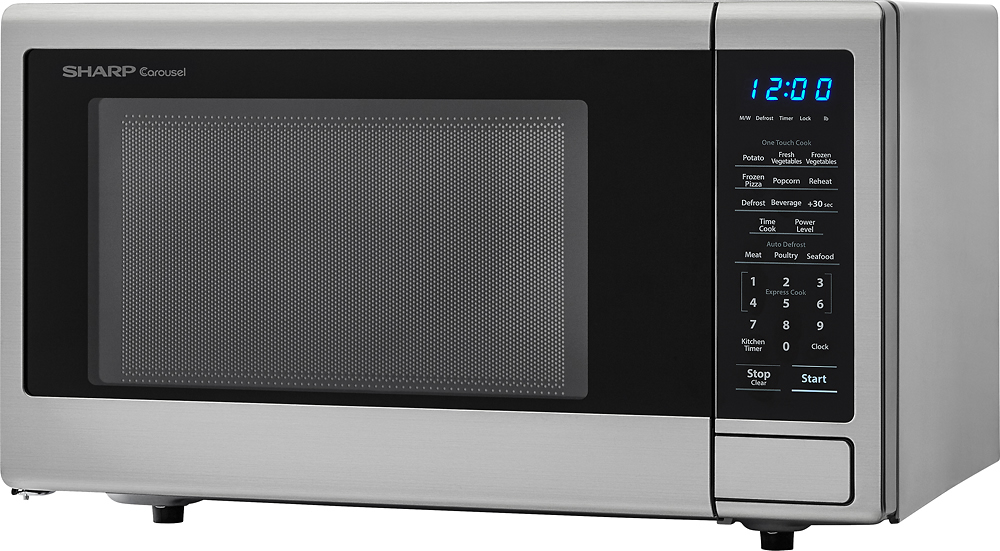
A:AnswerNo way to adjust the brightness, unless you remove the display board, and cut a trace and solder in a resistor.
Only a professional repair person should do this.
You can cover it with a piece of window tint, but that looks tacky around the edges.
A:AnswerHello, please try the steps provided.
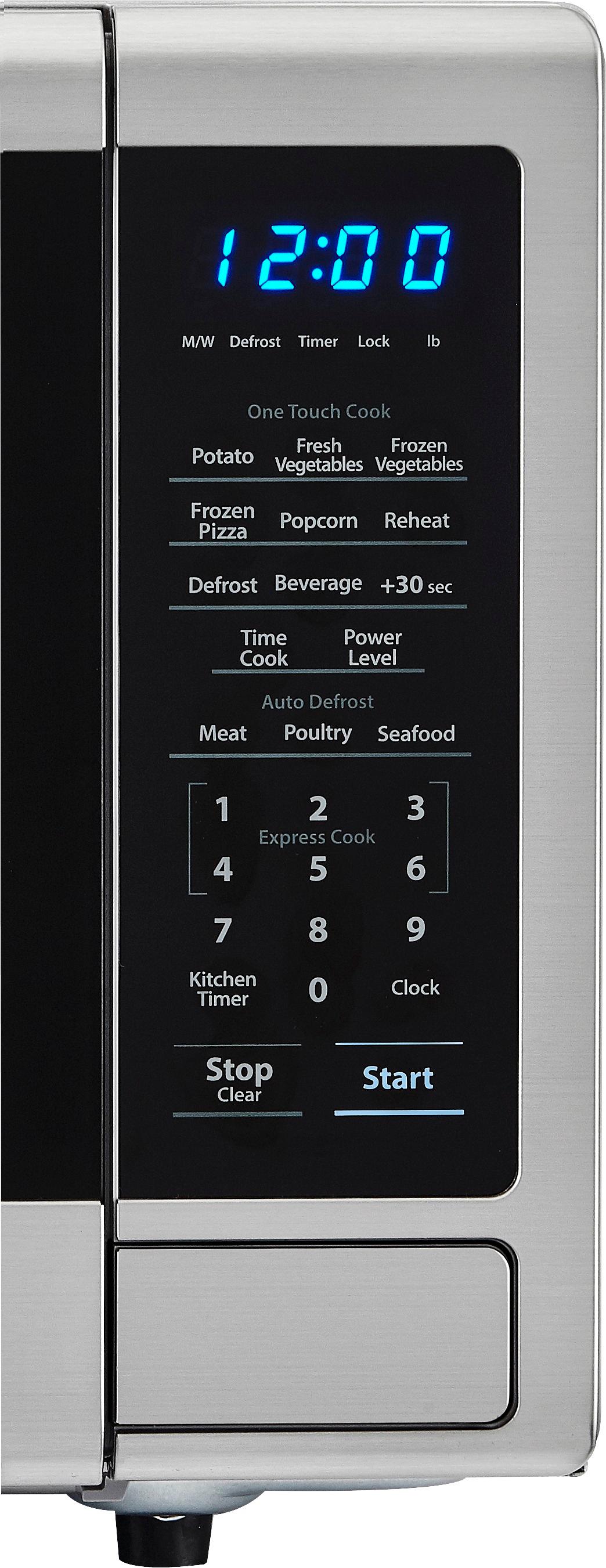
1. Press "TIME COOK' once, the display will show "00:00".
2. Enter the desired amount of seconds.
3. Press Start.
If you need further assistance, please email us at onlinesupport@sharpsec.com so we may help.