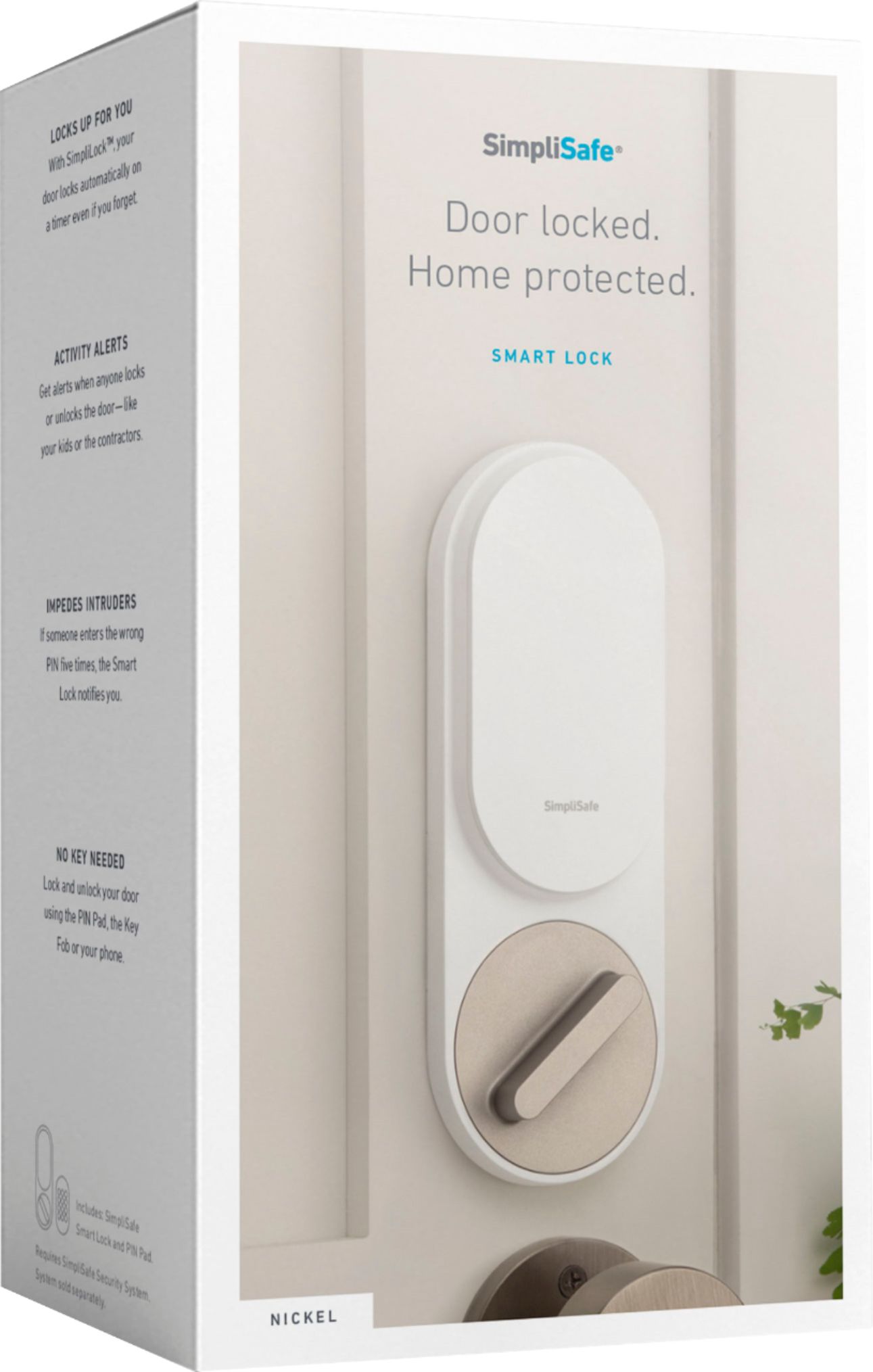
A:AnswerIs this its own lock or does it slide or install over an existing deadbolt?
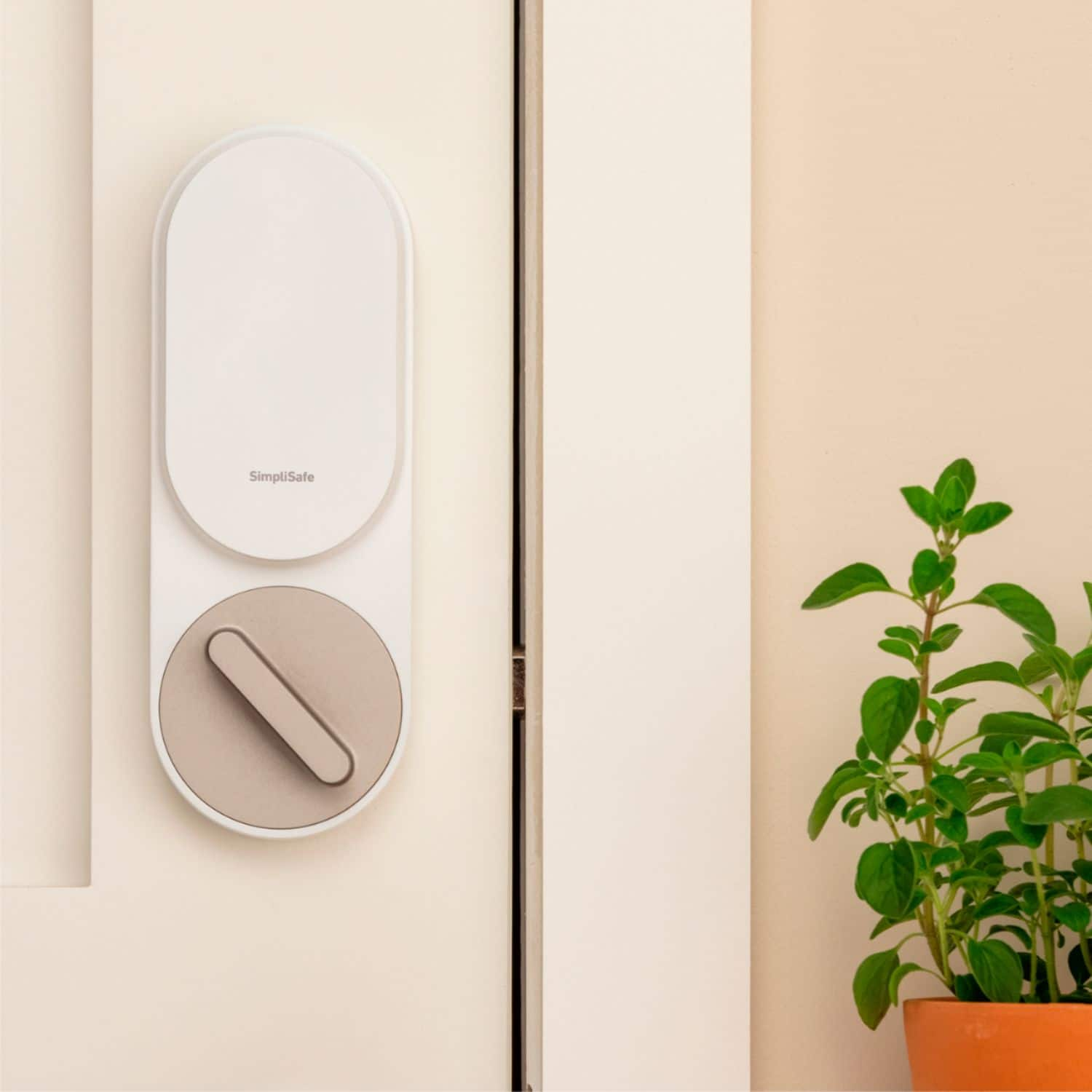
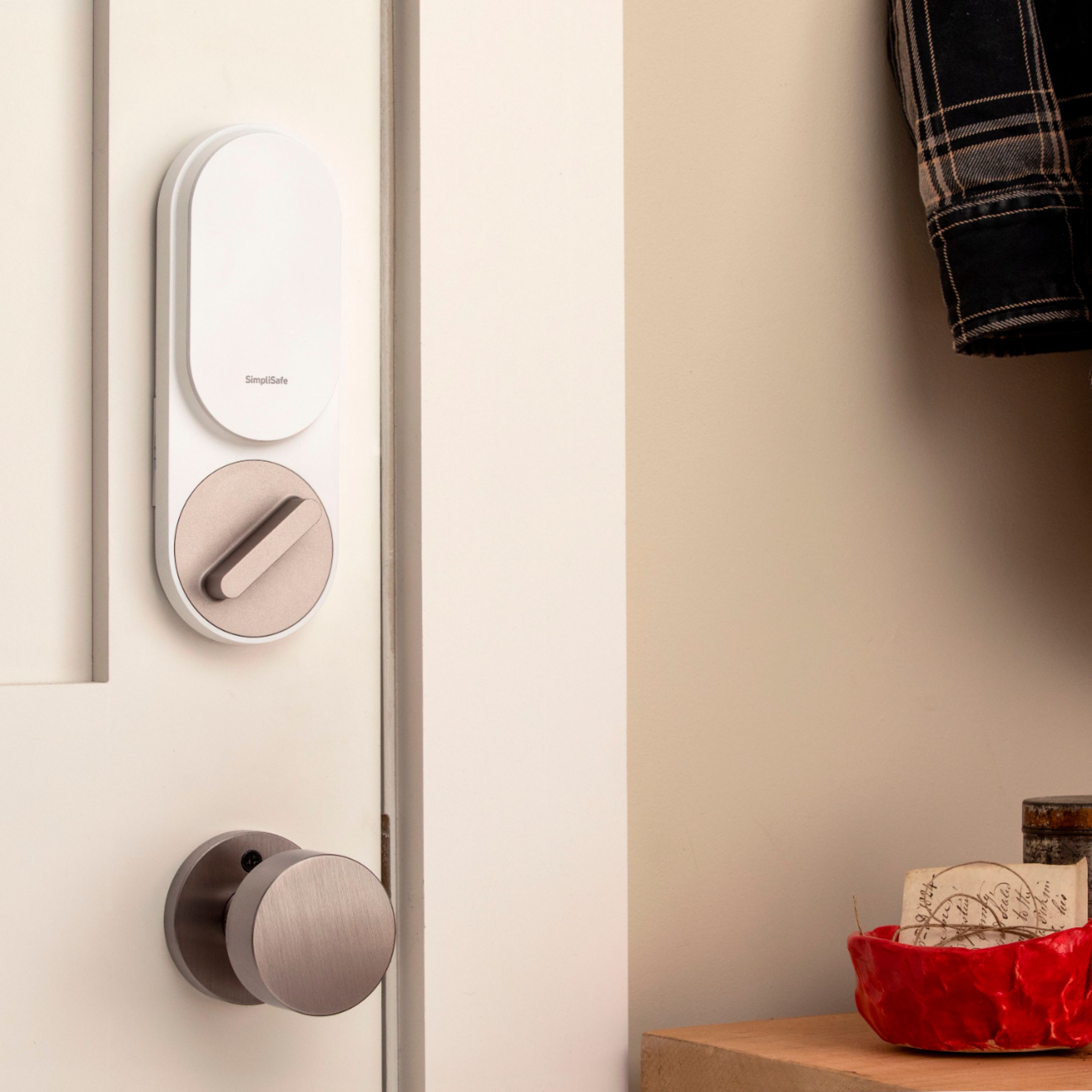
-Niether. You keep the outdoor part of your existing deadbolt, and the internal mechanism, while this replaces the indoor part of the deadbolt.
Also what type of batteries does it take?
-AA, and they're supposed to last 11 months or something.
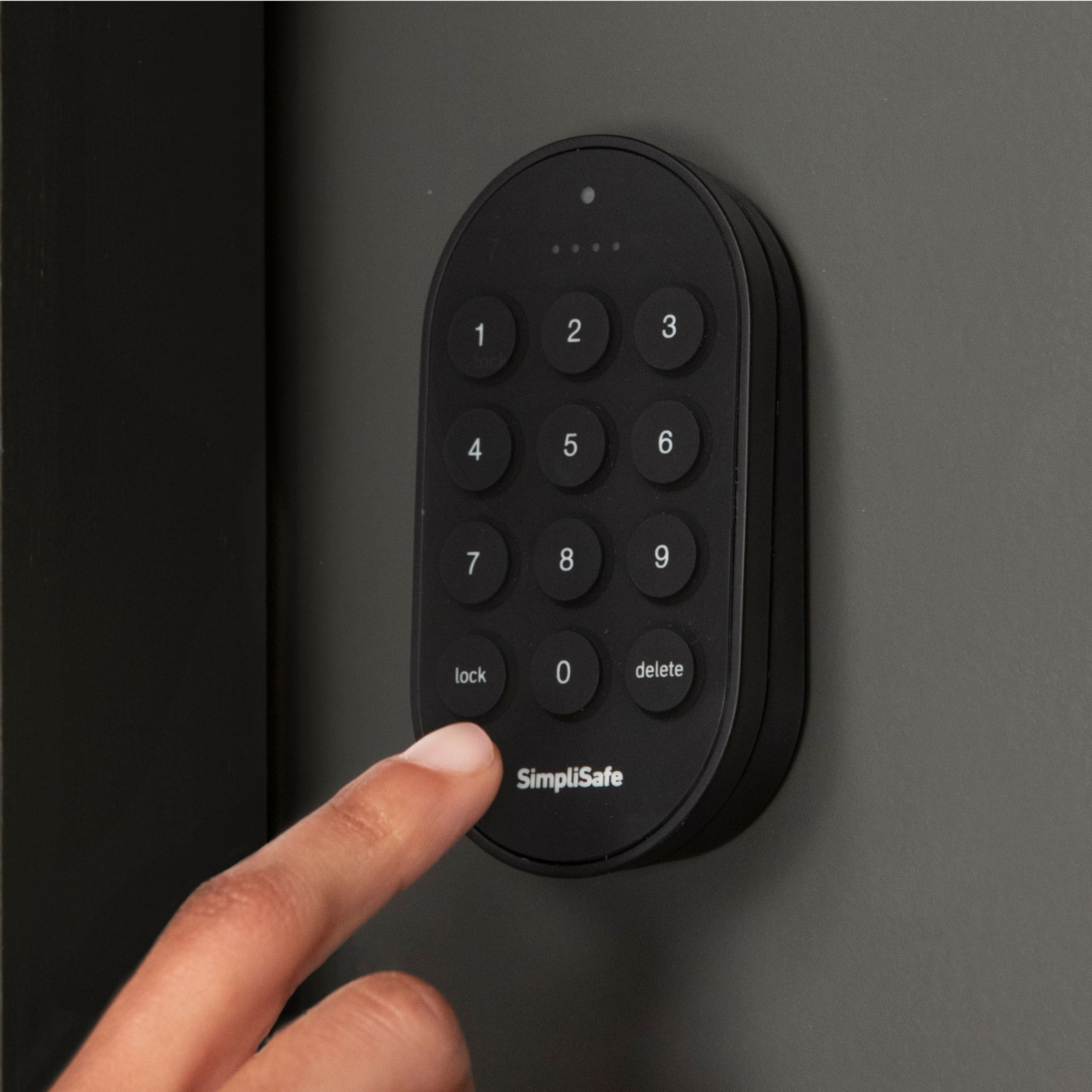
A:AnswerThis has a local pin pad so it does not have to have wifi to unlock if you are in front of it. It would not work if wifi is down and you try to unlock remotly.
A:AnswerYes you can and it's Awesome! You can set them to autolock on different timers and you can choose whether each one locks or unlocks automatically depending on which mode you have the system in.
A:AnswerThe lock uses your existing deadbolt hardware, so I don’t think the backset would make a difference. It replaces the thumb turn on the inside of the door but uses the existing bolt, tailpiece, etc.
A:AnswerUnfortunately, no. The lock is designed to work only with the SimpliSafe alarm base station. The lock has no memory & relies on the keypad PIN codes that were programmed into the base station to work.
A:AnswerAs someone else already said, this is intended to work with the SimpliSafe alarm system, and will not function at all unless you have one of their base stations and a full indoor keypad.
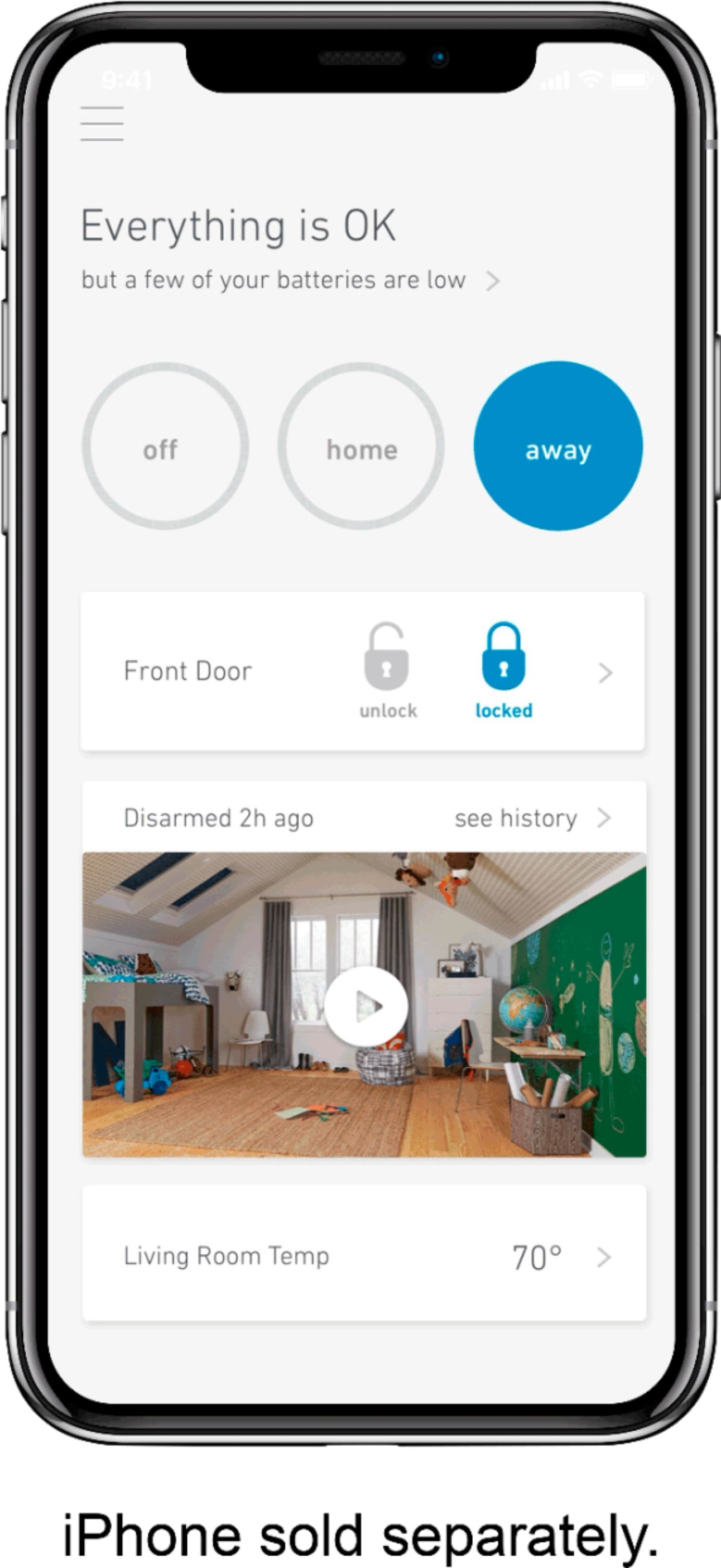
To get full functionality, you also need to have an entry sensor on the door where you install it, and the $24.99/month plan. Without the 24.99 plan there's no smartphone app.
A:AnswerYes you need the base station, but don't go down that path. I have foung Simplisafe accessories to be junk. I got myself invested too far into this system and am sorry for it.
A:AnswerOur Smart Lock installs over your existing single-cylinder deadbolt, replacing only the inside thumbturn piece. So as long as your deadbolt is already compatible with your thicker door, you're good to go!
A:AnswerThe Smart Lock installs over your existing deadbolt, replacing the inside piece where the thumbturn is located. It does not have a deadbolt of its own.
A:AnswerYou can set it to lock after the door closes and you can tell it how many seconds to wait (30 sec, 1 min, 5 min). You can also set what it does in each mode. Home and Away modes can lock it or do nothing, Off mode can unlock from home, unlock from away, unlock it always, or do nothing. There's no setting to lock it based on time, but if you turn your alarm on at night it can lock it then.
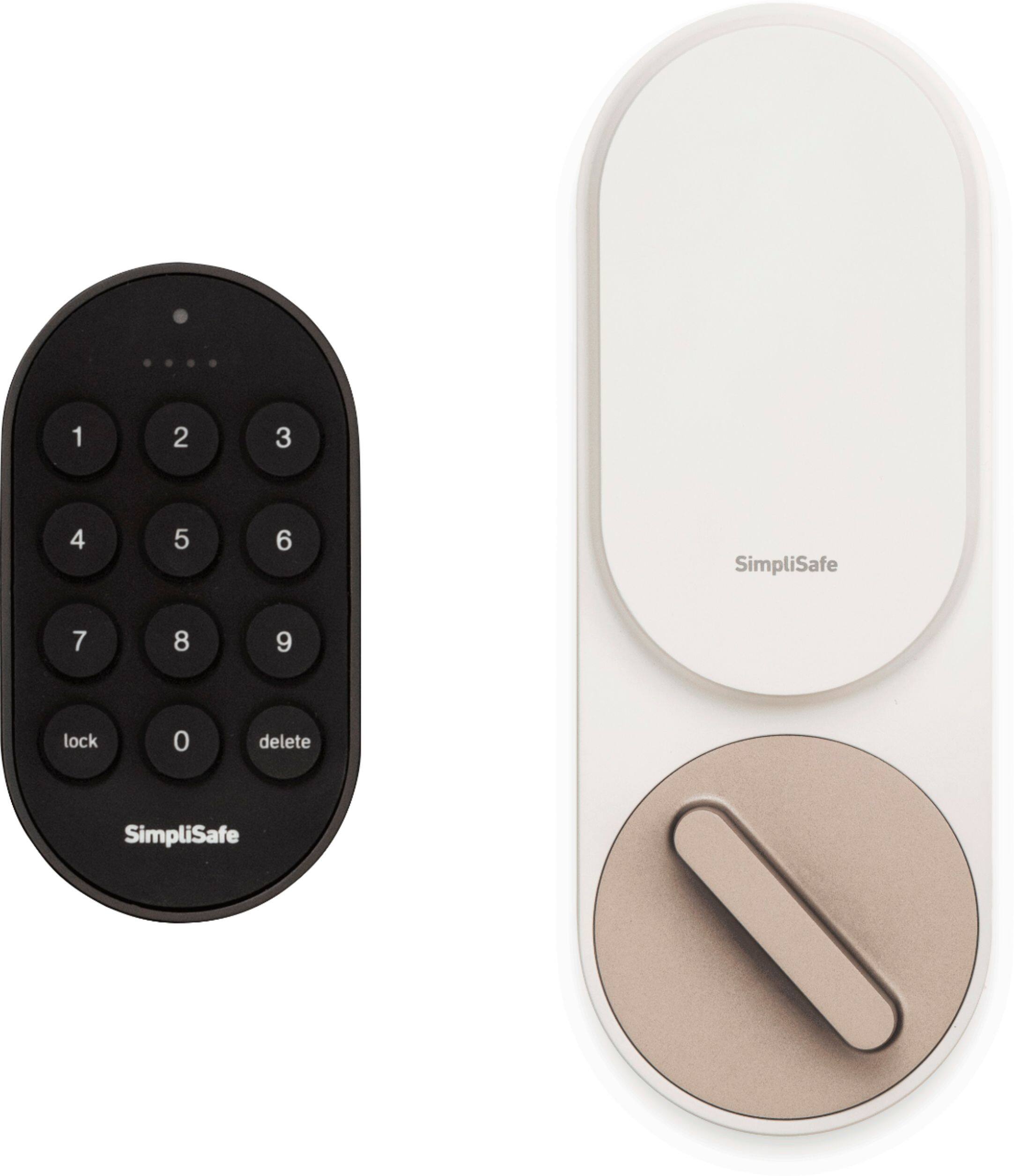
A:AnswerThis lock is designed to work with a SimpliSafe base station (you don't need a subscription).
If you just need a standalone lock, there are plenty of other brands to choose from, like Yale.
A:AnswerYou can set that behavior in the app's Device Settings > Door Lock setting. You can customize it under Smart Locking section for separate behaviors under Auto-Lock, Home mode, Away mode, and Off mode.
A:AnswerThe lock does not sit inside the door body, it sits on the door. As long as your existing dead bolt turning rod can reach across the door thickness (i.e. you have a functioning dead bolt), you'll be fine.