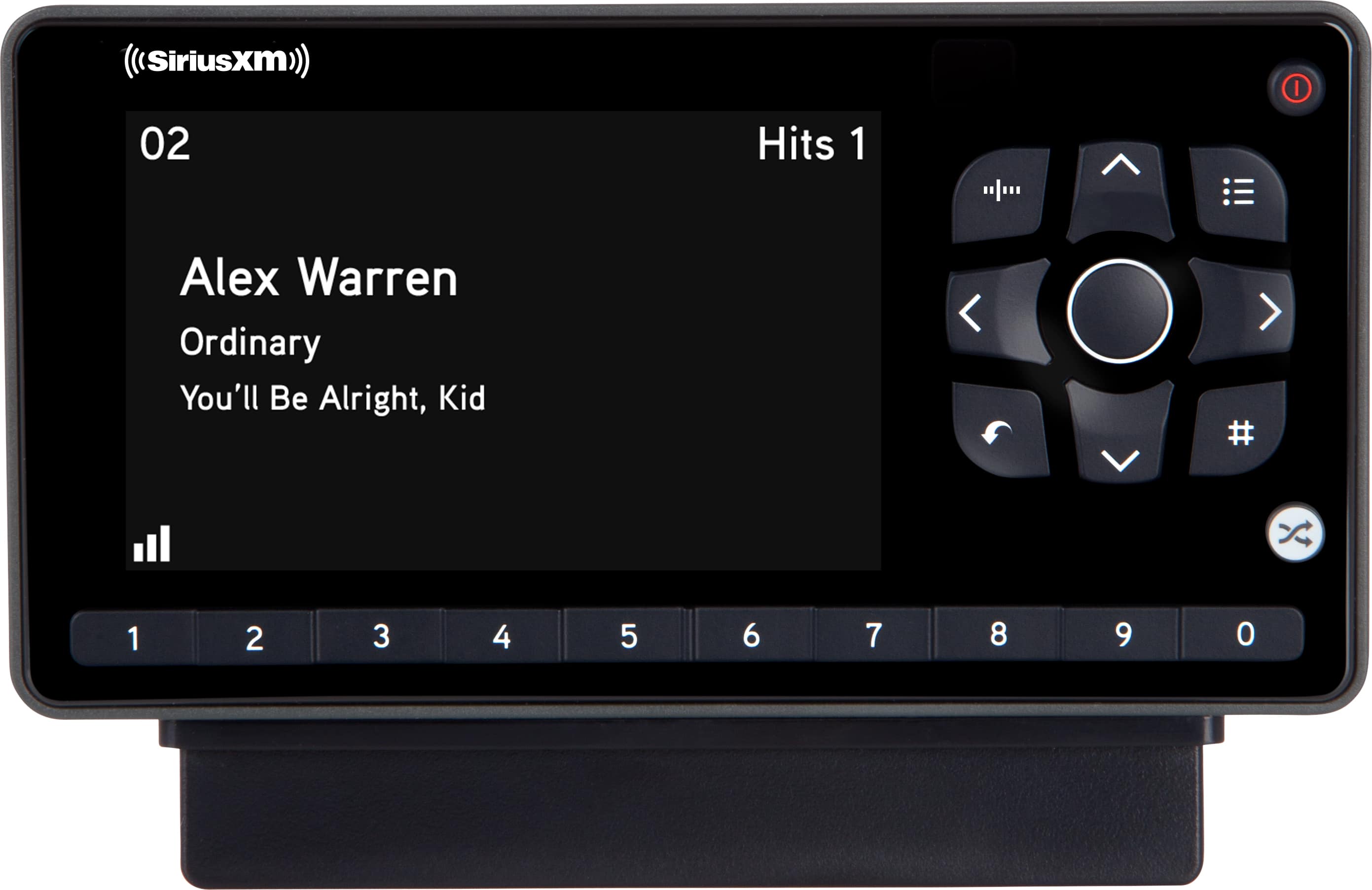
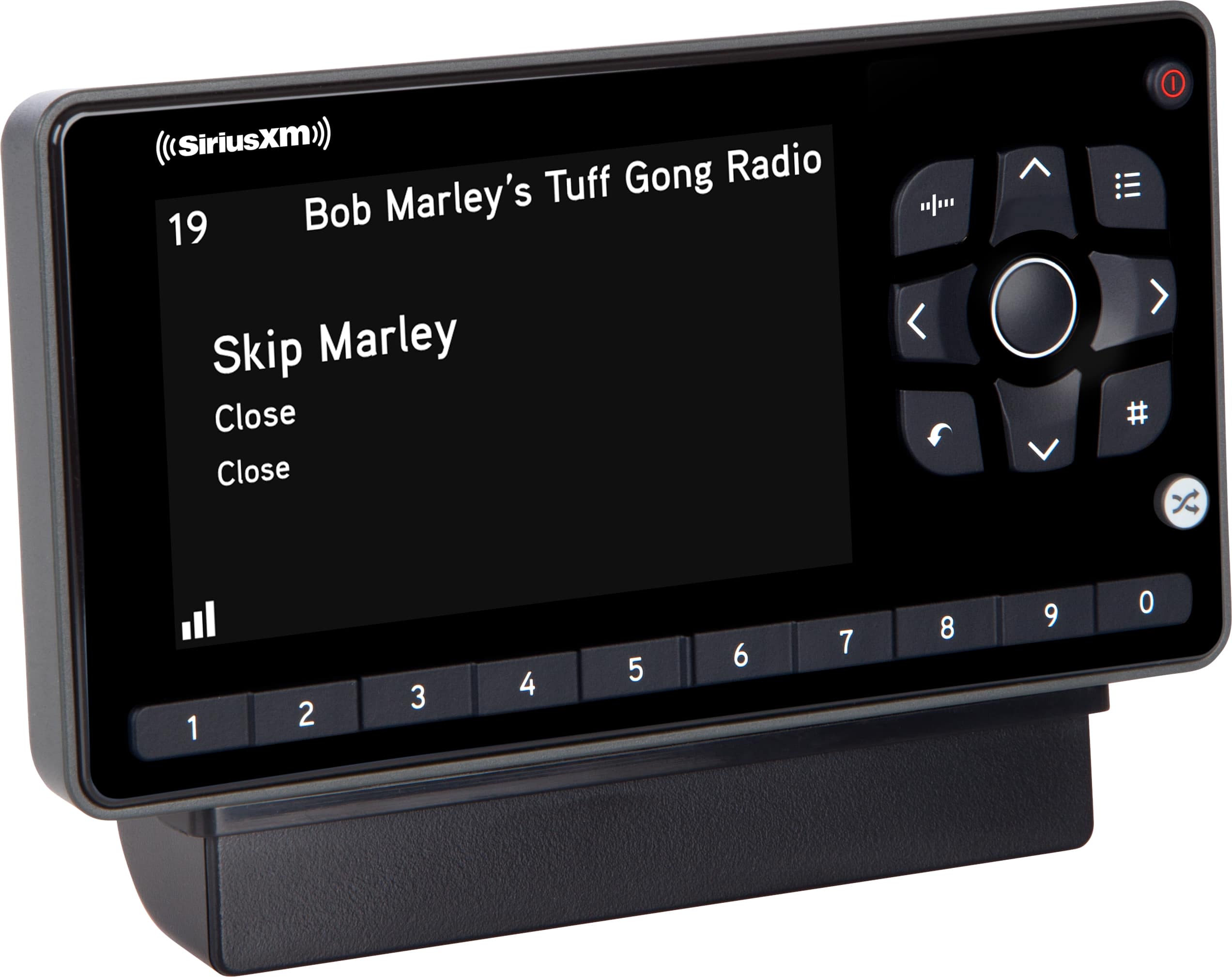
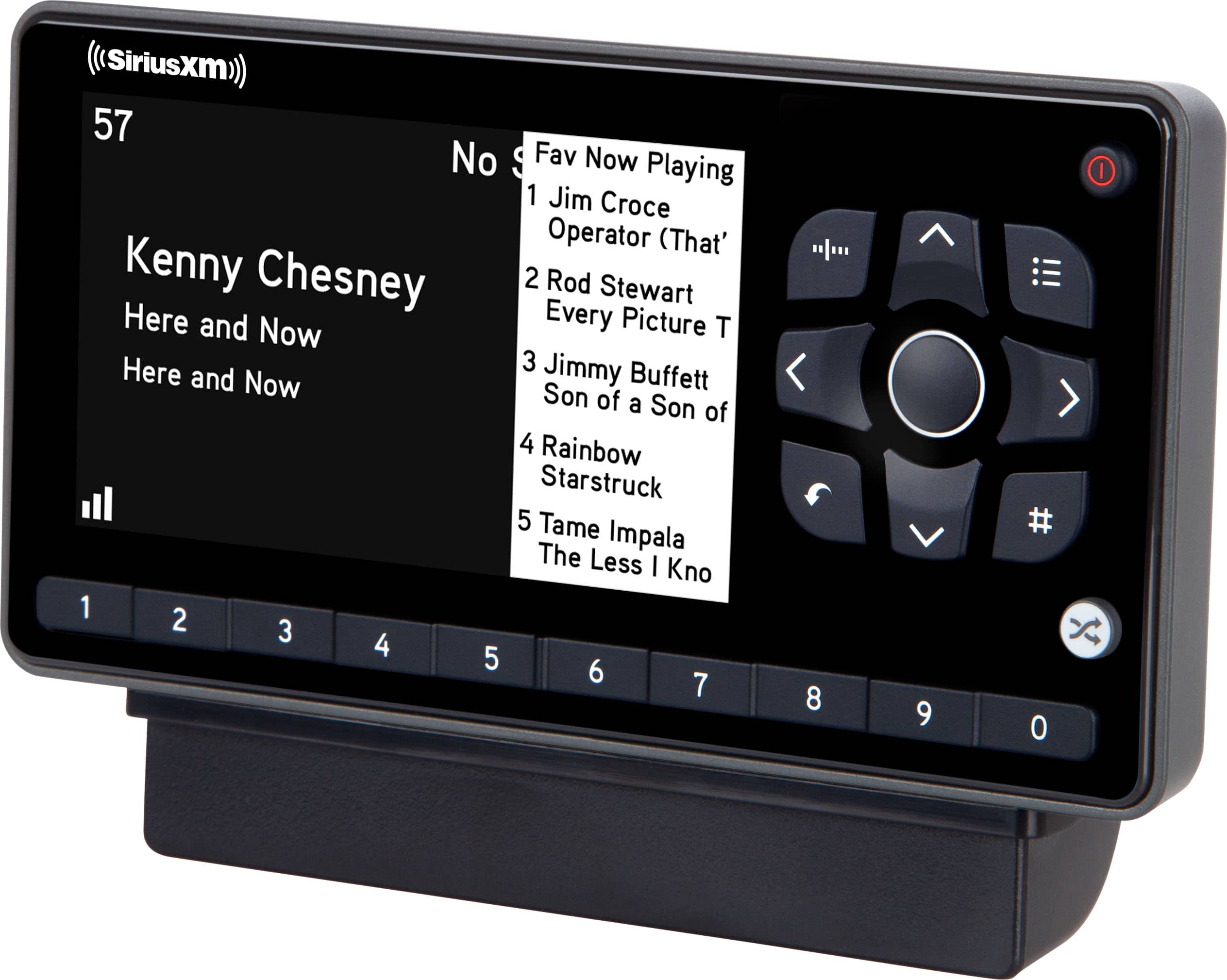
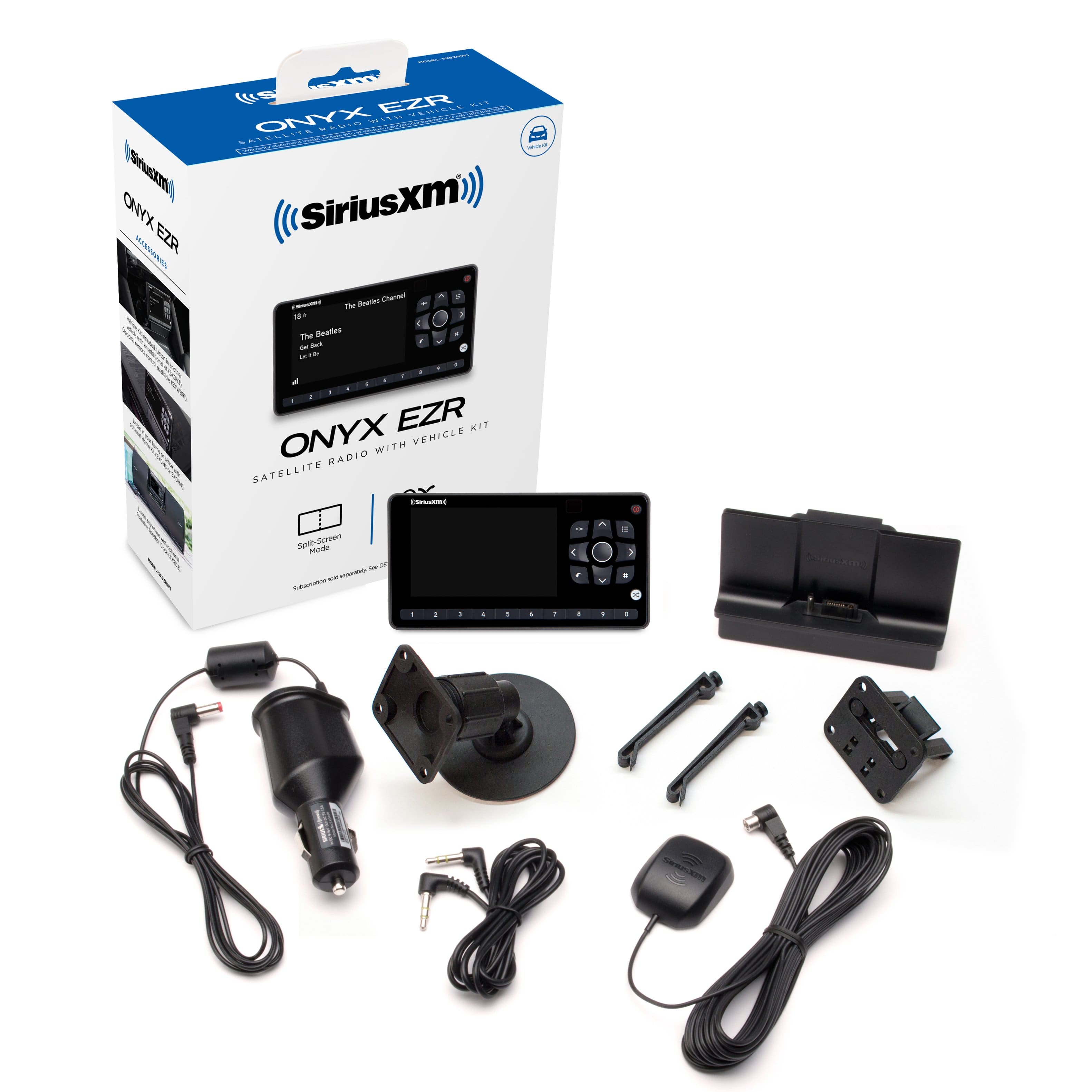
A:AnswerThe Onyx EZR works exclusively with our Satellite broadcast and there is no way to connect it to Wi-Fi and no need for nearby cellphone service. This means the EZR will work virtually anywhere in the USA and Canada as long as your antenna has a clear (unobstructed) view of the Southern Sky. Tall buildings, mountains and tunnels may block screen. For best reception in your vehicle be sure to follow the included installation instructions and be sure to mount the vehicle antenna on the OUTSIDE of your vehicle ideally in the roof.
If you use your Onyx EZR at home, then nearby Trees will block satellite signal or 'low-e' windows with metallic reflective coatings or even metal window screens will block Satellite reception at home. But reception can be solved by moving your home antenna outside to a location that is higher so it has a clear view of the Southern sky.
A:AnswerYour Onyx EZR has a built in FM Modulator that you can use with your Prius' FM radio. But you will need an FM adapter (Model # FMDA25) to connect from you Onyx EZR to the FM antenna input on the back of your Prius car stereo.. You set a preset on your car stereo to match the FM frequency on your Onyx EZR and when you turn on the Onyx EZR with the FMDA25 it will automatically go to that frequency matching your preset and the FMDA25 will automatically disconnect the car's FM Antenna to avoid all outside interference and you will hear the Onyx EZR on your car stereo. When you turn off the Onyx EZR normal FM reception is restored to your FM radio. We recommend professional installation since typically the dash has to be opened up to access the FM antenna connection. BestBuy's car audio installers can do this or any other car audio stereo shop. This is the link to the FM adapter at BestBuy: https://www.bestbuy.com/site/siriusxm-fm-direct-adapter-black/8116585.p?skuId=8116585
A:AnswerNot sure we understand the question, but if you are trying to install the Onyx EZR into your vehicle, the audio can be connected the following ways: 1) Use the AUDIO output via the AUX cable - if your car stereo has an AUX input. 2) FM PowerConnect- the audio will transmit over an FM channel through your vehicles electrical system- may not work well in all cars. 3) Add the optional FMDA25 (SKU 8116585) and connect directly to your FM antenna (extra adapters may be required. Check with your Geek Squad installer.
A:AnswerYes, you can connect it to your vehicle's auxiliary input with the included 1/8in stereo cable or you can connect to your vehicle's FM radio with the optional FM Direct Adapter model FMDA25.
A:AnswerYes, your Kia optima LX has an auxiliary input socket on the center console and so the Onyx EZR can connect using the auxiliary input cable included with your EZR.
A:AnswerYes, the Roady BT has a built in Hi-Fi Stereo FM Modulator. However, to use it you need the optional FM Direct Adapter Model #FMDA25 sold separately and depending on your specific vehicle you may also need cable adapters because there are a variety of FM antenna connectors used across various vehicle brands. The FMDA25 connects between the vehicles head unit and the vehicles AM/FM antenna and disconnects the AM/FM antenna when the Roady BT is on to completely eliminate external interference from FM Broadcasts so you can use one FM frequency when driving all across the USA. When Roady BT is turned off the AM/FM antenna is automatically reconnected and normal AM/FM reception is restored.
A:AnswerYes, the Onyx EZR can connect to your car radio two ways: Via your car radio's Auxiliary Input using the included 3.5mm (1/8in) stereo cable or via the FM stereo Modulator built into the Onyx EZR along with the optional FM Direct Adapter model # FMDA25 sold separately.
A:AnswerThe Onyx EZR comes with a 3.5mm Aux input cable that can connect to your KIA's head unit if it has auxiliary input. If your KIA doesn't have aux input then you can use the Onyx EZR's built in FM modulator to play hi-fidelity stereo over your KIA's FM radio. But for this you will need the optional FM Direct Adapter model # FMDA25 available for purchase from Best Buy. The FM Direct adapter connects between your KIA's Head unit and your vehicle's FM antenna. When the Onyx EZR is on the FMDA25 disconnects the FM antenna and connects the FM modulator to your KIA's FM radio. With the FM antenna disconnected all external interference is eliminated from FM Broadcasts so you can set one FM frequency and use that same FM frequency all across the USA without interference. Note: professional installation is recommended for the installing the FM Direct Adapter.
A:AnswerNo. The Onyx EZR requires an external stereo amplifier and speakers all which are normally supplied by a vehicle's working head unit. The Onyx EZR comes with a stereo 3.5mm auxiliary cable which can be connected to a working head unit with Auxiliary Input. And the Onyx EZR includes a built in FM modulator which can be used with the optional FM Direct Adapter Model #FMDA25 to connect the stereo FM signal from the Onyx EZR to the Head Unit by connecting between the vehicle's antenna and the antenna input on the head unit. But these all require a working head unit.
A:AnswerYes: 2015 Subaru Forrester typically have the 3.5mm Stereo Auxiliary Input which is fully compatible with the Onyx EZR's included Aux input stereo cable.