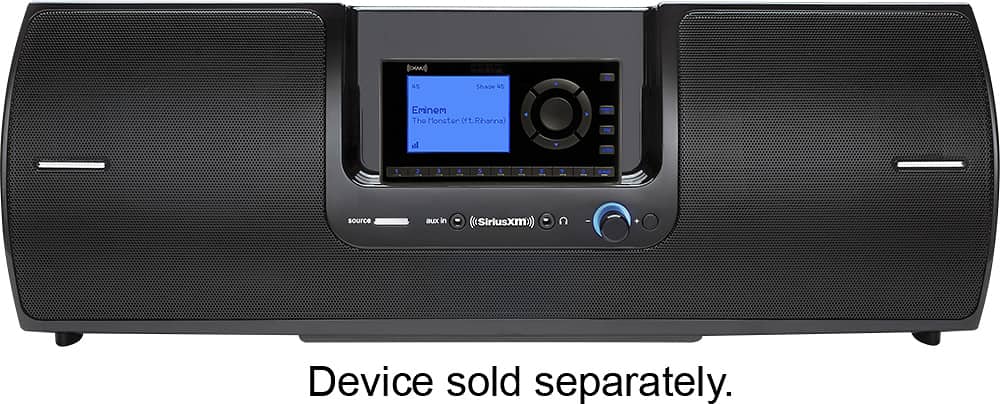
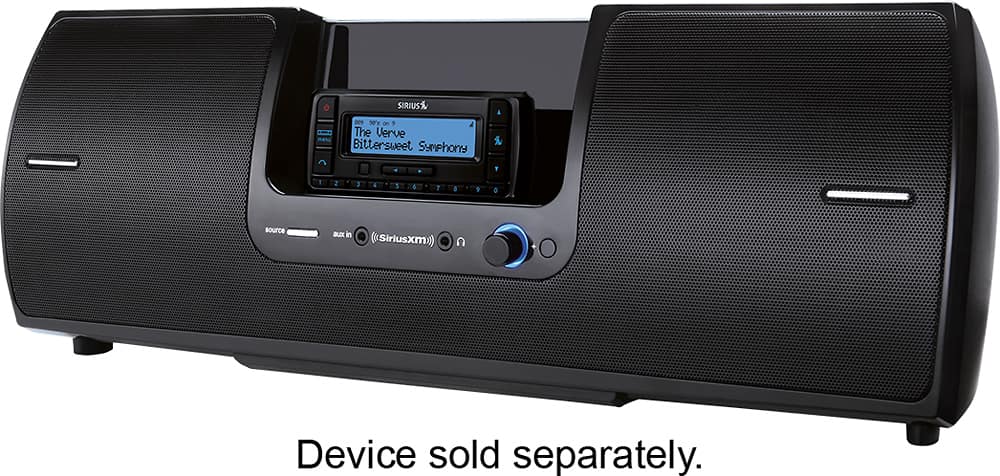
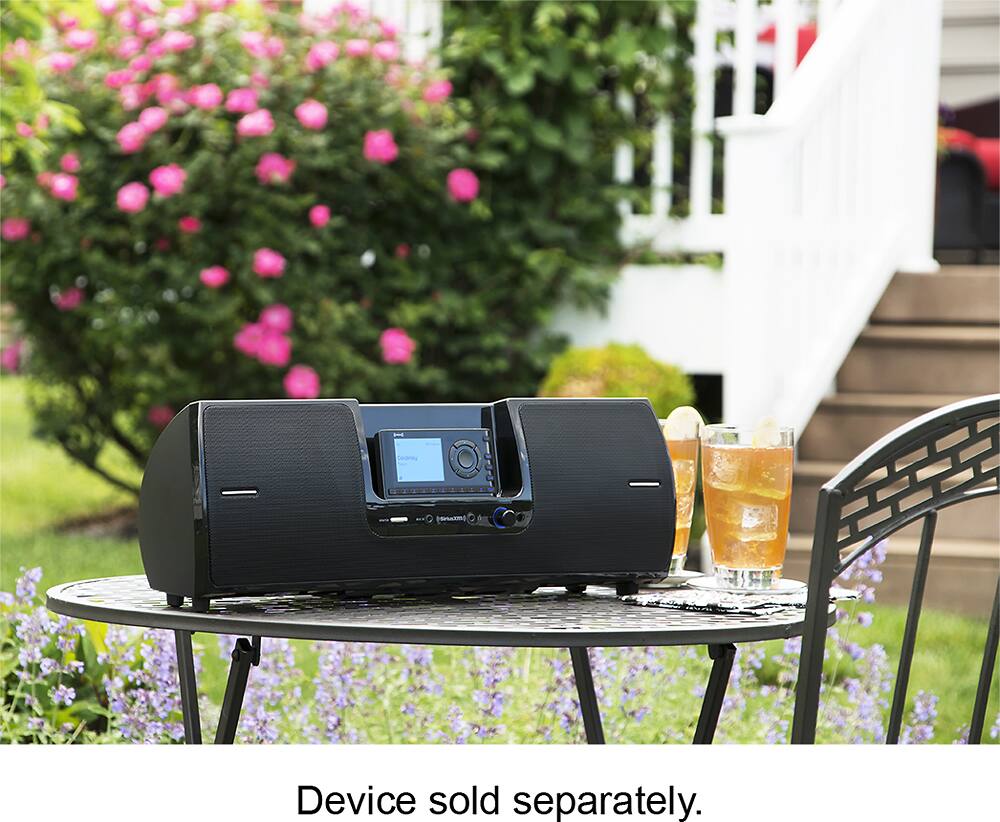
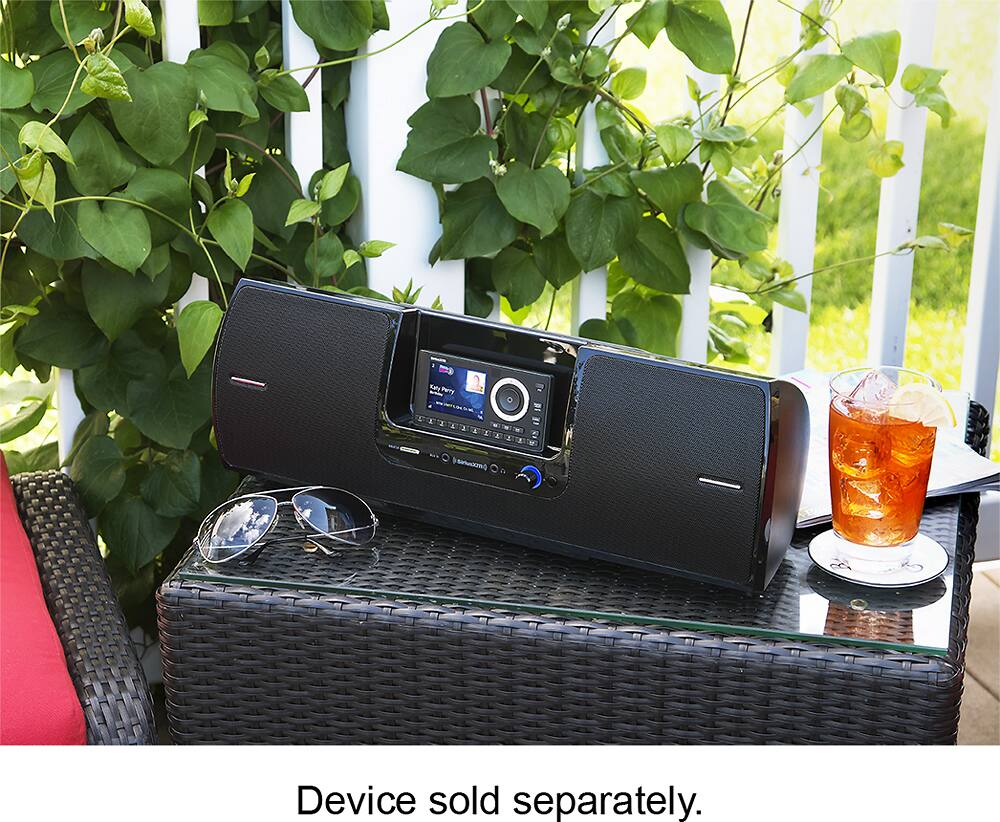
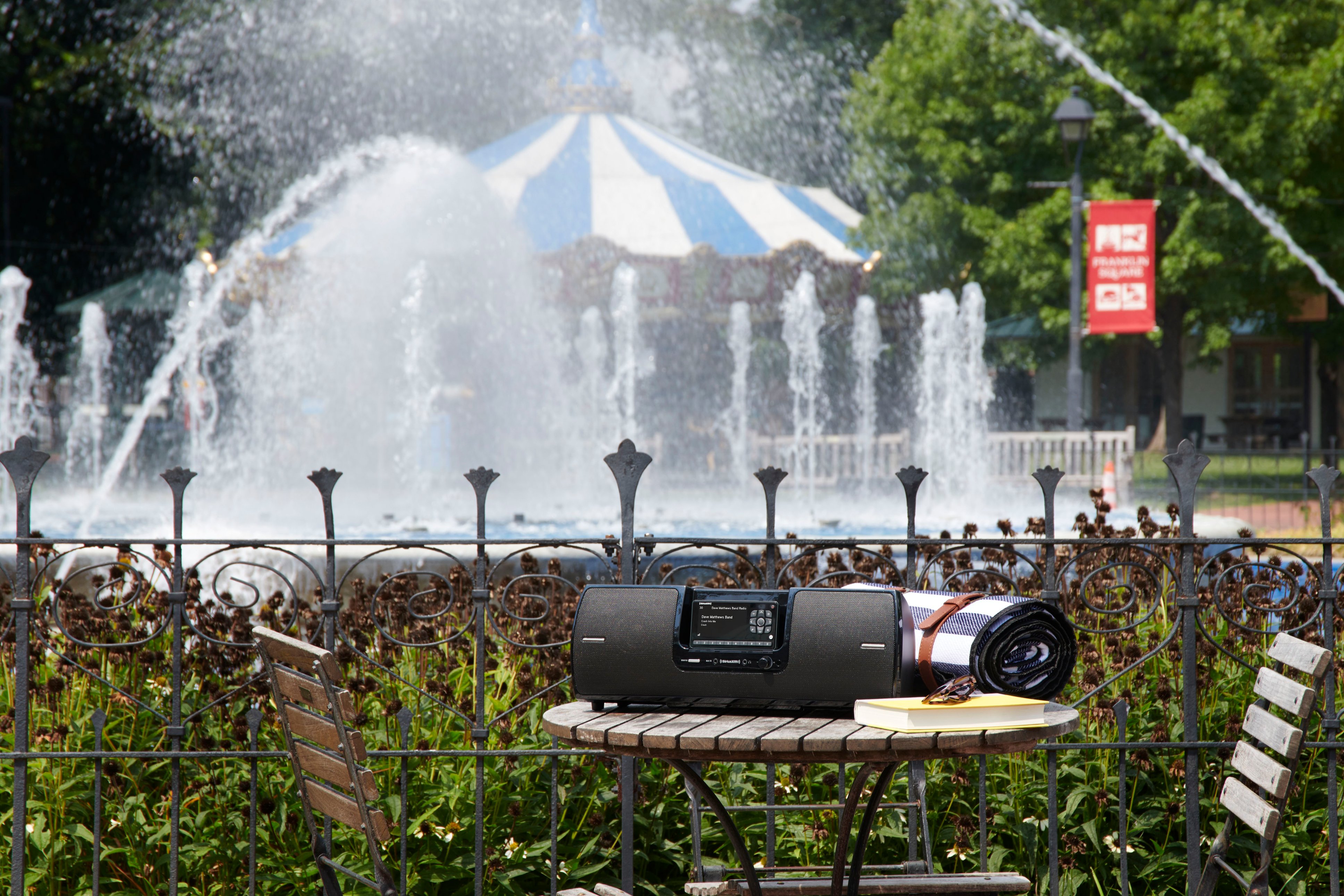
A:AnswerThe simple answer is to have a good antenna tuned to this device. It "MUST" face the south sky. It does not have to be outside, but you must find that hot spot in your space that will activate your radio system. I use the one I bought from Sirius.
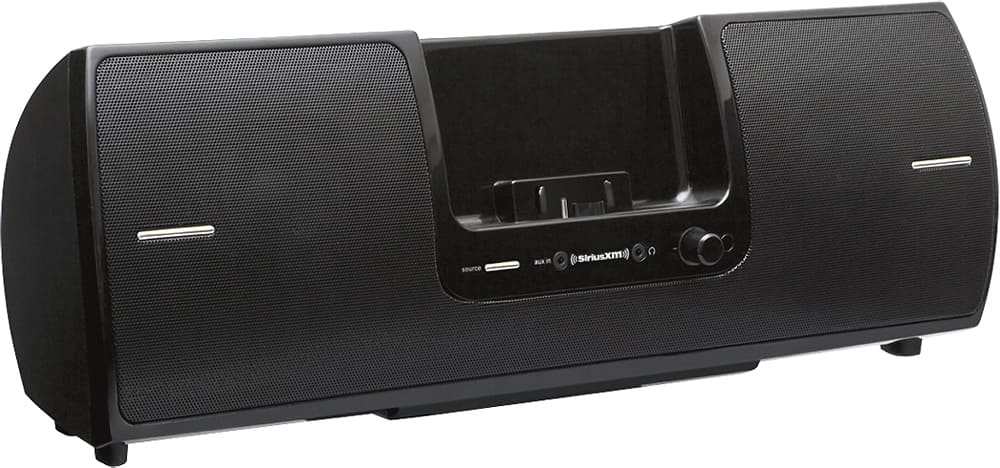
A:AnswerAs far as I know this dock is compatible with ALL of SiriusXM's Plug-n-Play radio receivers. But a little buyer beware: It is NOT portable. It does NOT work inside unless you have a stationary antenna that is run from the unit out a window/door to the outside of your home/business, facing south. It recommends buying an antenna to install in each location if you plan to be moving the unit frequently. Good luck. I know this answer is 2 years late, but if it helps anyone else to understand that the Portable Speaker Dock really ISN'T portable at all, then I've done my job.
A:AnswerThis only works with the Sirius Satellite radio. If you want to listen to an FM radio, then you can hook up the headphone jack into the aux input jack on the Sirius playback unit using an 1/8" connecting adapter cable (male out on both ends).
A:AnswerYes. I started with an account in my car. Then added one for my house, one for my computer and finally added the Sirius radio. Great service and all my accounts are on one bill.
A:AnswerUnfortunately it's not compatible with the Pioneer Inno. You can connect to the boombox with an AUX cable but it's not built to dock the radio.
A:AnswerThere is a button on the remote control for the SXSD2 labeled as "direct". If you press this button while pointing at your radio, it should put your radio in direct tune mode so you can enter the channel numbers which will appear on the radio's display. Once you have entered the channel numbers press the "select" button on your remote. The select button is the oval button in the center of the left/ right and up/dn buttons on your remote.
A:AnswerThe only radio that can get SiriusXM internet radio is the Tour radio, SXWB1V1. The Tour radio works with this portable speaker. Additionally if you want to get all of SiriusXM's available streaming channels, you would need an All Access subscription package.