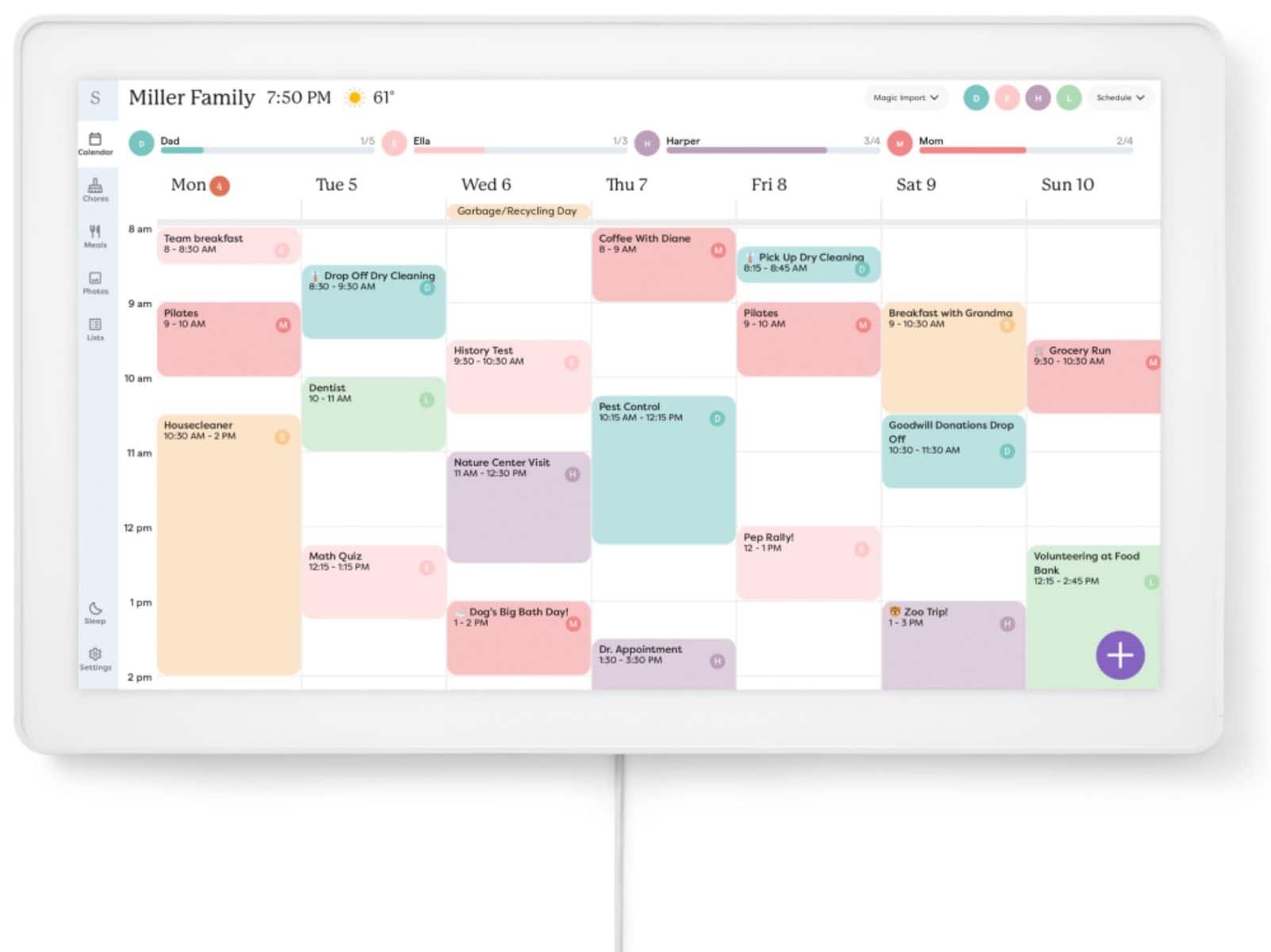
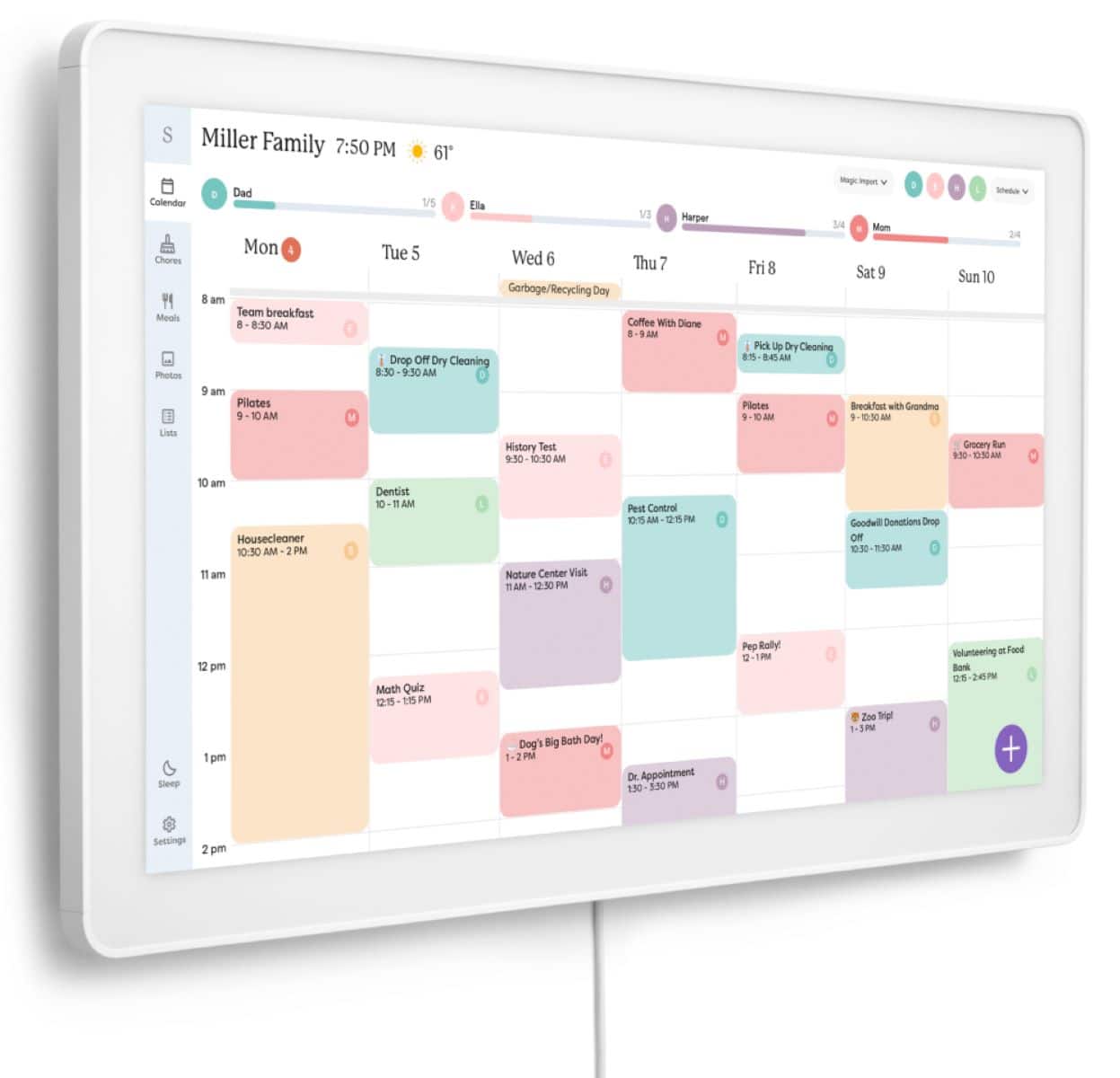
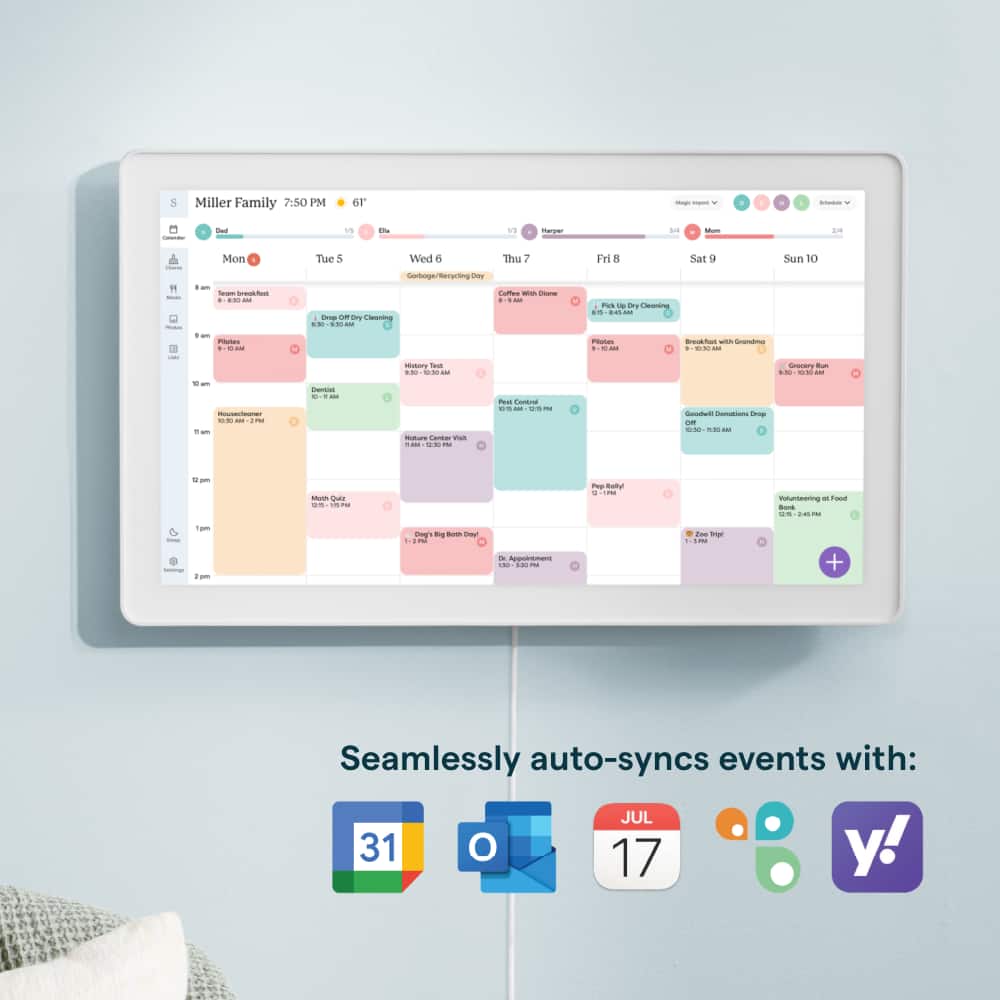
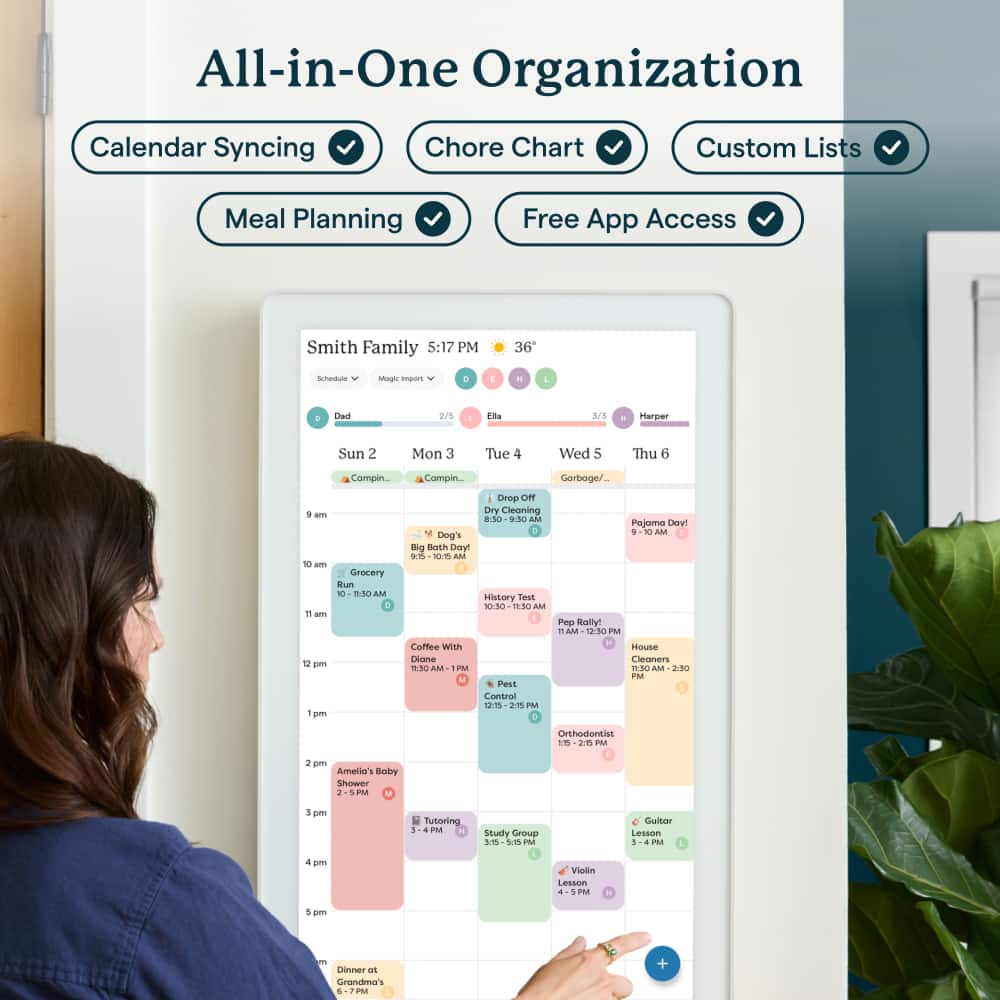
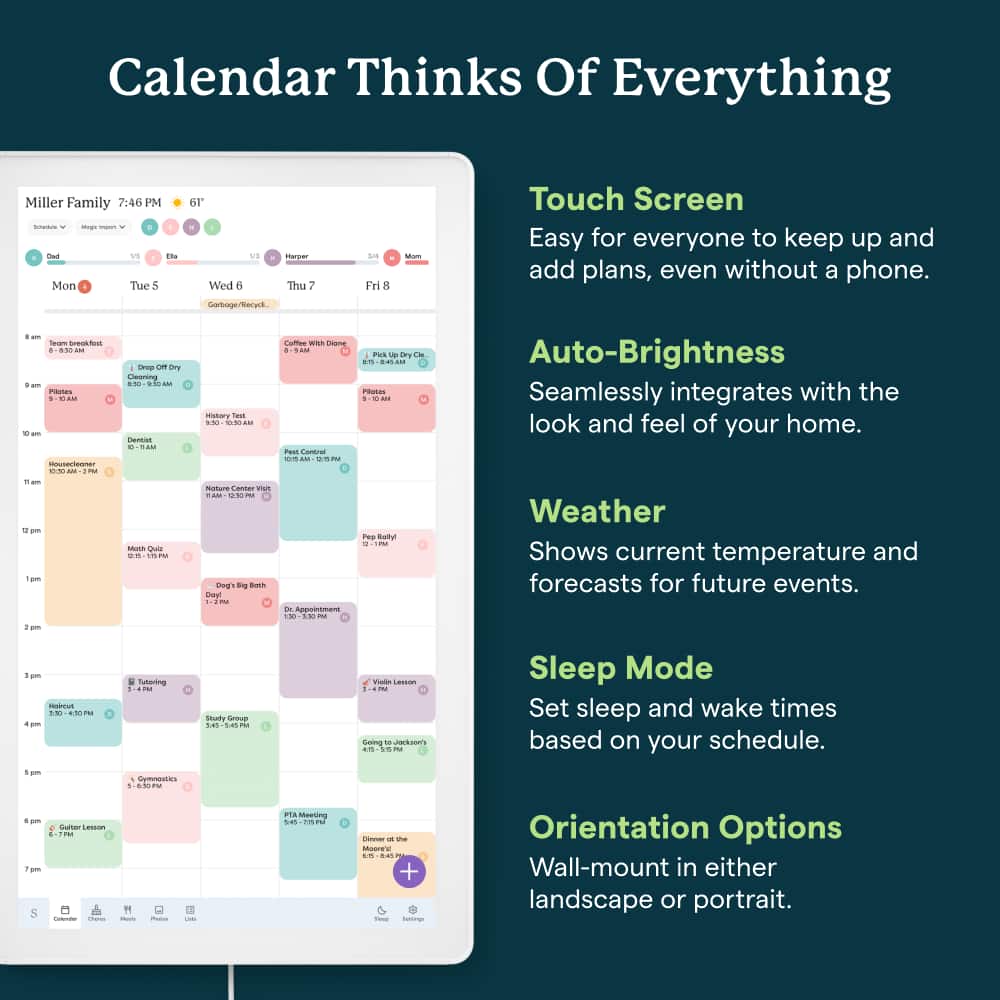
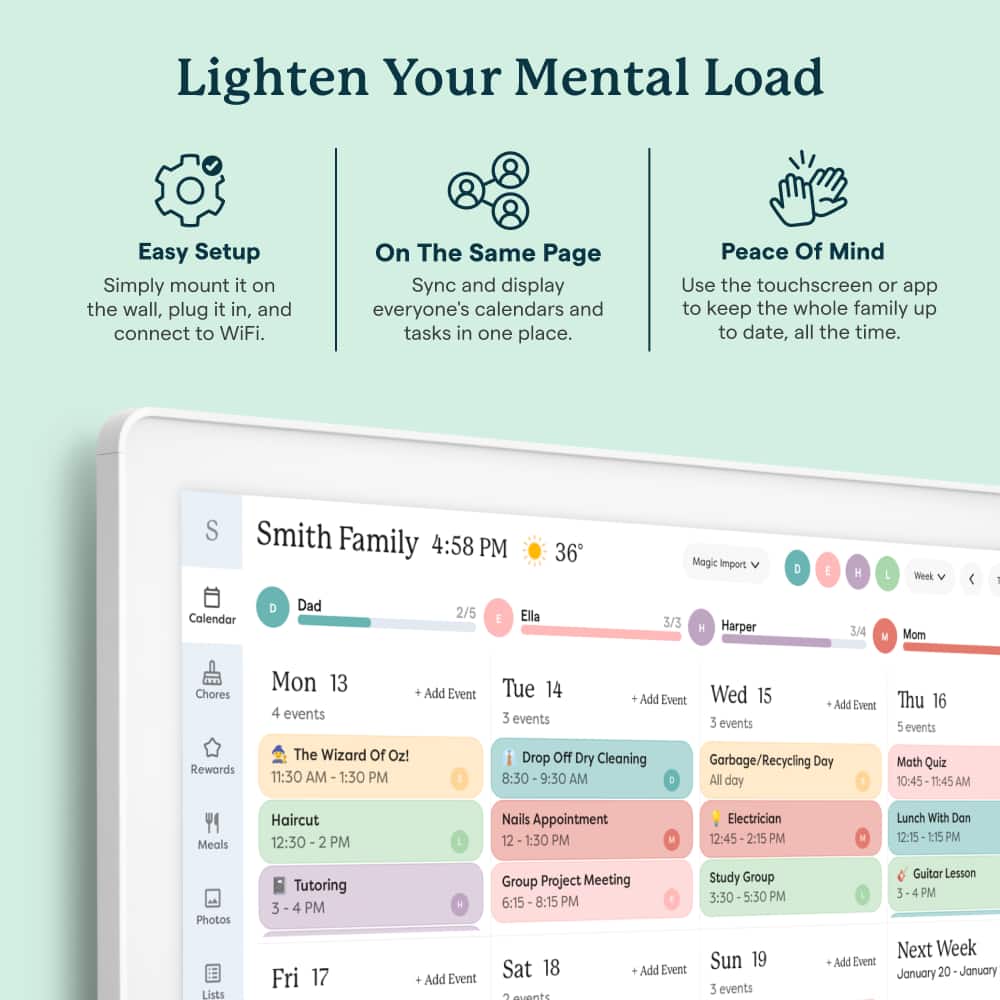
A:AnswerHello and thank you for your question. The Skylight Calendar does need to stay powered on to receive updates, so a battery-based version would not only increase the price but also require inconvenient charging when wall-mounted. It's best considered an appliance rather than a tablet. If you have any other questions or would like to chat about how the Calendar could work for you, please reach out to the Calendar Concierge team at VIP@myskylight.com. Thank you!
A:AnswerI believe at lease 2 calendars, probably more. One for each person you allow to add content or events or photos direct via Code. I monitor everyone else input in my family. I get dumped with into and pics, then add photos or edit format for calendar entries and upload to family Smart calendar. Easy peasy!
A:AnswerHi Elyse, thank you for your question! At this time, Timetree does not sync with Skylight. If you have any additional questions please reach out to the Calendar Concierge team at VIP@myskylight.com.
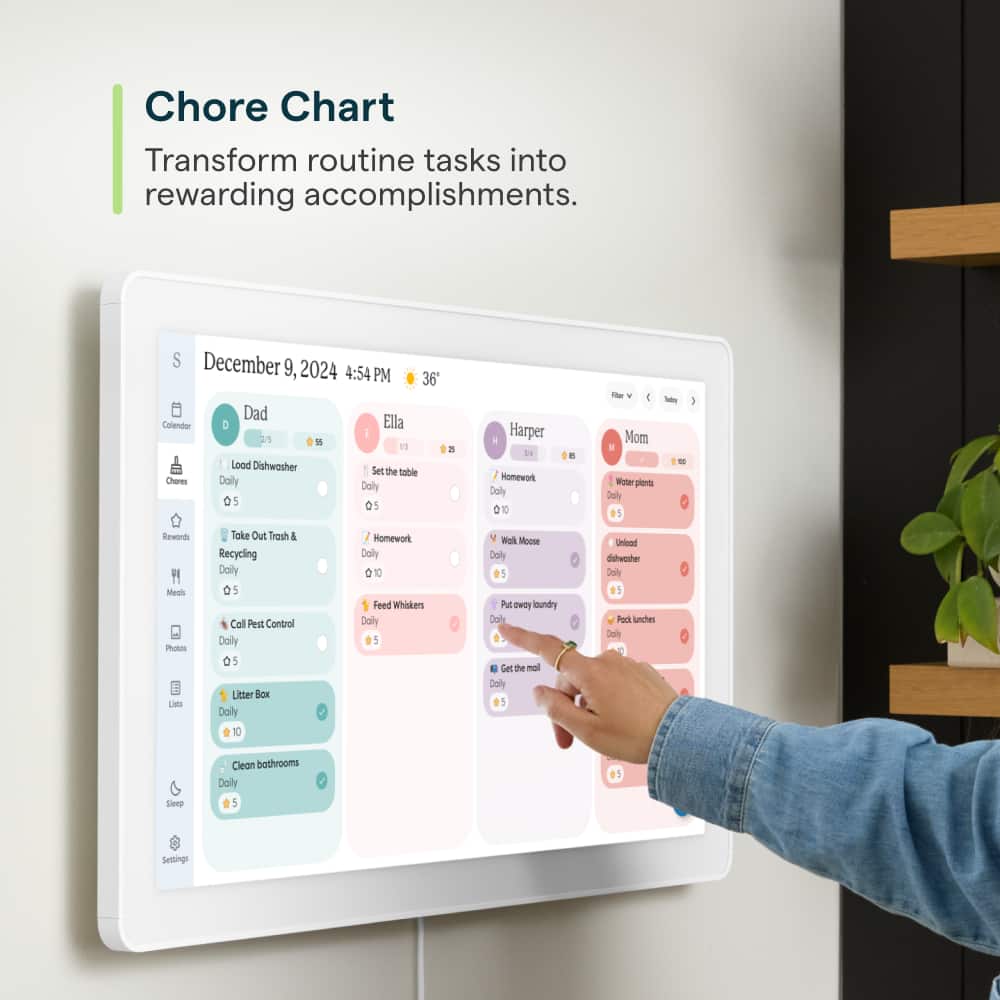
A:AnswerHi Amadeus, thank you for your question! While we currently don't have the feature to assign chores via voice, we recently added an Alexa integration and are always adding new features! Please reach out to our Concierge team at VIP@myskylight.come for any additional questions.
A:AnswerHello and thanks for your question! Yes, you can sync your TeamSnap calendar to your Skylight! If you'd like to chat further about this or any other question, please reach out to our Calendar Concierge team at VIP@myskylight.com. Thank you!
A:AnswerYes all notifications/reminders go to the phones listed. Currently everything reports to mine and I verbally remind them as well as send a text from my phone.
A:AnswerHi There,
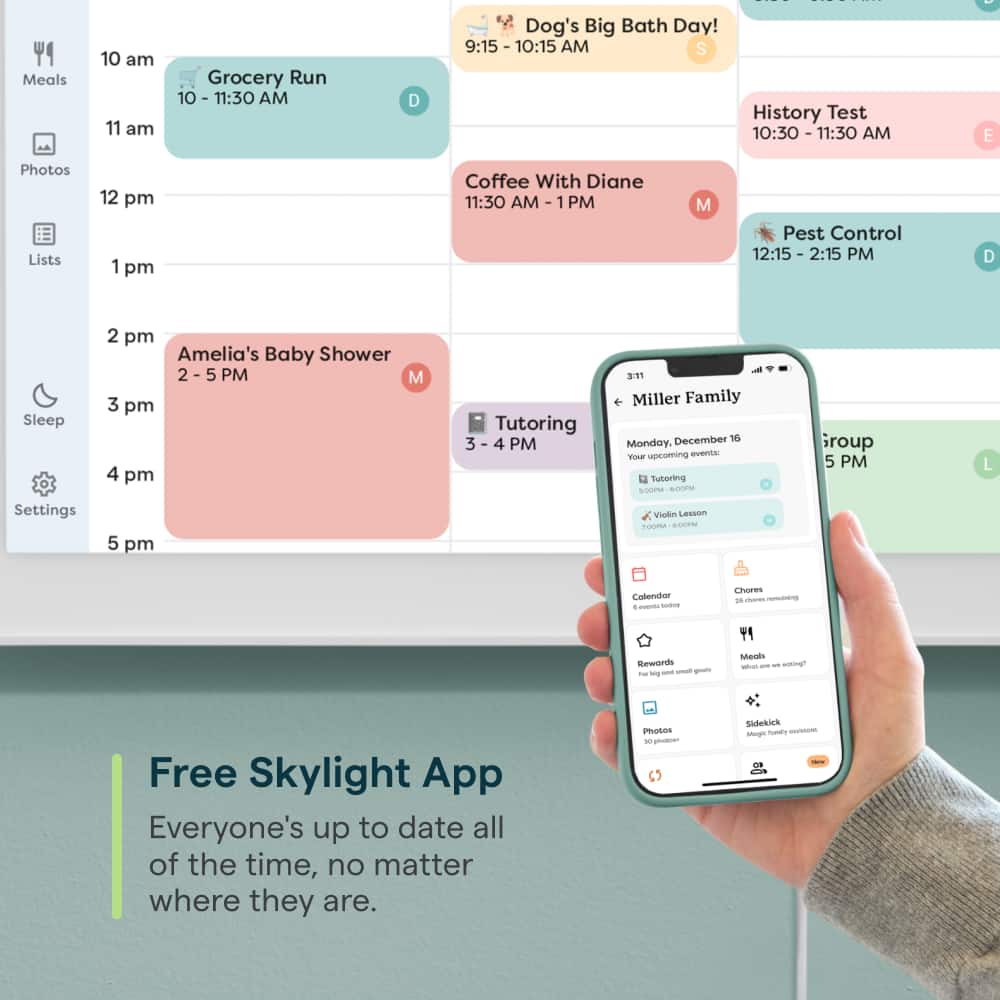
Thank you for your inquiry! You don’t need to be on the same network to add events to a Skylight Calendar in a different location. If you're referring to adding events or chores, you can simply log in to the Skylight app from anywhere to update the calendar.
Additionally, if you’ve synced your Google or iCloud calendar with the Skylight Calendar, any events you add to your calendar will automatically populate on the Skylight Calendar in Minnesota.
I hope this information helps. If you have any other questions or need further information, feel free to reach out at help@skylightframe.com. We're happy to help!
A:AnswerHi There, Thank you for your inquiry! Unfortunately, we don’t have a specific timeframe for when the Skylight Calendar 27" will be available at the Best Buy location in Paramus, NJ. However, you can place an order directly on our website for the 27" model at https://www.skylightframe.com/calendar-max. I hope this information helps. If you have other questions or concerns, please reach out to us at help@skylightframe.com. We're happy to help!