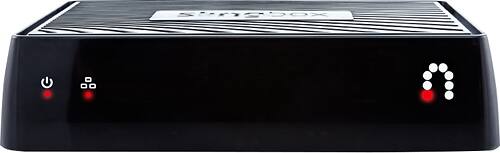
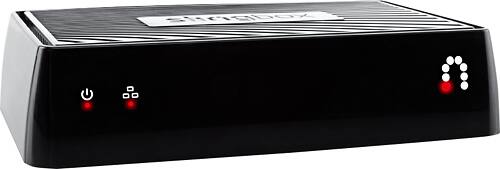
A:AnswerWe have 2 Roku 2 and downloaded the apps on my tablet and all the apps that I downloaded went on both Roku 2's I used the android app since my tablet is an android
A:AnswerIf its operating thru google chrome, shut it down and use Firefox instead, it will log on with no further issues. If you still have issues, call Slingbox, they are great to work with and will solve your problem.
A:AnswerI have found a great majority of the stuff that I've recorded on my DVR prior to cutting the cable on the Internet or on one of the plethora of sources on the ROKU3.
A:AnswerYes it will send the video to your Roku which is wireless. The only crazy part is you need a smart phone or tablet with the Slingbox app to control the signal. What I mean is the smatphone/ tablet is the controller to send it to the Roku or Apple TV. When you startup the app you can choose where to send the video. At least thats how I do it.
A:AnswerThe source you are trying to stream from using the Slingbox needs component video out or composite video out connections. I have seen Rokus with composite out, but have never tried to hook one up to a Roku. The Amazon Stick can't be hooked up to it directly. I've always found it easier to take a Roku or Firestick with me when I'm away from home.
A:AnswerThere is a misunderstanding of its use with Apple TV. There is no Apple TV app. The way it works is by air play. So if you are watching Slingbox on your iPhone, iPad or any Apple computer you can air play it to your Apple TV and watch it on your tv.