A:AnswerHi, and thank you for your question. No, our products don't turn off. They go into a low power state if not in use, but they always stay on. This is because of the nature of the use of our products. If they turned off, you would have to power it on and wait for it to reconnect everytime you wanted to listen to music or watch a movie. Which means you would either have to get up, or we would have to include a remote (which nobody likes lol)
If you'd like to turn that light off, you can in the room settings. Go to settings -> system -> select the room name -> scroll down to find "status lights" --- you'll see a toggle switch to turn it off and on!
Hope this helps! :)
A:AnswerThe Sonos Arc WILL deliver Dolby Atmos sound through an older Arc HDMI connection. It's done via lossy Dolby Digital Plus,. but the sound is indeed Atmos and it sounds great. Is an eArc connection better, I'd say yes. But you don't need to get a new TV with eArc just yet as long as you have an Arc HDMI port.
A:AnswerYes you can using the Sonos App. It uses WiFi instead of Bluetooth, which is better as you won’t hear those anyone disruptions when you get a text or message. You can also link your Music services and stream directly from them, you’ll love that feature with Spotify.
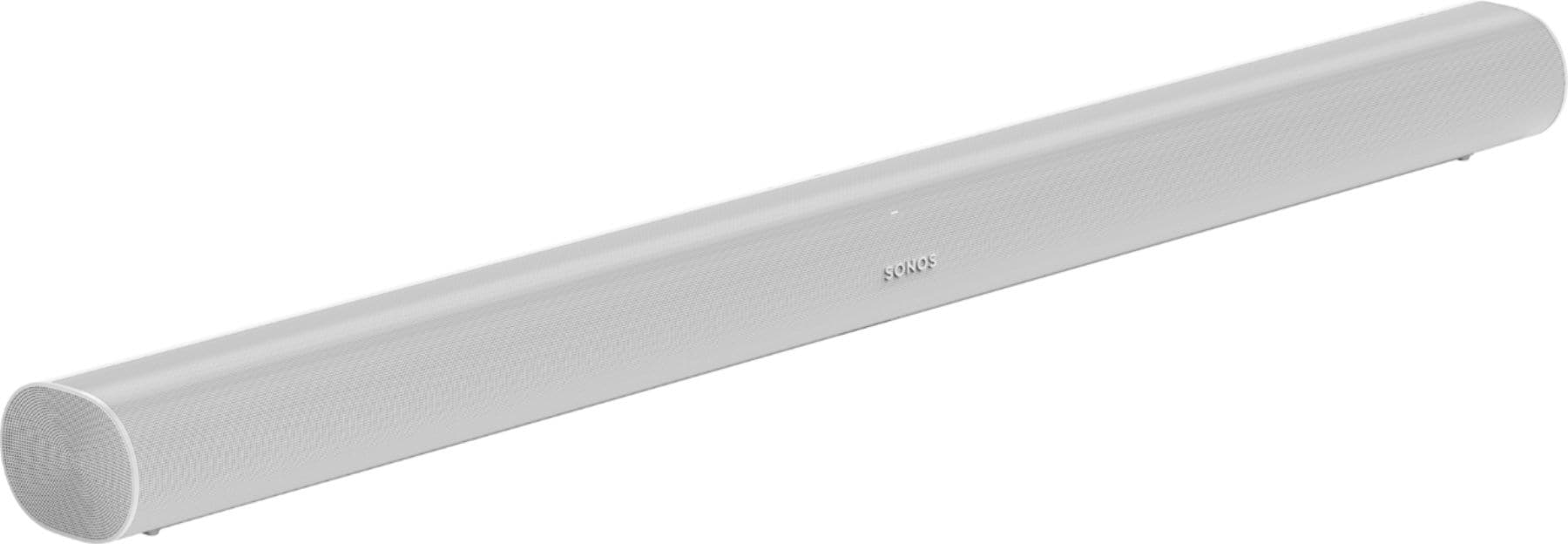
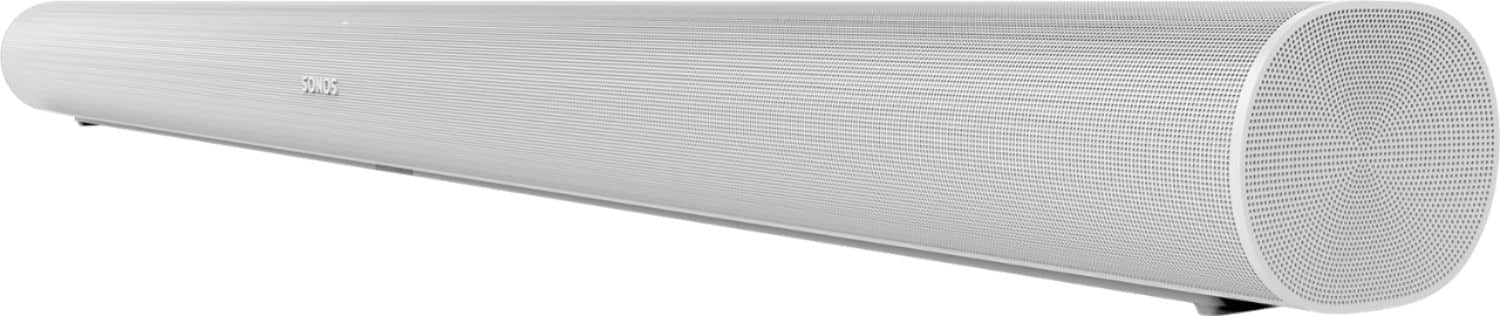
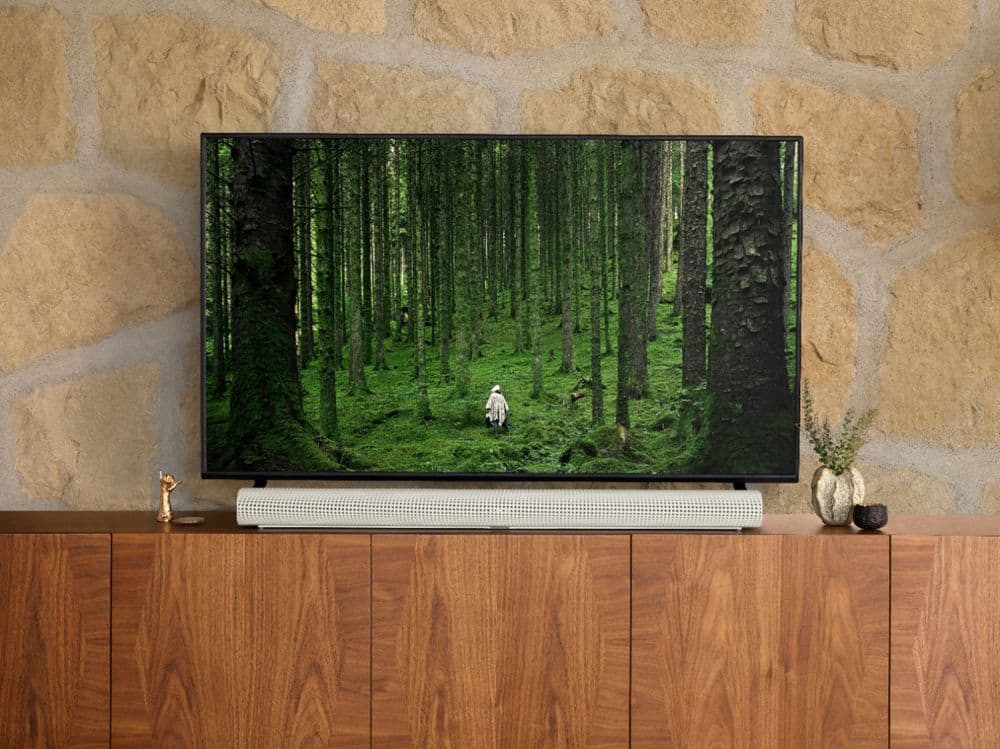
A:AnswerThe Arc's upfiring speakers are at a (approx.) 70 degree angle up from the forward facing front speakers. You will likely need to give enough clearance between the TV (recommended 4 inches) or have the Arc pushed far up enough that the TV or shelf does not obstruct the sound from those speakers
A:AnswerThe Sonos Arc will work with any television that can output sound through either digital optical (with the included adapter) or HDMI ARC. You would not receive Atmos through the digital optical port as that port can not send Atmos codecs. You would still receive Dolby Digital surround sound and the Arc would use the entire array of speakers to make that sound incredible!
A:AnswerHi, and thanks for your question. It is possible that this could severely decrease your sound quality, as the front speakers are pointed straight forward, and the atmos speakers are pointed up. However, every room environment is different so it's difficult to say how much it will impact your experience.
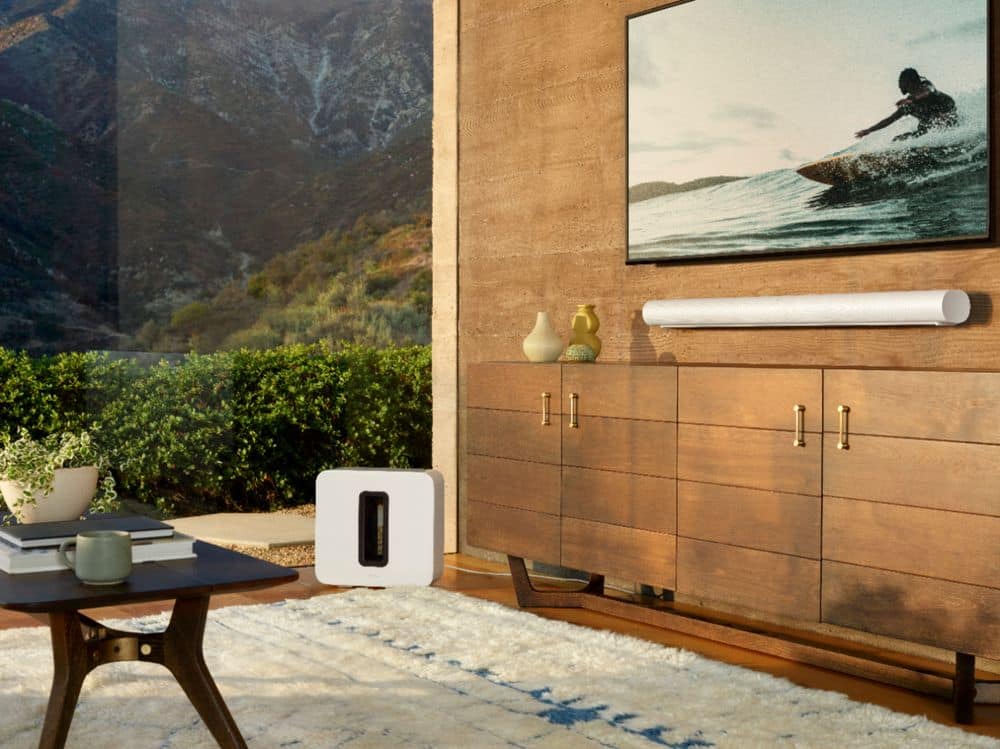
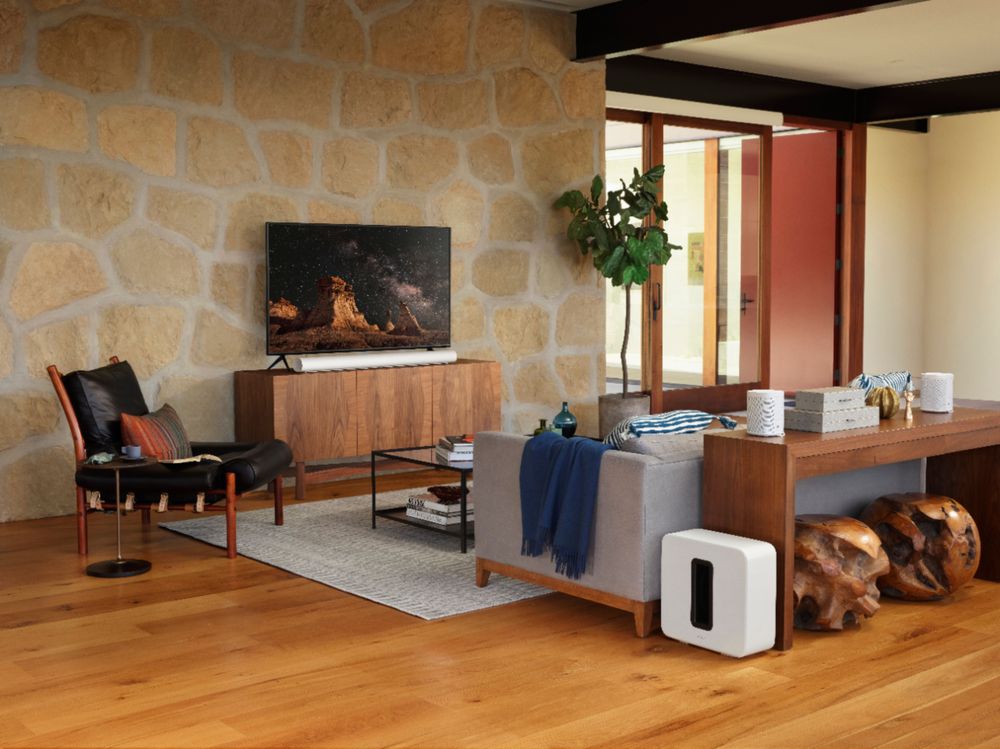
A:AnswerOwning a 2019 75” Q70R, the Sonos ARC works for me. When using apps such as VUDU where 4K content w/Atmos is stored, the Atmos symbol is displayed on the info screen. You need to go into sound settings of the tv and select the Sonos ARC which shows up as Reciever (HDMI). This is provided you have the Sonos ARC powered and wired in using the HDMI ARC jack of your TV or in the case of some newer sets, the HDMI E-ARC. That is all you have to do to make it work from your TV. Afterwards set up the Sonos ARC using the new Sonos app and your good to go. I did not choose my my TV knowing the Sonos was going to be added but it just so happens to tuck in perfectly between the feet. The sound is great coming from the sound bar but we utilize the The Gen 3 sub and a pair of Sonos 1s for extra bass and surround channels.
A:AnswerAs previously mentioned if your TV supports ARC and Dolby Digital Plus (DD+) then you will have compressed ATMOS (I.e. pretty much all streaming services that offer Dolby ATMOS utilize this format. A TV with EARC and that can process Dolby TrueHD is required to hear uncompressed ATMOS (I.e. UHD disc players).
A:AnswerThe Sonos Arc is a drastic change in size and shape from the Playbar. We have created a new mount for Arc which also has some unique functionality to tell the Arc that it is wall mounted so it can adjust the sound profile to improve its sound while wall mounted. The good news is that you should be able to use the same holes that the Playbar mount was using to save drilling extra holes into your wall.
A:AnswerHi, thank you for your question. The Sonos Arc power cord is formed differently than the Playbar power cord on the product end. They are not interchangeable.
A:AnswerAs long as your source outputs Dolby Atmos format the Sonos Arc will deliver true Atmos sound. The Shield does output Atmos so as long as the service you were getting content from (Netflix, Hulu, etc) delivers an Atmos version of the content you should be good to go!
A:AnswerHi, and thank you for your question! In the box included you'll find:
Arc, Power Cable, HDMI Cable, Optical Audio Adapter, Quickstart Guide, and Legal Booklet.
A:AnswerI didn't own a Beam so I can't compare. That being said, I have a vaulted ceiling and I'm not sure if I'm getting the full effect of Dolby Atmos. I still think the Arc is an excellent product and would buy it again.